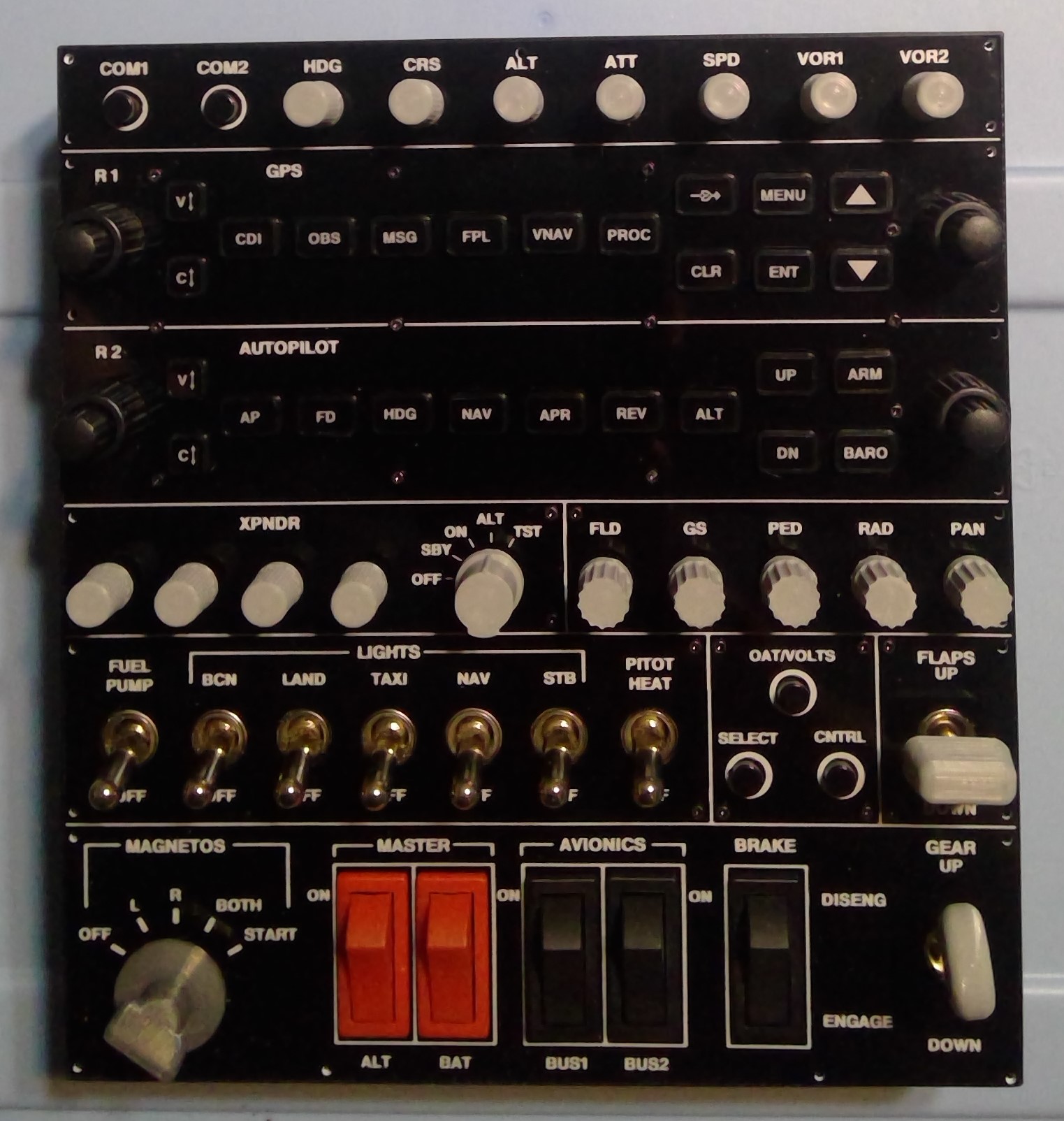
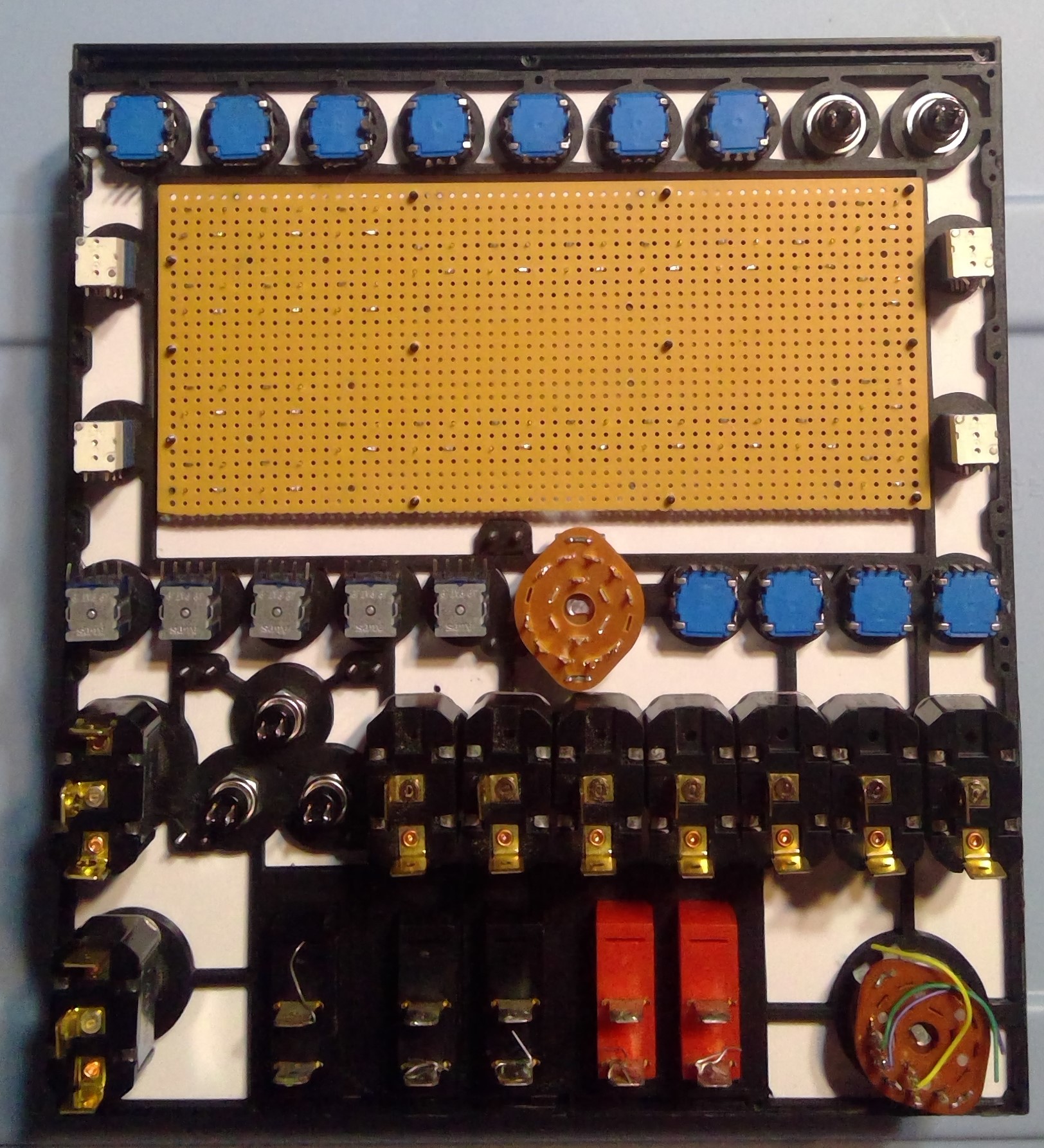
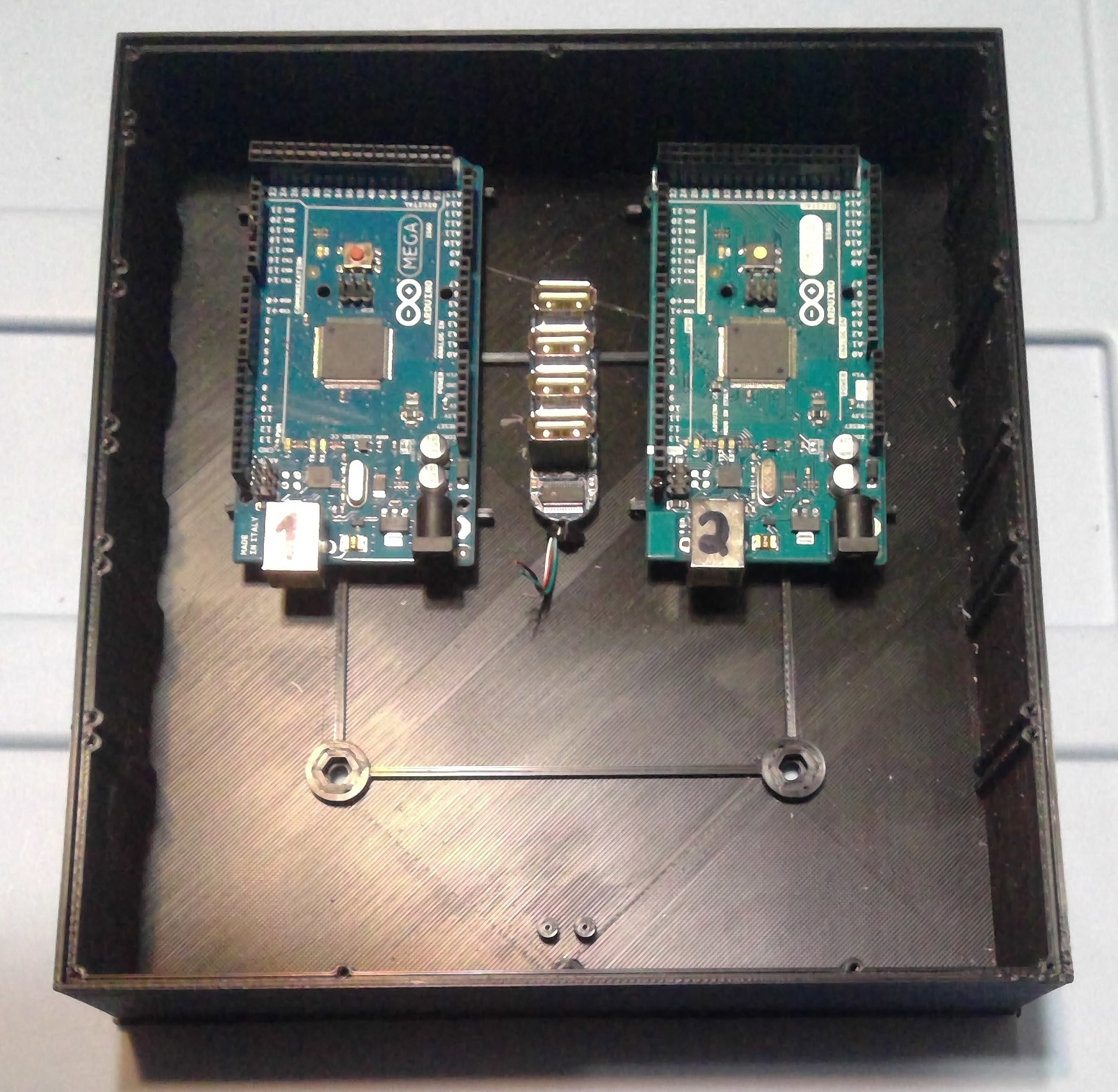
127 inputs. 138 available with a pair of mega2560 boards and Mobiflight. About to run it through Lightburn and F360 to make the faceplate.
Am I missing anything? I do have flaps on my joystick.

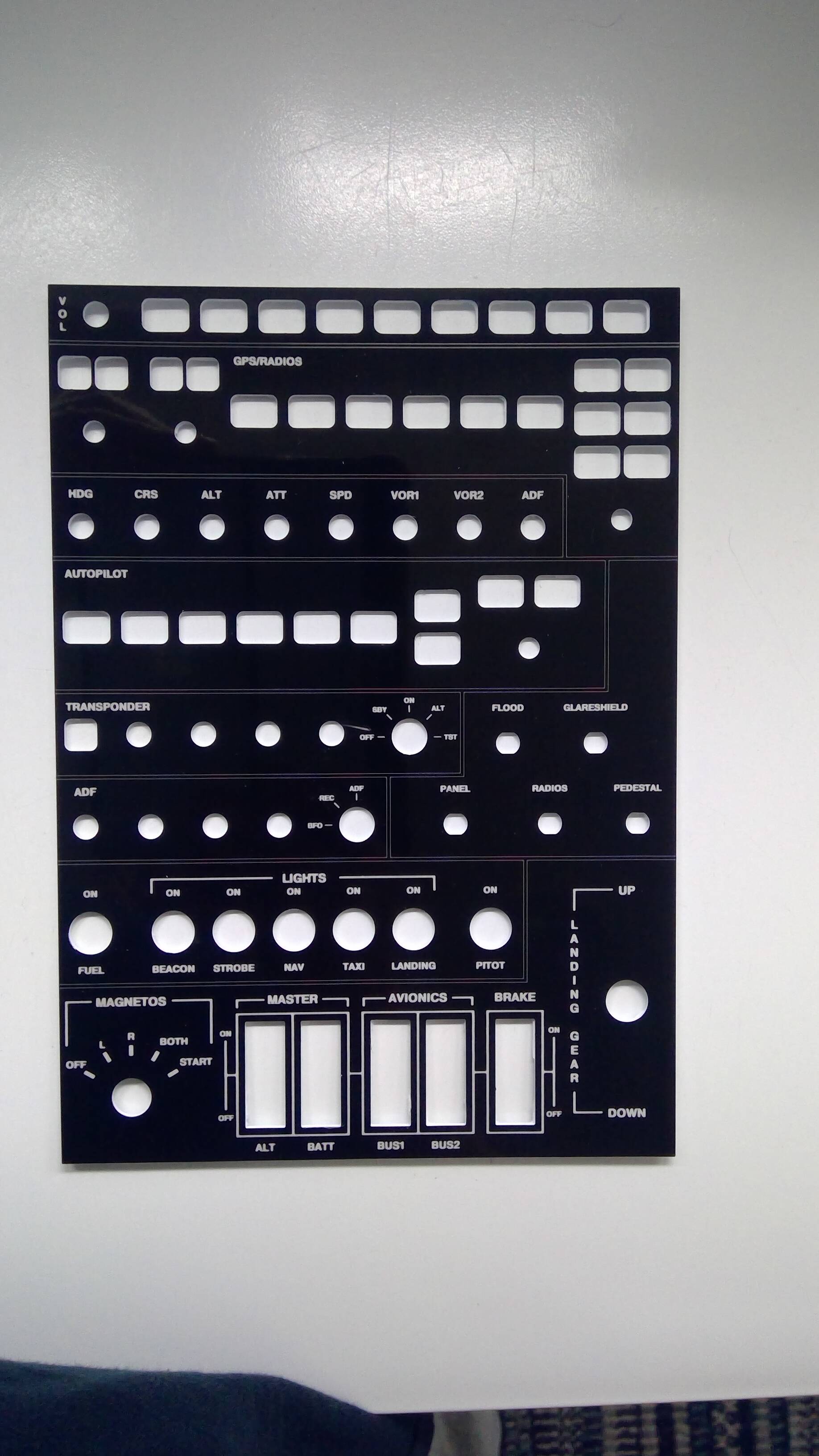
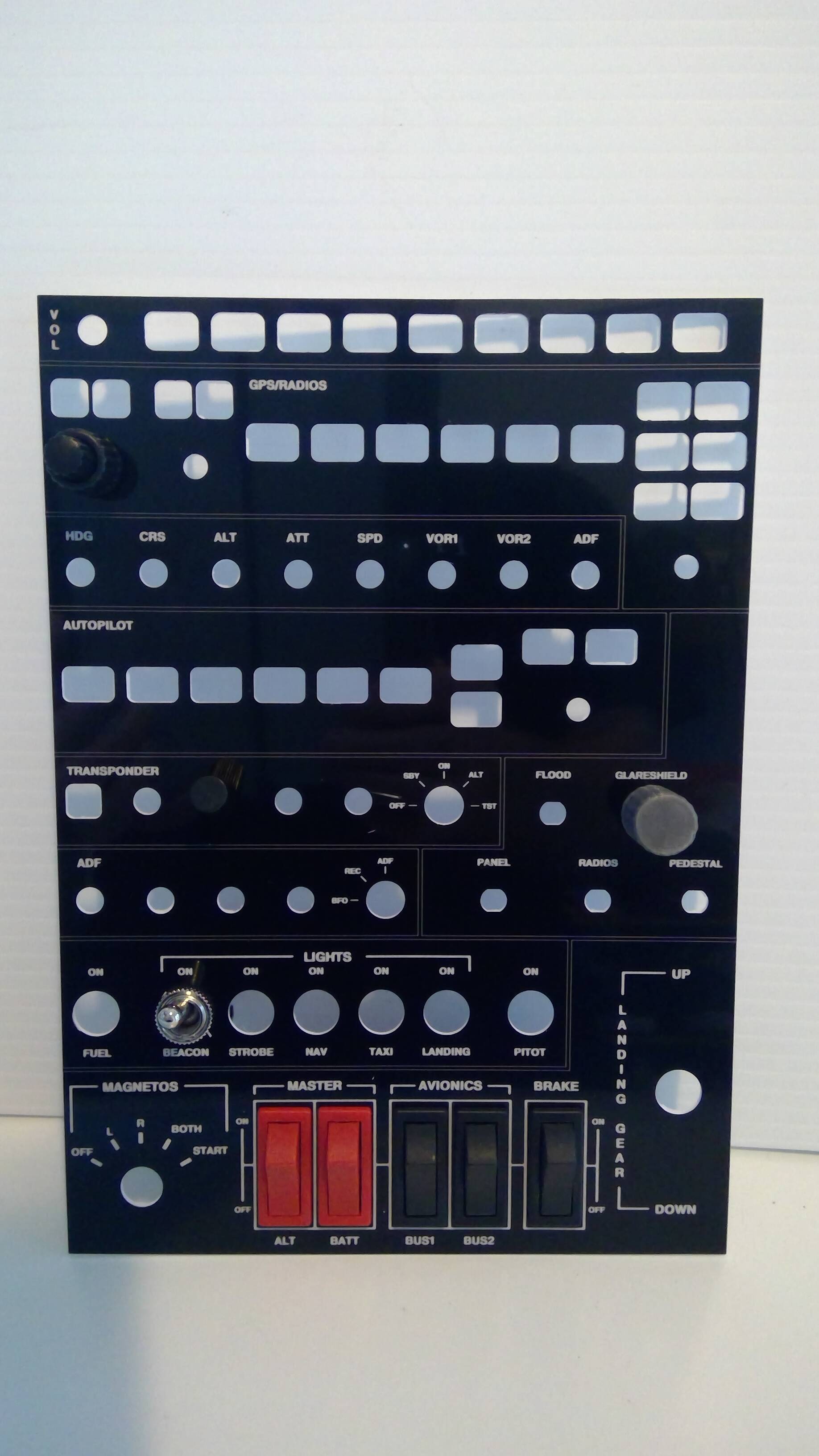

Looks nice, but are you gonna manouver this in VR?
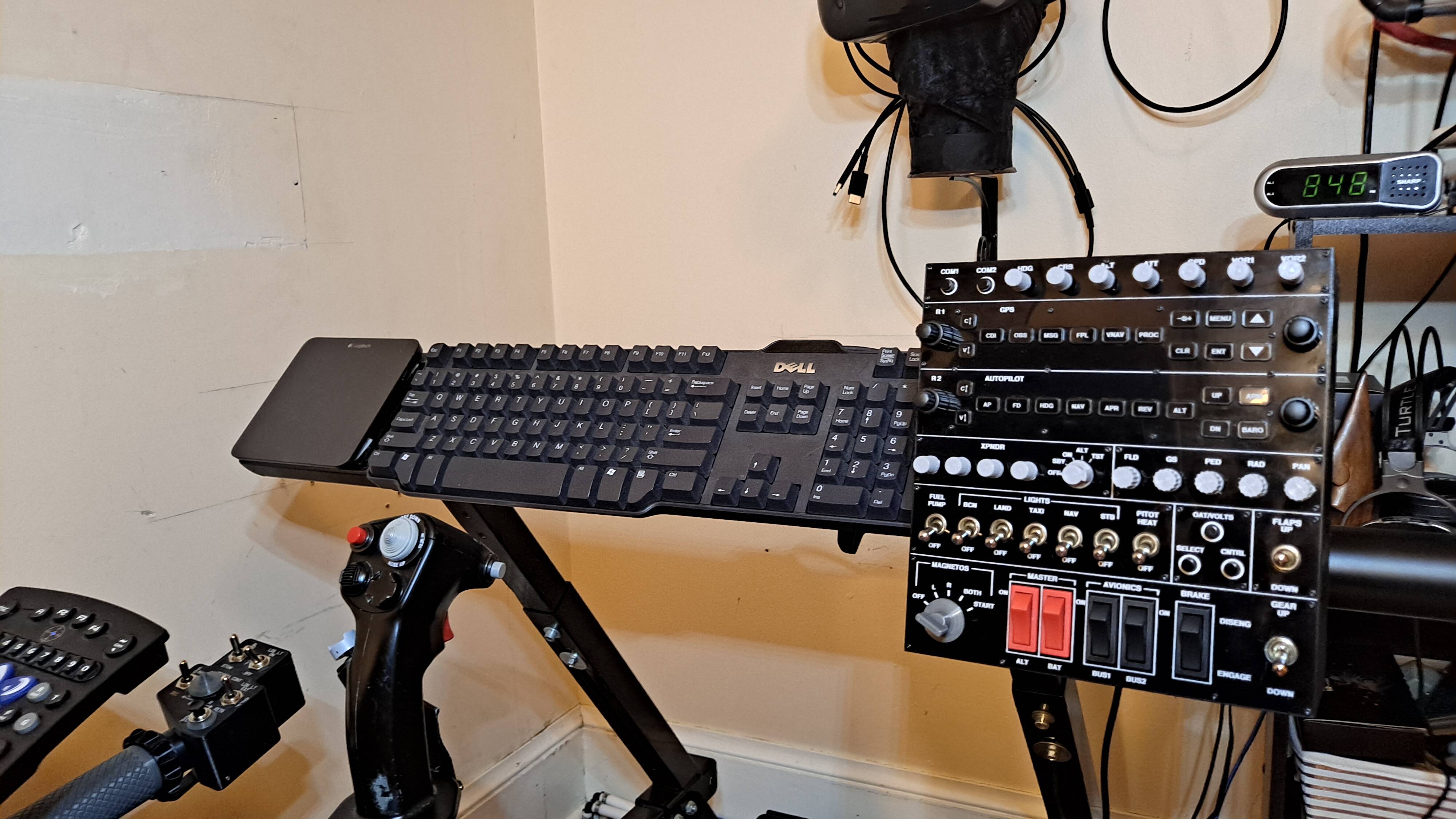
That’s the plan. Each group of switches will have different knobs on them. Hopefully muscle memory will allow me to just reach out to the buttons and switches.
Coming together nicely. Still have to print out the rest of the buttons and some knobs. Then of course there’s the wiring pars of it…

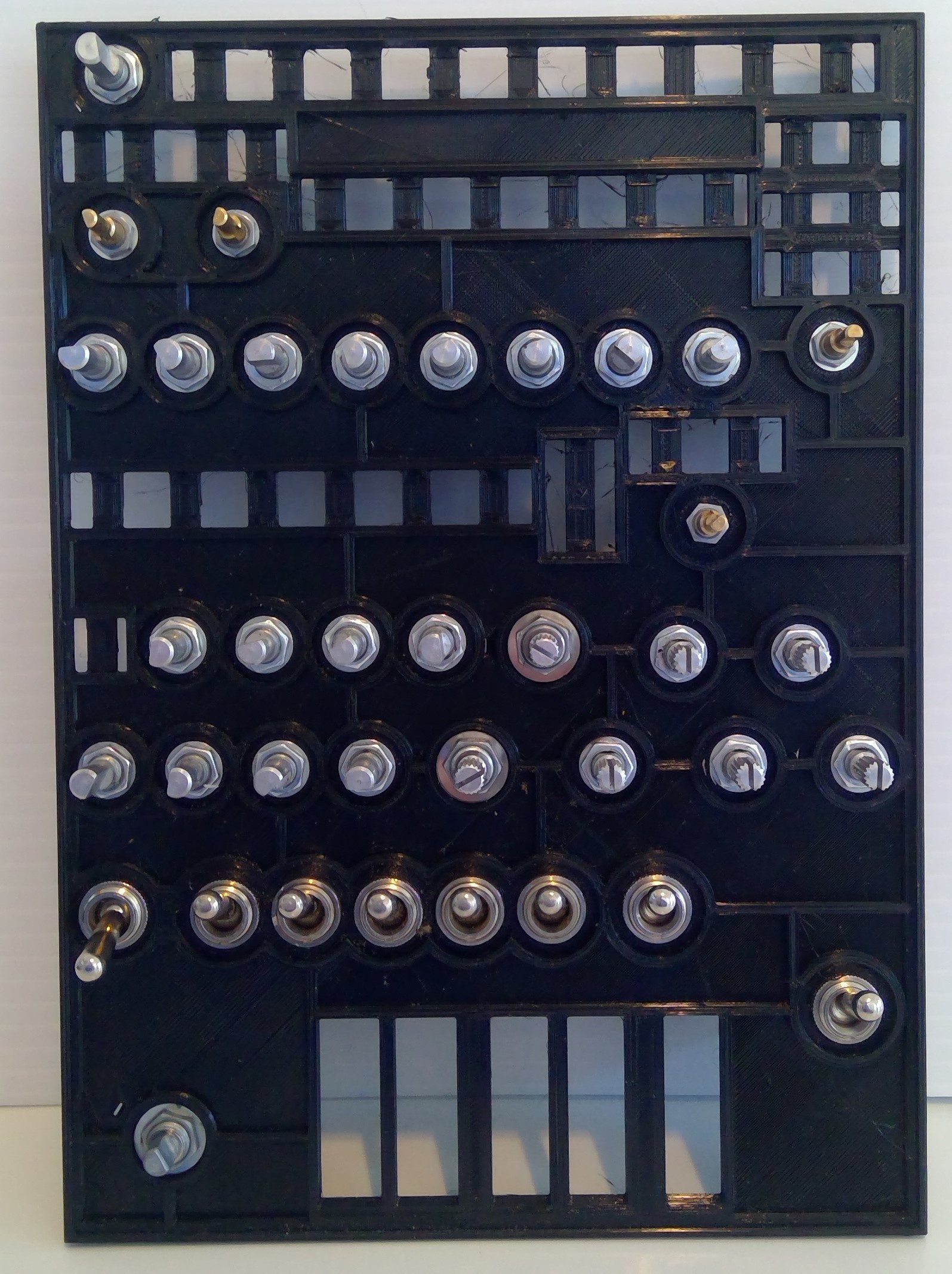
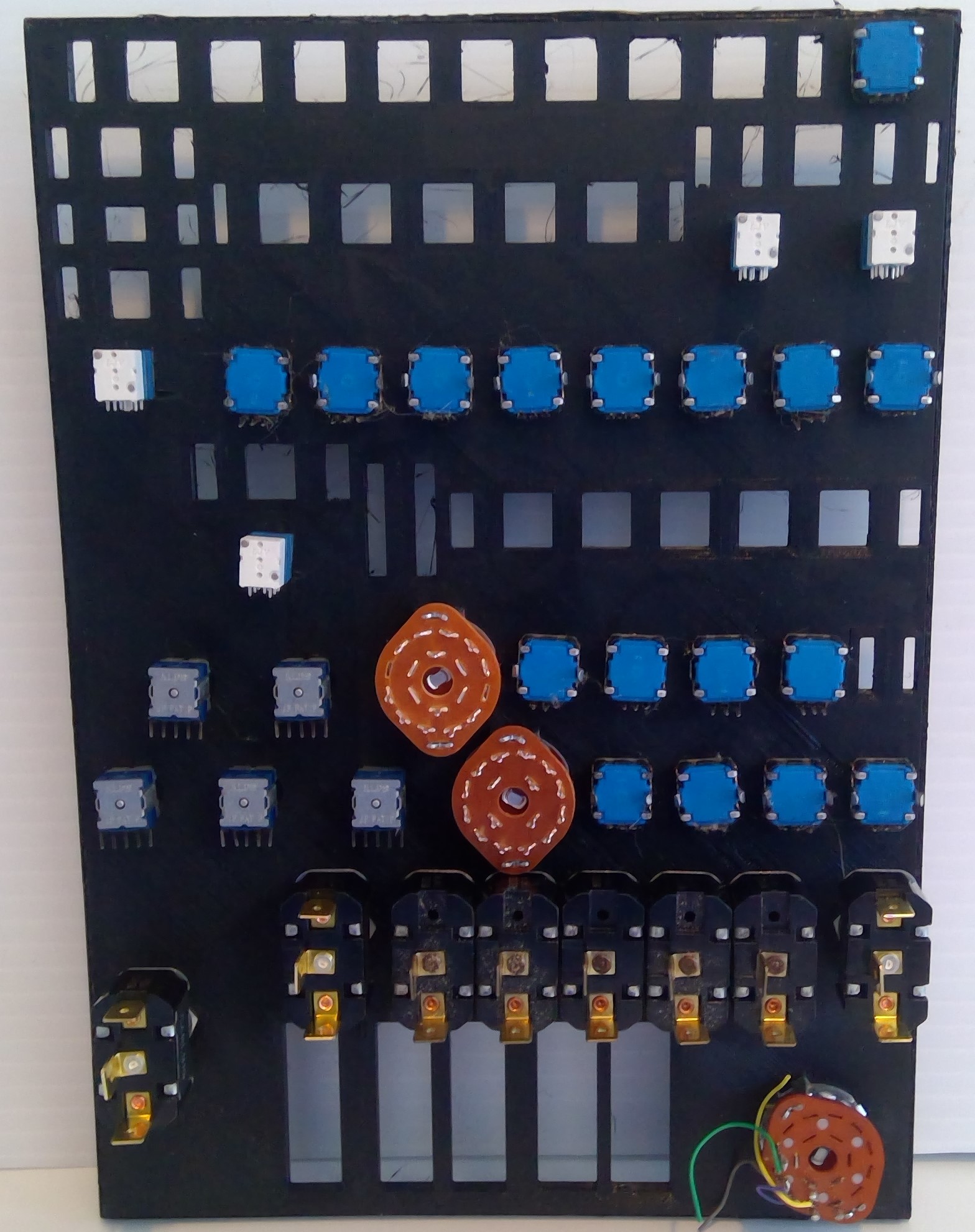
Looks great! Very professional! How did you make the white letters Inside the buttons?
I have a Snapmaker. So I used 2 layer l (black on white) plastic sheet and lasered the lettering, then cut them out withe CNC. It’s the same process as the faceplate. Then they snap into the 3D printed buttons. I’ll post a better pic.
My take on VR button box - not as professional, but (I hope) should allow easier finding of the buttons, knobs and switches when wearing VR headset:
I realized that there was just too much going on with this panel to manipulate it in VR. So I decided to downsize it somewhat. Not much. Just removing those things that I never really use. It’s built, the mega2560’s are programmed using Mobiflight, and tomorrow I’m going to wire it up.
Hey @JCSLOVE ! Do you have a link to any more info about your work on the Saitek combat rudder pedals? I did find your vid on youtube a long time ago, but I have some questions I’d like to ask.
I’d be glad to answer your questions.
Thanks @JCSLOVE!
First: how do you remove the pedals to add extensions? I’ve tried…I’ve failed.  (I did get a broken toe-brake wire fixed; just couldn’t figure out how to remove the pedals…probably something silly I’ve missed!) Also, do you happen to have the files to print the extentions?
And out of curiousity, did you ever get forcefeedback working on those pedals?
You have to get a screw driver under each side of the round metal portion of the pedal. It’s spring steal that will expand as you pry it up. Don’t worry though it will fit securely back onto the pedal. Under it you will find the screws that hold everything together.
I did get FFB to work but disconnected it as my wife could hear the motor whining due to the low frequency of the Arduino (or the motor driver). Also, I made the center driving piece out of plastic but it didn’t hold up when I put the pedals through their paces. I now have a more robust CNC, so I’ll make the next one out of aluminum. I plan on giving it another go with a higher frequency board now that Mobiflight supports them. I have to find the Mobiflight config file I made. The pedals would follow the AP and had crazy strength when flying through a storm. Right now I’m working on my my motion simulator so FFB has taken a back seat for the now.