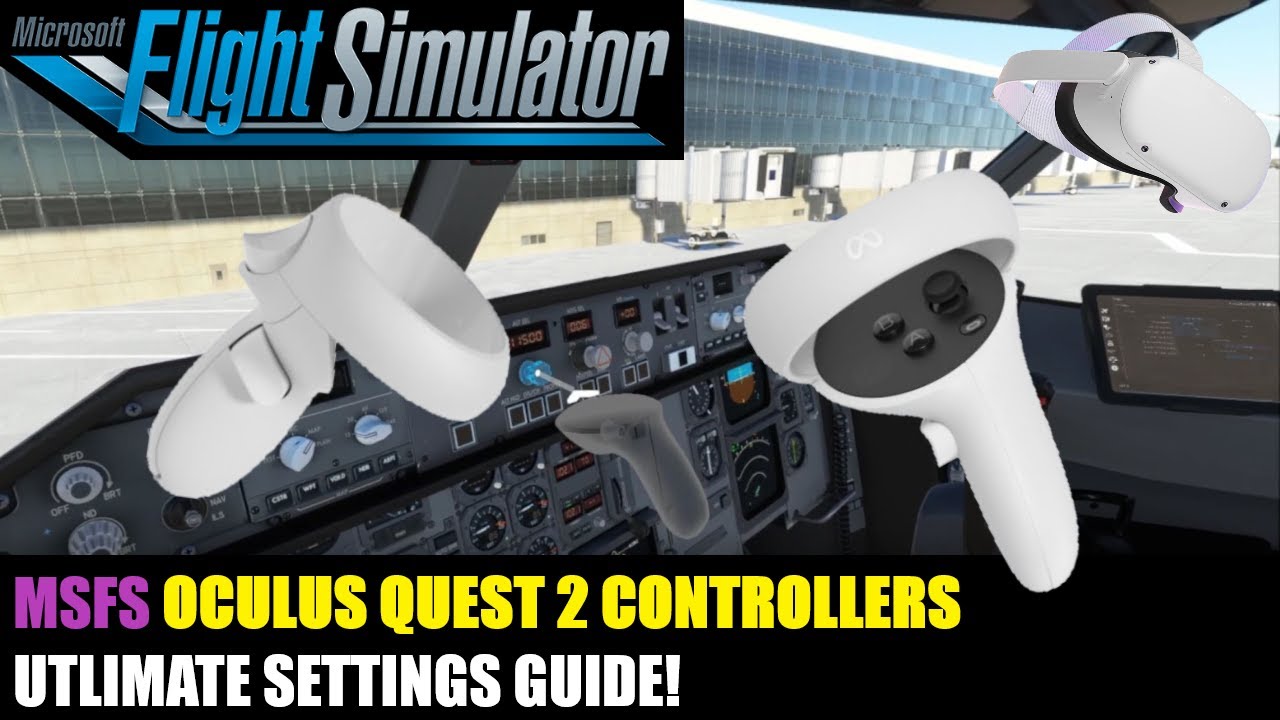
I have received many questions related to how to set up the Quest 2 controllers to allow consistent and accurate turn/push/pull actions for knobs and dials in MSFS. The default controller setup causes issues when the mouse cursor disappears and the push/pull actions stop working. This video shows you how to properly bind your controllers to ensure the turn/push/pull actions continue to work even after the mouse cursor disappears.
I have also seen several questions related to this issue on this forum and others. So I wanted to make a quick video showing how to get all this to work to improve your VR experience - especially in aircraft that have knobs that have a push and/or pull action in addition to the turn action. Also shows you how to set up bindings that allow you to turn knobs without having to twist your wrist over and over again.
Hope this helps someone -