One for aircraft if related (start typing in your aircraft name in the tag section and pick correct option)
Feel free to delete this quote section after adding your appropriate tags.
ISSUE DESCRIPTION
Description of the issue:
Every time I enter SU5 Beta my VR performance is much worse. It creates 1-3 second pauses every 10 seconds or so. This occurs in dense scenery areas and sparse rural areas, low altitude and high altitude, low speed and higher speed with default and aftermarket aircraft as well. This does not happen outside of the Beta. Frame rates drop 30%-50%, game latency spikes occur along with these stutters and pauses. The only thing that fixes this is exiting the beta and everything runs awesome again.
I13700f, AMD RX7900XT, 64gb 5600 ram, dedicated ssd gaming HD, Quest 3 with virtual desktop and 2gb internet on dedicated 6g connection.
FREQUENCY OF ISSUE
How often does this occur for you (Example: Just once, every time on sim load, intermittently)?
REPRODUCTION STEPS
Please list clear steps you took in order to help our test team reproduce the same issue:
I manually delete and reset rolling cache with every switch to beta.
I’ve lowered many settings to where visuals don’t look good anymore and the same issue persists.
It happens with a completely clean community folder.
YOUR SETTINGS
If the issue still occurs with no mods and add-ons, please continue to report your issue. If not, please move this post to the User Support Hub.
What VR headset and peripherals are you using:
Quest 3, dedicated 6g virtual desktop
[PC Only] Are you using Developer Mode or have you made any changes to it?
No
[PC Only] What GPU (Graphics Card) do you use?
AMD 7900XT
[PC Only] What other relevant PC specs can you share?
MEDIA
Please add a screenshot or video of the issue occurring.
What aircraft did you use just out of interest? Or is it just all of them.
I am using a 9070XT but with an older 28 core Xeon W3275M along with 96GB RAM (ECC DDR4). Storage is fast.
I find that data streaming speeds are a limitation. I haven’t really found a way to get consistent performance in VR. Today it was fine with a default helicopter in Innsbruck.
Sometimes it will be smooth, other times stuttering when looking around. I used Virtual Desktop as well today.
However I tried setting it to run on a second GPU (Radeon W6800 32gb), I can’t say if that helped or not. I need to try and see how an airliner goes.
I didn’t see your reply. Hope you are well. I think it is a streaming thing as well. I almost got the card you have, but got great deal on the rx7900xt and thought the raw horsepower would be best for msfs. I’m sure the newer tech on your card should be awesome and I hope it is!
I use a lot of aircraft. Black Square Starship, Bonanza and Baron Pro; Taog’s H500, Miltech Skyraider, Mirage, MH60, CH47; IFE jets; Top Mach F-22; Azurpoly Bronco and C-160; FlightFX Citation X has been a favorite lately; default C208 with echo 19 sound pack is actually awesome. I’m all over with what I fly from default to aftermarket planes. I’ve actually really been trying out a lot of the included planes lately as well. I see the same performance in VR with all of them, at least that part is consistent.
As of today AMD released a new driver. No specific mention of MSFS. I will install it later today to see if there is a fix for the driver time out error when Ctrl Tabbing between 2d and VR. Until now, the only stable driver for me had been the 25.12.1 Fingers crossed.
Performance after SU 5 has been a mixed bag. SU 4 gave me good performance and a stable sim with excellent visuals. https://www.amd.com/en/resources/support-articles/release-notes/RN-RAD-WIN-26-5-1.html
Thanks for the heads up! I’ve been running the stable driver 25.9.2 and it seems to be the best so far. I spent 6 days trying to optimize the sim post SU5 to make it flyable again. The Beta freezes and stutters became permanent after the update for me. In the end I deleted the sim entirely and reinstalled. I loaded in a couple times with a completely clean community folder, which didn’t help before, and it seemed much better. I’ve now tweaked a coulple more things, but overall the reinstall seems to have made a huge difference.
at the moment the only aircraft with bad performance for me is a blacksquare TBM 850, Jitters in VR, stutters and state problems. tested the pc-12, king air 90, TBM 930, even the Blackbird 310R runs okayish. Jets are a blast - best performance i ever had:
system:
amd 5950x
7900xtx @26.5.1
64gb DDR 4 @3800mhz
Win 11 pro
HP reverb G2 via Oasis driver
watch in 2160p, as YT seems to cribble the video to make it stutter.
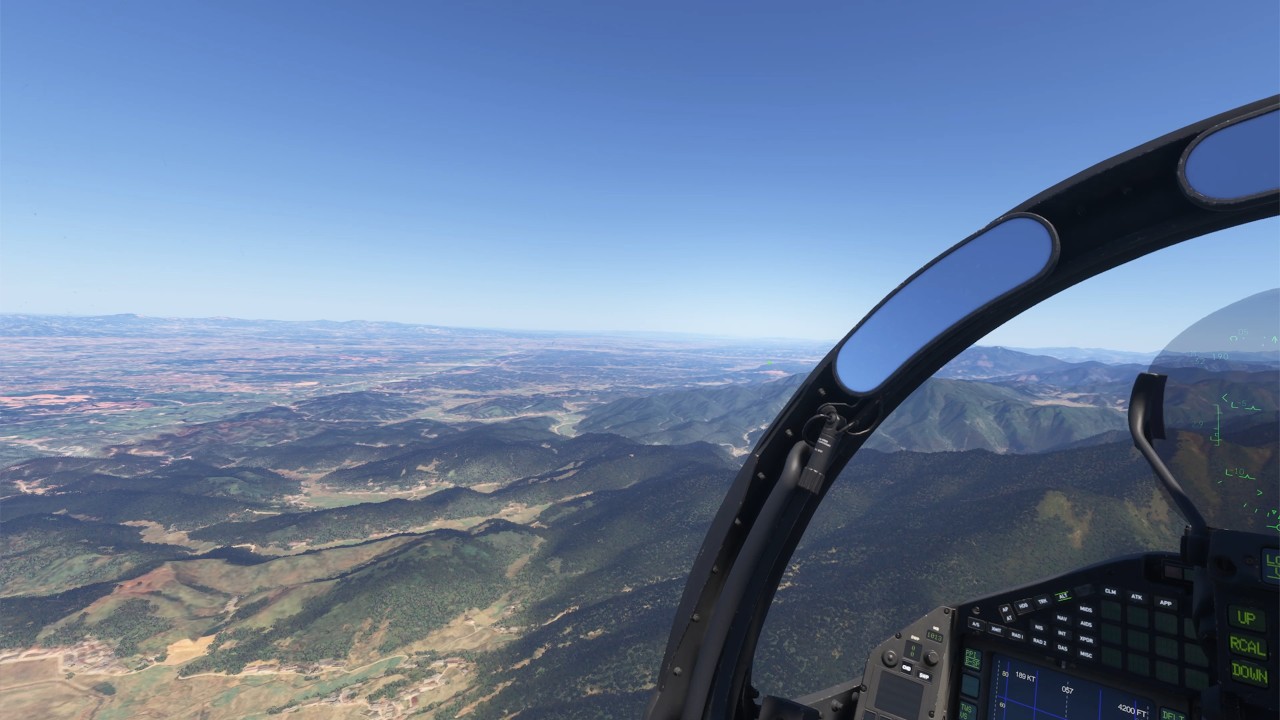
Completed 2 flights in the Kodiak in VR with the latest AMD drivers released this week. Orbx ENSG - Rdpresets ENBR. No crashes or driver time outs when switching between VR and 2d. Will fly and test more tomorrow.
Virtual Desktop, Quest 3
Godlike preset and TAA 90% in game
Other settings mix of high and medium
Well, that’s awesome news, and you’re getting that performance in TAA mode too! Maybe I will give the new driver a shot after all. Every time I’ve tried newer drivers I get GPU error and CTD when switching into VR mode.
Glad to hear the new driver is working for you too! I also spy an IFE Eurofighter……… how do you like it? I don’t have any version of the Eurofighter yet. I’ve got most of their other jets and I also enjoy the azurpoly Jag, Miltech Mirage and the Top Mach F-22. I can’t decide if the Eurofighter will be redundant to what I already have. Fun stuff!
It’s strange that the typhoon is running fine for you while some of the GA planes are being weird. The IFE Typhoon is a pretty complex aircraft as well. It’s been the opposite for me, usually the black square planes run well, but sometimes I notice more performance degradation in the IFE F-35.
Mostly GA here, occasional Fenix. I tested both Ctrl+tab directly and “switch to Desktop” in VD menue as an inbetween step when swapping between 2d and VR. Both worked. I also noticed that any of the 2 dynamic settings options, (the in game and one external), introduced some lag that introduced stutters.

 . Will fly and test more tomorrow.