Hello,
just joined the community before the release of SU10. Good timing 
I would like to collect some settings/experience you use/have within MSFS VR settings and additionally if you still use OpenXR Toolkit after having installed SU10 for your system.
Maybe we can discuss and find swiftly good compromises to get the highest fps with low/no stutters.
Looking forward to reading your experience trying out the additional options we have with the new update.
1 Like
I’m interested in this. In between working, having a small child and needing to do stuff on the house, I barely get time to load MSFS, let alone play with settings!
What would the forum’s recommendation be for approaching good performance from the sim then OpenXR? I’d like to know where to start and what settings make the biggest impact. Between the sim and OpenXR, there are so many settings that it’s hard to know where I should begin.
If it matters…
Ryzen 5 2600
RTX 2060
Lenovo Explorer headset (2880x1440)
Hi mate,
At the moment SU10 has played a bit of havoc with VR.
In general you will want to normally take advantage of Motion Reprojection as well as NIS or FSR scaling to get smooth images but the lateset update has introduced some challenges with using these. There is now a watery shimmering effect that has been introduced into the image when in cockpit with these turned on and I personally find it difficult to use VR with these now so I have had to actually turn off OpenXR Toolkit and disabled openXR motion reprojection.
My advice for now would be to wait until the next big update this month and then ask the qsn again as these challenges may have been rectified. For what it’s worth, I have only ever flown in VR so I am very particular about my settings and any changes that creep in after each update. I’ve tried many many settings to get rid of the above mentioned watery like effect since SU10 that has now crept in but have not been able to remove it other than to turn off the toolkit and any reprojection.
i9 10900K
3080ti RTX
64G DDR4 3200
m.2 500g + m.2 1TB
Reverb G2
I still use OpenXR Tools : Motion Reprojection disabled, Render Scaling 70%
I still use OpenXR Toolkit (not the same as the above). Motion Reprojection OFF. Color saturations increased. Blue color reduced, Red color increased (I did this is to prevent serious illnesses from years of exposure to blue light, not to improve image quality. It does the same thing that Windows Settings Nightvision does for 2D monitor displays).
Settings in MSFS: DLSS ON (Quality). LODs at 100. Off screen precaching at Ultra. Reprojection Mode OFF (very important).
Ryzen 5 5600X – RTX 3700
If using Windows 11 2H22 (as opposed to Windows 11 1H22 or Windows 10) I need to turn off Window’s ridiculous Holographic Shell event tracer. When I use the G2, now I don’t have the event tracer in the background interrupting my video stream every 2 seconds and causing stutters (just look out the left window and downward).
Windows Search, type in: Computer Management and boot it.
Left panel, System tools > Performance > Data Collector Sets → Event trace sessions → HolographicShell → (Rick-click and hit stop).
When I open Windows Mixed reality portal, windows immediately turns on HS. I have to turn it off as above. Every time. Makes no difference if not in VR or if using an Oculus/META headset which interfaces with their own app and so Windows does not turn on this silly resource hog HS event tracer when starting Windows Mixed Reality. Huge difference with G2 Reverb or any true WMR headset.
2 Likes
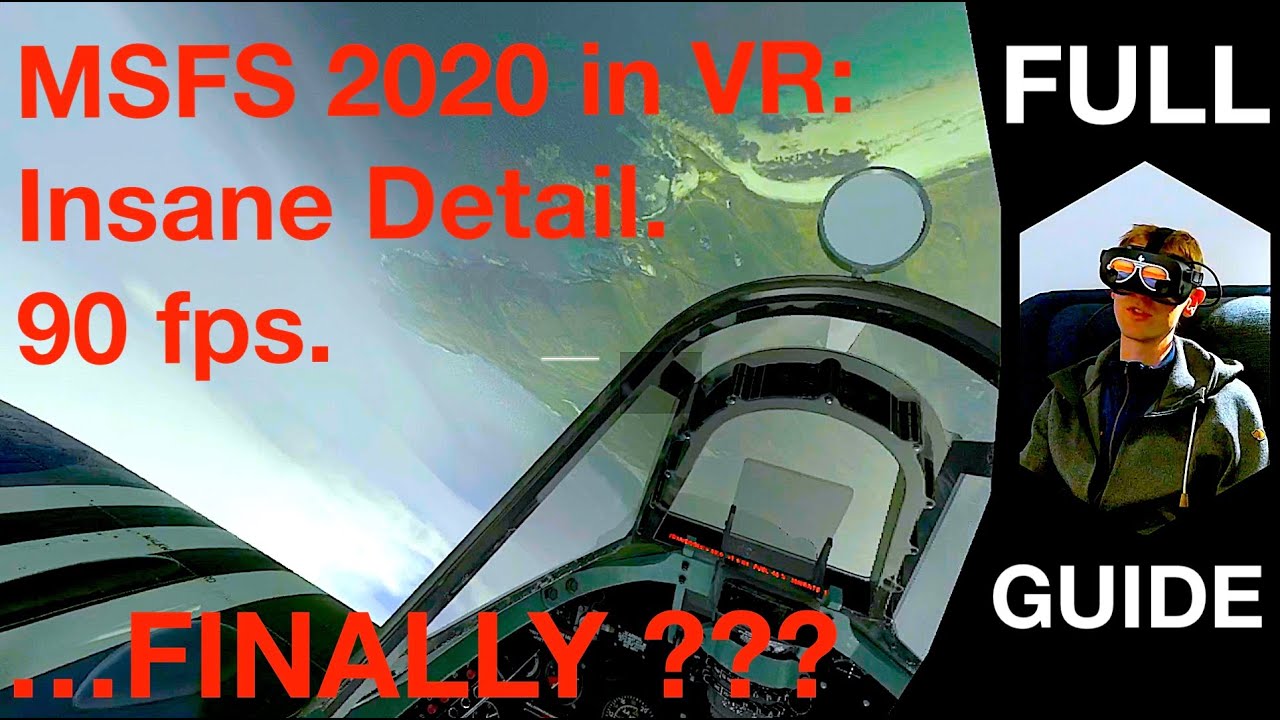
He starts by overclocking cpu and gpu (I don’t do that sort of thing).
His OXR Toolkit demo is using an old version. The menu has changed now. He decreases the sweet spot in the G2 to improve fps. Of course the edges will be blurry. He cranks up the blue and reduces red. Sure it looks better. But no medical doctor will advise doing that.
His Nivida control panel settings work on his high end computer, but are too aggressive for mine.
He sets 100% in Open XR Tools. I use 70% (my weaker computer).
But this is the most complete guide, never the less.
Open XR Toolkit: he leaves the hotkeys at default which I think is a handicap. I remap the 4 menu movements to the 4 arrow keys. OXR Toolkit menu is only seen in the headset and you
so you can’t see the keyboard).
1 Like
This topic was automatically closed 30 days after the last reply. New replies are no longer allowed.