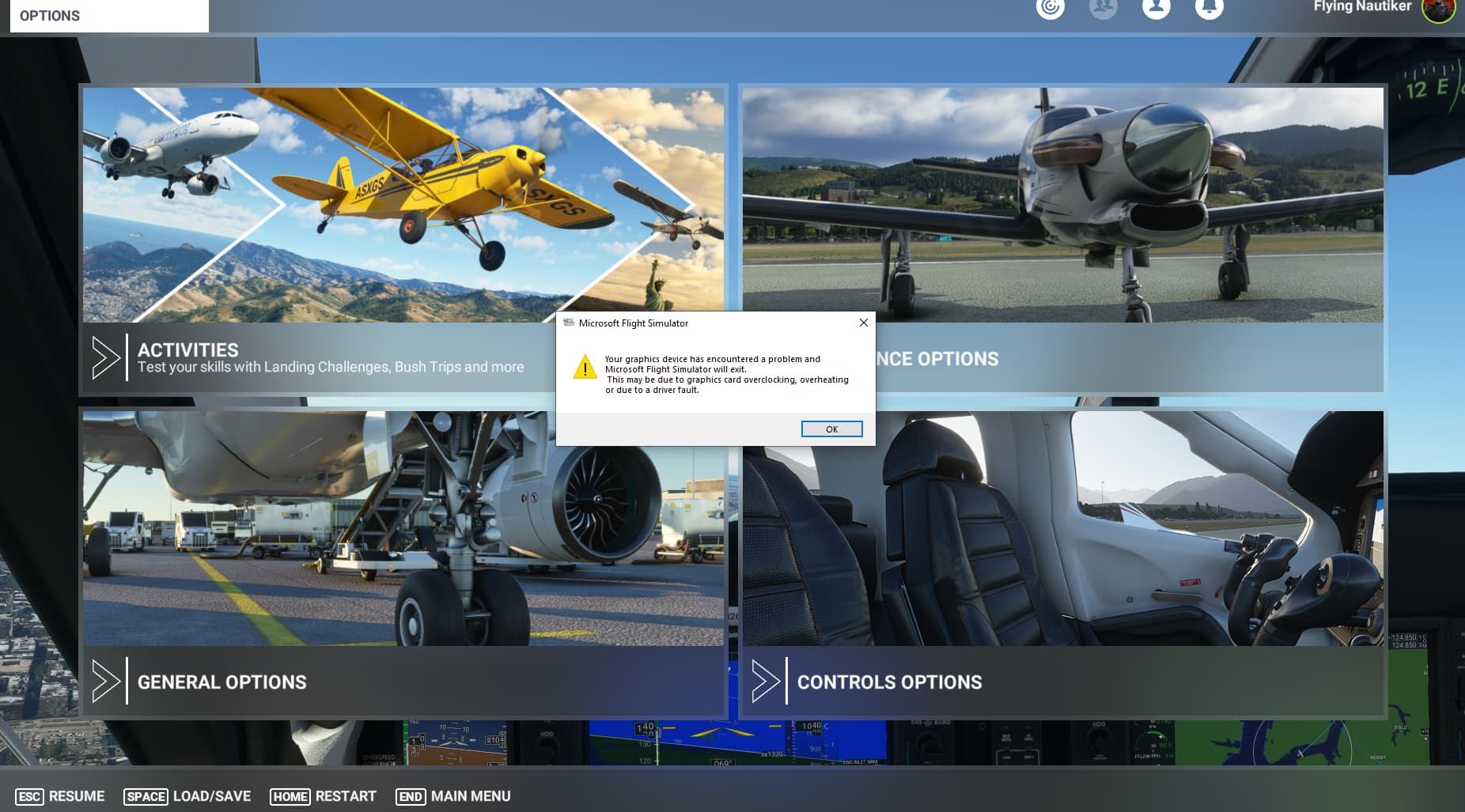
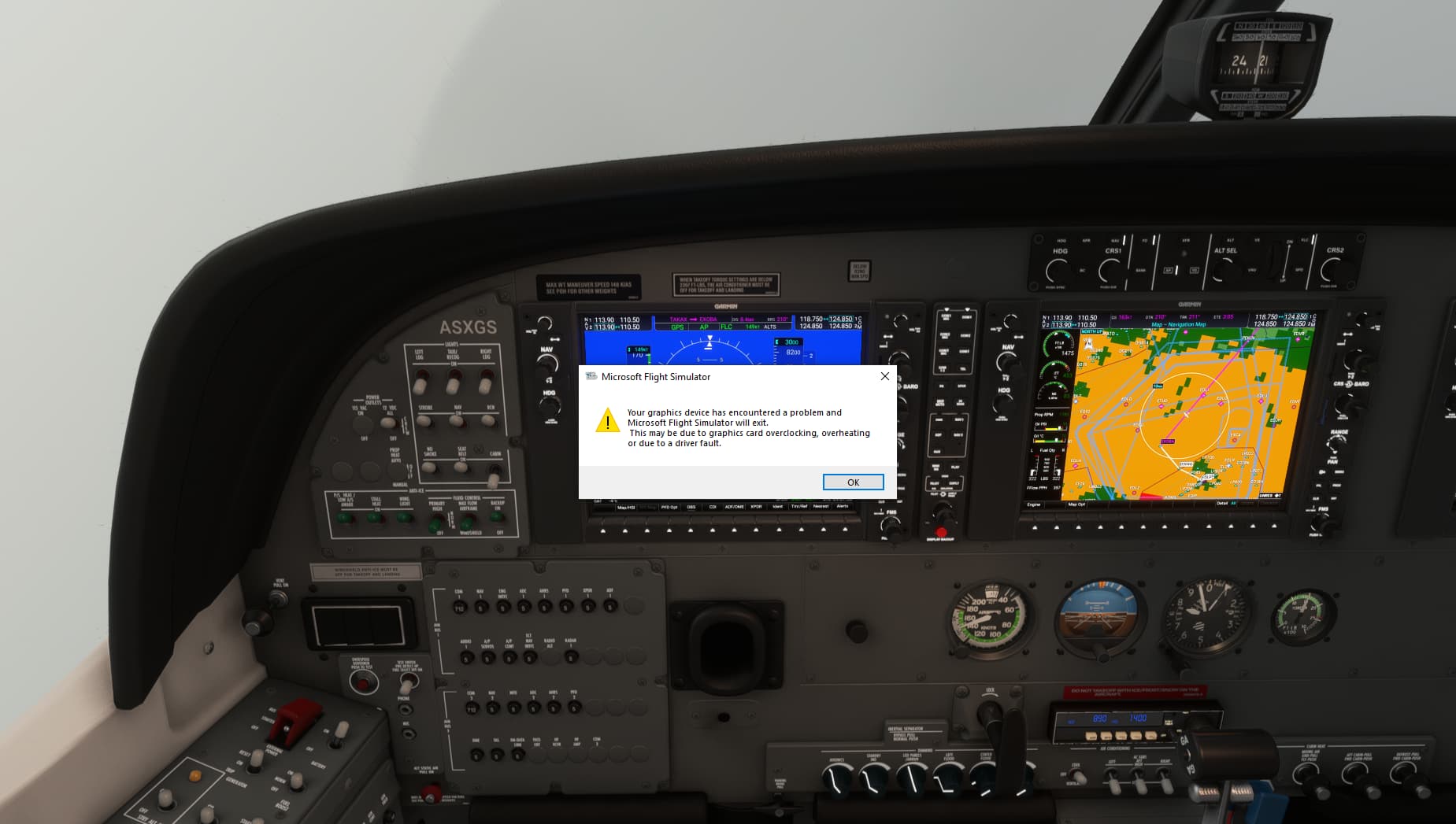
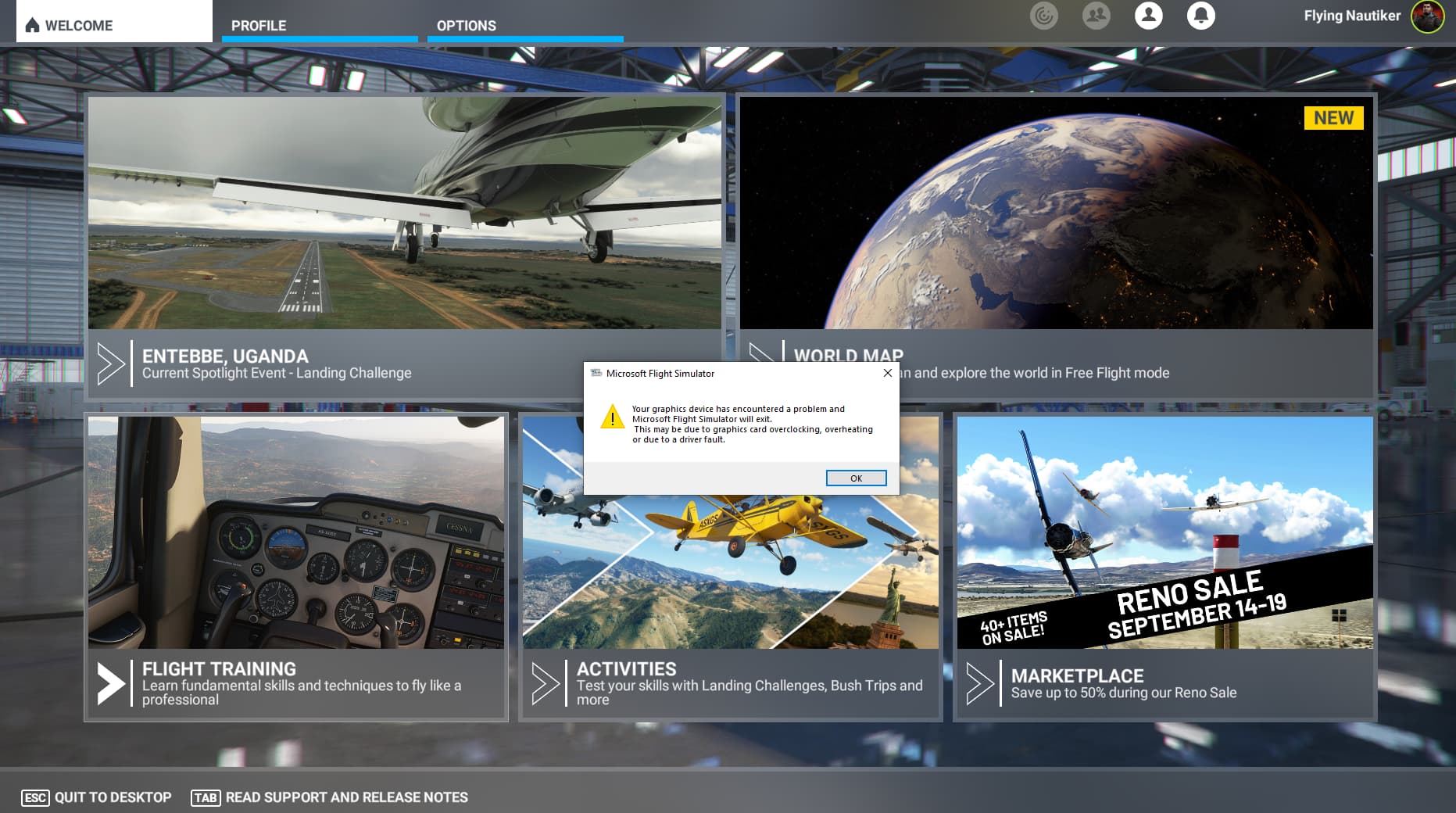
Same issue here - this popup message on my system shows up the first time in this beta and was never ever seen in MSFS before SU10 beta… The occurence is quite high as it could happen everytime, at least once in every session…
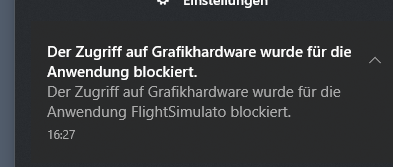
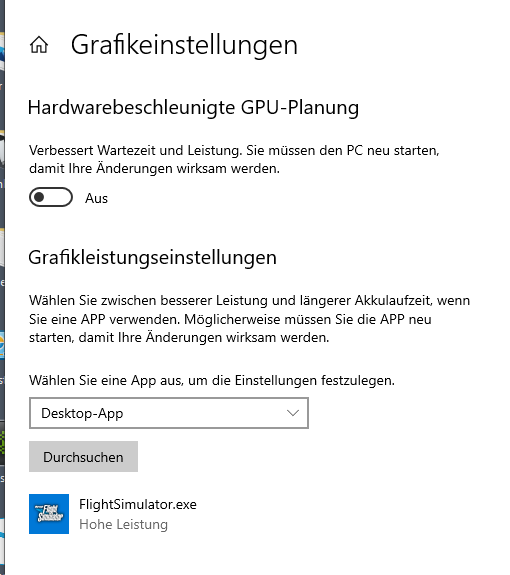
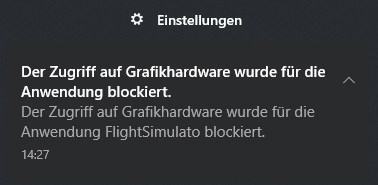
In my case HAGs was on. Now I ve switched it off. Will see if it prevent getting the error message. And I ve got this message from my windows notification (sorry its in german):
See, this is my problem with this. If your settings were high/ultra etc before, without any issues (assuming you didn’t have any) then why should you, or anyone else be forced to downgrade graphics settings because of something the developer has mucked up? That’s ridiculous.
I guess tht it is ruined not only for a few people as many people seems to have that issue. And it seems one reason for delaying SU10 official. But I’m only speculating…We will hope they will fix it, I’m finished with that thing as Ive tried anything to optimize my system. Wasted time.
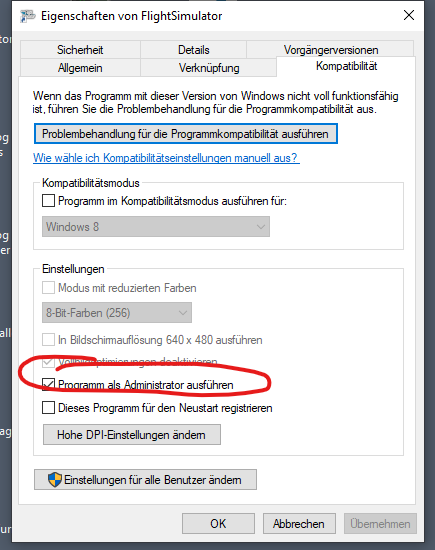
I give a last try with going to admin modus under same conditions. Add: But that does not help avoiding this error! Until now it works with good frames and without CTD all add ons on. But as a said the error message comes sporadically but frequently. And I know in a beta we should not use add ons. While I also have had this error message without mods. But the more complex the scenery or the planes or the higher the graphic settings the more often this error CTD appears.
I am using AMD RX5600XT and only once since 1.27.21.0, a dialog appeared while playing music in the background.
Also, I have had a few instances where it hung with a “beep” sound while playing Youtube using Firefox in the background, although no dialog appeared. sound when playing Youtube using Firefox in the background.
I have never had hangs with versions prior to 1.27.21.0, but I remember that I had a similar hang with red dead redemption 2 and Ark, and could not start them no matter what I did.
At that time it was the sound driver that was causing the hang up because it could not recognize the device (graphics card), but after the msfs dialog appeared, the device was not recognized in the same way, so I think it has something to do with the communication with the device driver as well.
I also tried changing the registry at that time, but it did not fix the problem. In the end, I deleted the RX5600XT sound driver and switched to the onboard sound device, and the hangs stopped.
But this time, msfs didn’t hang up after that…
My native language is not English, translated at DeepL
 )- just had emtying rolling cache and index files.