ClevererElm8055Verified Forum 3rd Party Dev
13h
Of course, it is possible to do this both along the horizontal plane (x,y) and along the vertical axis (Z).
Polygon Objects 2
Unfortunately, not strictly true if you want to emulate actual flooding that progressively covers areas, and has buildings sticking out depending on the water height.
eg:
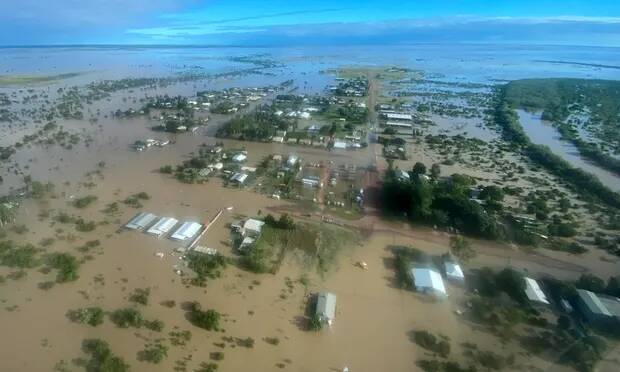
I just did some quick tests, and while you can set up a polygon as a water layer a number of issues immediately become apparent, some which you can see here (i have more shots but don’t want to overspam the thread).

I suspect there isn’t an easy solution here, given the number of issues you can see in the screenshot.
. Airport land is submerged but runways & other objects are not affected.
. Exclusion when overlaying the same type such as ocean (known issue in docs), though water will be seemless (different type from ocean)
. Overlayed on the map area on the right it excludes all generated TIN objects, though I guess custom added ones might show through the water, but that’s not feasible to do for a large area.
The context here was a quick test to see if I could use MSFS to simulate some Climate Change effects for a project I have.
Ideally I’d just like a global variable to change the ocean height and have it done automagically, but that’s not possible afaik. Seems fixed.
Thanks anyway!
Edit: Added a dev forum idea: https://devsupport.flightsimulator.com/idea/15460/easy-way-to-simulate-flooding-other-climate-relate.html