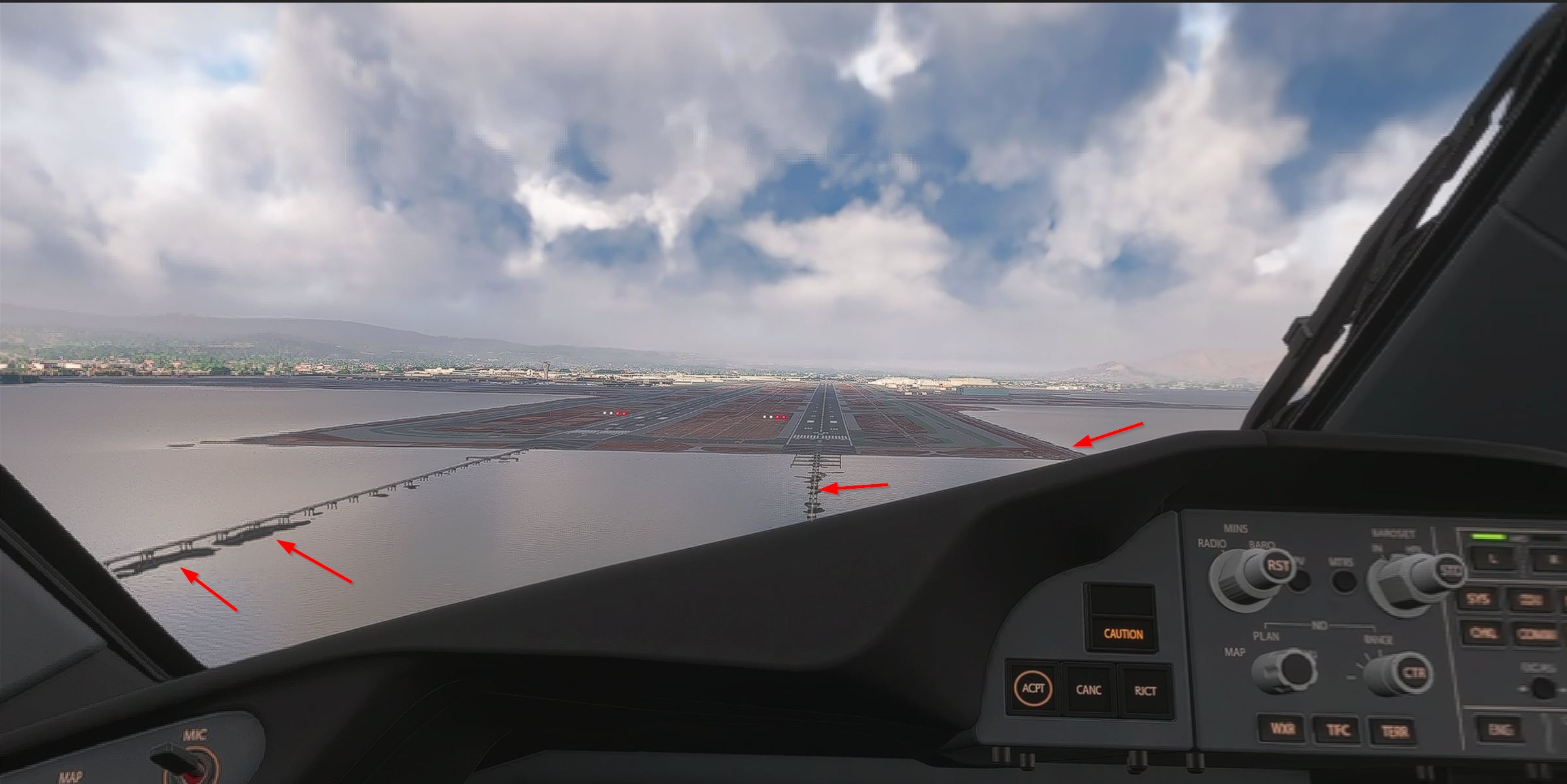
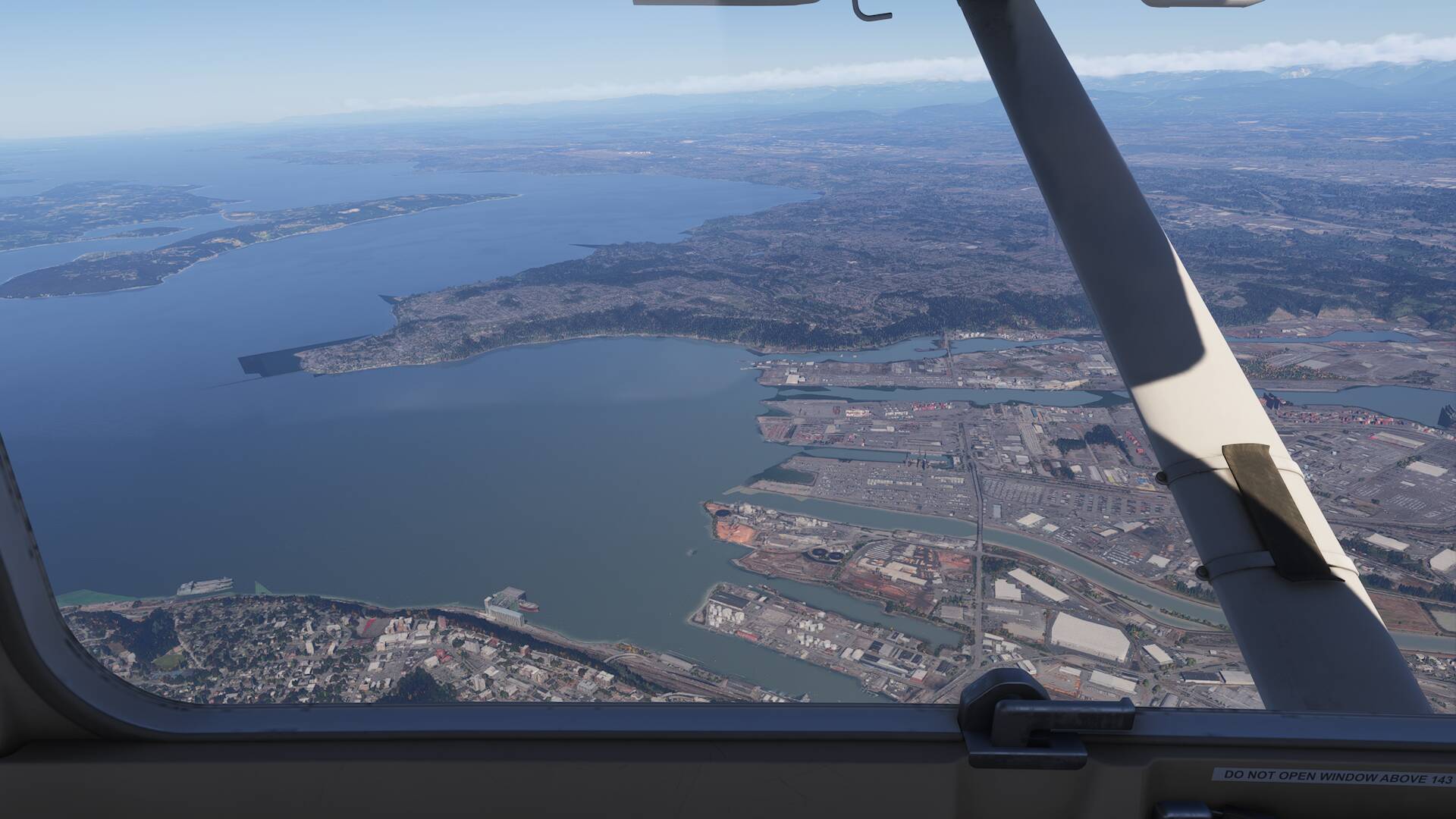
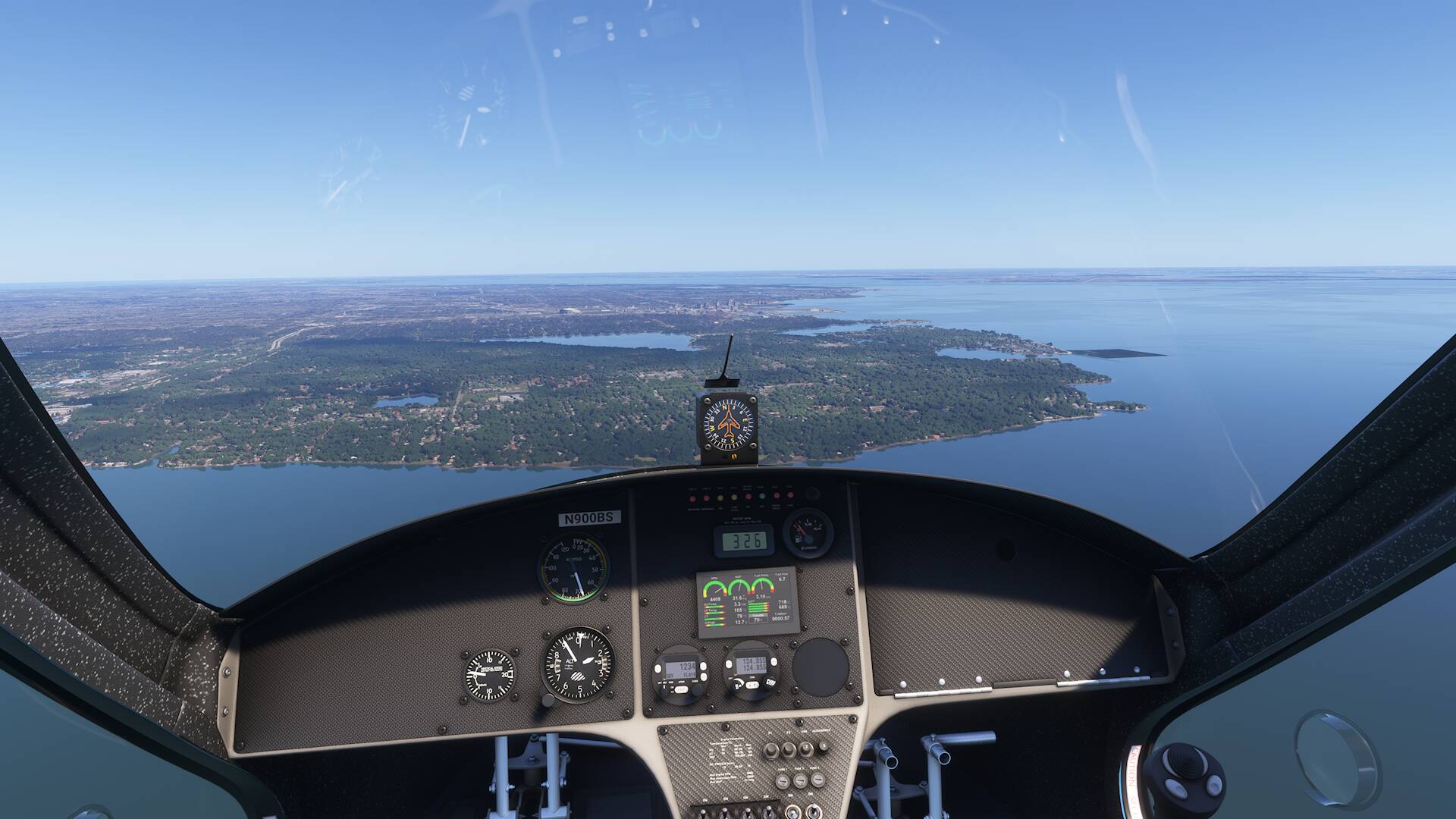
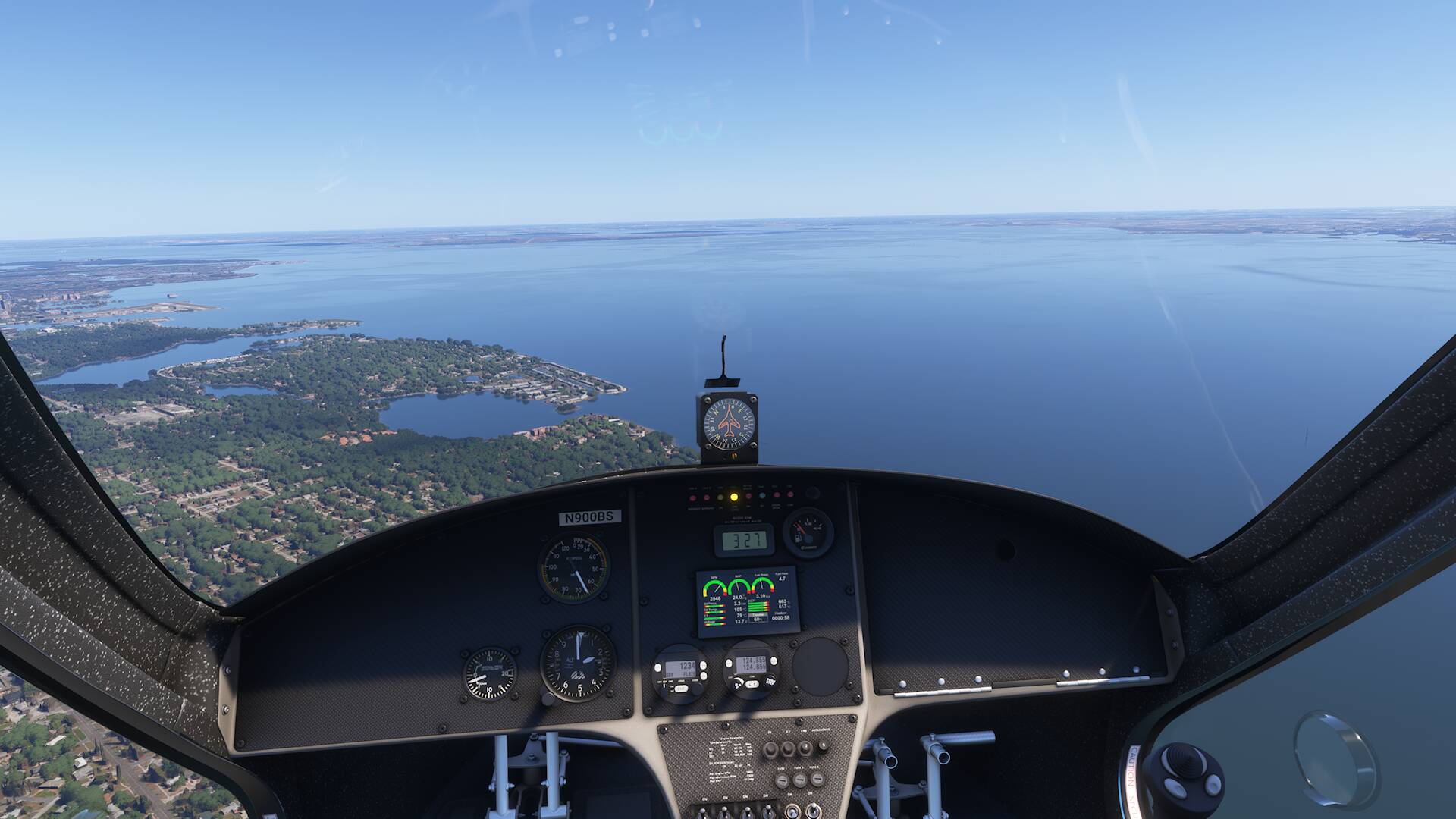
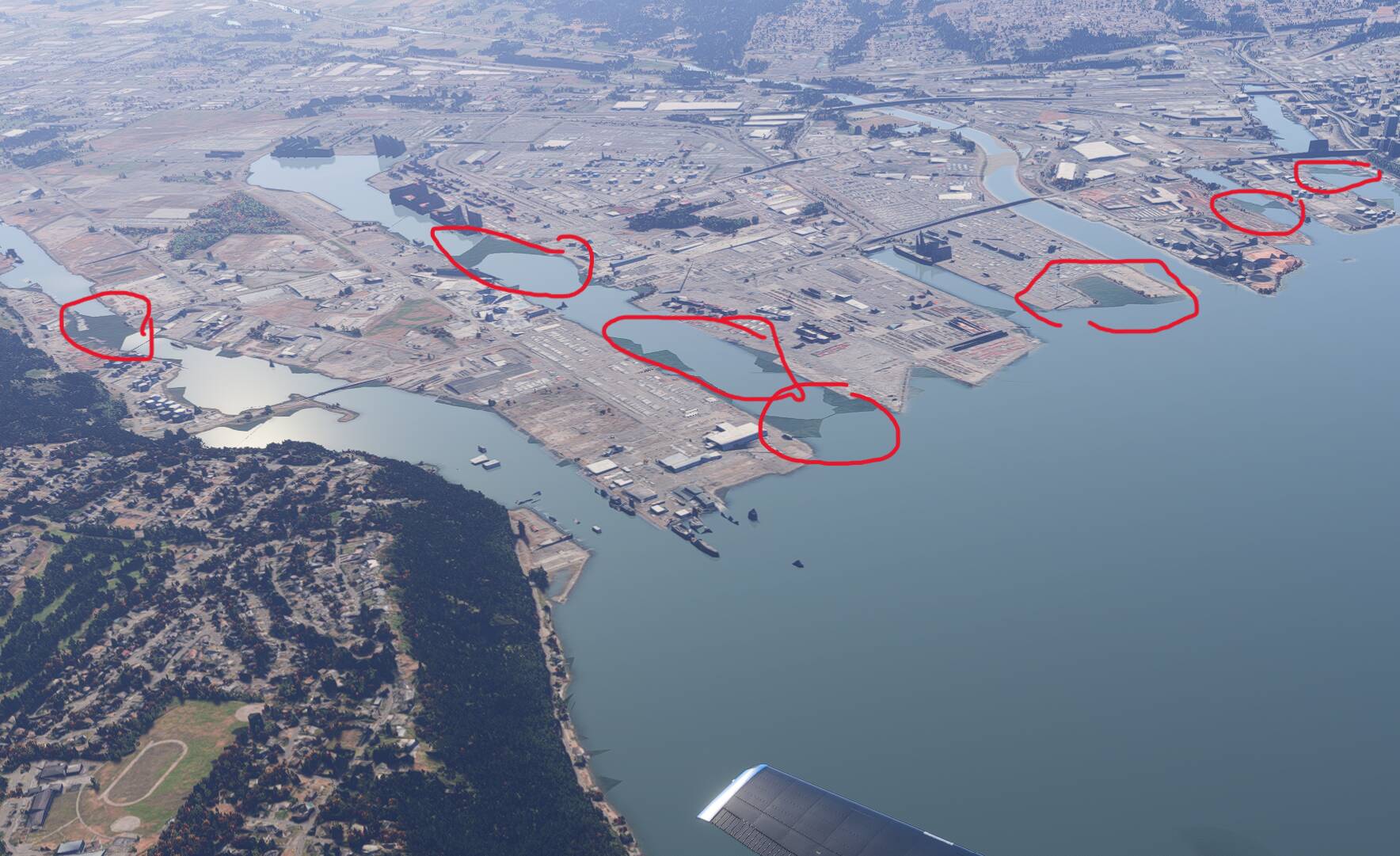
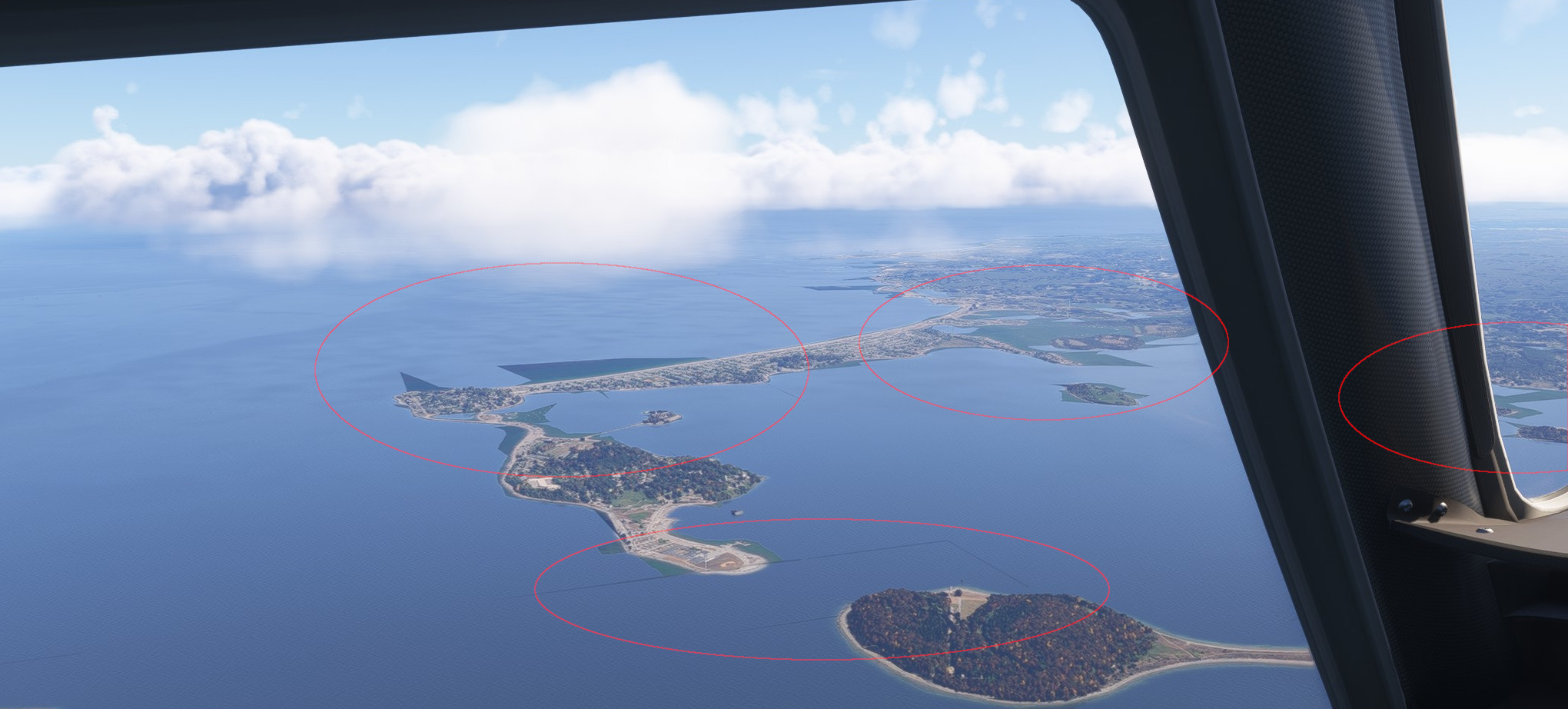
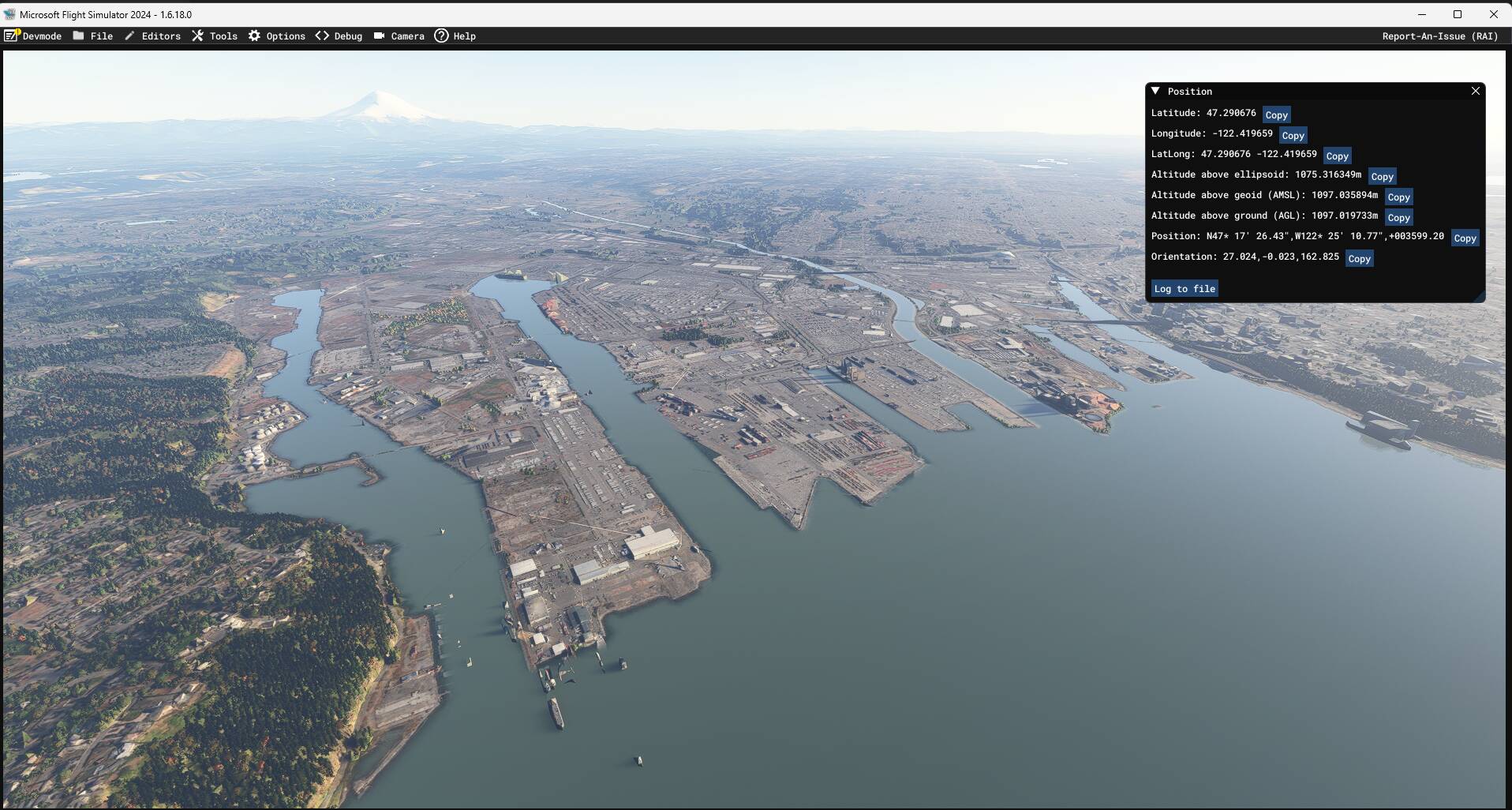
The appearance of the water changes as you fly around. It has dark geometric shapes that come and go.
Coordinates or location: I’ve seen it along Florida’s west coast bewteen sarasota and Tampa and near Galveston and Houston and near Seattle as well. I’m pretty sure its in most places.
FREQUENCY OF ISSUE
How often does this occur for you (Example: Just once, every time on sim load, intermittently)?
It happens on every flight since the new higher altitude night lighting was added a couple of beta versions ago.
REPRODUCTION STEPS
Please list clear steps you took in order to help our test team reproduce the same issue:
Go to Seattle area and fly and pay attention to the water.
YOUR SETTINGS
If the issue still occurs with no mods and add-ons, please continue to report your issue. If not, please move this post to the User Support Hub.
What peripherals are you using:
[PC Only] Are you using Developer Mode or have you made any changes to it?
[PC Only] What GPU (Graphics Card) do you use?
[PC Only] What other relevant PC specs can you share?
You should post about your experience with the dark patches in this thread as its a separate issue recently introduced during the beta to my knowledge. It happened when they changed the higher altitude night lighting update (1.6.11.0 I think).
Personal comment:
The issue reported here seems different than the black lines (even if could be linked). On the OP screenshots we can see black undefined geometrical forms and not only black lines.
Could also be related to this report for black square tiles located specificaly at airport: SU4 beta 1.6.11 airports black tile popping
Yes, if you look at this closely it is a multi-factorial mess. My count is that there are:
Straight thin lines like lat and long on maps.
More diffuse lines like wind/squall lines seen on lakes often when sailing… unfortunately do not reflect anything that wind can do… like a 90 DEG turn.
Black patches like the one I hate at SFO like an oil slick
Black patches around shorelines or on the posts of the approach lighting system at SFO…
Near KBOS but have seen in other areas the green areas pop up randomly. LOD is set to 160. Using default with no addons. I have tried every possible setting I can find and it still does this. SU4 beta.
Same here, you even see it through clouds. I have noticed this since SU3 actually (never before like these weird shapes repeating) , so it really irks me this issue isn’t fixed yet since its quite ugly to look at.
No. They disappeared after restart. But they were huge (size of a city) and dynamic, changing their shapes. Could this be because of problems with services?
I really don’t know. Let’s see if other users are reporting the same and hopefully someone is able to provide a video if reproducible, will be helpful for the devs.
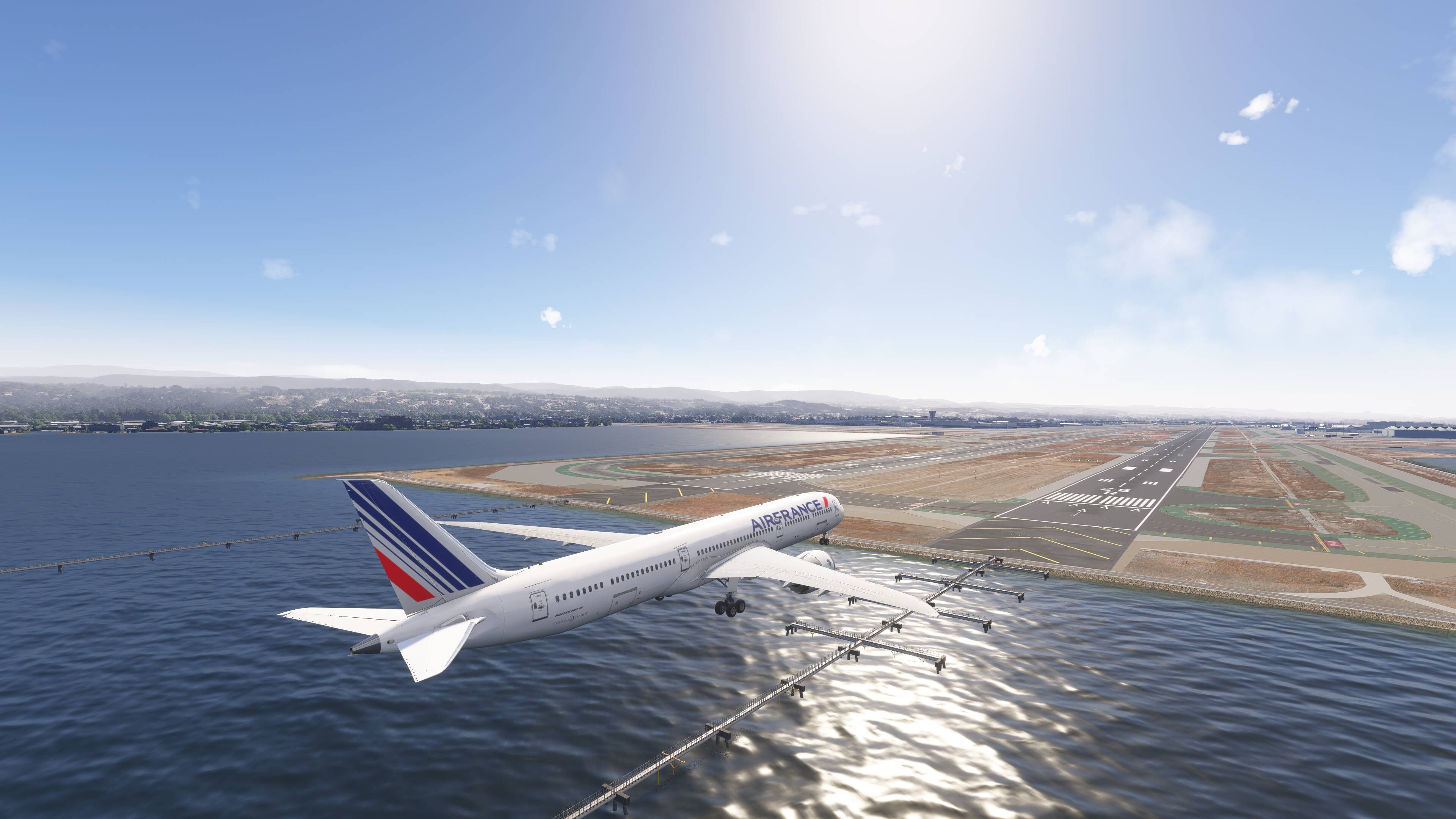
For the record the big blotches at SFO are fixed in .16 (latest I believe)… but there are still what looks like muddy edges around edges of islands and at SFO around the landing light piers… they come and go in a strobe-like pattern… would be better left out. Think others see these elsewhere.. look and you find them.Here they are at SFO 28L & R… were not in SU3:
If I could only get this I would be a happy camper. I am running a 5080 and a Ryzen 7950.
I know this airport like the back of my hand and this rendition is very good. Your specs? I am running TLOD=OLOD=200 ULTRA on clouds and Buildings and Waves.
I do have texture resolution at Low. But that is a real resource hog.
This is what I got in SU3… but this is 2D and no doubt different settings. You see how the approach light piers look… closer to yours.
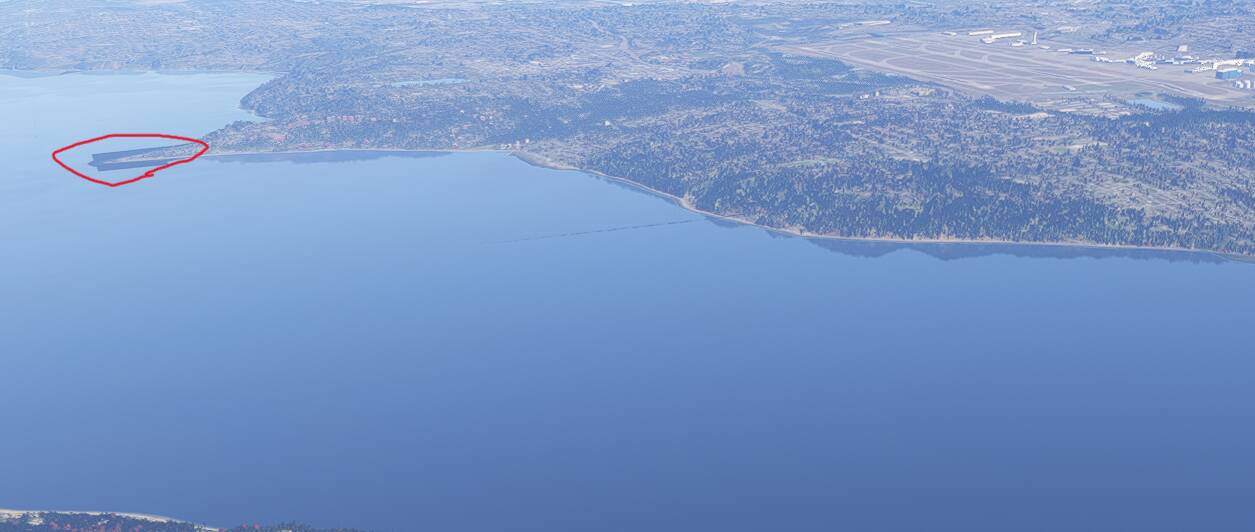




 but there are still what looks like muddy edges around edges of islands and at SFO around the landing light piers… they come and go in a strobe-like pattern… would be better left out. Think others see these elsewhere.. look and you find them.Here they are at SFO 28L & R… were not in SU3: