Watermasks not working in Florida

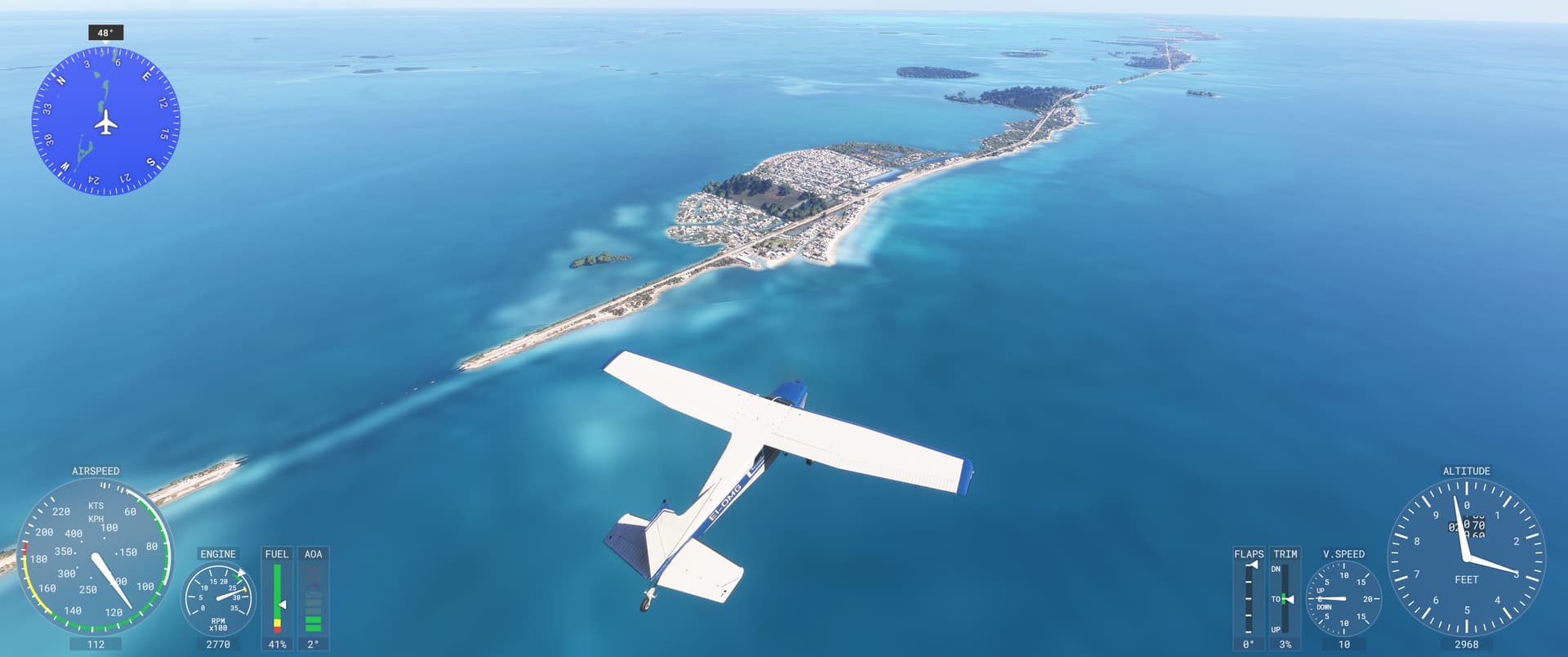
Description of the issue: Blurry textures instead of watermasks appearing

ICAO, coordinates, or specific location: Florida Keys


:loudspeaker: For anyone who wants to contribute on this issue, Click on the button below to use this template:

Do you have the same issue if you follow the OP’s steps to reproduce it?

Provide extra information to complete the original description of the issue:

If relevant, provide additional screenshots/video:

Do you have the same issue if you follow the OP’s steps to reproduce it?
• yes

Provide extra information to complete the original description of the issue:
• spawn close from KEYW

If relevant, provide additional screenshots/video:

Still no bueno.

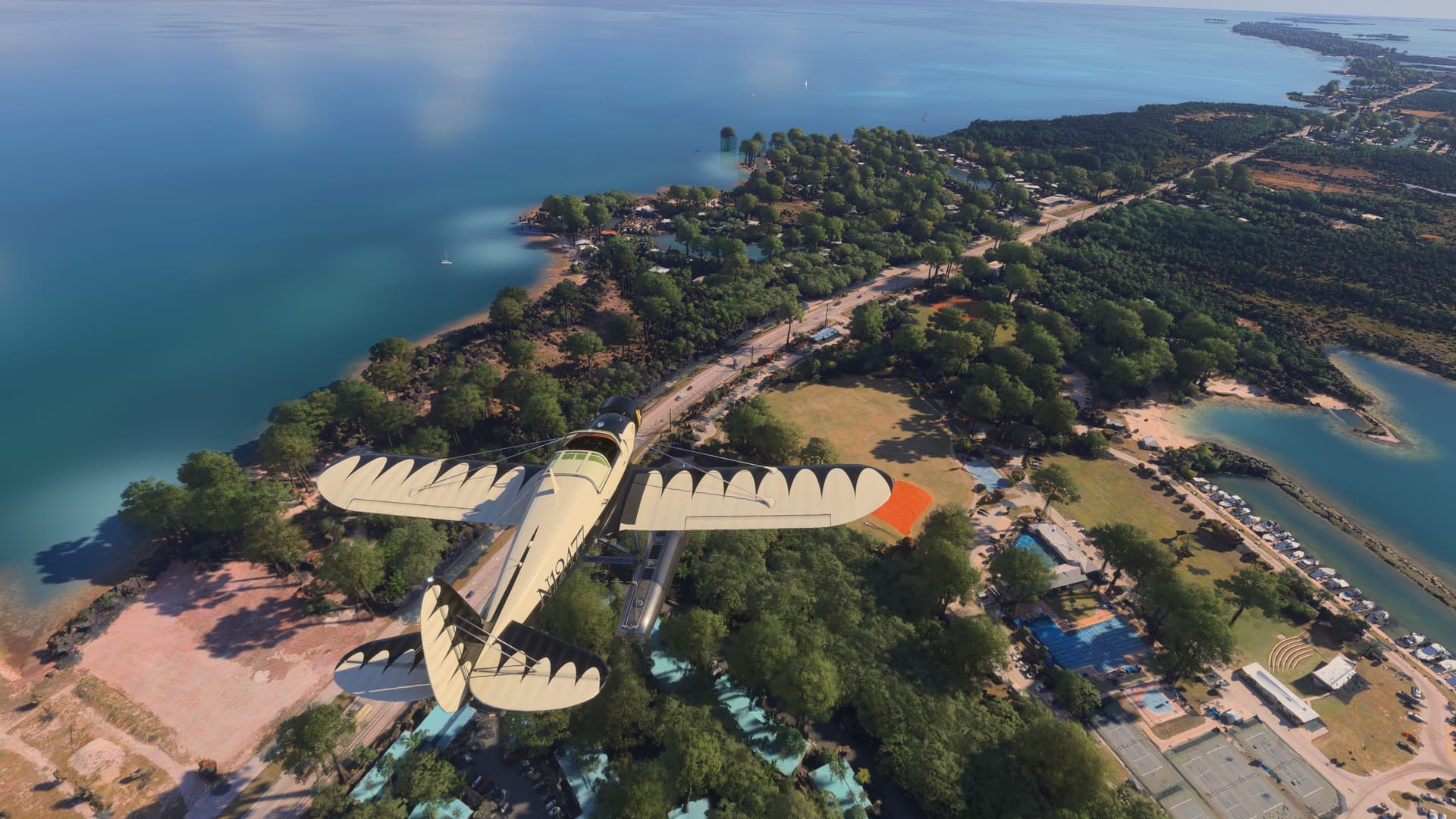
Looks like 1942 Air War down there…

Note: Land textures high-res vs. Aces over the Pacific*-texture resolution:

Do you have the same issue if you follow the OP’s steps to reproduce it?
• Yes

Provide extra information to complete the original description of the issue:
• It’s been like this for a long time, I wonder why this isn’t fixed yet.

If relevant, provide additional screenshots/video:

Thats exactly the problem i encountered when flying around Florida.

ISSUE DESCRIPTION

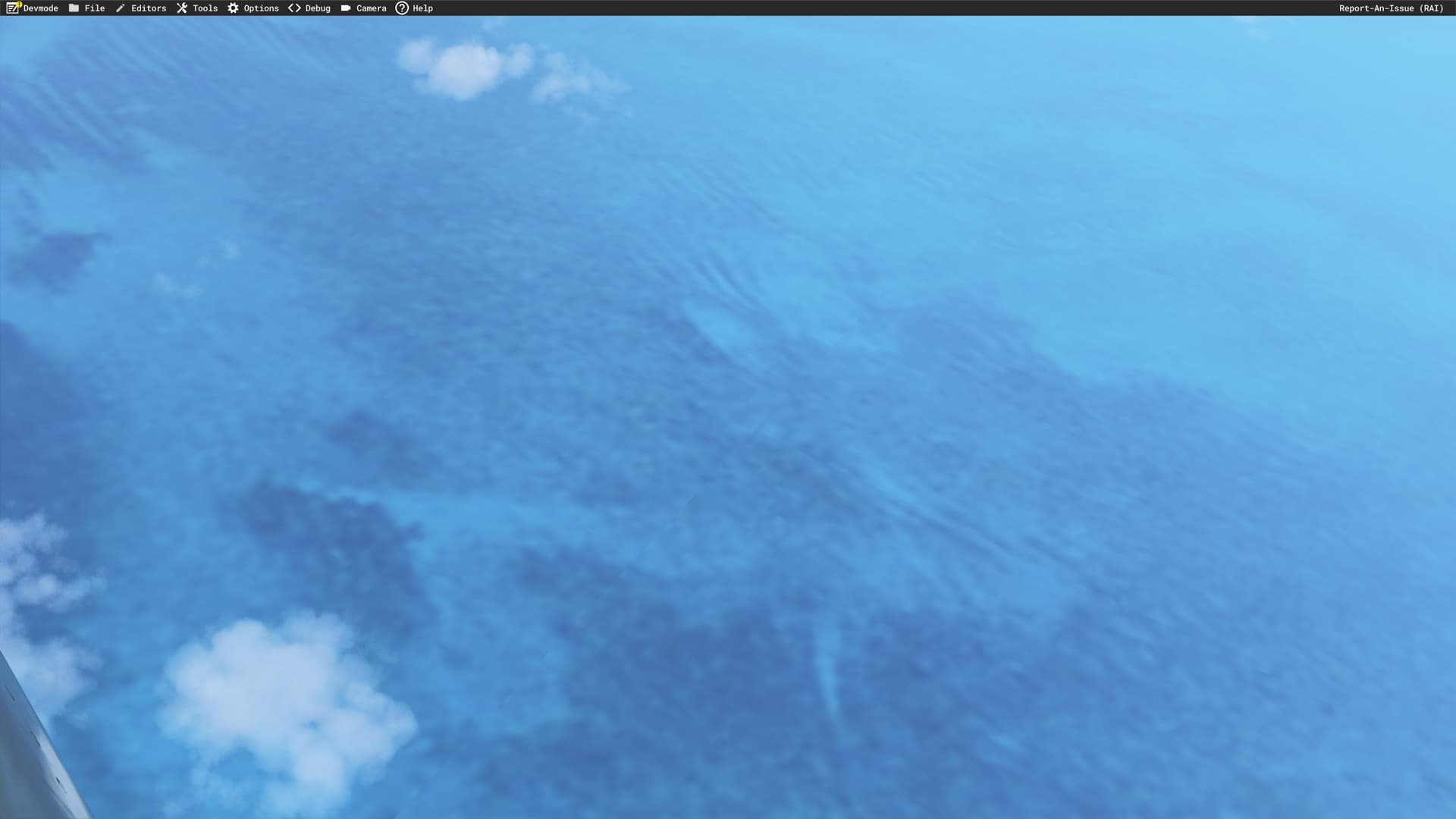
Description of the issue: Ground Textures dont load in properly which leads to very blurry and pixelated ground textures.

[PC Only] Did you remove all your community mods/add-ons? If yes, are you still experiencing the issue?
Yes, the issue still persists

FREQUENCY OF ISSUE

How often does this occur for you (Example: Just once, every time on sim load, intermittently)?

Everytime i play this game

REPRODUCTION STEPS

Please list clear steps you took in order to help our test team reproduce the same issue:

  1. Start the game
  2. Turn graphics all the way to Ultra with TLOD 200-400
  3. Look at the ground

YOUR SETTINGS

If the issue still occurs with no mods and add-ons, please continue to report your issue. If not, please move this post to the User Support Hub.

What peripherals are you using, if relevant:
Mouse, Keyboard

[PC Only] Are you using Developer Mode or have you made any changes to it?
Yes, i use Dev Mode to check for FPS Counter

[PC Only] What other relevant PC specs can you share?
32GB Ram. 3080 10GB. Ryzen 5 5600x

MEDIA

Please add a screenshot or video of the issue occurring.


[END OF FIRST USER REPORT]


:loudspeaker: For anyone who wants to contribute on this issue, Click on the button below to use this template:

Do you have the same issue if you follow the OP’s steps to reproduce it?

Provide extra information to complete the original description of the issue:

If relevant, provide additional screenshots/video:

Do you have the same issue if you follow the OP’s steps to reproduce it?
• Yes

Provide extra information to complete the original description of the issue:
• flying along the Florida keys from Miami shows very blurry water textures.

If relevant, provide additional screenshots/video:

Do you have the same issue if you follow the OP’s steps to reproduce it?

Provide extra information to complete the original description of the issue:

If relevant, provide additional screenshots/video:

Same problem.

Do you have the same issue if you follow the OP’s steps to reproduce it?
• Yes

Provide extra information to complete the original description of the issue:

If relevant, provide additional screenshots/video:

Yes, my god it is so awful

Do you have the same issue if you follow the OP’s steps to reproduce it?
• Yes

Provide extra information to complete the original description of the issue:
• As has bean said all up and down the Florda Keys sepia masks are horrible and blurry.

If relevant, provide additional screenshots/video:
• Sample taken at KMTH.

I fly around the Pensacola, Destin area all the time and have not noticed that blurry scenery.

I will go, right now, and check at KMTH.

Update: YES, I agree. The water around KMTH is not good. I see what you are talking about.

You don’t see it in Pensacola and Destin because they have never added a mater mask to bring out the reefs and the water color along the Florida panhandle. They should have but I don’t think they know it exists

Thanks for your reply.

This is still not logged! Bug exists since launch on 2024

Why is this still not fixed or at least logged? It’s clearly a problem – anyone who flies near South Florida can see that – and it should be relatively easy to fix™. Does this mean that not a single soul from Microsoft or the dev team has flown near Florida in the last year?

@powersthatbe, please do something about this!

As seen in the photos, there is something going on with the water masking in this part of the world, I believe it stretched all the way out to the Bahamas. Would love to see this fixed, it’s a beautiful part of the world.

Yeah, I noticed this a while ago, reported it, and nothing happened. But I’ll vote on this again because it really does ruin South Florida and the Bahamas; it’s hard to believe nobody from the big team has noticed or been bothered by this yet. :thinking:
Don’t forget you can vote for your own topic too!

I have seen the same issue around Bora Bora. Parts of the water masks are not loading properly. This is can be also observed in the menu globe view. Main island of bora bora seems to load fine, but some neighboring islands do not load the water masks.

Is there any update on why this has not been fixed yet? I just got the new Key West and completely forgot how bad the water masking is around here. Feels like a waste of a purchase because the water just ruins the immersion and experience. Please take care of this!