ISSUE DESCRIPTION
Description of the issue:
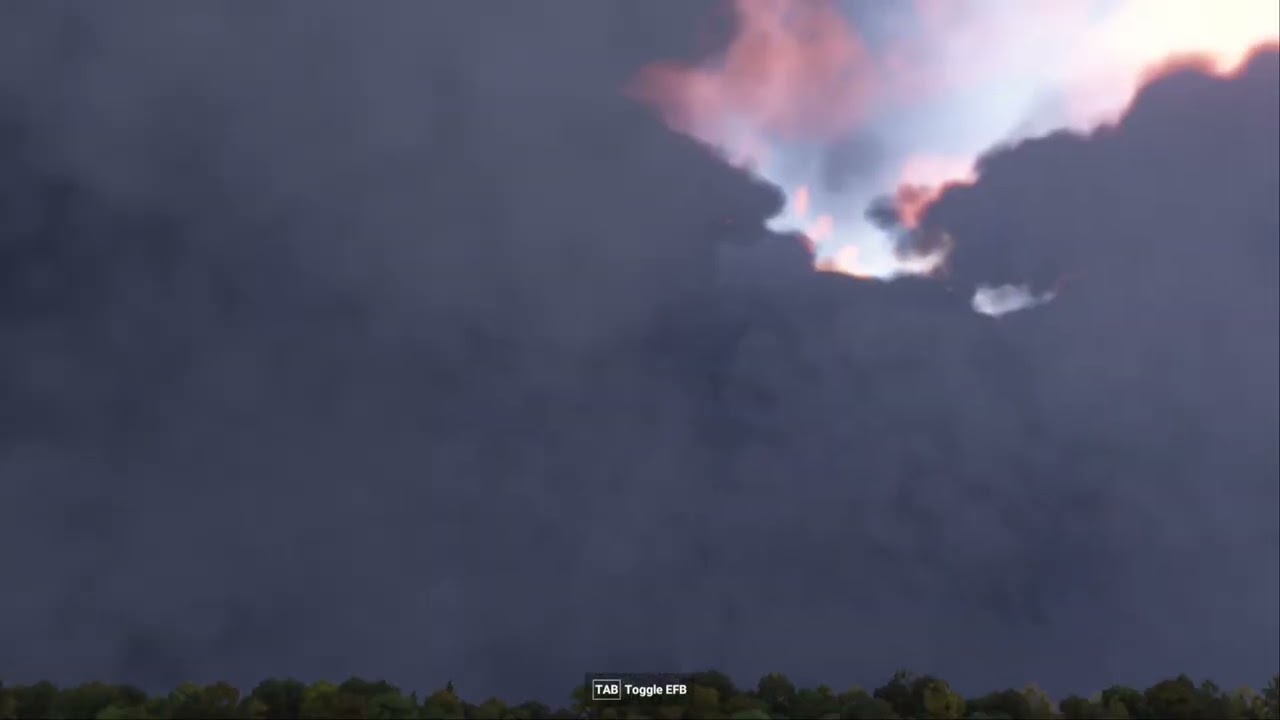
Weather Coverage Randomly disappears and reappears over time. I can see areas of the grid that clearly are missing but will later fill themselves back in even now.
Weather: Widely Scattered Thunderstorms
FREQUENCY OF ISSUE
It happens all the time.
REPRODUCTION STEPS
Please list clear steps you took in order to help our test team reproduce the same issue:
-
Start the Sim in Free Flight
-
Sit and wait for the sky to change
-
Repeat
YOUR SETTINGS
I am not using Mods, outside tweaks, or city updates; this is 100% just the base sim.
My In-game Settings are as follows:
Basic Settings
- Fullscreen, 2560 X 1440
- Exposure Compensation: 0.75
- DLSS Quality
- AMD Fidelity FX Sharpening: 0
- Max Framerate: Uncapped in-game, but capped to 116 FPS via NVDIA Driver Panel
- Frame Generation: None
- V-sync: off
- Reflex: off
- Dynamic Settings: Off
Advanced Settings
- Terrain Level of Detail: 100
- Off Screen Terrain Pre-caching: Low
- Displacement Mapping: On
- Buildings, Trees, Plants, Rocks, Grass: High
- Object Level of Detail: 100
- Volumetric Clouds: Ultra
- Texture Resolution: High
- Anisotropic Filtering: 16X
- Water Waves: High
- Raytraced Shadows: On
- Shadow Maps: 1024
- Terrain Shadows: 512
- Contact Shadows: Ultra
- Windshield Effects: High
- Ambient Occlusion: Ultra
- Cubemap reflections: 256
- Raymarched Reflections, Light Shafts: High
- Depthc of Field, Motion Blur: Off
- Glass Cockpit Display: Low
- Character Quantity and Variety, Quality: High
- Airport Services Quantity and Variety: High
- Parked Aircraft Quantity and Variety: High
- Aircraft Traffic Quantity and Variety: High
- Road and Sea Traffic: High
- Fauna Density: High
- Seatbelt visibility: On
Data Bandwidth Usage Limit
100 mbit/s
What peripherals are you using:
[PC Only] Are you using Developer Mode or have you made any changes to it?
Not using Developer Mode
What GPU (Graphics Card) do you use?
RTX 5070
What other relevant PC specs can you share?
32 GB RAM, 2TB Samsung 980 Pro NVME SSD, Ryzen 7 5700X3D
MEDIA