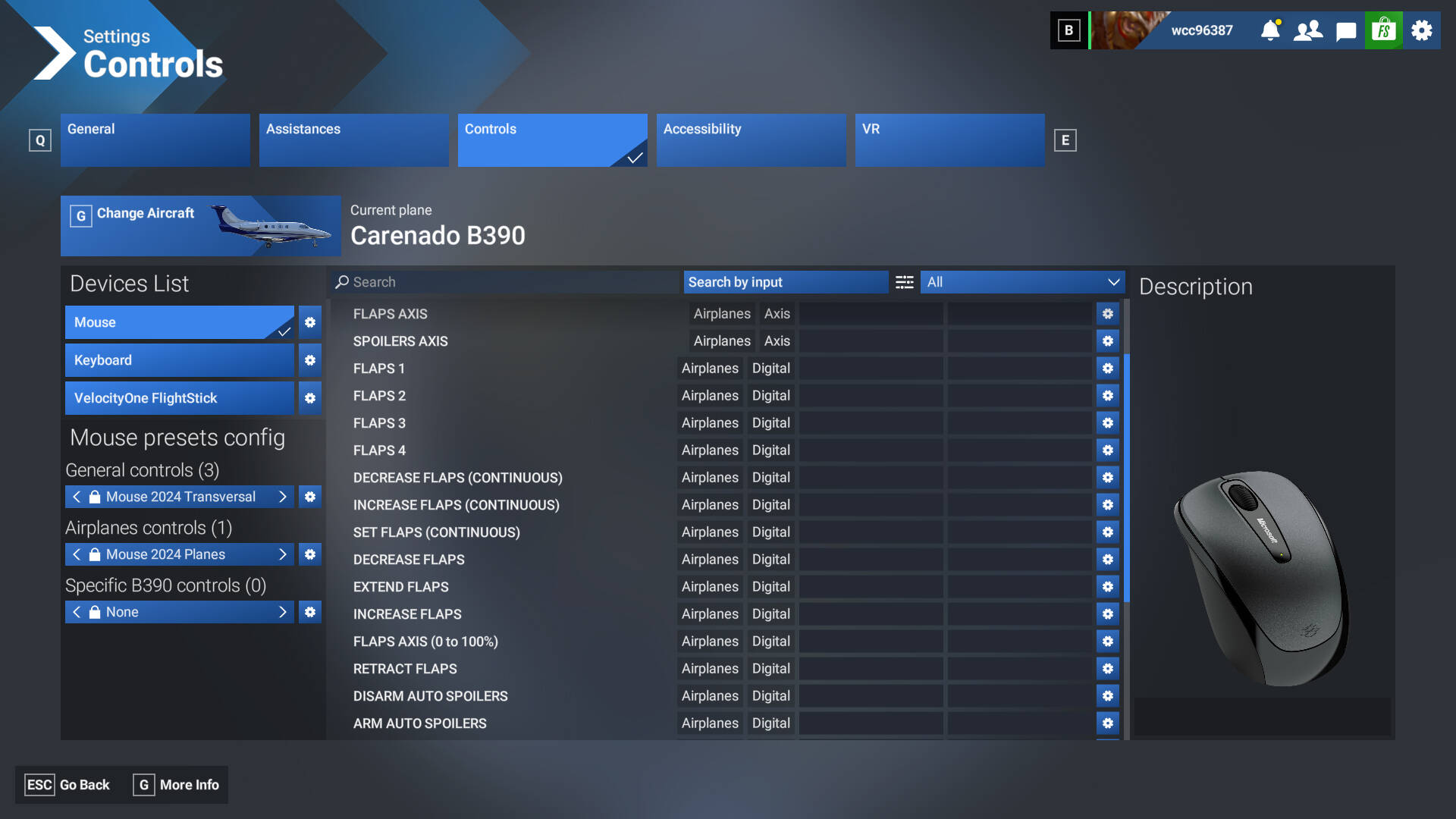
I’ve been having this weird behavior when returning to the sim from another window or even just leaving the sim idle to go do something around the house. I’m using the VelocityOne Flightstick and it has been calibrated, flap lever is in the retracted position and it hasn’t been bumped.
for example, I just left the sim running in the background while in cruise and switched to Opera browser before going in the shower. When I returned I brought the sim back up but as soon as I freelook around with the mouse the flaps start coming down and I have to put them back up manually.
this also happens when the sim is left up on screen and I go do something and come back, I don’t know exactly how long I have to be idle for it to happen but it will happen if I go make food or go shower so maybe 15min?
I’ve come to expect it so it doesn’t affect my flight too much, although I did just get dinged for exceeding max flap speed in the Beech Premier in career mode even though they couldn’t have made it more that a degree or two.
I’ve checked control bindings for flaps and only my flap axis is assigned to the lever on my flightstick
Did you check the flaps controls for the mouse to see if there are any?
Yes I have double checked. here is my mouse settings for secondary control surfaces. this is for the Premier but this happens with any aircraft I fly. For free look I hold the right mouse button and can look around. seems to happen if I just move the mouse as well
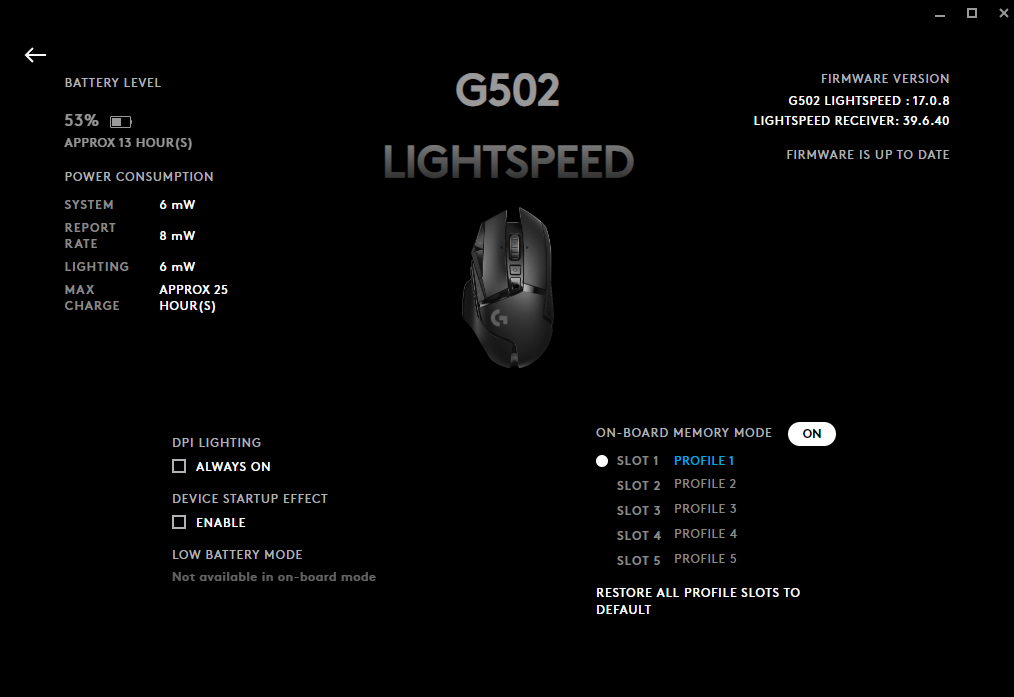
Ok this seems to be tied to my mouse (G502 lightspeed) waking after going to sleep from inactivity. just tested twice and that seems to be the culprit. Couldn’t get the same behavior from pressing keys on the keyboard or pressing buttons on the yoke or using the hat switch to look around, but as soon as I move the mouse the flaps come down
It is strange.
I wonder why it could cause it.
Yea I have no idea what input it could be getting from the mouse waking that would cause it to go to the first notch of flaps
Logitech GHub says it already has the latest firmware and in device manager it says it has the latest drivers
Some issues have been reported with the G502 mouse: Search results for 'g502 in:title order:latest' - Microsoft Flight Simulator Forums
If you have the possibility, make some tests with another mouse.