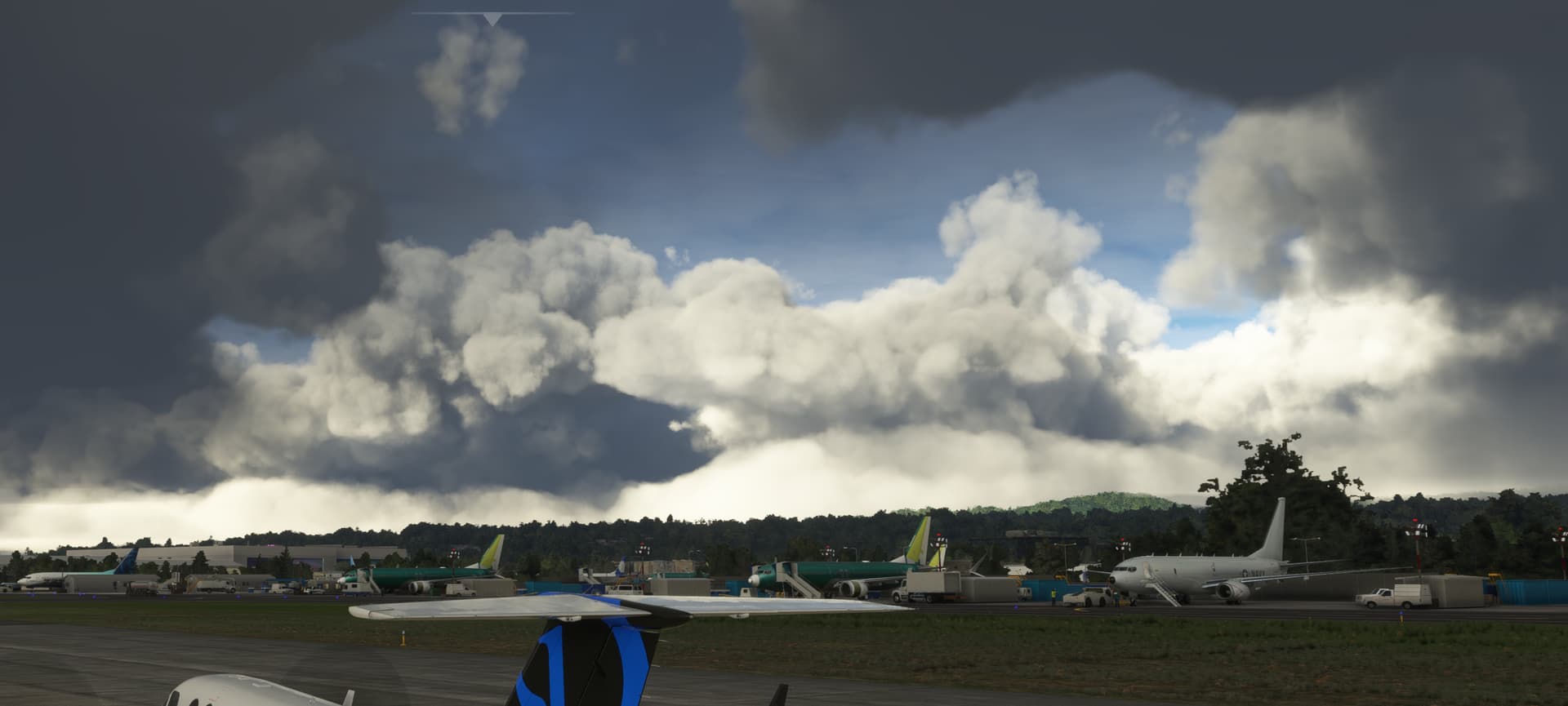
I had to reinstall after update 13 and now my clouds look like this! I’ve researched all the forums and can’t find a solution. Clouds are in ‘ultra’, textures ‘ultra’. Not using any 3rd party filters.
This is not normal and not how my clouds were before the reinstall today. If your clouds look like this then they are also not as they are intended to be. Just view some YouTube videos.
If anyone has any actual tips relating to this issue, I would greatly appreciate it.
They are also like this on some youtube videos. Sometimes they can look good but a lot of time bad. You may have been lucky. I fly lots in the sim 6 hours+ a day and always see clouds like this. I also watch many of the top streamers, and also see these clouds.
Not sure about 2D but in VR I found that clouds at “medium” look more like clouds than “ultra” maybe you can try that too. Beside that you might play with bloom and other reflection settings, maybe that changes something.
 maybe you can try that too. Beside that you might play with bloom and other reflection settings, maybe that changes something.