Maybe check in Control settings that you are using the same Airplane profile that you were before. I had a similar issue in the Cessna 172 where I could no longer uses a joystick button to change from cockpit to external view. Turned out I was using the wrong Control profile.
1 Like
Well, when i toggle the toolbar and select cockpit it catapults me outside behind on the tail, Close and Landing goes inside, but wrong angels. 

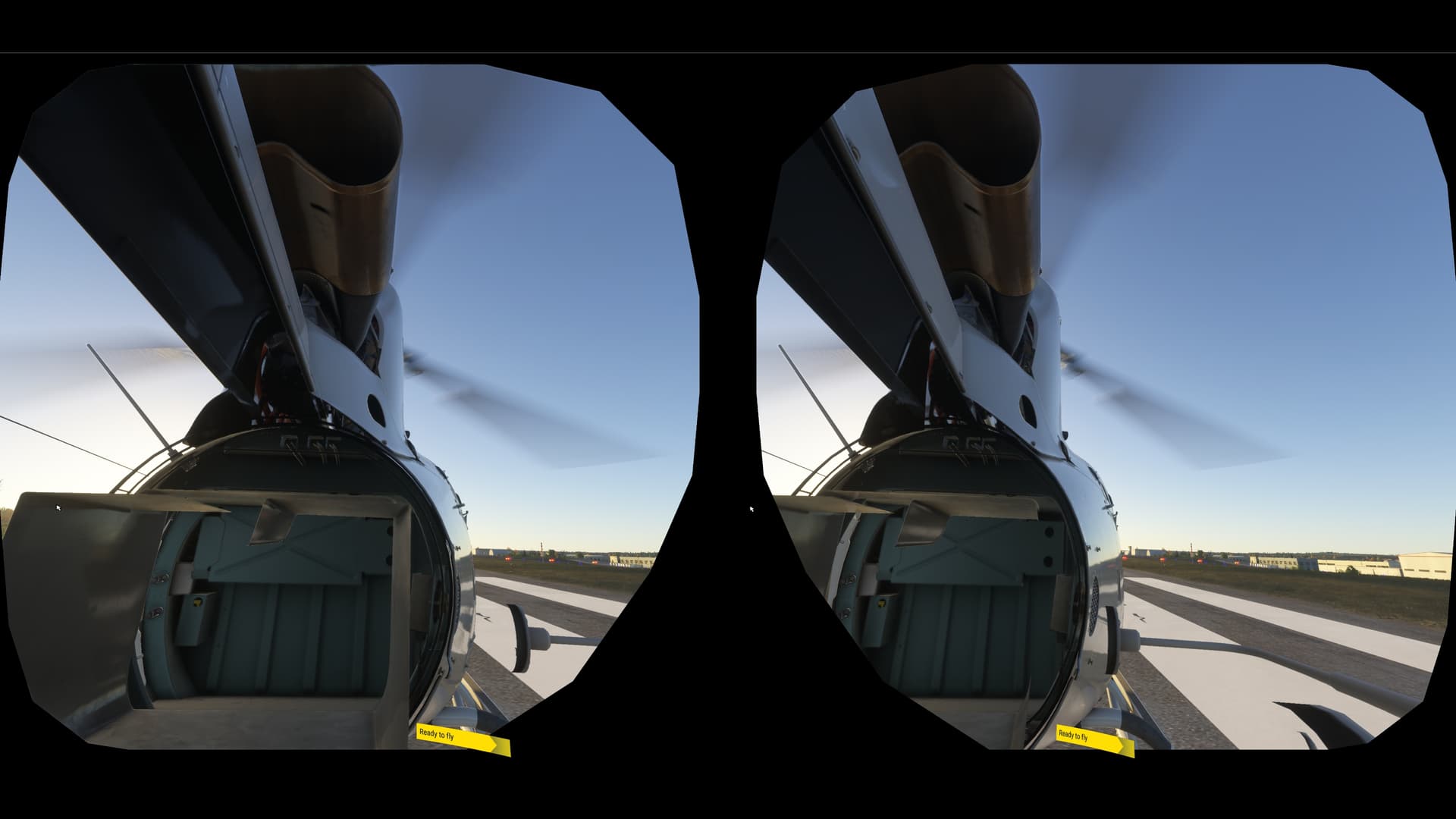
I often appear outside the cockpit when entering VR. I have a button on my joystick to recenter the VR view, and then I’m in the seat at the correct position. Try whatever keyboard or assigned button you have to do that and it should work.
you mean reset vr position, that did put me on the tail of the heli.
well, i think that is the price we have to pay if everything is installed outside and streamed. just tested it again and the correct positions were back.
I also often do not hear the ATC talking to me, that was already a bug in 2020. hope things don’t go worse, it did not start too bad for me in 2024 at all 
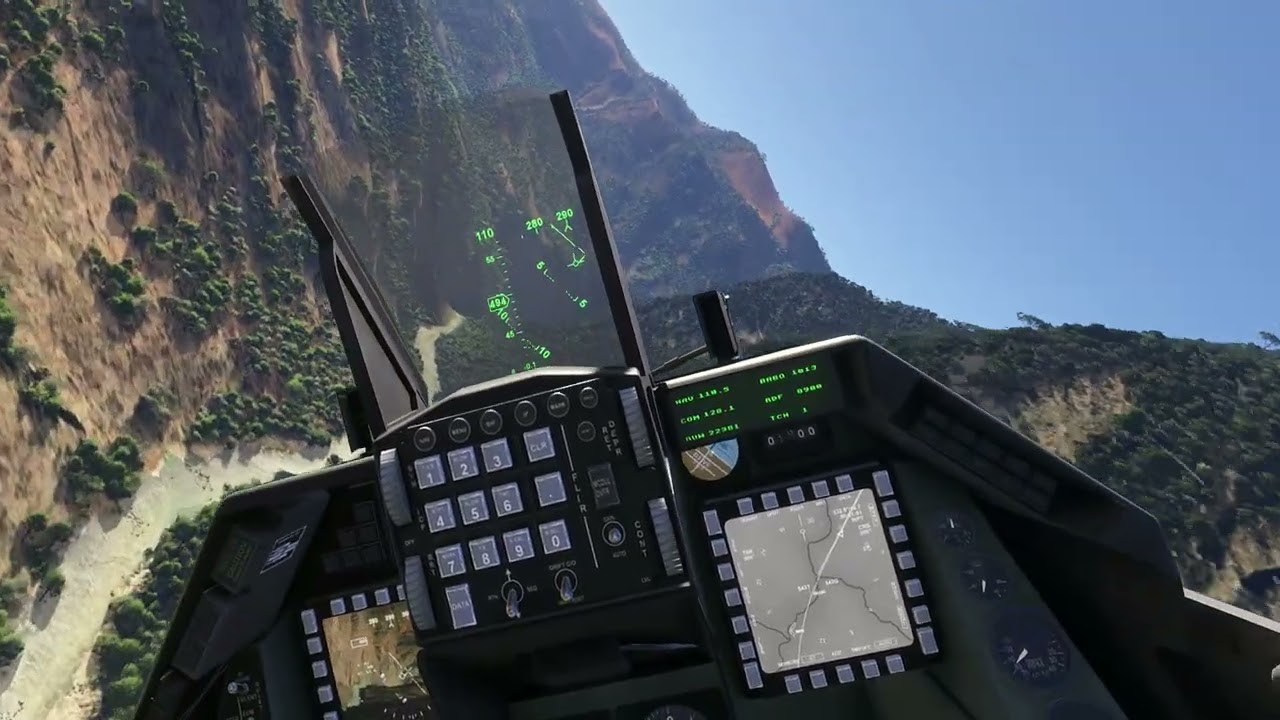
But as this topic is about to How the VR experience is so far… (when everything works..)
see there 
1 Like
I honestly believe Asobo don’t give two hoots for VR flyers, I can’t believe I’m forced to fly with DLSS to achieving any kind of decent fps with a 9800x3d + 4900!
5 Likes
Even with DLSS it sucks at the resolutions I want to play at (and easily could in 2020).
1 Like
Agreed. I have to dial it down so much it looks awful. I agree, VR is the last of their concerns.
1 Like
Thankfully, some of the major VR bugs appear to be getting worked on or investigated. Having a working EFB and stable mouse controls sure would be nice.
Today I unistalled FS2020. VR in 2024 is already better - on my system, at least.
Easiest way to clear the black screen i have found is hitting escape back into the settings.
Everything looks softer and worse in 2024. I have to look closer to read text below buttons, ground LOD looks worse and some window and smoke effects are really bad (white haze over windows, blurry trails outside side windows). But this is not the worst problem.
The UI simply does not work in VR and legacy cockpit interaction is bad (cursor for each eye separate in some planes) or broken in many default planes. Today, I tried to land in A330 and could not arm the speed brake. Instead, it went between 1/2 and Full and I could not get it back.
I almost had one uneventful flight with DA42 (ok, window effects were ugly) as it is not a default plane, but then accidentally pushed ESC to Menu and the program crashed.
1 Like
Maybe check the binding on your speed brake and see if you have the “(0-100) axis” command mapped. if so, switch it to the appropriate “axis” command without the “(0-100)”. The “(0-100)” variants do seem to go from one extreme to the other, without much in between.
Thanks for the tip. Unfortunately, I checked that no axis was assigned. I tried to move the lever with my mouse as I used to do in MSFS2020 with PMDG and Fenix aircraft.
How much does the graphics settings for the monitor impact performance in VR? I’ve set it to Low-end preset with DLSS at ultra performance, wondering if I should also bring down the resolution from 3440x1440 to 640x480, or is there a way to completely disable output to the monitor? What do you guys do?
I tried it with my 4K monitor and it didn’t seem to make any difference to VR framerates, except if you are using the Dev mode fps counter. Instead of the display being out of sight in the top right of the left eye in VR, it gets much bigger and takes up more of the screen.
So far as I know there is no way to disable the monitor output for VR.
Thank you for confirming 
My experience today,
I5 13600k
Rtx 4070
Ddr4 32gb @3600
Win 11
Quest 3
Fresh windows 11 install on formatted drive
Fresh Nvidia driver only
Virtual Desktop (no oculus software)
Original Dlss file
No openxr toolkit
Installed both 2020 & 2024
Loaded flight@ KMYF with same settings in both sims.
2020 had 15 more fps.
2 Likes
That’s really useful, TadeuPrimo. Thank you. However, I haven’t been able to workout how you the Quest cintroller thumbsticks to a digital input like Cockpit Interaction - Secondary Action. Could you provide any advice/help?
Have you checked for any other bindings, on any of your controllers, for anything to do with the speedbrakes?
I have an issue that I need to watch out for on my Warthog throttle, where the 3-position flaps control switch sometimes gets bound to a full flaps/no flaps command, which simply prevents me using my usual increase and decrease flaps mapping, if the switch is not in the central position.
My Xbox controller also gets “phantom” mappings applied, which can get in the way of my intended mappings, especially once, when I’d left it upside down on the desk.
about the same experience , have you tried looking in task manager for gpu utilization ? for me in vr its about to 20% ish . too low