Hi everyone, I have a problem that I can’t solve, until about a week ago everything was working fine and I used all the addons I wanted and I had no CTD or slowdowns or anything else, so no problem even with virtual reality.
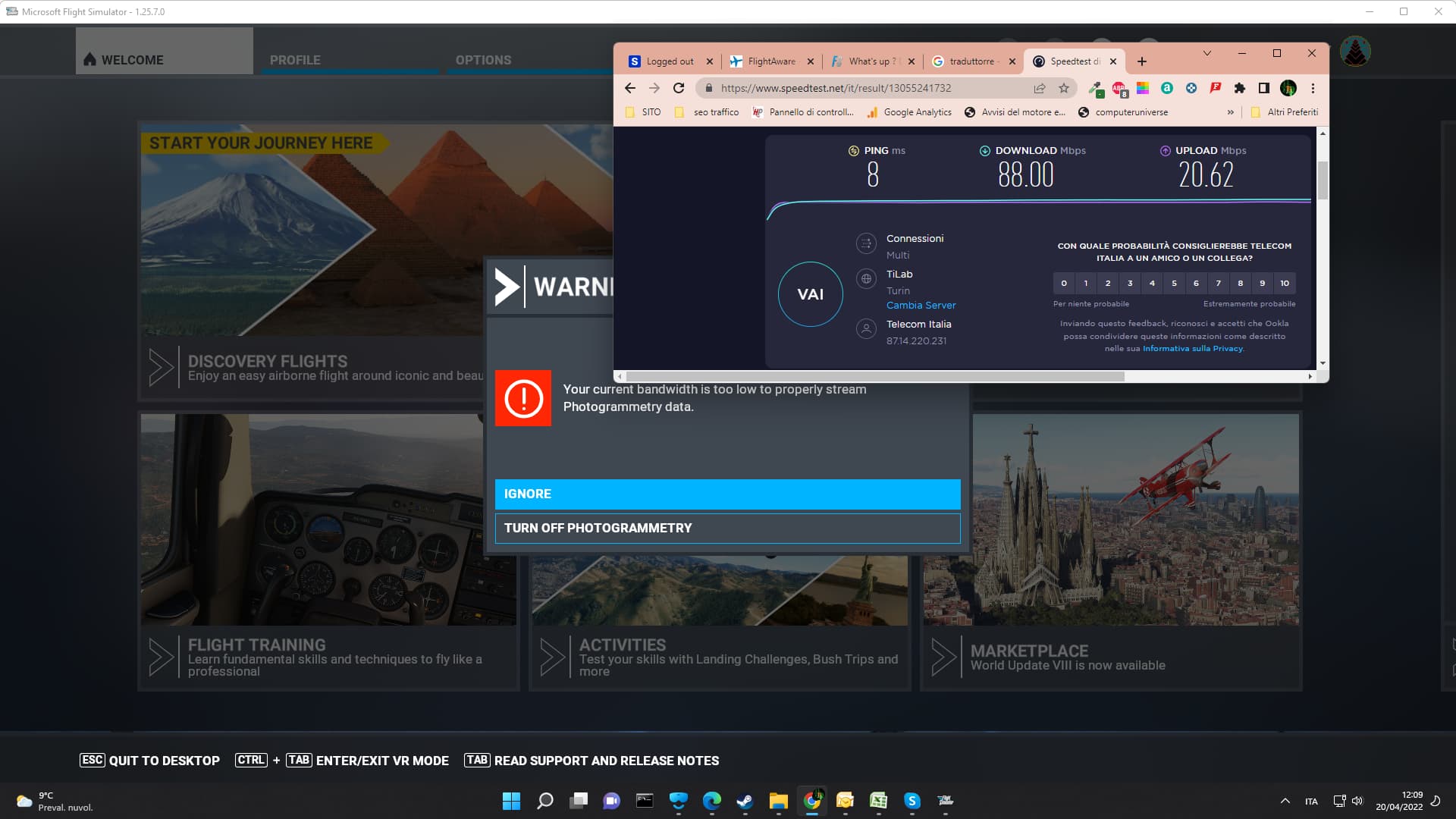
Then I started having problems with the warning that the bandwidth was too low and that I should disable photogrammetry, since this problem started I have also had problems with VR.
Now, however, I really have problems loading any simulation.
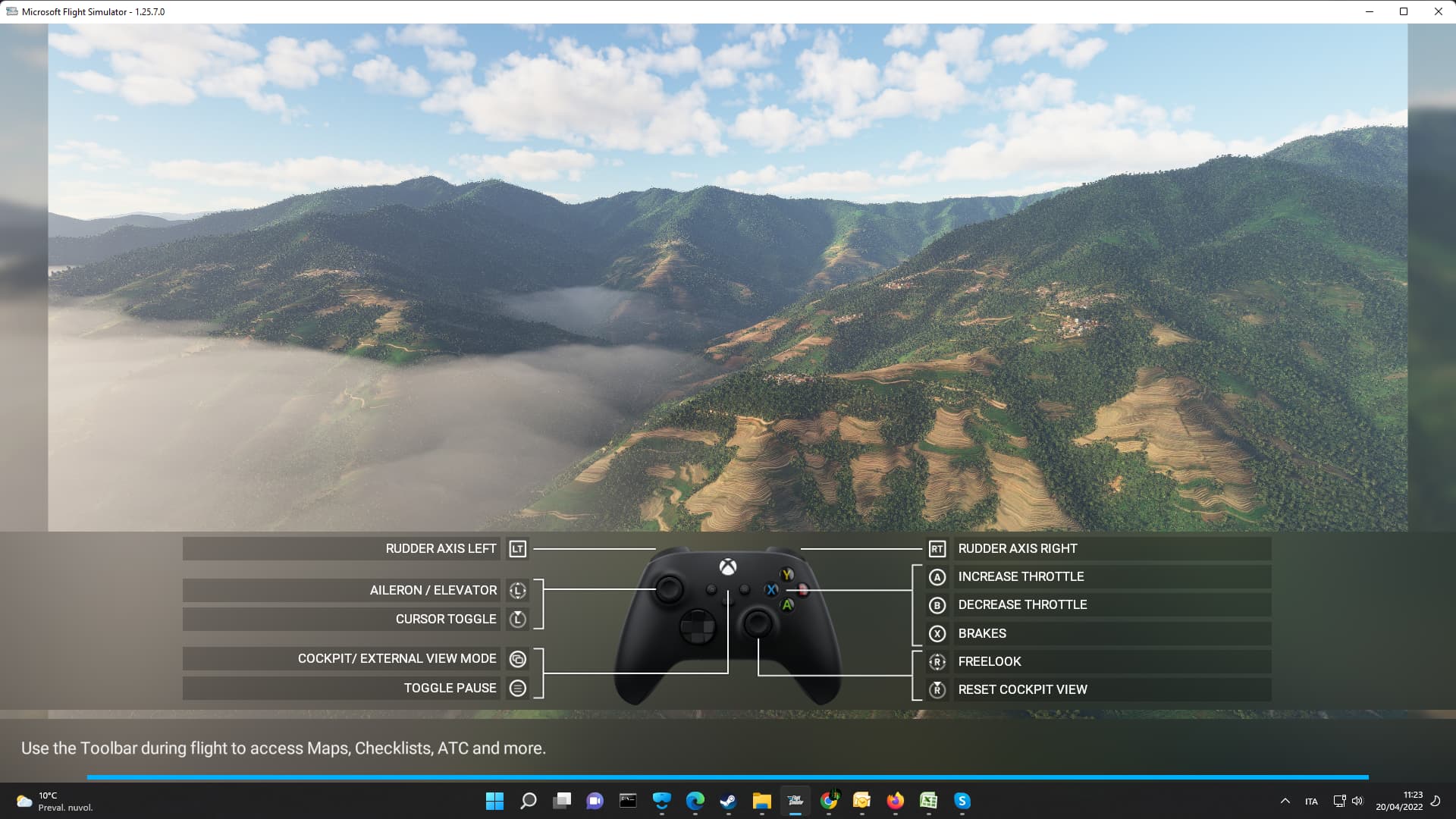
I can enter the sim, I can go to the main menu, I can choose the airplane and base from which to start, then it starts loading but when it reaches the end it stops and the simulation does not start.
In activity management the sim is not blocked, so much so that the same ones written at the bottom of the sim scroll the words normally,
I started disabling the addons and deleting everything from the community folder but it didn’t help.
So I decided to delete everything and reinstall the simulator.
Now after almost two days I have the simulator that is installed new new but the problems have remained the same, I cannot participate in the activities or the flight itself from any airport that exists in the sim.
The only thing I noticed is that the sim fully loads the bar and therefore is missing a nothing to start.
Today I tried to leave the pc on and I went away, I left it on for 4 hours but the loading bar came to an end as always but the simulator did not move.
Do you have any ideas?, I also tried to change the ram memories, to disconnect joysticks and other things, but unfortunately the thing has not improved and I always get the warning of the photogrammetry and I can not start doing anything.
Do you have any ideas? I would not want to reinstall everything for having the same problem.
I don’t know if it has to do with these problems but I always get the message that there is an update to be done, then I go to the content manager and there is no update to be made, if I remember correctly my problems have arisen since the warning bell at the top right showed me that an update was available which in truth, as I wrote, does not exist.
Provide Screenshot(s)/video(s) of the issue encountered:
Detailed steps to reproduce the issue encountered:
PC specs and/or peripheral set up if relevant:
Build Version # when you first started experiencing this issue:
 For anyone who wants to contribute on this issue, Click on the button below to use this template:
Do you have the same issue if you follow the OP’s steps to reproduce it?
Provide extra information to complete the original description of the issue:
If relevant, provide additional screenshots/video: