ISSUE DESCRIPTION
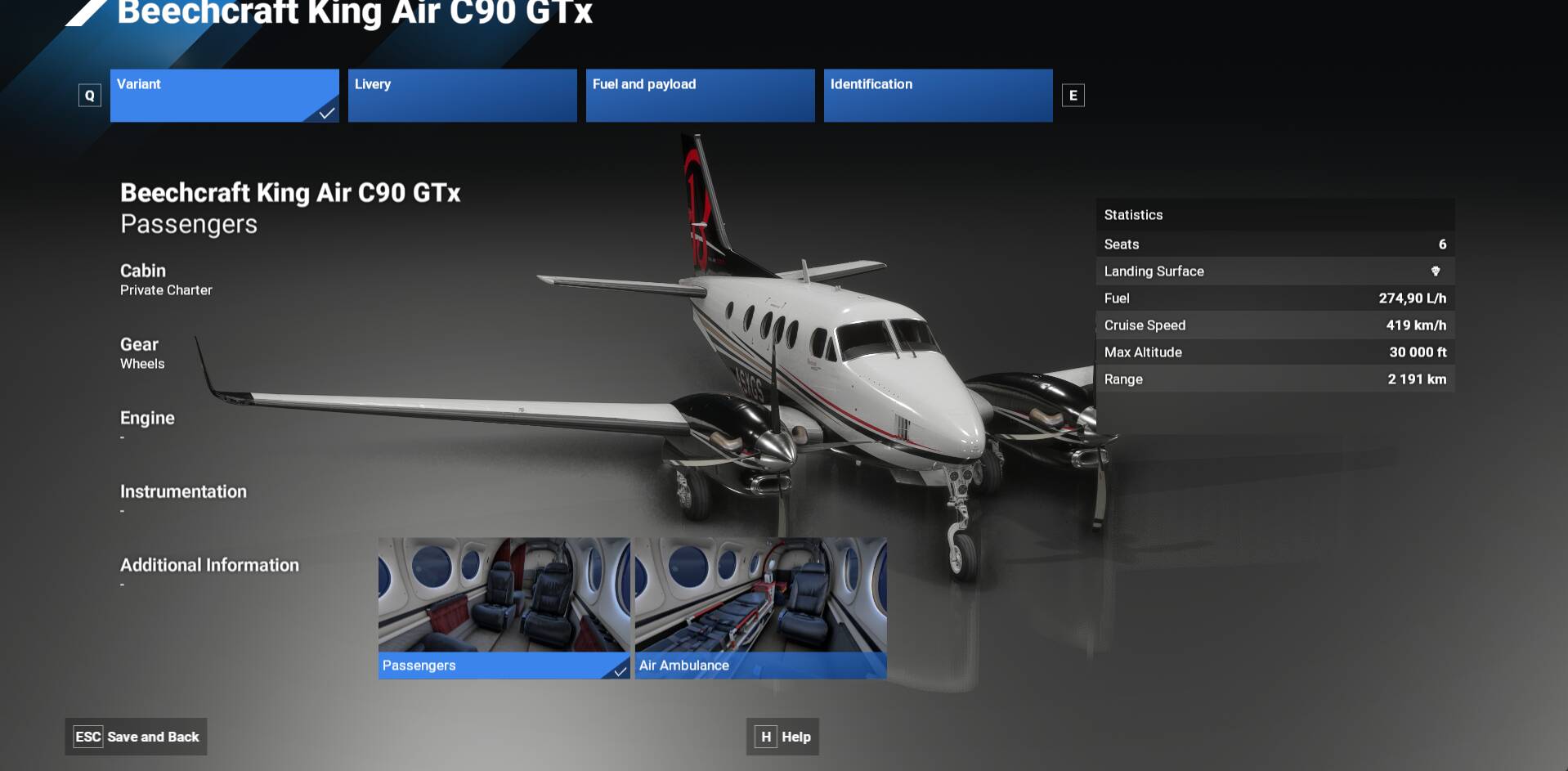
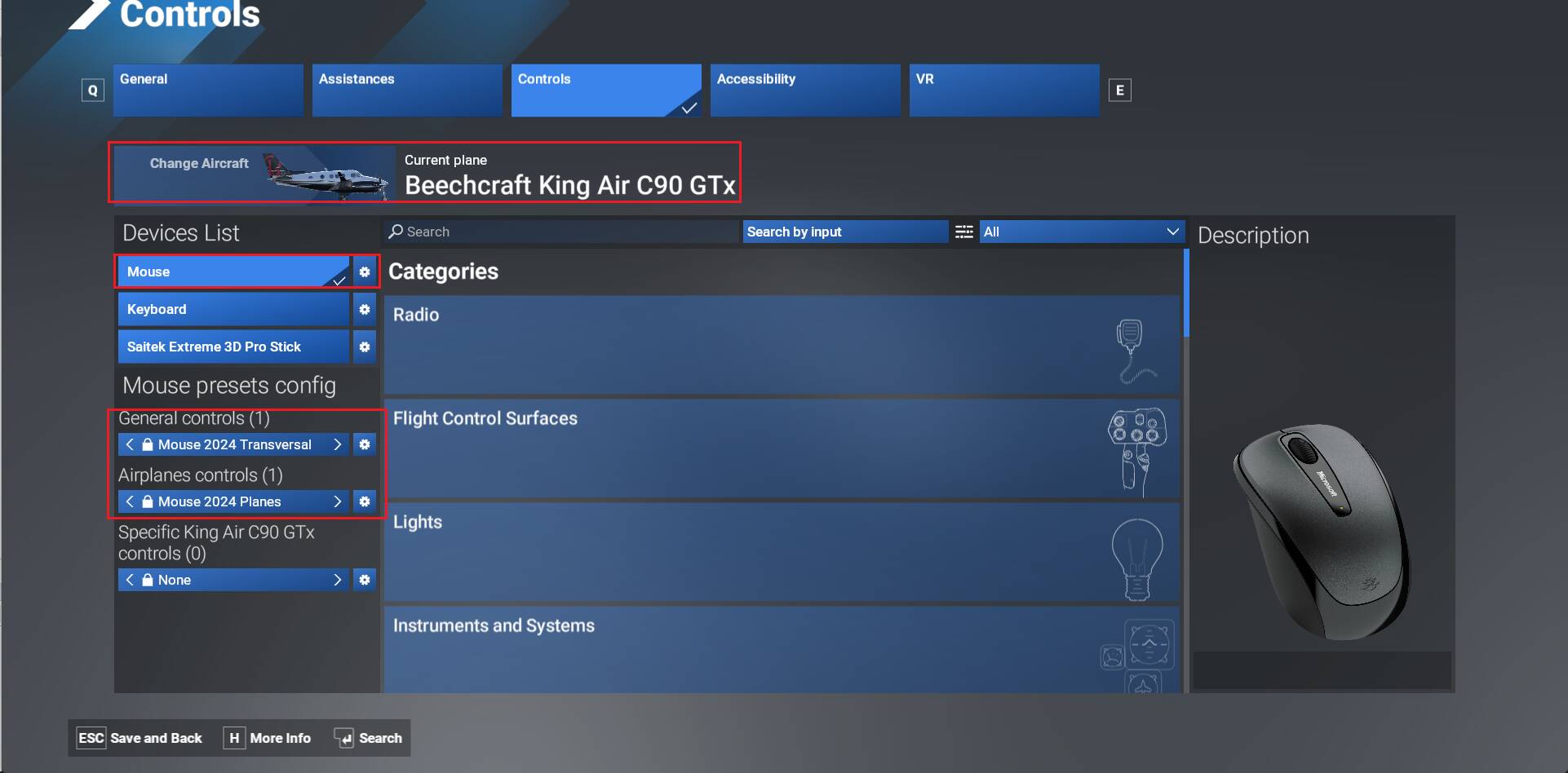
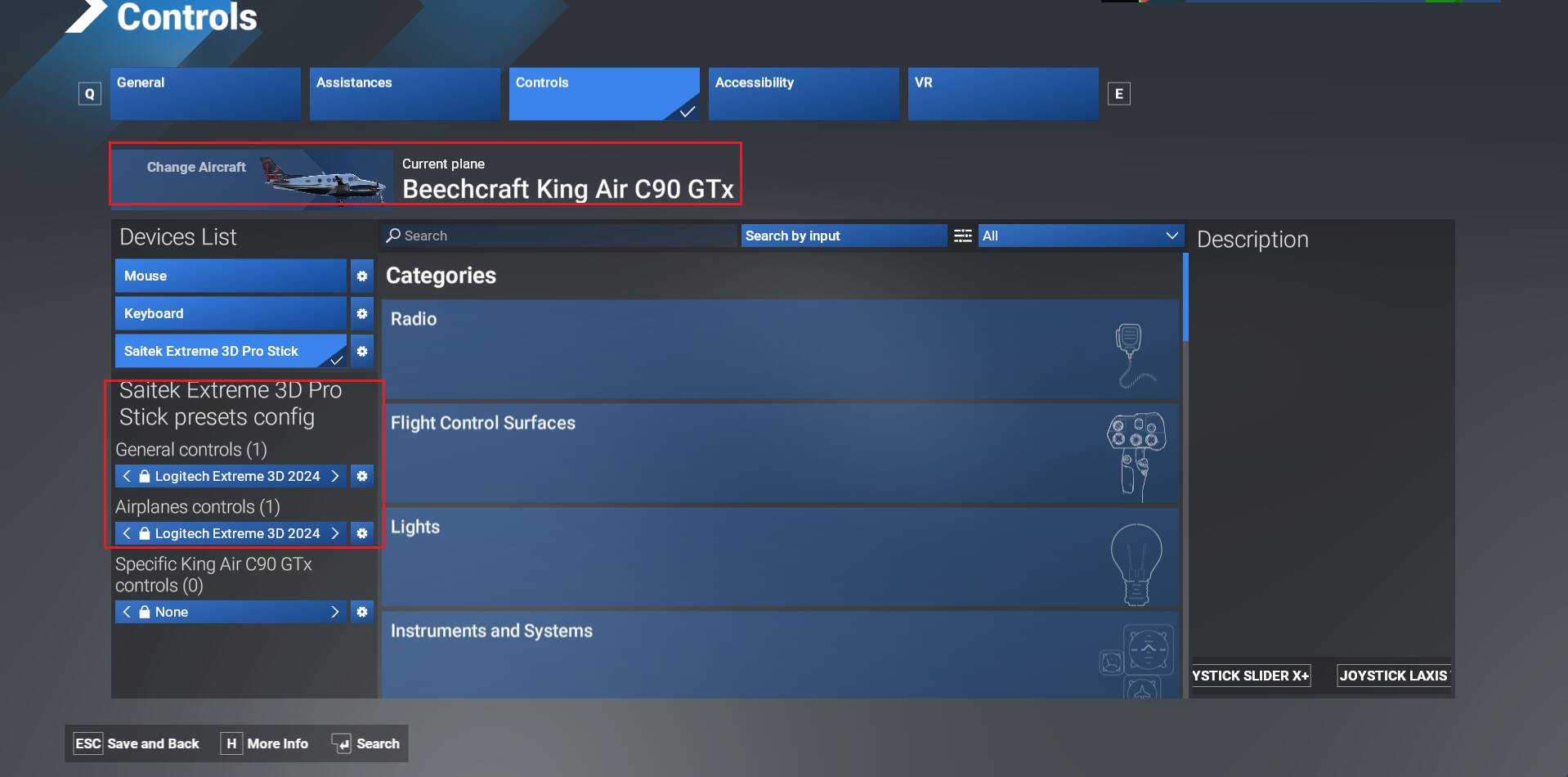
When trying to choose Beechcraft King Air C90 in the user interface, it kills the mouse and/or controller. You can get the mouse “kind of” working again by unplugging it and plugging it in - but it reverts to “dead” asap.
Link too video at bottom.
Keyboard and joystick work fine all the time.
Xbox controller up to date.
Note: I bought the Cessna 404 from MS-store, it has none of these issues. Only King Air C90.
Xbox Series X, 1Gbit hard wire.
At first, it did work fine. I got a couple of flights in. Then this bug appeared, and it has stayed consistent and persistent ever since.
FREQUENCY OF ISSUE
Every single time. As of this post. The aircraft is unusable.
REPRODUCTION STEPS
Please list clear steps you took in order to help our test team reproduce the same issue:
- Buy Aircraft.
- Restart the sim.
- Choose aircraft in UI
- Watch mouse click die.
- Scratch head.
YOUR SETTINGS
No mods, no extras. I only have developer-approved stuff activated.
What peripherals are you using, if relevant:
Wired generic mouse.
Wired HP keyboard.
Xbox controller (up to date and calibrated).
Turtle Beach Velocity Flight Stick (up to date).
MEDIA
[https://www.youtube-nocookie.com/embed/8IY9UNNwfh8
Do you have the same issue if you follow the OP’s steps to reproduce it? Provide extra information to complete the original description of the issue: If relevant, provide additional screenshots/video:[END OF FIRST USER REPORT]
 For anyone who wants to contribute on this issue, Click on the button below to use this template:
•
•
•