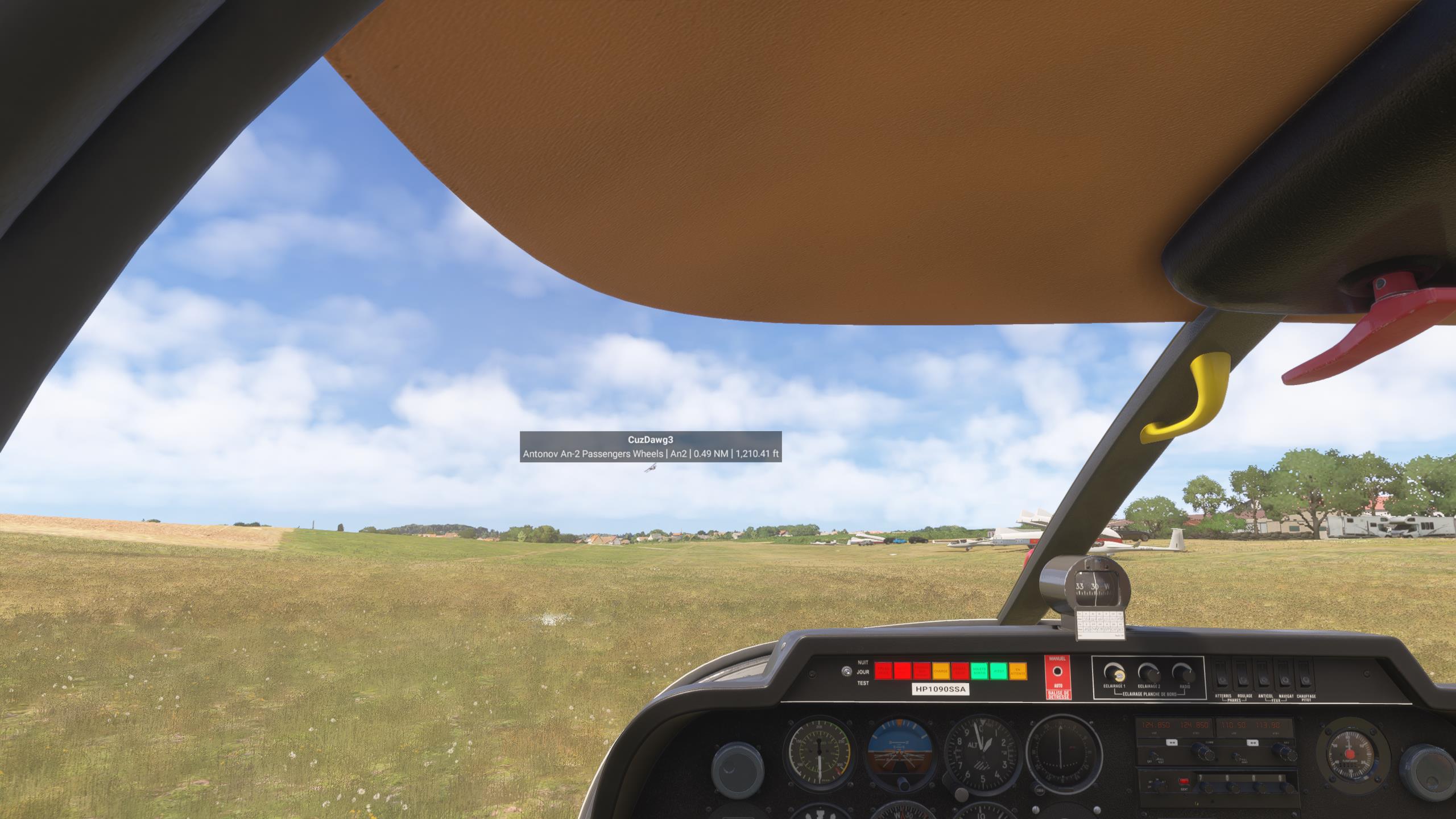
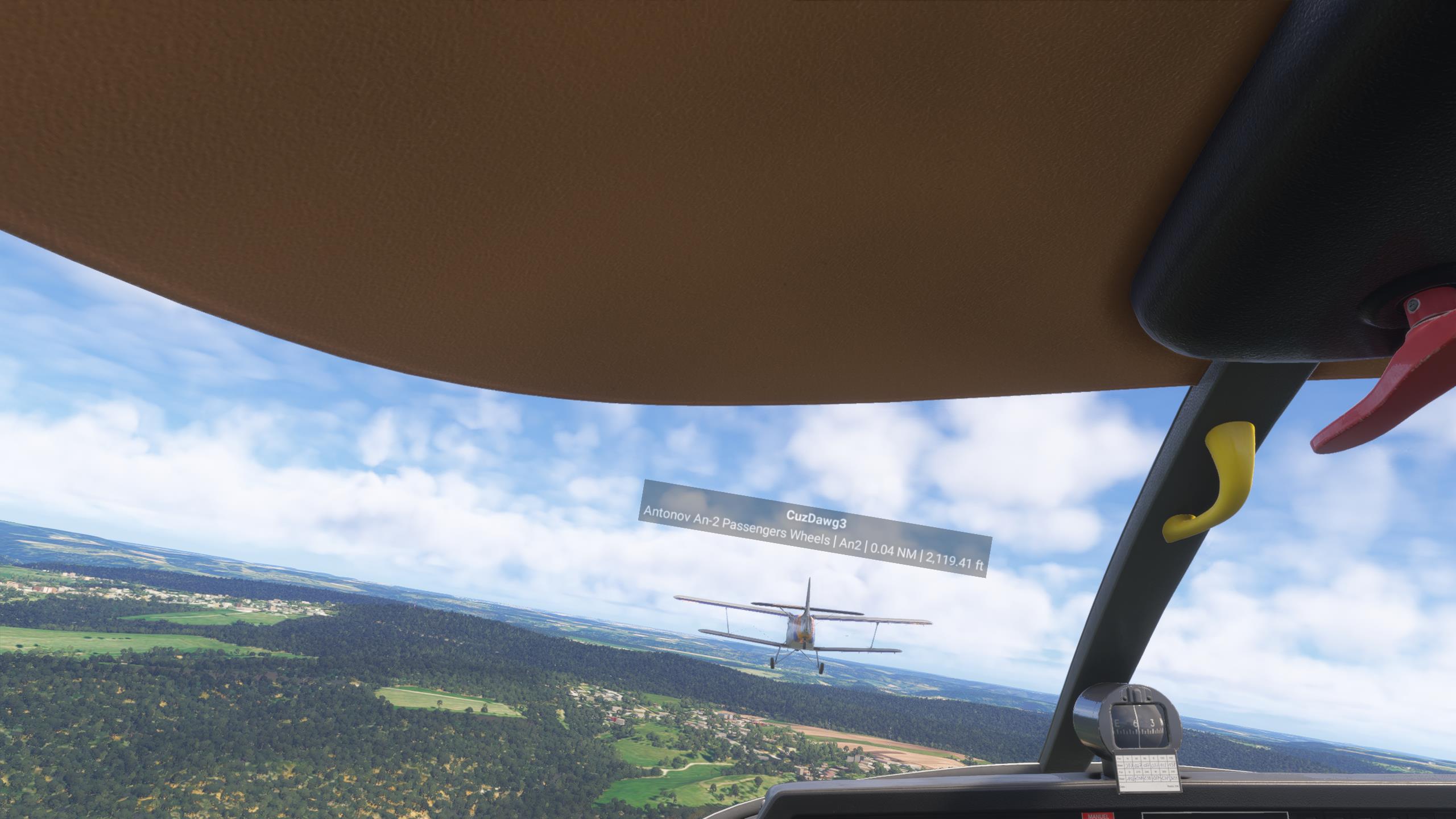
Recreate this exact scenario with 1 MP player in an An-2 and another in a Robin at the same airport with the same weather.
Watch the deadly wake turbulence of the An-2 totally not happen when flying this scenario in either 2020 or 2024.
Repeat trying to make this happen subsequently in the flight with the Robin flying right in the votexes seen by the An-2 pilot, and the Robin feels no turbulence.
YOUR SETTINGS
What peripherals are you using: Logitech Yoke with 2 throttle quadrants and rudder pedaols, plus TrackIR.
[PC Only] Are you using Developer Mode or have you made any changes to it?
No
[PC Only] What GPU (Graphics Card) do you use?
Nvidia 2080
[PC Only] What other relevant PC specs can you share?
Yes, the pics shown here were 2024 and, yes, both my and my buddy had wake turbulence on. We had already tried it in 2020 some while ago, but this post is all 2024. Sorry I didn’t make that clear.
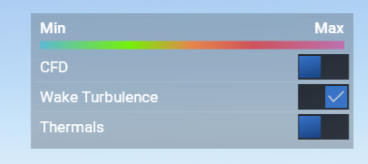
The An-2 guy turned on the visualization of his wake turbulence and saw dangerous-looking red spirals coming off his wings. Of course, I couldn’t see this from the Robin, only my own vortices. So, the air currents, at least as shown by the lines, are making some nasty-looking turbulence. However, despite this appearance, it applies zero force to other planes.
I have heard from friends that airliners produce wake turbulence other planes can feel. But I have tested for wake turbulence in many GA planes, both stock and mod, and have never felt a thing. It seems like the effect is either tied to specific planes, or based on gross weight, or something like that, so GA planes don’t do it. Which is why we chose to recreate this thoroughly investigated and well-documented real-world crash due to the wake turbulence of an An-2, to show wake turbulence needs to be applied across the board, not just to huge planes.
I think worst case scenario is that it’s more complicated than “it’s broken” or “it’s fine” - it’s likely down to specific aircraft that may not have things modeled correctly. I say that because I’ve had my GA aircraft practically flipped over on the ground from departing or arriving traffic in front of me, and had some terrifying moments in the air as well, all as a result of wake turbulence/propwash/jetwash.
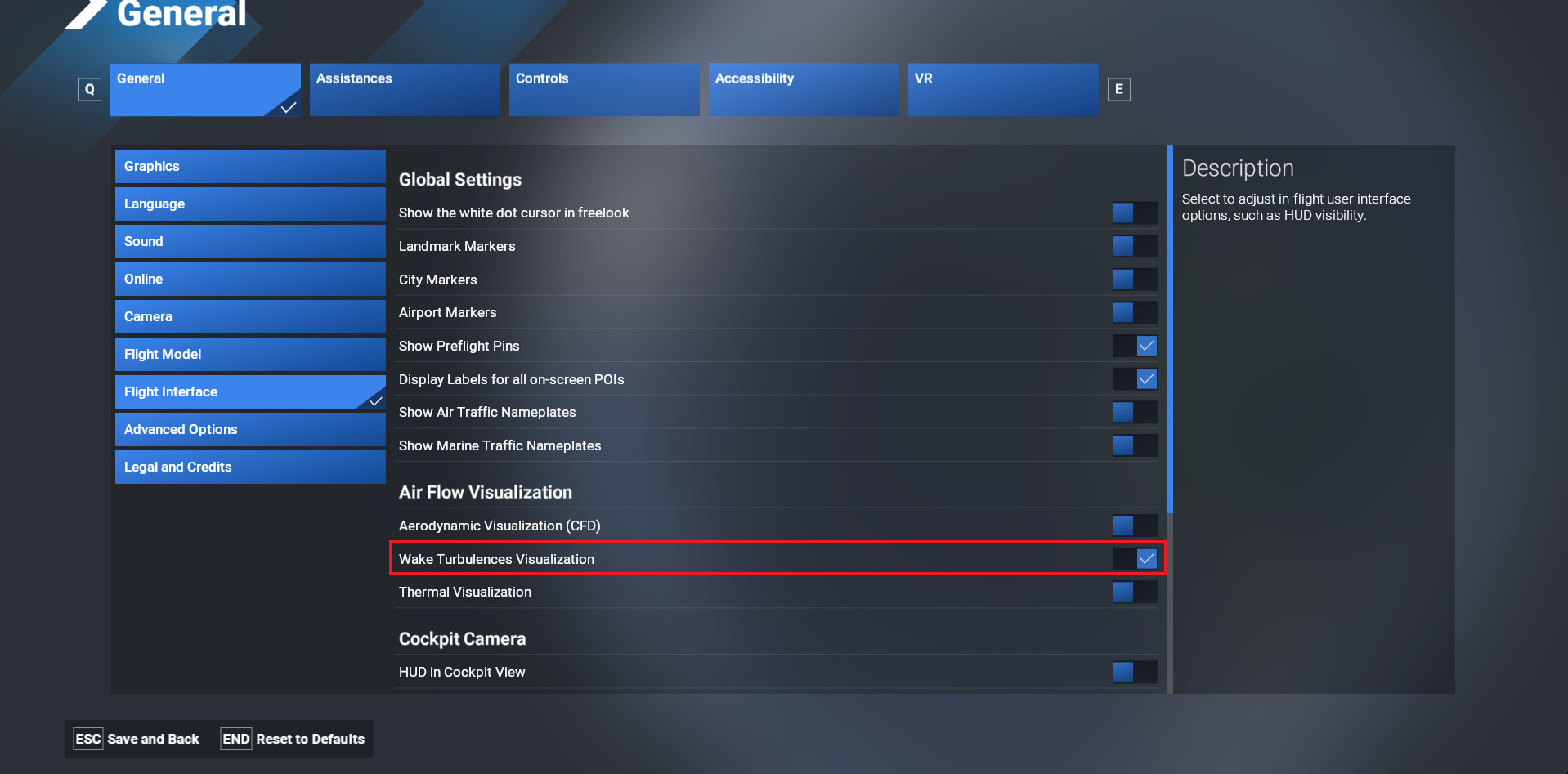
It should be displayed when you activate one of the 3 visualizations. Are you sure you had “wake turbulence visualization” enabled ?. With this option enabled, you should see your own vortices as well as other aircraft ones.
When I fly the C152 I can see the wake turbulence so this functionality is not only reserved for heavy aircraft.
Topic updated with the msfs-2024 tag (was originally the msfs-2020 one).