I haven’t gotten to the point where I can determine whether this monitor will work with FS2024.
For now I’m trying to get it to work with Windows 11. I have an email support request into the manufacturer, but haven’t gotten a response. I’m hoping someone might have some advice before I return the monitor.
[Related question - has anyone used a Raspberry Pi to break out a G3X or G1000 sim panel? This monitor is built to direct-mount a Raspberry Pi on its back.]
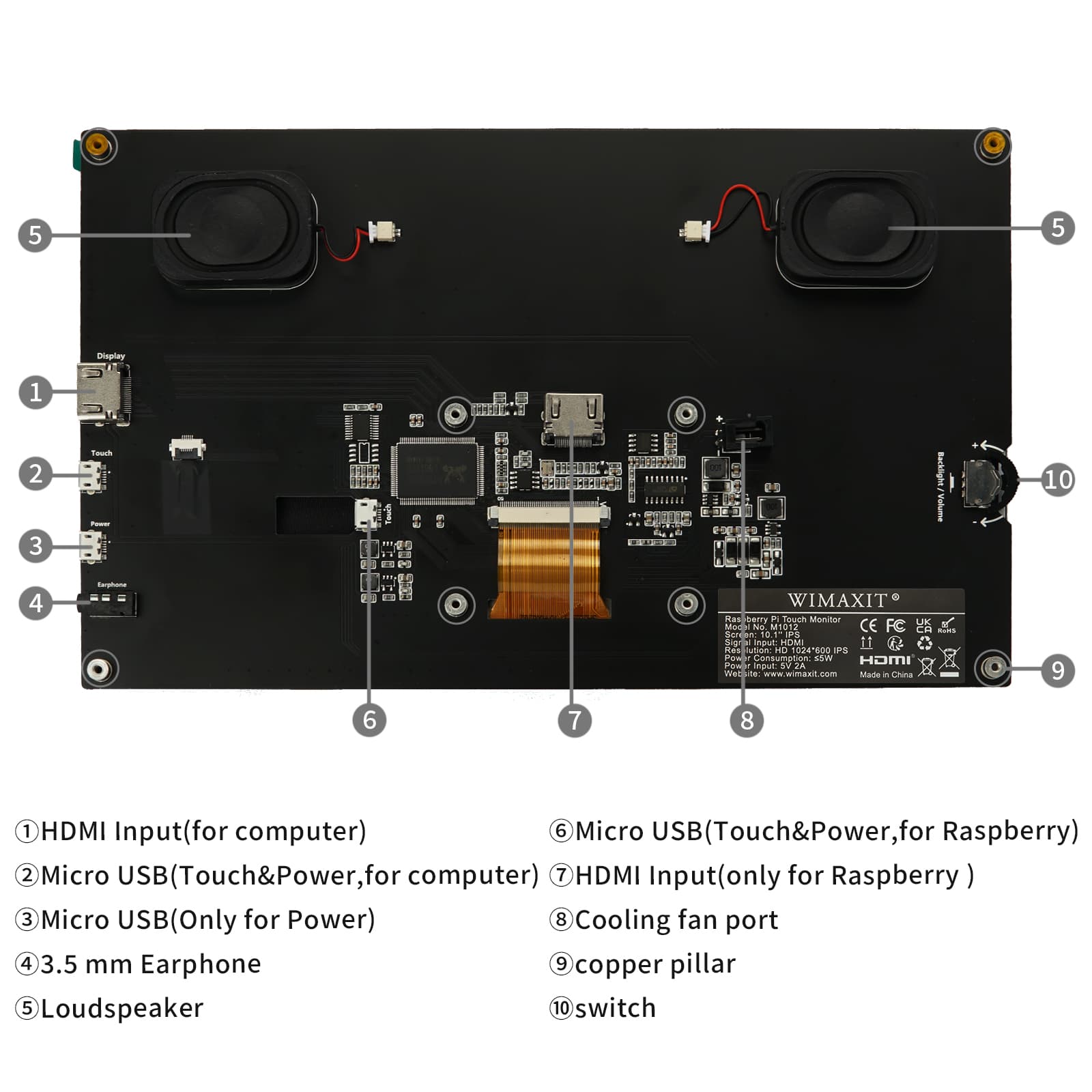
Here’s email I sent:
I bought a Wimaxit M1012 touchscreen monitor. It’s “designed for Raspberry Pi” but claims to have 'Windows 7/8/10 compatibility. I’m running Win11 23H2 and was hoping it would work. I connected it via HDMI and the ‘Touch+Power’ USB connector connected to a powered USB hub. The monitor is recognized in ‘Display Settings’ as a Generic Wimaxit Monitor, and uses the C:\Windows\System32\Drivers\monitor.sys driver.
When I open ‘PC Tablet Setup’ it tells me the monitor does not have touch capability. But when asked to ID the touch monitor I tap on it and it seems to be recognized. But I can’t access the calibration tool.
I don’t see ‘Touch Device’ in the HID section of Device Manager.
I was hoping for a vendor Win11 driver, but unfortunately, wimaxit.com appears to be a dead end.
I first tried without any additional software, and there was no touch function at all. I noticed it’s a DisplayLink device, so I downloaded the DisplayLink Win11 software installer. That gave me some touch functionality, but it’s not correct. For example, when I touch ‘File Explorer’ on the taskbar it opens Paint.