PSA:
Bugged Windows 11 25H2 26200.8524 try to install an older NVIDIA driver. Check if it hasn’t already downgraded your driver without you noticing, or if it’s trying to do it now.

EDIT
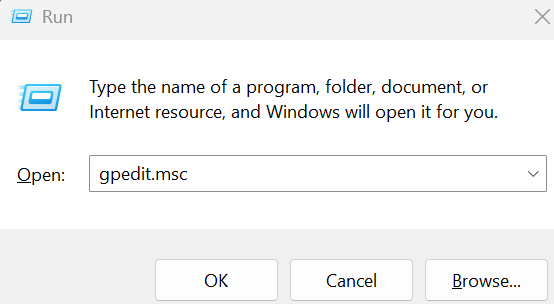
I immediately made a workaround so Windows doesn’t download drivers until they release a fix. To do this, I pressed Windows + R, typed gpedit.msc and clicked OK
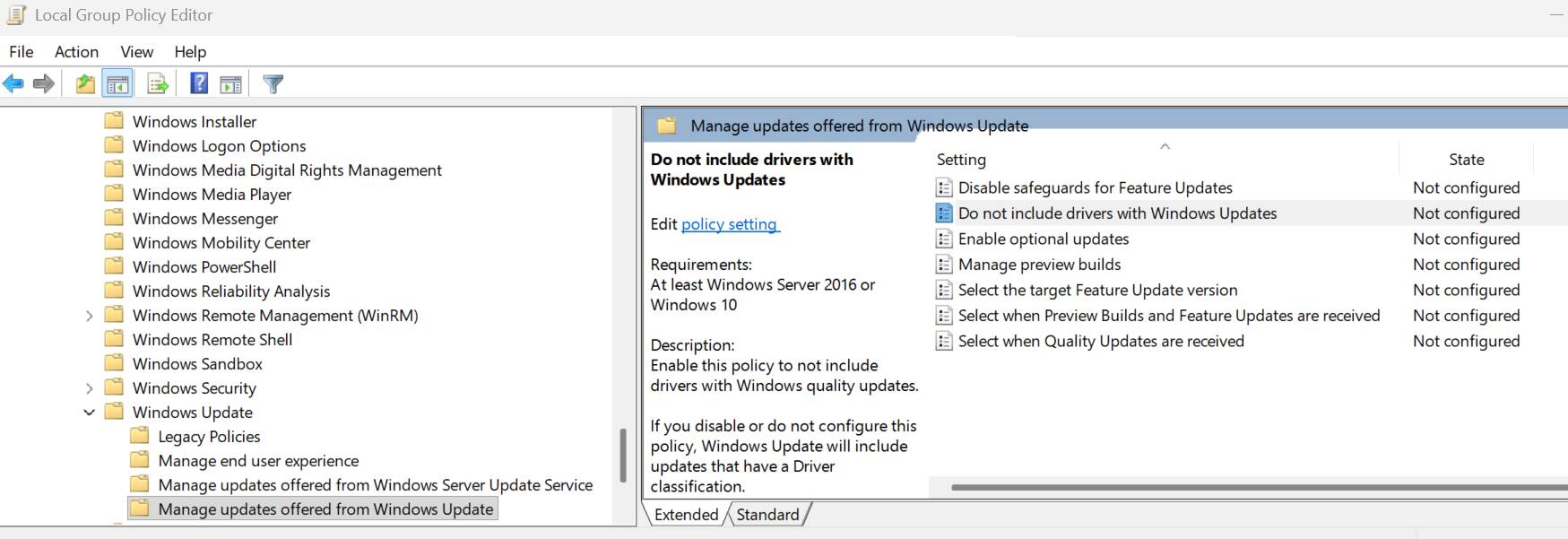
In the Local Group Policy Editor, I navigated to: Computer Configuration > Administrative Templates > Windows Components > Windows Update > Manage Updates Offered From Windows Update.
In the right pane, I double-clicked “Do not include drivers with Windows Updates”.
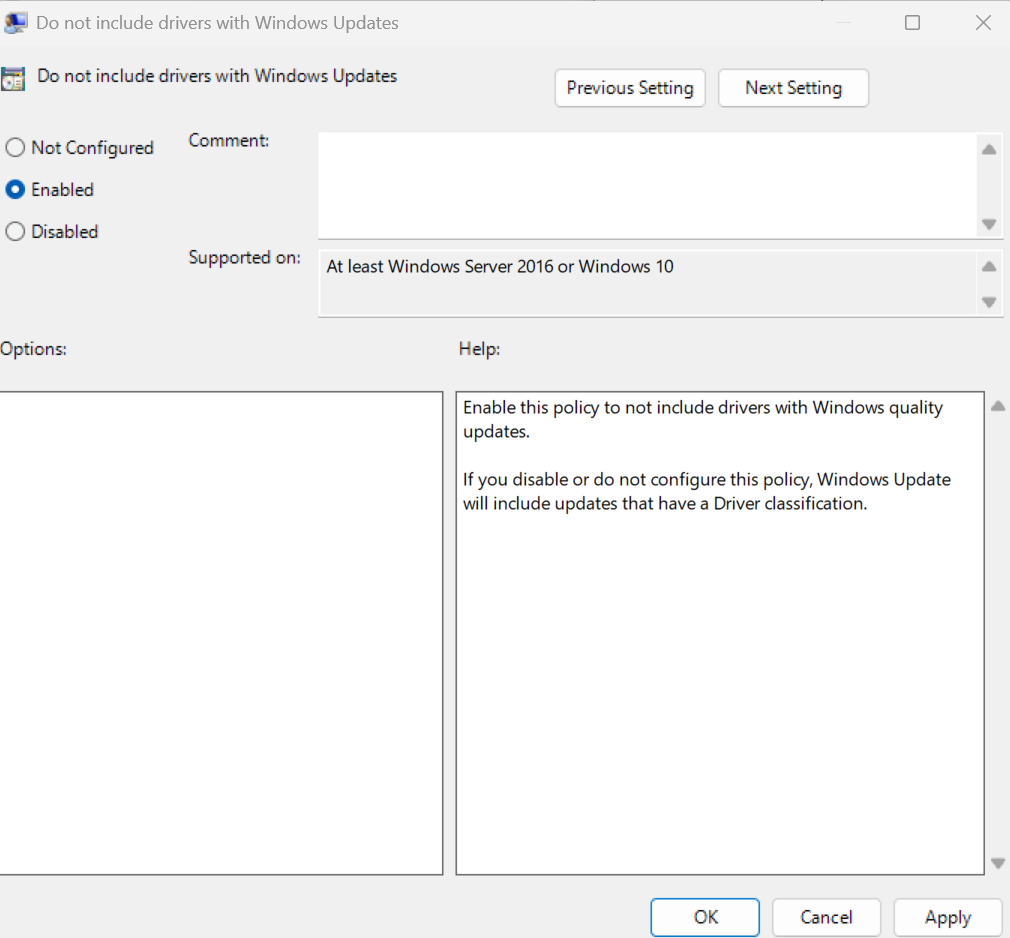
In the new window, I selected “Enabled” and clicked Apply > OK
I went back to Windows Update and clicked “Pause for 1 week"

Right after that, I clicked “Resume updates”

