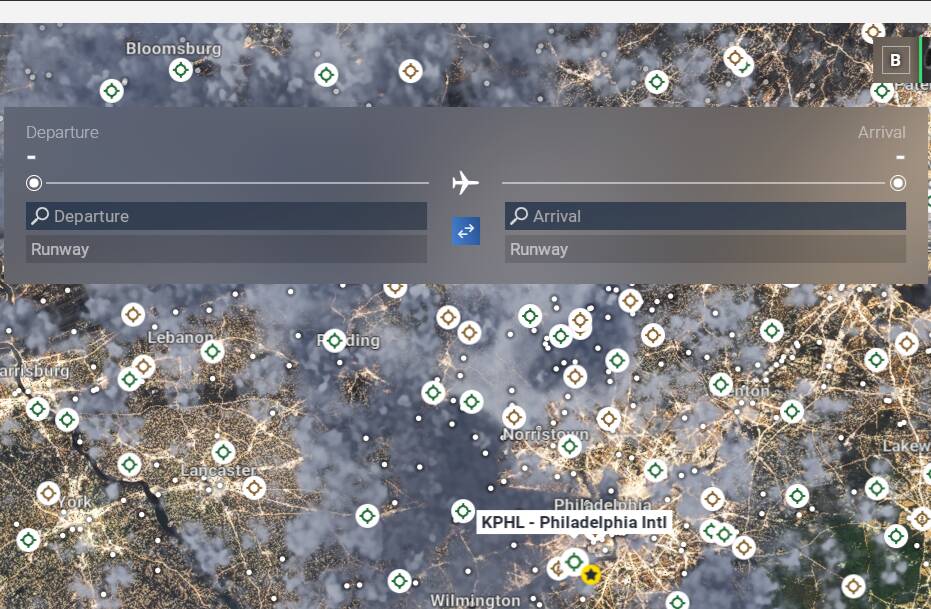
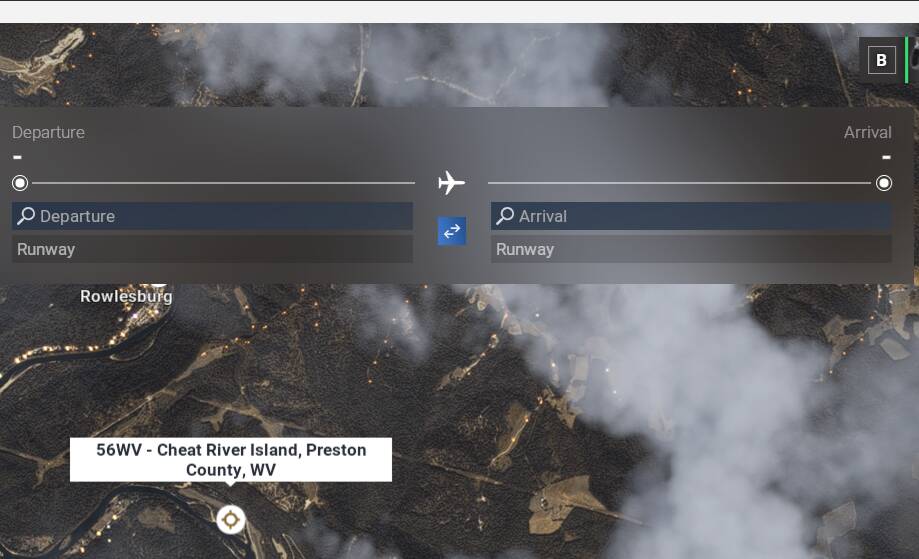
FrankGehry1192,
I’m so glad you reached out and replied to my post. While I’m not glad the same thing happened to you, at least I know I’m not the only one. This post has not garnered but one reply, and I’m a little surprised no one else has jumped in sooner.
I choose to make another reply, instead of directly responding to your reply, because I have since done some online research on the subject, and I’d like to share my findings with you, as well as anyone else in the forums who are interested.
I found this on the internet (take it with a grain of salt… like everything else out there), though I’m hoping it may help shed some light on the idea of the end user adding his/her own stars to airports where the creator omitted them:
Adding a Star Symbol to an Airport on the Map:
“To add a yellow star symbol (typically used for modded airports in flight simulators like MSFS 2020 or 2024) to an airport text or configuration file, you need to insert a specific Unicode character or emoji. The most common “yellow star” used for this purpose is the “White Medium Star” ( ) or a variation of it.
Here are the methods to edit the file and add the symbol:
Method 1: Copy and Paste (Recommended)
Open your airport configuration text file (e.g., layout.json or airport description file) using a text editor like Notepad++ or VS Code.
Copy this character:
Paste it into the desired location in your text file (usually next to the airport name or in the description).
Important: Save the file with UTF-8 encoding to ensure the symbol displays correctly in the simulator.”
I tried following these exact instructions but was unsuccessful in my attempts to add my own stars to the 3rd party airports that were missing them.
I couldn’t find anything specifically called an “airport description file”. I found a “layout.json” file, but exactly where to put the star was a mystery to me, since the name of the airport appeared in more than one place within the file!
What’s more, I downloaded Notepad ++, and noticed it’s way more robust than simple Notepad, but that didn’t make it any easier to set out on my goal. VS Code, I’ll admit I haven’t installed yet, as I didn’t want to overwhelm myself with too many options, only to try them out and later be disappointed.
What’s important to realize here is that I haven’t been just sitting around, waiting for someone to come spoon-feed me the answer. I have honestly tried to figure this out myself and will admit that I am now stuck. I hope someone else in the know will read this and offer some assistance.
One last thing to note. I did reach out to one of the people who made the 3rd party airport(s) in question– on FlightSim.to– and he seemed to think that it was a mistake he made, and that only he could fix it, but he can’t get into his own file anymore, so he too is stuck.
So, the first thing I need to determine for sure is, is it true that end users can affix their own stars to 3rd party airports missing their stars? Or is it correct that only the person who created the airport, and has all the files at his/her disposal, can go back and try to add the missing star?
That’s where I’m at, and again thank you for your time, and again thank you Frank Gehry for bringing this to my attention again.