Hello,
I am curious about the addon.
Could anyone who use it, give some feedback?
Greetings
Hello,
I am curious about the addon.
Could anyone who use it, give some feedback?
Greetings
Hello there!
Your topic has been moved to the #gd-commsupport:tools-utilities subcategory of General Discussion & Community Support. The General Discussion category is meant for discussions that fall outside our other sub-categories.
You may also wish to check out these other categories for your future posts:
The lights are certainly an improvement to the default. Reasonable priced. Zinertek has been around a long time & I’ve found them to be very reliable over many years now. Had a few of their products in FSX.
The landing light are still not great, but they are better. This is probably a sim limitation however. It does not correct missing or incorrect lights ( think strobe patterns on commercial ac ).
There is a free mod available also & on par with Zinertek. Perhaps slightly better landing lights, Uwa’s Light Mod seems to extend the range a little father, but I haven’t done a real test. Highly recommend Uwa’s lights btw. They are updated regularly but may not cover as many ac as Zinertek.
Hello, I did not buy this mod because I also made a mod of improvement for a long time ( Newlight ) which proposes the improvement of the external lighting Asobo and other model with different textures and also corrects certain orientations, inclinations, different flashing of the strobe according to the models, various tints …
Any idea how this new addon compares to https://flightsim.to/file/12071/new-light ? The latter is currently my favorite by far.
I think the best thing to do would be to adjust the brightness of the lights based on the time of day. IRL headlights dont visibly illuminate ground at all in direct sunlight. but in MSFS if you make the light dim enough to not do that, they’re not bright enough at night.
I did not find any official channel to leave a feedback so doing it here.
After googling, searching, modifying files and restarting the sim i finally found that this bloody zinertek aircraft light addon was the only reason of my CJ4 taxi and landing lights bleeding into the cockpit ! shame on you guys. Buyin your products we want to get default planes better, not worse!
Got a pop up earlier saying the Zinertek Aircraft Realistic Lights 2024 was now available in the MSFS Marketplace as a *FREE upgrade for ( I’m assuming ) owners of the 2020 version.
A restart is needed after install.
LOOKS GREAT TO ME!
My YouTube announcement.
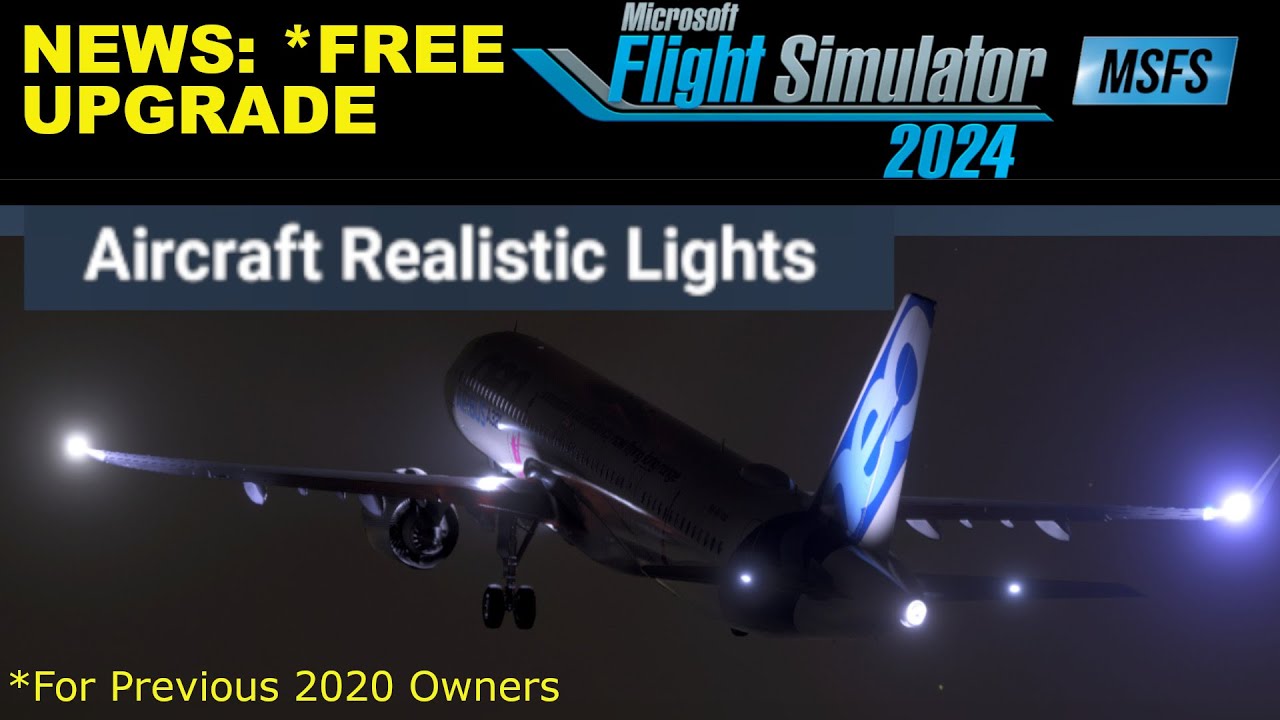
Greetings from Zinertek! We’re thrilled to hear that you’re enjoying Aircraft Realistic Lights. Thank you for sharing your video—great job showcasing the lighting effects!
Happy flying!
You’re awesome.
Cheers and best!
I’ll gladly pay for an ‘UN-Realistic Aircraft Lights’ that can light up everything around you and most of the runway too! 
The lights seem a little too cool/blue for my taste, though that’s subjective I guess.
Thanks for the feedback. We will look into it and make adjustments for the next update.
Thanks for your kind comments! We know it can be very dark at night in some airports so we can see why you would want even more illumination 
Comparing a few different aircraft show fairly different colors of “white” lights with default Airbuses tending to skew more cool blue (with slightly more orange beacons) and Boeings tending to skew a more warm white light with more pure red beacons. I’m wondering if this is intentional and maybe realistic and I just don’t realize it? Either way, it’s not necessarily a glitch where all white lights are too blue-ish, which makes it feel possibly intentional.
The variation in the color temperature of aircraft lighting you’ve observed—cooler, bluish-white lights on Airbus models and warmer, yellowish-white lights on Boeing aircraft—is indeed reflective of real-world differences and not merely a simulation artifact.
Modern Airbus aircraft, including the A320neo, A330, and A350, are equipped with LED lighting systems for taxi, landing, and navigation lights. LEDs typically emit a cooler, bluish-white light, which explains the cooler hue you’ve noticed on Airbus models.
Boeing aircraft such as the 747-8 and 787 Dreamliner utilize a combination of lighting technologies. For instance, the 787 employs High-Intensity Discharge (HID) lamps for its landing and taxi lights, which produce a warmer, yellowish-white light compared to LEDs. This results in the warmer lighting appearance observed on Boeing models.
In summary, the differences in lighting color temperatures between Airbus and Boeing aircraft in your simulation are intentional and accurately reflect real-world aircraft lighting systems. These variations enhance realism and are based on the specific lighting technologies employed by each manufacturer.
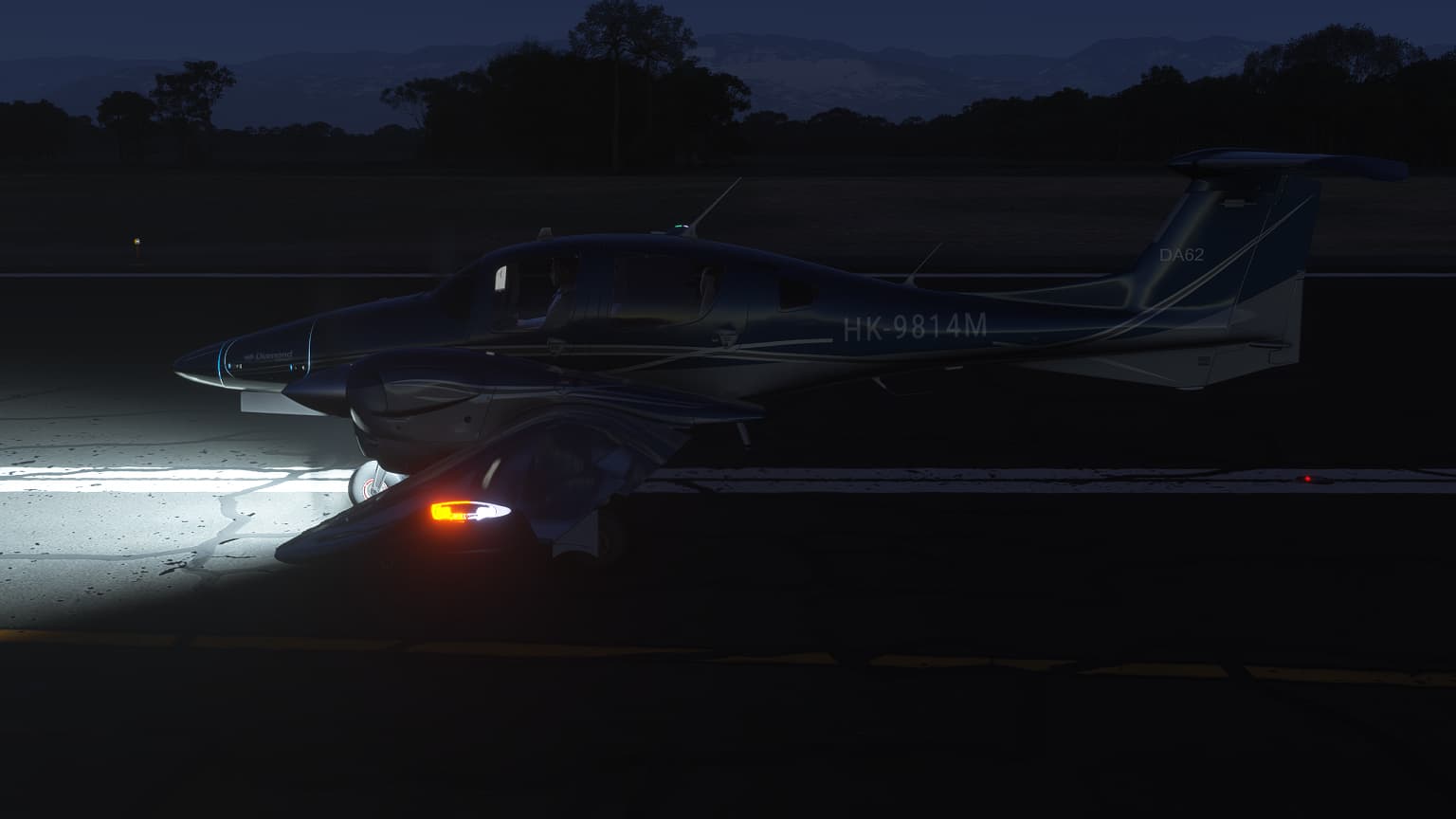
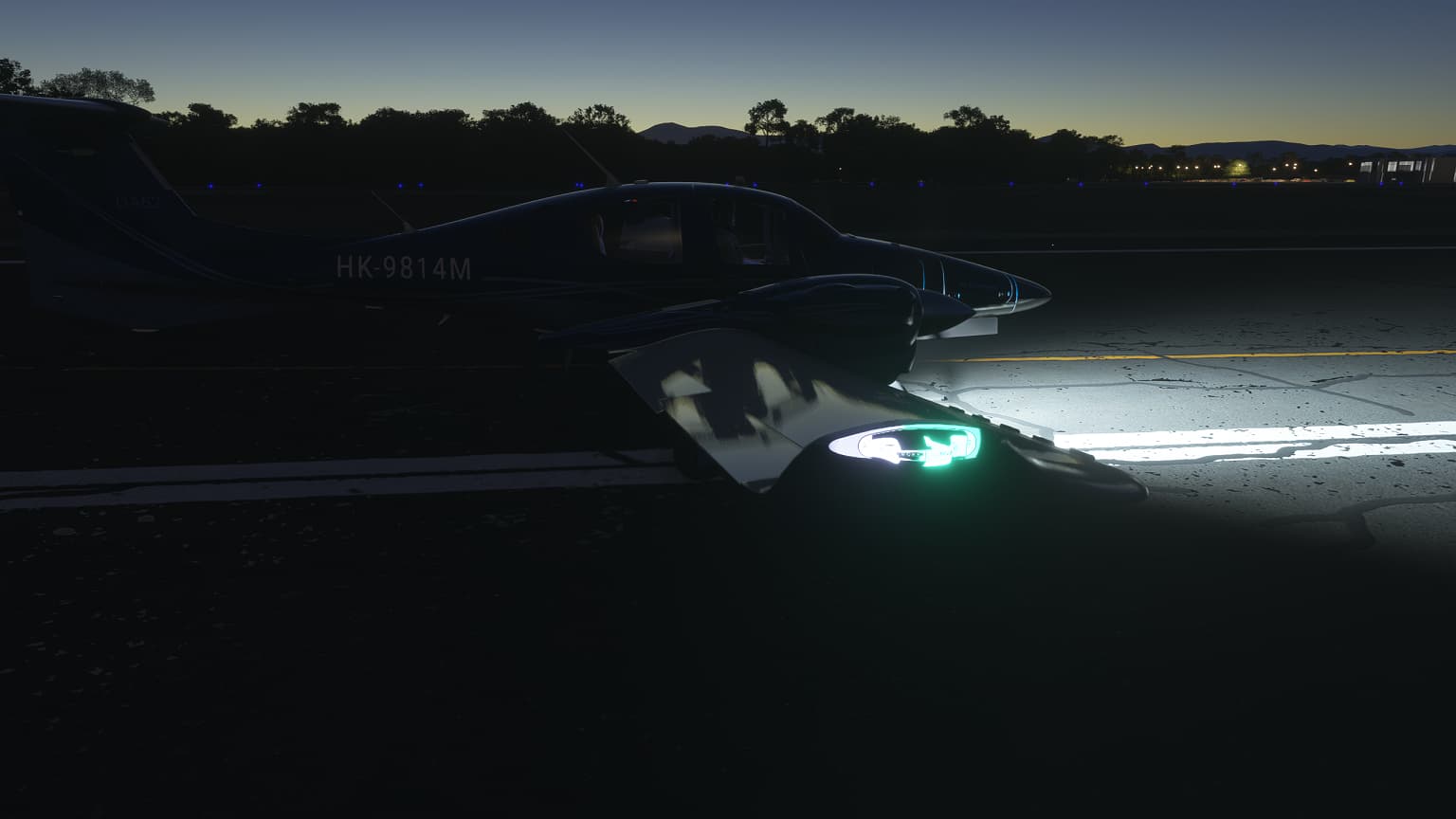
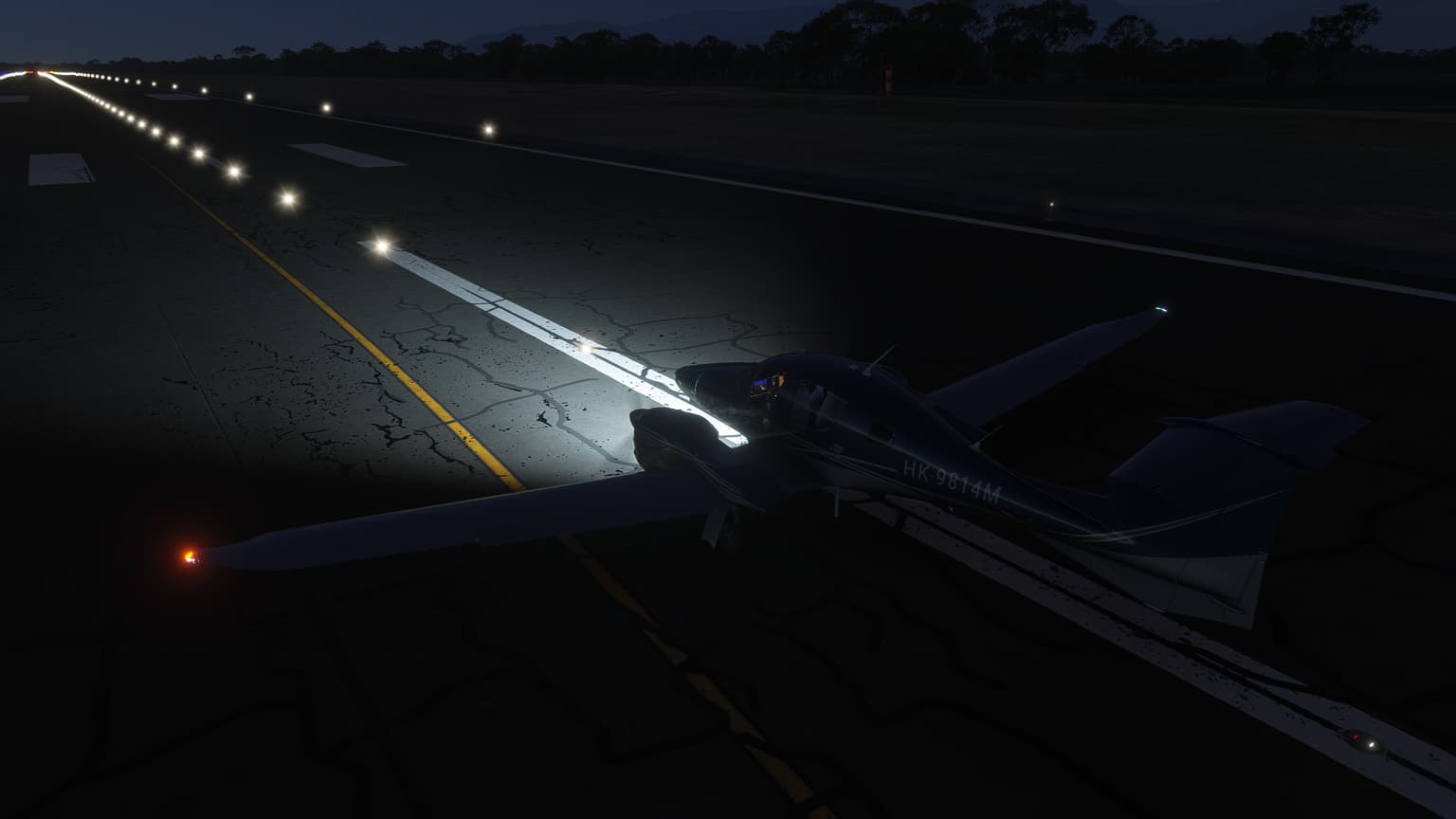
How does it look at the default GA planes, like DA 62? Could anybody please provide screenshots night/day?
So please allow me to get back to my question
Thank you for your question!
There are a few key differences between our product Aircraft Realistic Lights and the New Light Enhancement mod that are important to highlight:
Compatibility:
First and foremost, New Light Enhancement is only compatible with MSFS 2020 and does not work with MSFS 2024. In contrast, Aircraft Realistic Lights is fully compatible with both MSFS 2020 and MSFS 2024, offering a seamless experience across versions.
Non-Intrusive Implementation:
Our add-on modifies the visual aspects of aircraft lighting (taxi, landing, strobe, etc.) without altering or replacing any core aircraft configuration files (such as .cfg files). This is a major advantage because it ensures compatibility with future aircraft updates pushed by Asobo.On the other hand, New Light Enhancement includes modified .cfg files. This approach can lead to issues when aircraft are updated by Asobo, as the mod may override important changes. A good example of this is a common issue with the Longitude aircraft, where users have reported that the weather radar remains stuck in “Standby” mode due to the mod’s outdated config files interfering with updated avionics.
Stability and Peace of Mind:
With Aircraft Realistic Lights, you can enjoy realistic lighting enhancements without worrying about breaking aircraft functionality or avionics after simulator updates. It’s a future-proof solution designed to provide both visual improvement and operational stability.
If you have any other questions or need further clarification, feel free to reach out!