My thread was closed without being able to comment or the opportunity to alter the title.
This issue noted in 1.2.7.0 still exists in 1.2.8.0 without change. I have done the same tests as outlined in the linked posts:
My thread was closed without being able to comment or the opportunity to alter the title.
This issue noted in 1.2.7.0 still exists in 1.2.8.0 without change. I have done the same tests as outlined in the linked posts:
Oh good, An Loading time party.. Just thought I would say that..
My loading is mediocre until I get to 14% activating packages then it sits there for about 20 minutes before It goes to the Main Menu.. I tried the sync the times but to no avail…I would like the sim even more if it would speed up my loading time..
Try my “fix”:
Hi, Thanks .. I will talk to you in a few minutes after I try your fix…
My apologies to you for not responding to you in a number of hours, I had to reinstall the MSFS 2024…When I tried your fix. I was stuck at 13% and just sat there…
Again, I am sorry…
Just timed a load in - 4 minutes 23 seconds. Definitely than the sim was loading for me before the 3rd patch, but not significantly slower after the 4th patch.
EDIT: HOLD THE PHONE! I just noticed in my Library page that all of the disabled FS2020 sceneries are now available to enable! I am still missing one big one (FlyTampa’s Las Vegas Strip and KLAS) but the rest are all there. I’ve just re-enabled them. I’ll test again and see if it materially affects my loading time.
Same for me, no change with the new patch. I get stuck at 5/6% Loading Language unless I remove the fps lock in Nvidia control panel and run unlimited frames.
This is the only thing that has worked for me and continues to be the case.
Wow, 3 minutes and 22 seconds on a second load, AFTER re-enabling all my streaming scenery packages. Huh.
For what it’s worth, as I currrently don’t use any mods and don’t enable any streamed 2020 content:
Although I wasn’t able to launch the game consistantly the first 3 weeks after release, Patch 3 made it possible for me to make it to the main menu.
Since it was clear to me that MSFS 2024 was an Open Beta release, I don’t load any addons or mods - I run the game as stock. My loading times have never changed since I was able to log in to the game. About 45 seconds to get to the main menu.
However, since Patch 4, I typically get maybe 3 clicks in the UI before I get CTD now. So, I can log into the game in 45 seconds, but after 3 clicks in the UI ( about another 45 seconds), CTD. MSFS 2020 is even worse for me right now. Occaisionally, I’m able to actually fly - and it’s wonderful.
But regarding loading times, if there is anything in my 2024 community folder, my loading time triples or takes an exceptionally long time as others mention. One of the indicators that 2024 is an Open Beta. The first thing all support responses say is “have you tried to remove everything from your community folder?” (All the way back from the beginning of MSFS 2020)
I run this game clean and don’t employ any “fixes” or workarounds, so whatever explanation Asobo might offer for CTDs, they can’t redirect the apparent cause towards 3rd Party Developers. It seems almost like Asobo wants people to focus on identifying issues with their base game without any 3rd Party addons, and you are “punished” otherwise.
A few hours later:
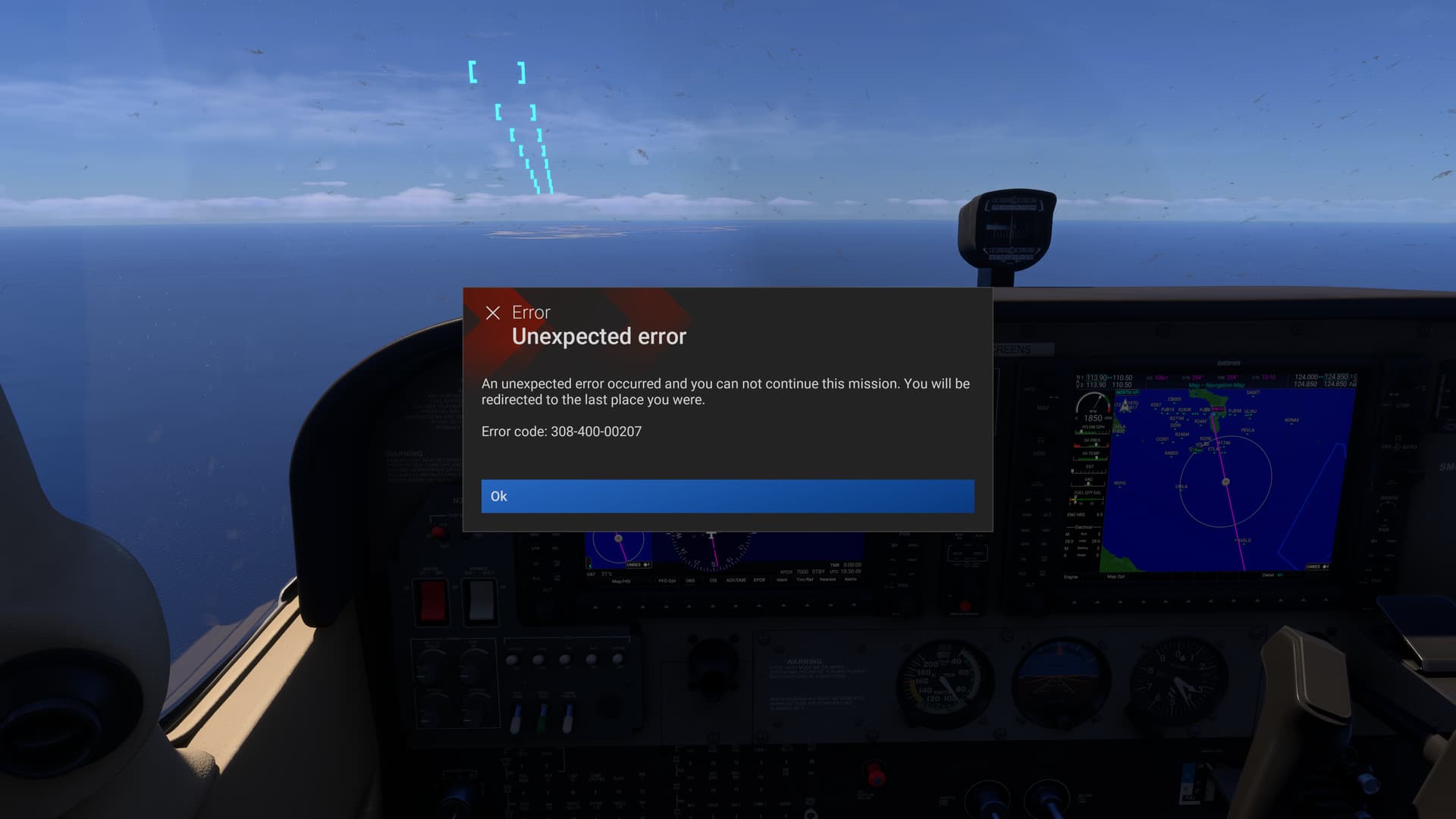
Even if people are able to log in after however long it takes. Is it really worth flying 2 hours, getting to the middle of your descent, and then getting this?:
Then you get kicked back out to the Career Office Menu like you never flew anywhere. Well, at least I did get to “fly” in the Open Beta Preview.
Weird, I’m seeing the same thing:
2:00 with no FPS lock
3:18 with 48 FPS lock in Nvidia panel
This topic was automatically closed 365 days after the last reply. New replies are no longer allowed.