Anyone has any info about how ASFS behaves with variable wind conditions and wind shears reported in METARs?
I.e. VRB10G25KT, WS R22 etc.?
I know MSFS’s live weather extremely struggles with this/doesn’t inject that at all.
This sounds intriguing as we get this a lot at my local airport in the UK where we have overcast days but NCD reported due to the cloud height not being detected by the METAR.
Are you able to share any more information about the plans for this or current implementation? 
Exactly. In Czech Republic we also don’t report bases above 5000 ft, unless they’re TCu or Cb.
Yeah, for me this has probably been the biggest negative feature of weather engines which are heavily based on METAR for their depiction, so I find this really intriguing!
get out there in this new beta - its the best yet as far as depiction. In my non-pilot opinion!
I am in no way affiliated with HiFi or the Active Sky product, I was just posting that a new Beta was out, so I don’t have any inside info on that stuff (or anything)
Ahh I see, thanks for replying still
I generally fly live weather and real time would you mind clarifying.
You mentioned you turn off live weather, I am now confused..I have read the manual I thought you have live weather active on with AS sim depiction mode with active sky preset control, then I was under the impression you have MSFS live weather active..or am I missing something?
Thats what I have been doing, and tbh despite my initial thoughts weather with presets live weather active looks better..not sure if this is a placebo effect. I noticed turbulence never experienced before flying into the notorious LPMA.
I did mention in a previous post not sure what this offers rather than rex and MSFS. So I bought it, as there still was no clarity if there was improvement on weather. I am not a meteorologist or a real pilot. Proof is always in the pudding.
To clarify
Active Sky settings. Live weather is active and sim depiction mode is Active sky preset control.
In MSFS Ihave live weather active. Am i doing something wrong even though flying feels different, better…or is it a placebo. I only fly real time real weather depicted, not interested in scenerios, presets or history.
I am still playing around..on the fence still. Initial thoughts more positive than negative..but what do I know.
Update..not worry I tried snowy presets AS live weather..it works. Cheers
New Beta dropped;
Update 042524 - B8881 (1.0.8881.33550)
- Added new option and feature: Enable surface wind attenuation cancelation - Forces expected wind speed reported to be depicted all the way to the surface/runway by doubling the speed(s) set for the surface layer. Causes ATIS to read back the doubled wind speed, but actual depiction will be correct. See user’s guide for more details. Default OFF.
- Increased depicted precipitation approximately 50% in most cases
- Improved humidity/visibility handling between 3 and 9SM visibility for better visible obscuration at lower vis settings (without overly obscuring at the mid/higher levels)
- Changed Depiction smoothing rate slider to request optional Apply/Resynth after changing option, to prevent potential transition anomalies when changing settings during an existing transition (an instant reload will occur when Applying)
- Reworked turbulence to allow much higher amplitude at higher Turbulence Scale Factor settings
- Increased turbulence effect strength approximately 25% in general
- Adjustments to wind layering and altitude calculations for more expected results at all elevations/altitudes
- Added intermittent checking of units changes by users to keep conditions data synchronized
- Fixed altitude units conversion issue when using French and some other non-English language settings in MSFS, would result in flat, ugly clouds, incorrect wind depiction, and wrong altitude in general for cloud and wind layers
- Fixed issue with surface gusts and variability not working properly
Thanks for the Update! If i buy AS now will I see those improvements from the Beta? Or this is another download source?
Once you purchase it, you will be able to register for the forum account which has the download links for Beta.
I should probably amend this to say “Pick something like Shallow Fog” as I now realize after several times waiting for AS to load the actual weather that switching from Snow to any other weather that’s warmer results in wet ground - and therefore a contaminated runway.  Live and learn.
Timelapse KOKC-KDAL. Some nice thunderstorms out there.
Really tricky turbulence just prior to touchdown.
Just some compares of Live Weather + AS Passive vs Full AS Control - this is LIRN on the GALT8J SID:
Live Weather + AS Passive:
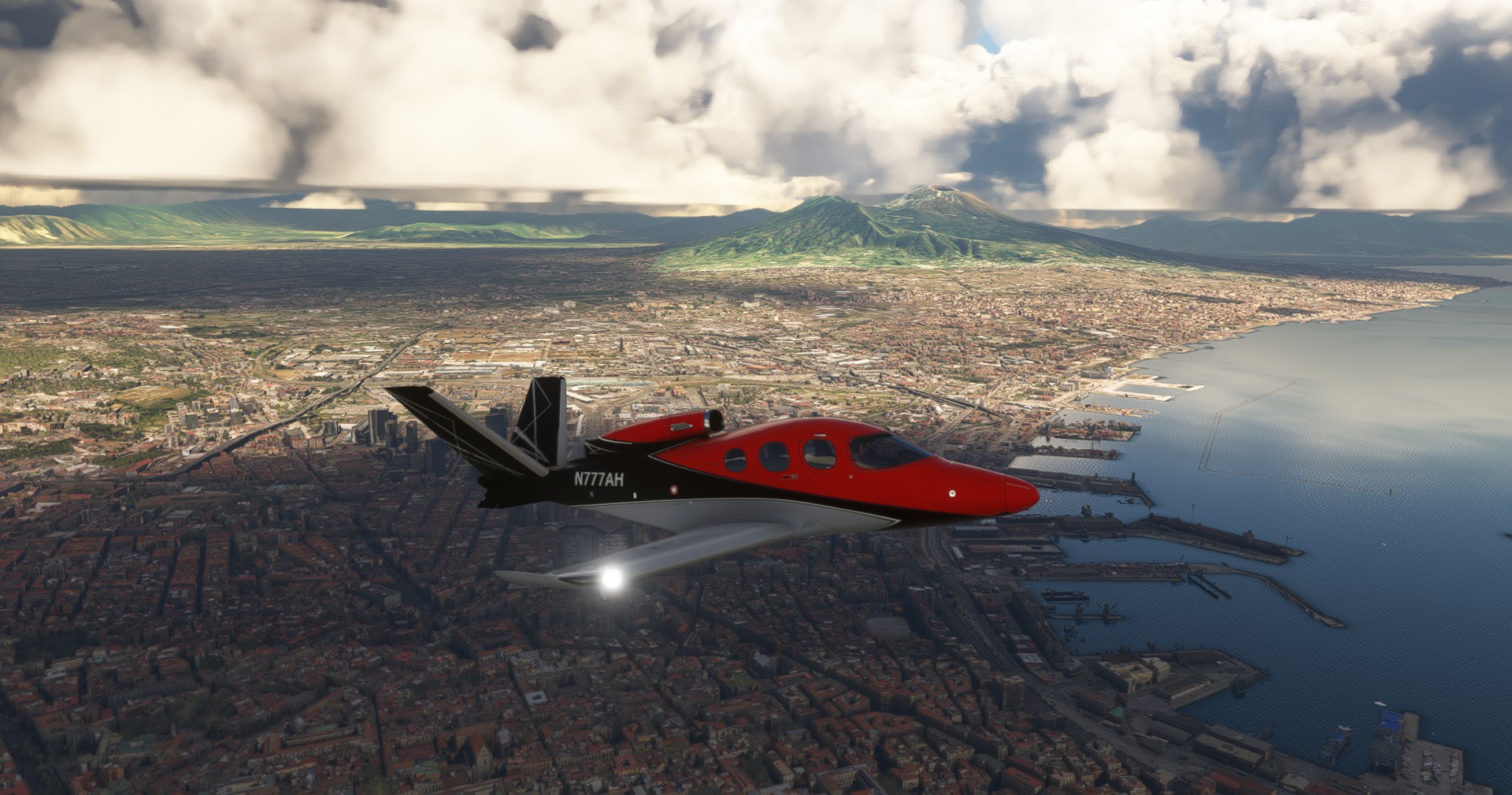
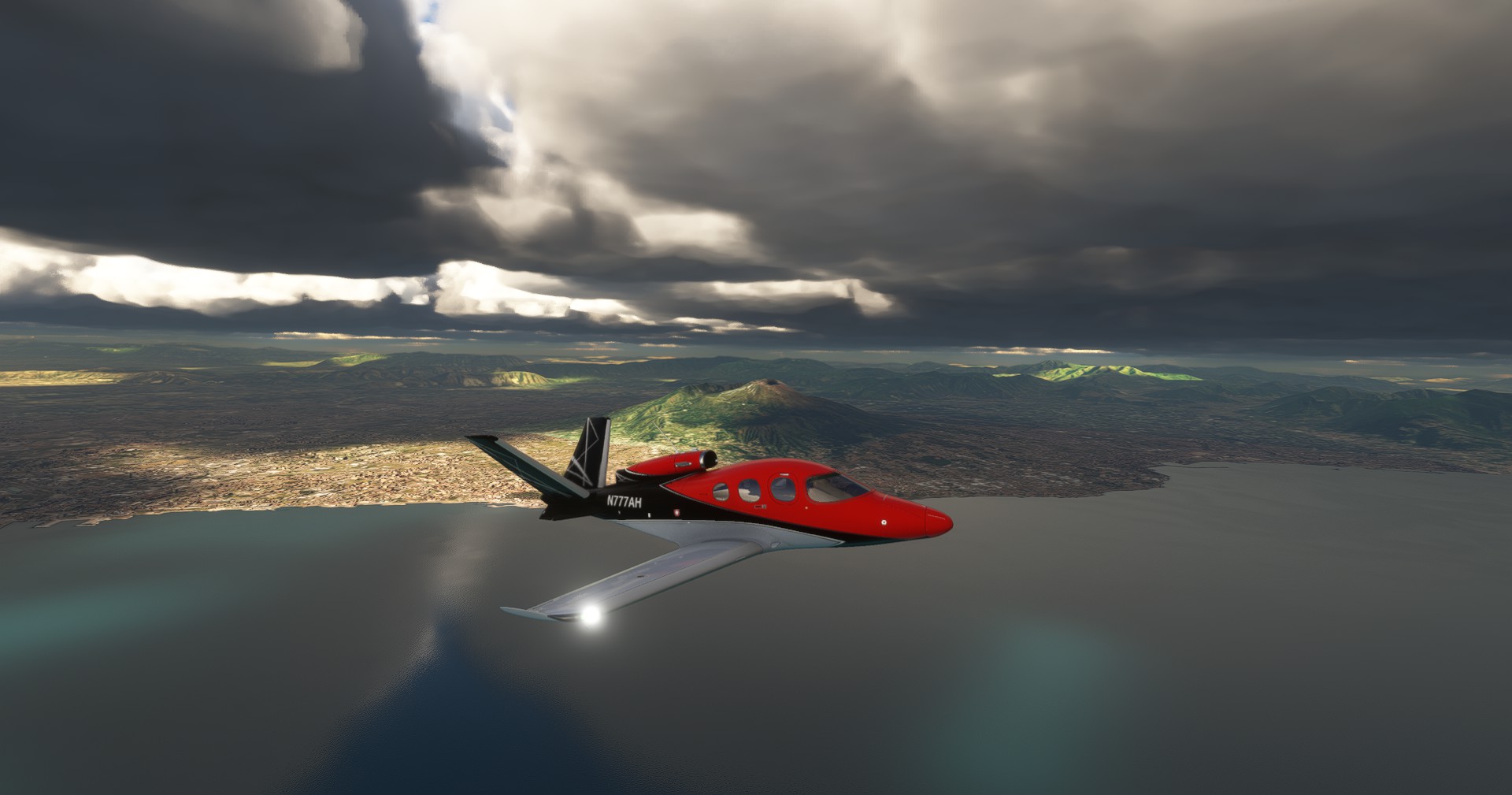
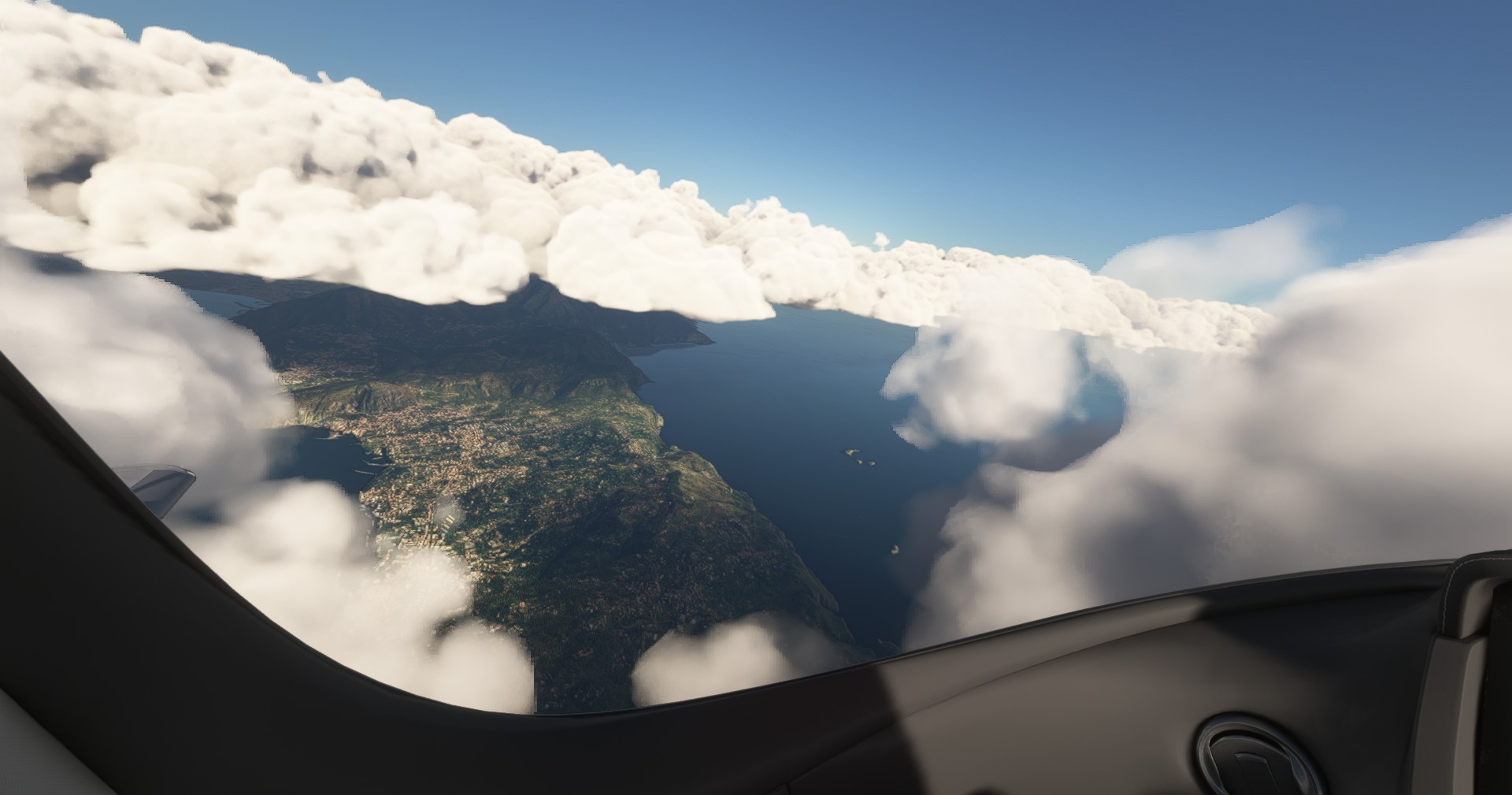
Active Sky Control:
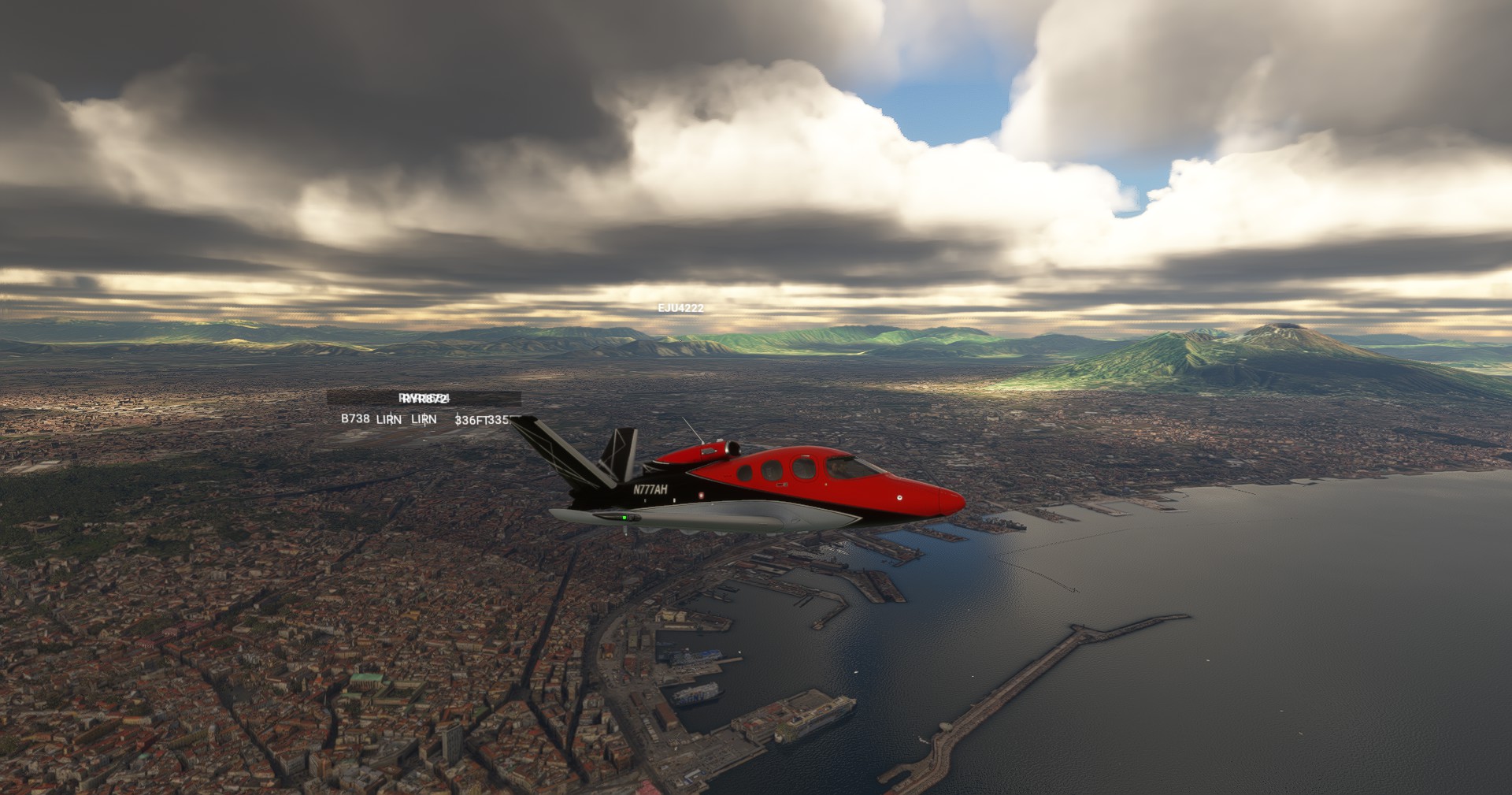
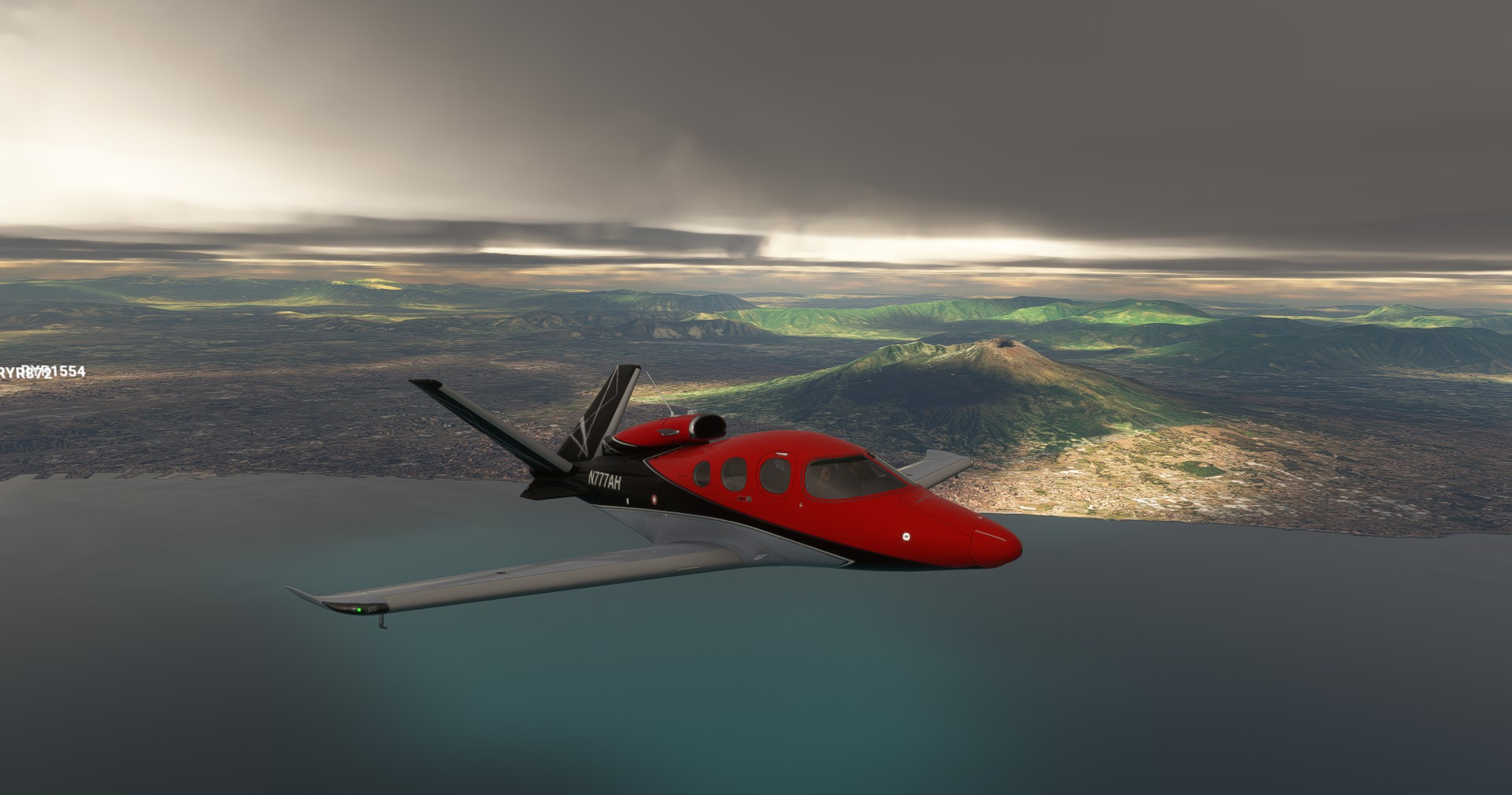
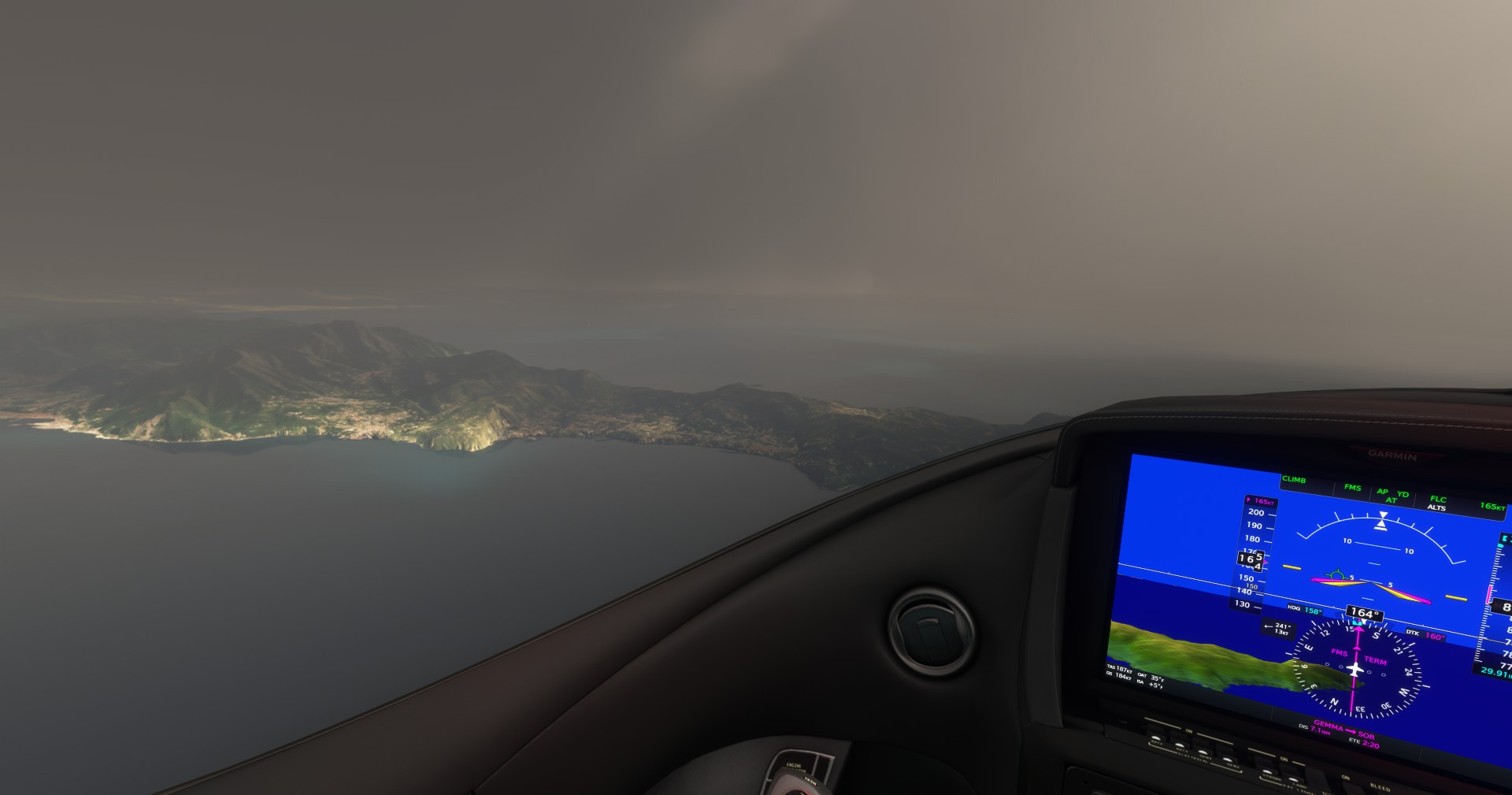
Comments:
I prefer the way AS depicts cloudbanks especially on entry - it’s a slow gradual blurring from the cockpit. As for the rest of it, it’s not intended to sell somone on one or other - it’s simply a set of non-rigorous comparison shots using two flight starts within five minutes of each other.
Not an expert by any means and don’t know which is more accurate but I have to say those active sky control depictions look really good to me.
Today I had a flight in the Milford Sound region and I am very happy that ActiveSky got this acutally right! With the MS live weather the whole region was always covered in snow. But now it looks actually as it should be
I will say, it handles weather (rain, fog, snow) much better! Had an approach into KSLC yesterday in a rain storm with fog and it was an amazing approach and taxi.
Net Beta out;
Update 042724 - B8883 (1.0.8883.1882)
- Added new option “Periodic theme reload interval”, now set to your desired interval (default 15) or disable and use download interval only for theme reloads. See user’s guide for further information.
- Added instant weather reset when meters/ft units changed to prevent slow smoothing of clouds associated with different altitude values
- Added automatic start of ActiveSkyUtils.exe if it’s not already running, and the simulator is, to prevent connection issues in case there is a problem auto-starting ActiveSkyUtils.exe from the simulator exe.xml directly
- Added automatic re-hide of ASFS toolbar button in sim (this is not used currently and should not be visible, even if you re-enabled it by disabling and re-enabling the ASFS toolbar item)
- Moved Navigraph data from [AS install folder]\NavigraphData to C:\users[username]\appdata\roaming\HiFi\AS_FS\NavigraphData for compatibility with latest Navigraph data management and updater tools for MSFS
- Vis/humidity adjustments per feedback
- Re-enabled dewpoint setting in custom wx setting wizard (dewpoint setting may not be readable in MSFS and is occasionally altered by ASFS for humidity/visibility control)
- Fixed new issue with Russian and potentially other MSFS language settings causing units conversion problems (baro, alt, wind speed errors) in some unit modes
- Fixed issue where changing units mode could cause baro pressure to take a long time to smooth to new value (now instantly switches baro after detected units change)
- Attempted fix for startup form not showing up in some cases requiring a force close/restart to get form to show
- Removed option “Use period theme reloads”
- Updated documentation and readme
Flipping heck. These updates are coming in thick and fast. Can’t keep track 
Good to see though.
I haven’t updated to the latest, I’m still on the one prior as it is working 100% for me after tuning the turbulence and transition frequency.
Scared to touch it now lol.