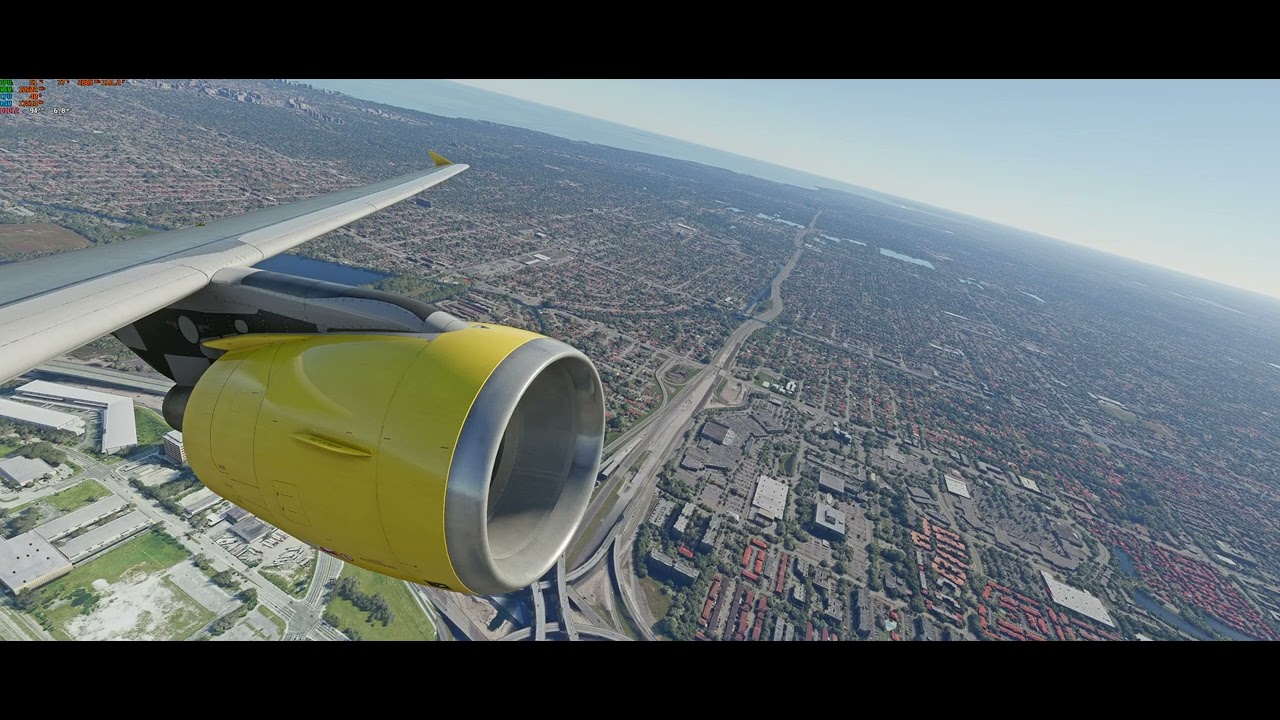
This is using DX11 and the game in offline mode, with no traffic or photogrammetry. That video is with 400 LOD, the performance is ridiculously bad with low FPS and stutters everywhere, 200 LOD makes it a bit better but still below 40 FPS and stuttery.
This is 720p with all settings set to the minimum except LOD, set to 400 and 200 respectively. Once again, terrible performance, even worse than normal.
This is 1440p with 200 rendering scaling but minimum LOD. Everything is perfectly smooth, with constant 60 FPS and no stutters at all. Also checked HWiNFO and the GPU is working fine.
After testing, I found out the object LOD doesn’t affect the stuttering or FPS at all, it’s all in the TLOD. Anything more than 50 brings back the stutters.
So I guess it’s all CPU related? Why could it be that it performs well in benchmarks but so terribly in MSFS? I’m really not sure what to do here
You have the best setup for msfs, this issue make no sense. Wanna ask help at Amd reddit subreddit also? They can help you with cpu, bios etc. Did you try disabling/deleting rolling cache before also? I hope you will find a solution soon. Edit: i was reading issues with 7800x3d and core parking, you can ask that on reddit also.
I don’t think it’s GPU or CPU related, it’s simply MSFS. I have a 3700X, Radeon 6800XT, 32GB RAM, dedicated SSD for MSFS, and I get random stutters, FPS drops and huge differences in performance between airports.
For example, KLAX I get barely above 30FPS and usually between 17 and 23 fps. Now, go to for example in Dallas, San Francisco, or Bogota, Quito, Buenos Aires, and performance is commonly 15-25fps above that. All that with settings mixed between high and ultra, with TLOD and OLOD on 150, and A320FBW.
So, after fighting a lot, I simply got used to live with it. People like you with a TOTL setup, way above mine, are experiencing similar issues. It’s simply a matter of lack of optimization under some certain scenarios I believe.
Thanks! Yes, I did try deleting the rolling cache as well as setting it to off, no difference.
Will look into asking in Reddit, hopefully there’s a solution to be found.
The game has optimization issues for sure, but this seems to be an issue above that. There’s no way I should be having to run the game with the LOD set to 50 to have it be playable using the best CPU currently available, other users with the same or worse systems don’t have this problem.
Oh of course, I didn’t mean there wasn’t an issue, what I meant is that I doubt it’s your GPU or CPU, because upping TLOD shouldn’t have such a huge impact on your setup, you have plenty spare power to rev up the sim, if everything’s working fine and you’re not getting temp throttling or something like that -7th gen X3D have had some issues-.
Unfortunately you’ve done pretty much everything at your hand (perhaps with the exception of reinstalling MSFS). What I find weird is that with everything stock (no XMP, etc.) everything should work fine.
By the way, maybe you mentioned and I didn’t see it, have you switched between DX11 and 12 to see if there’s a significant difference? I saw you ran DX11, but didn’t see if you have changed it and what were the results.
Have you tried capping it at 50fps (vsync at 50%) or perhaps setting your refresh rate to 60Hz with no cap? Without a cap, your video card will attempt to push the fps to the monitors refresh rate.
While I don’t have an Nvidia card, i do believe there are other ways to cap your fps with the Nvidia software.
Edit: also set everything to ultra (ultra preset).
The v-sync option in MSFS is greyed out, maybe it’s because I’m using g-sync? Still though, I’d prefer not to cap it, I know people are getting over 50 FPS with my hardware.
Ok, but as I’ve already alluded to, your resolution is too low and your LOD setting too high.
Experimenting by putting it into 720p won’t achieve anything other than running you headlong into a CPU bottleneck.
That card is designed for 4K gaming as a minimum. It is total overkill for 1440p. You need everything turned up to max on the graphics front (including bumping up your render scale), but things that effect CPU load need to be set at realistic levels. You’ve said yourself that there’s nothing wrong with the CPU, so it comes down to software, and the way it’s set up unfortunately.
FWIW I’m getting over 50fps with a 5800x3D and 3090 in 4K and every setting (other than LODs, obviously) at the highest it can go to.
I am using gsynch, no vsync. I make sure to cap my frames at a multiple of my refresh rate. I run 120hz and cap frames in nvcp to 40fps. Also make sure gsync is set to this also. Or you are not gsync’ing in msfs and it would be stuttery
I get it, but I’m already using everything set to ultra and the render scaling doesn’t change anything. I’m using a 5120x1440p monitor too, that’s almost the same as using a 4K monitor in terms of pixels.
My point is that I spent a lot of money on this upgrade and I have to run the TLOD setting at 50 to keep it from stuttering and get the same performance others do with it at 400, to do that, I would’ve just kept my old CPU. And I’m quite sure its not normal for a 7800X3D.
It’s this simple. Load up to a regional airport in the back end of nowhere in the US (as an example) and a TLOD of 400 would work. Load in pretty much anywhere in Europe (particularly the UK) and it will being any and every CPU to it’s knees.
I don’t believe anyone is able to run that TLOD wherever they go and get a stutter free 60fps. It just isn’t possible with the game as it is. No amount of Vcache is going to change that.