Must just be a limit then, like when running a cpu benchmark, you don’t see max clocks very often, more like 4400 - 4800mhz
So, i just installed my new MB and the 7800X3D. BIOS is in default state and im in the process of updating all the drivers (Chipset, LAN, etc.). Next will be BIOS update.
Now, as this is my very first AMD CPU:
Is there anything that really needs enabling/disabling in BIOS or something?
By default SMT is on, so i have 16 cores, is it recommended to disable that for MSFS or doesnt it matter?
Thanks for every useful tipp to a AMD newbie 
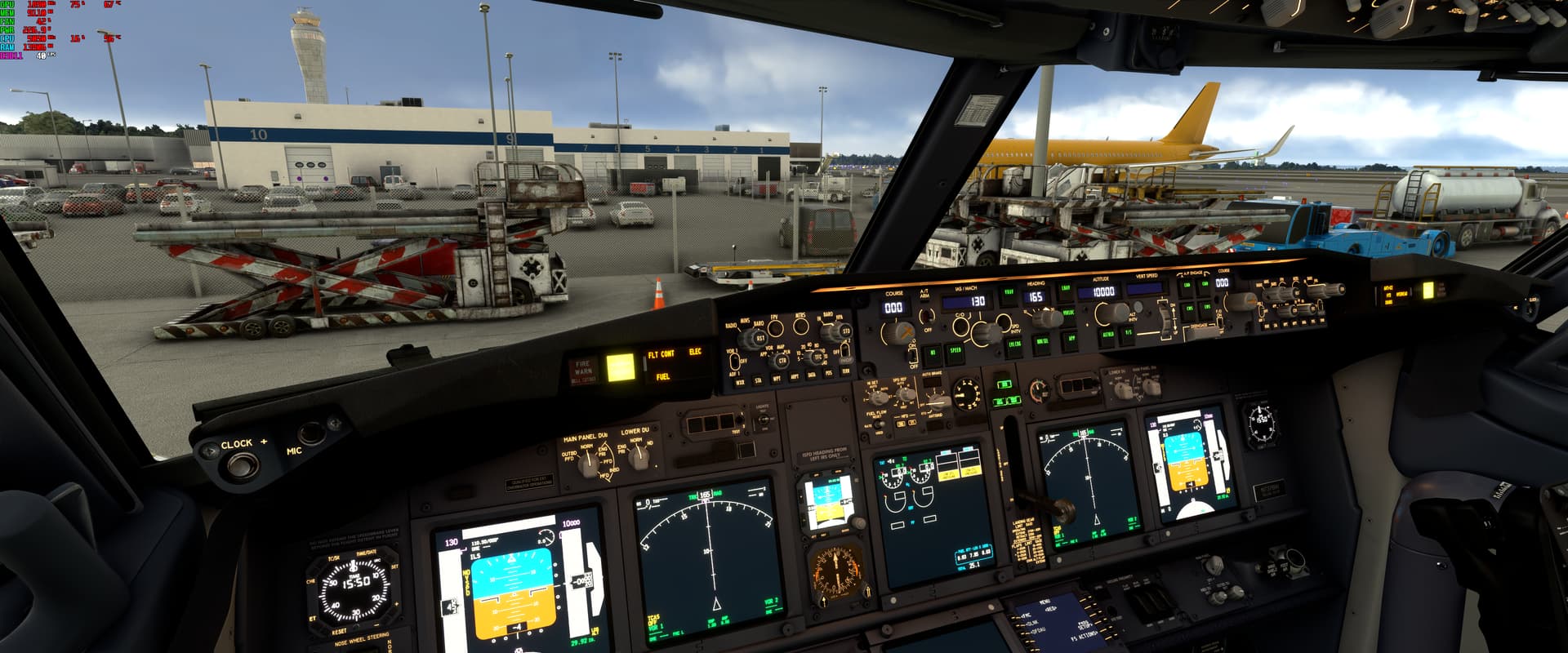
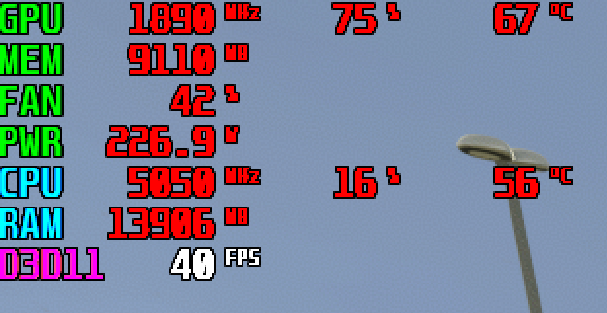
I disabled the on board GPU
set EXPO profile to 1 for memory kit (if yours has one) that or make sure its set at its stated rating.
Leave SMT on
Also for updated bios i would recommend using the powered down method if your board supports that, should be called Q-Flash or something like it and have a dedicated USB port.
Thanks, already updated the BIOS and enabled the RAM thingy (XMP equivalent to intel).
So i guess im fine for the moment 
Currently benchmarking/stresstesting to monitor temps and if everything is stable.
Will report later about MSFS performance.
Unlike intel i would not spend time trying to OC, especially with the 3D chips, you will only get a few percentage improvements and most often that means sacrificing performance in another area.
AMD push these chips pretty much to the limit.
As long as your temps are good and she’s stable your all set.
Yeah, definitely not doing that, as i have absolutely no idea how OCing on AMD works.
Overclocking no but PBO undervolting is an absolute must
again, you will get maybe a few percentage points especially with the 3D chips.
Go check the 90 page thread on Overclockers forums, your talking +/- 3-4% for hours and hours of stability testing.
This guy did get some ok results but the process is very technical - towards end of video
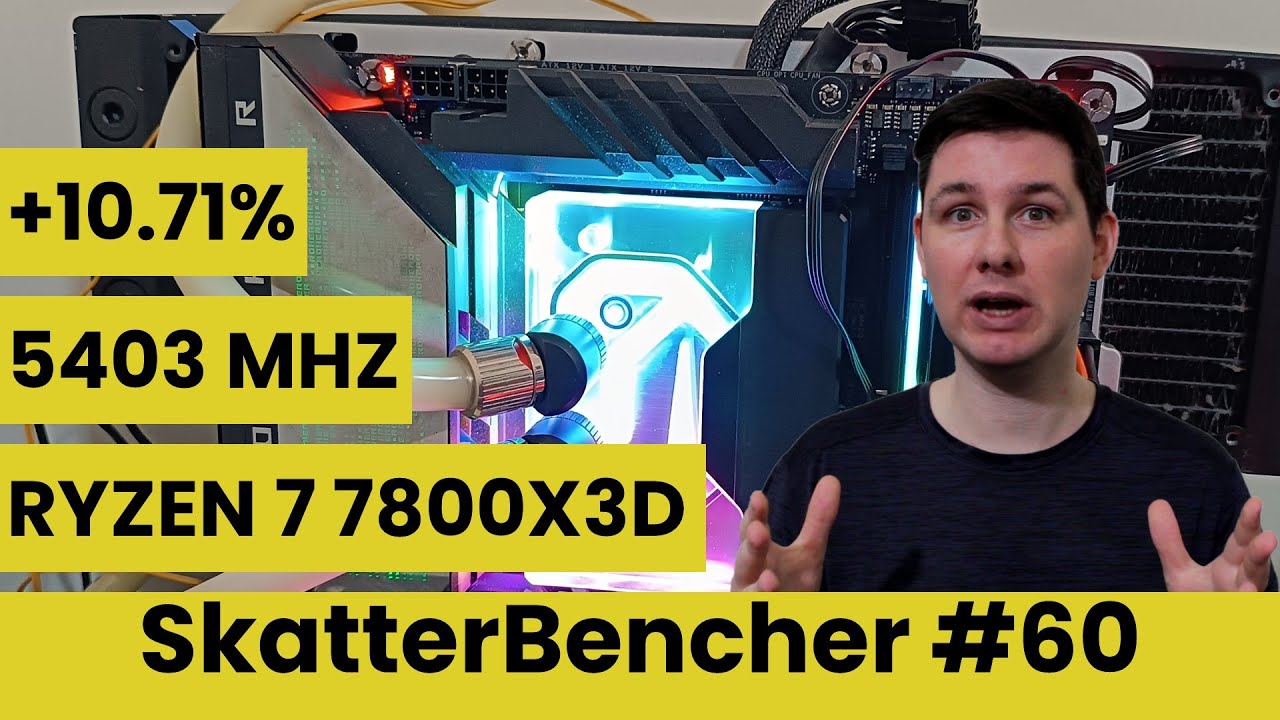
Of course im also fine with being proven wrong, never one to turn away extra performance for little effort 
Can’t speak for the X3D’s but my 5800X boosts to 5.05GHz stable using the Ryzen Master curve editor, it took exactly 1 hour and 8 minutes to complete. Super quiet and runs cool (on air)
Just came from a 5800x and agree, worth the time using the PBO undervolting on those chips not only makes them run cooler and use less power but + performance.
I havent even tried on the 7800X3D personally just going off what others (who are far more experienced then myself) are saying in other forums as far as PBO and undervolting the X3d’s.
Its early days tho, someone may discover another win button.
X3D’s run hot, even if there was no gain in performance it’s still worth undervolting just for the lower temps.
hours xD. The zen 4 cpus can be pbo with complete stability in 5 min.
5000 in the other hand take some time. I gotta agree with that.
I can tell you that today I was sitting in my parked Bonanza on the ramp at KAUS, and I was seeing 60 fps. Once I got to my 6,000 ft. cruise altitude I was seeing 120 fps.
5800X3D (Kombi Strike - level 3) Liquid cooled. Temps averaged around 60°C.
RTX 3090Ti. - Air cooled. Temps averaged around 65°.
In the BIOS you should see something like “Above 4GB Decoding”
Enable it.
In my the most recent MSI BIOS, ‘Resizable BAR’ is now enabled by default.
If it’s not in your BIOS, then you need to find it and enable it.
Is Above 4G Decoding Needed For Gaming?
The Above 4G Decoding checkbox is definitely required in order for the Resizable Bar to work for Radeon 6000 (RDNA2) and NVIDIA RTX 3000 (Ampere) users. Moreover, both functions can already be enabled on modern motherboards with a fresh BIOS.
What’s the difference between these two technologies?
- Above 4G Decoding affects the amount of RAM allocated at a time for the processor to work with video memory. And this explains some increase in the consumption of RAM. Previously, you had to huddle in a 4GB block, while with the Above 4G, you can use the whole area.
- Resizable Bar allows the graphics API to pass large blocks of memory to the graphics card. Previously, they communicated in chunks of 256 megabytes, but now you can send a lot at once and from any part of the memory.
Thanks, but i only have a 2080Ti for now, so it doesnt support ReBar.
You can’t test for stability in 5 mins, if your running the CPU out of spec, a spec created by very experienced engineers using really expensive machines that take months to fine tune, your just gambling.
Sure you may have gotten lucky but odds are the instability is there and the only way to know for sure is to stress test it for hours.
-20 consecutive runs of cinebech R23
-2 hours of prime95 small FFTs with AVX on
At a bare minimum.
Thing is these instabilities can slowly corrupt your OS and over time you’ll be just another one of the many “X software keeps crashing” then you’ll go back to stock settings with a corrupted OS and continue having issues that are very hard to diagnose, all while blaming the software for the problem you created by taking a gamble.
Or maybe you get lucky
FWIW, ASUS has in the last day or two released a new BIOS for some boards along with AMD Chipset Driver ver.5.03.24.2328.
BIOS UPDATE NOTES:
1.Update AGESA version to ComboAM5PI 1.0.0.6
2.TPM 2.0 security update
3.Recommended for optimum performance with AMD Ryzen™ 7000X3D series processors
Zen 4 CPUs are resilient to high load and is the low or medium load the one that will show an inestable PBO curve. I don’t know others but I don’t use “all cores” curves. There is a simple method for Zen 4 that works. You have to be very naive to set an “all cores” negative curve and to not expect issues.
Setting the curves using a pattern of favorite cores, preferred cores and rest of cores is the most logic thing to do. The first tries are something that takes 5 min.
I set my curves and… surprisingly I know PBO is enabled there, so I’m looking for any issue it can cause in the next Windows sessions (not a naive “oh this x software is causing crashes”).
The moment I get any crash I’ll revise them and adapt them until no longer issues are encounter. So strictly speaking of the time it takes, it could be no longer than a week.
It’s not all based on luck, one have to use his knowledge and basic use of logic sometimes.
There appears to be an issue with Asus AM5 motherboards possibly overvolting the CPU. There are couple of (long) threads on Reddit and it has been picked up by a couple of Tech blogs.
The result dead cpu and motherboard.
New Bios versions have been issued today - and all old versions removed on the Asus support site.