Is there any need to change anything in the bios to get better fps in msfs? The cores on my CPU are parking just as they should when using the sim… just poor fps.
I didn’t read this whole thread, so this may have been covered, but I I upgraded to a 4090 , Ryzen 9 7900x3d , new MOBO, fast ram, already using nvme2 ssd , Valve Index and was getting 24 fps and was REALLY mad.
Then in looking around , I saw that in the Steam VR video per application settings my FPS were locked at 25 fps. I raised it to 60 FPS, and YAY!! I’m getting 60 fps with almost everything on ULTRA.. it’s amazing and I am so happy!
If no one has tried that and it’s relevant to your system, I hope it helps!!
What does even here get for CPU utilization at Frankfurt? I’m at 15% utilization.
Yes - to unlock full potential of the cache (to get absolute best gaming performance out of the CPU), I would still change CPPT setting in BIOS to ‘Cache’, even if your cores are being parked.
Also in BIOS make sure your RAM is set to EXPO 1 or 2 - check which gives you the fastest speed by starting up and in windows checking Task Manager ‘Performance’ page, and looking at your Memory speed. I found that EXPO 2 actually gave ne a slower RAM speed.
I have found that RAM speed actually makes a significant differrence to fps in fs2020
Here is a question(s) for you clever folk.
I’ve settled on something that works pretty well. But still do get the odd stutter and not as smooth as it should be — mainly when scenery is loading in or turning head quickly.
Anyway, I have set things to target of 60fps by having Vsync on in game, 100% of monitor refresh, monitor at 120Hz. No cap in NVCP, DX12 with Framegen.
I am using Steam FPS counter for a non-intrusive overlay and if game is in focus, it’s usually locked at 116fps (so 58 doubled). It can and does drop in heavy areas, but usually at worst it’s high 80’s, low 90’s (so 40-45 native fps in the heaviest and badly optimised scenery areas). Strangely New York is really good for being so dense and it doesn’t really drop there, but I digress.
Here are some weird things I have noticed:
-
One time, when I was doing a little joke race in the WombiiActual baggage cart, it was locked at 120 in Steam counter. This was at a pretty heavy 3rd party airport so not like in totally empty scene. Why? Even “simple” planes over the sea it seems does not go over 116 normally. Sometimes spikes to 117.
-
But today, flying and noticed Steam counter showing 120! It’s the first time ever. Not sure what the condition was. I clicked to another app and when I came back it went back to 116.
-
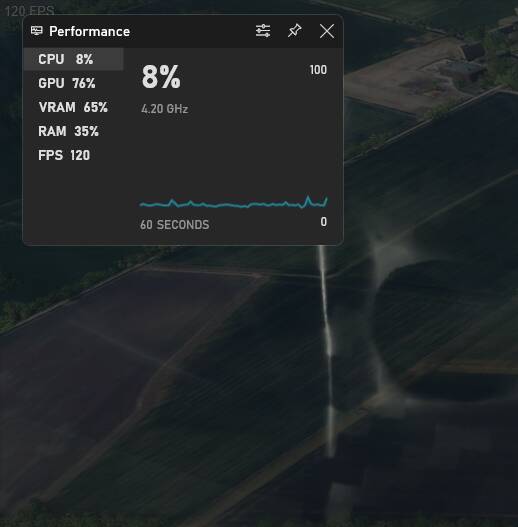
If I open GameBar (Win + G) then suddenly both the Steam counter and the Gamebar counter both shows 120 locked with the game running smoothly behind. Why?
Side note: I looked in Device manager today and there was a PCI device not recognised… inspected further (using the device ID code: Device PCI\VEN_1022&DEV_14DE&SUBSYS_88771043&REV_C9\4&1ebe6a9c&0&0041) and it was something to do with AMD Chipset Drivers needing further installation. I have already done that, so something has knocked one element of it out somehow! Reinstalled the package (from AMD site, same version as before) and Device Manager is clean now. Weird!?
Other note: I have not yet tried 4K virtual desktop or enabling PBO. Nervous to touch anything especially with the Bios fiasco. My ram is at DOCP 5200Mhz now.
Did you disable the iGPU in bios? If I do that I get a similar unidentified PCI device.
I did indeed, but sure that error was new. Reinstalling the Chipset stuff made it go away, so might that mean that it re-enabled the iGPU in Bios level?
It’s possible. I am not an expert in these matters, however.
Guess I need to root around in Bios again then 
In my case, I disliked the error, so I reenabled the iGPU in BIOS and just disabled it via Device Manager, so it’s clearly identified.
I’m a bit of a neat freak.

With all the crazy re: BIOS at the end of this discussion here, I’m certainly not going to insert myself!:
For what it’s worth my MoBo brand hasn’t released a new BIOS version for AGESA 1.0.0.7.a., yet. They did release an update to address the EXPO voltage issue, so I’ve updated to that, even though my EXPO voltages were never in the at-risk range.
Not on my PC until weekend now, so will leave this til Friday night - they will probably have a new one out by then 
Now I remember just why I let new tech get well established before I think of upgrading 
On mine it added instability with my actual pbo curves. A random software crash and one or two shutdowns due to pbo curves. Could move them up a bit and call it a day. But was satisfied with the previous stable bios and it didn’t overvolt the SOC so I rolled back and will stick with it until a new stable bios with the new agesa version is finally released.
**the previous stable is based in agesa 1.0.0.6 and the latest is in 1.0.0.7a (patch a). Amd is working on a new final/next version, so I’d wait for the next stable bios based on that “final” agesa version. If you want to now more about that next version, its internal code is 1.0.9.0.
just noticed AMD has released a new chipset driver on 5/23
https://www.amd.com/en/support
will give it a try this weekend
Well that was a bit scary. Installed that pack of chipset stuff (just over the top, not sure if better to uninstall manually the older versions first?) and after PC Restarts, upon loading into a flight, it had totally killed my performance. A stuttering 25-35fps (allegedly that was with FG, so 12.5-17.5). Open GameBar and it didn’t have the FS icon in the top toolbar as normal.
Before digging in further I thought I’d shut down the PC and restart (not just soft restart as the installer did) and it’s back to normal now after that. Weird.
I’m flying in a light area now, so no noticeable performance changes yet. Will try more dense scenery later.
What would newer versions of these files actually do anyway?
Hasn’t changed the fact that it’s capping at 58fps (shown as 116 in Steam fps overlay after the FG) unless I open GameBar. Then it jumps to 60 /120 so it can for sure hit 60 at the times it’s limiting to 116. It’s only 2fps but I am sure it would match my monitor refresh better if it could just grab a hold of 60?!
Guys, I have a major problem and desperately need some help 
Thought I would install the 1415 Bios on my Asus X670E-F. All seemed to go normal, and it booted back into Bios.
Added my settings again (except I tried 5400 Ram instead of 5200 it was running before, and also enabled PBO Enhanced), and:
- It froze when loading Windows. Stuck on the spinning white circle.
- Rebooted into Bios (to try to lower the RAM speed and switch PBO off again) and when I clicked ‘Advanced’ in Bios to get to that screen, it froze and locked up.
- Rebooted again and this time I could get into Advanced, so I changed those 2 things but when I SAVED it just instantly black screened and rebooted. Didn’t come up with the screen “ARE YOU SURE YOU WANT TO SAVE” (or whatever it says) with the list of changes.
- Rebooted and it had not saved those changes so I tried to Load Optimised Defaults and it just locks up (mouse not moving, but Bios screens stay on screen).
- Cleared CMOS (unplugged power cord and held the Clear CMOS button for 10 seconds) and it still tries to load Windows if I let it. Didn’t get the “Press F1 for Setup” screen as usual after a CMOS clear, so seems like it’s just not able to change / overwrite ANY settings at all now.
- Same if I use the KB shortcut (F5) to load defaults or F10 to save. It just won’t save the new settings now.
What can I do? Can anyone please give me some guidance?!
Can I roll back to the previous Bios version?
It just freezes here now:
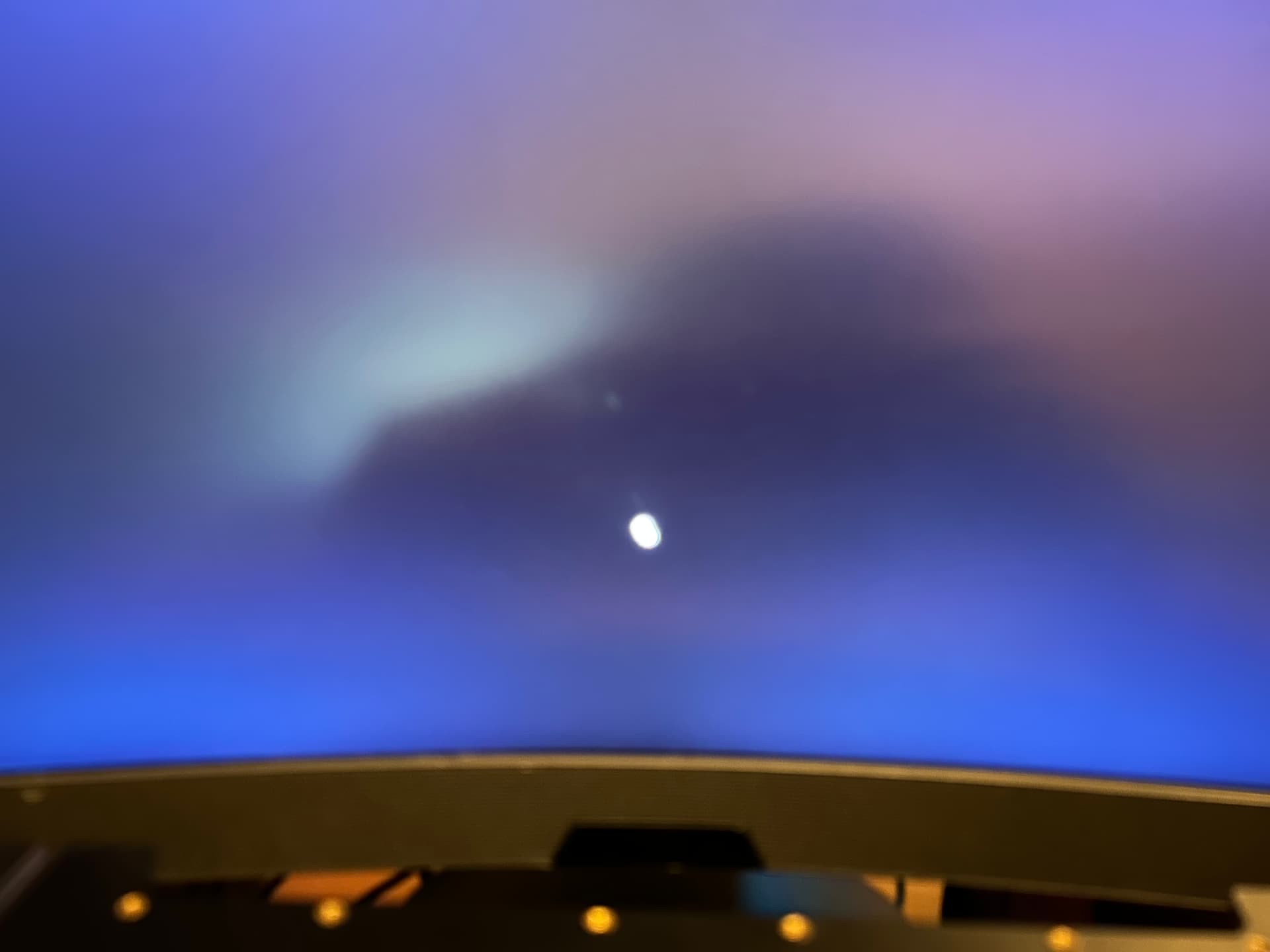
Also I noticed in one of the Bios screens some coloured pixel artefacts:

EDIT: I did another CMOS Reset and went to Bios and F5 to load defaults, and it workled this time (the settings were back to basics) so I am able to get into Windows now… so that’s something.
Gonna try running FS with NO changes there and see how it performs / behaves. Scared to touch anything now! What is going on?
I noticed a strange situation with my 7950X3D. I have an RTX4090 and I use 2 144 hz screens. 1 screen is connected to the GPU (RTX) and the second is connected to the IGPU (CPU). So I have 2 graphics drivers installed, Nvidia for the 4090 GPU and AMD for the CPU-integrated IGPU. The main screen that displays MSFS is the one connected to the GPU. The SIM is very smooth. When I connect the 2 screens to the GPU everything is always as smooth. I then uninstalled the AMD driver since I no longer use the IGPU and I don’t like having 2 graphics drivers installed if i use only one. I restart my PC and the disaster, the SIM stutters. I reinstall the AMD graphics driver and everything is smooth again… In short, even if I only use the Nvidia GPU for the 2 screens, the SIM is 100% smooth only if the AMD graphics driver of the IGPU is installed. I hope I’ve been clear. I don’t understand the reason, but I keep the AMD driver installed.
I disabled the IGPU in my BIOS. Did you try that?