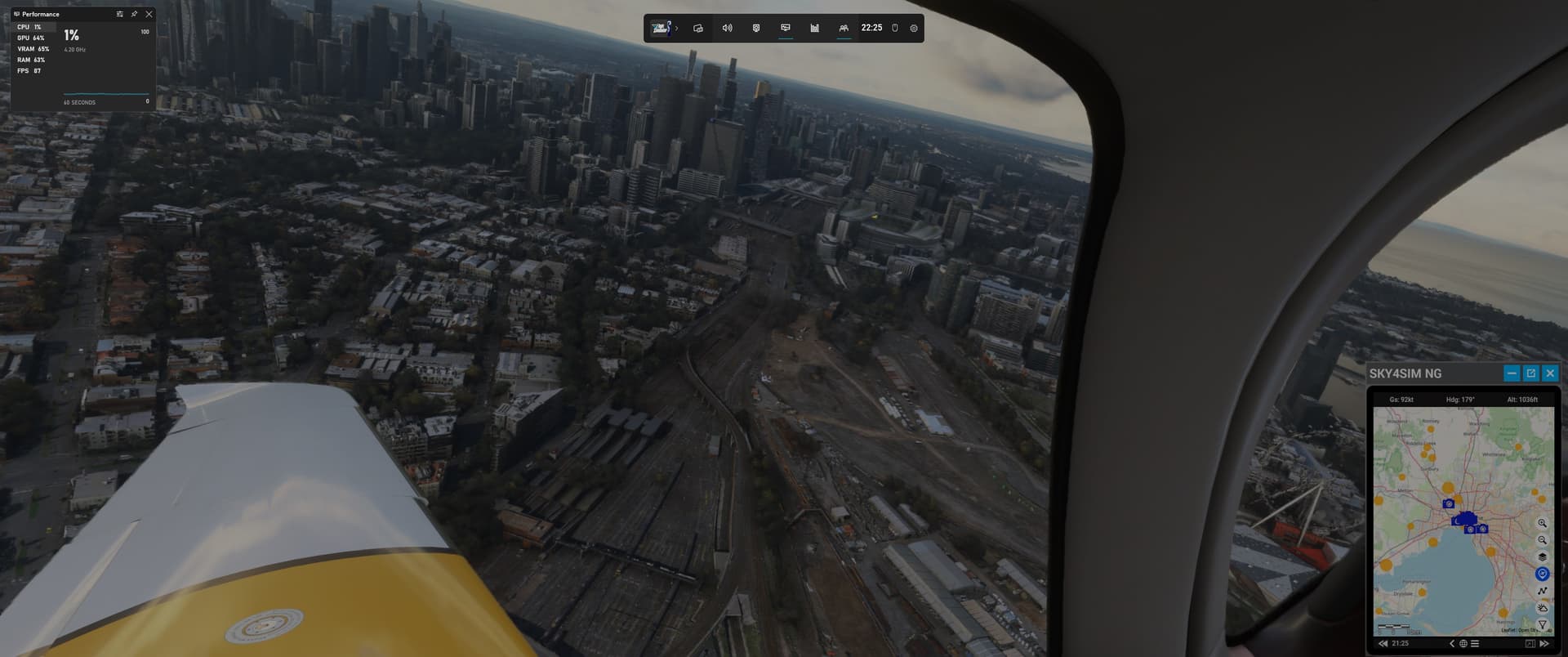
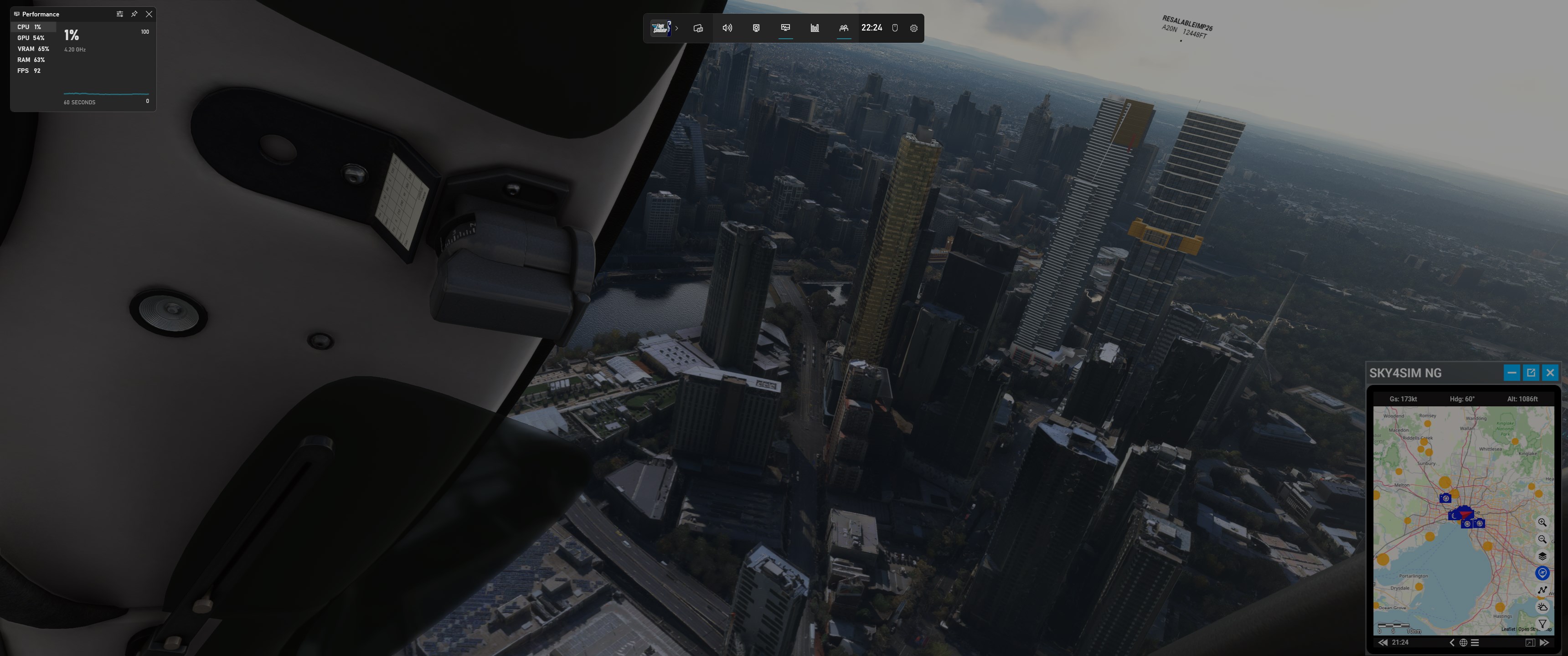
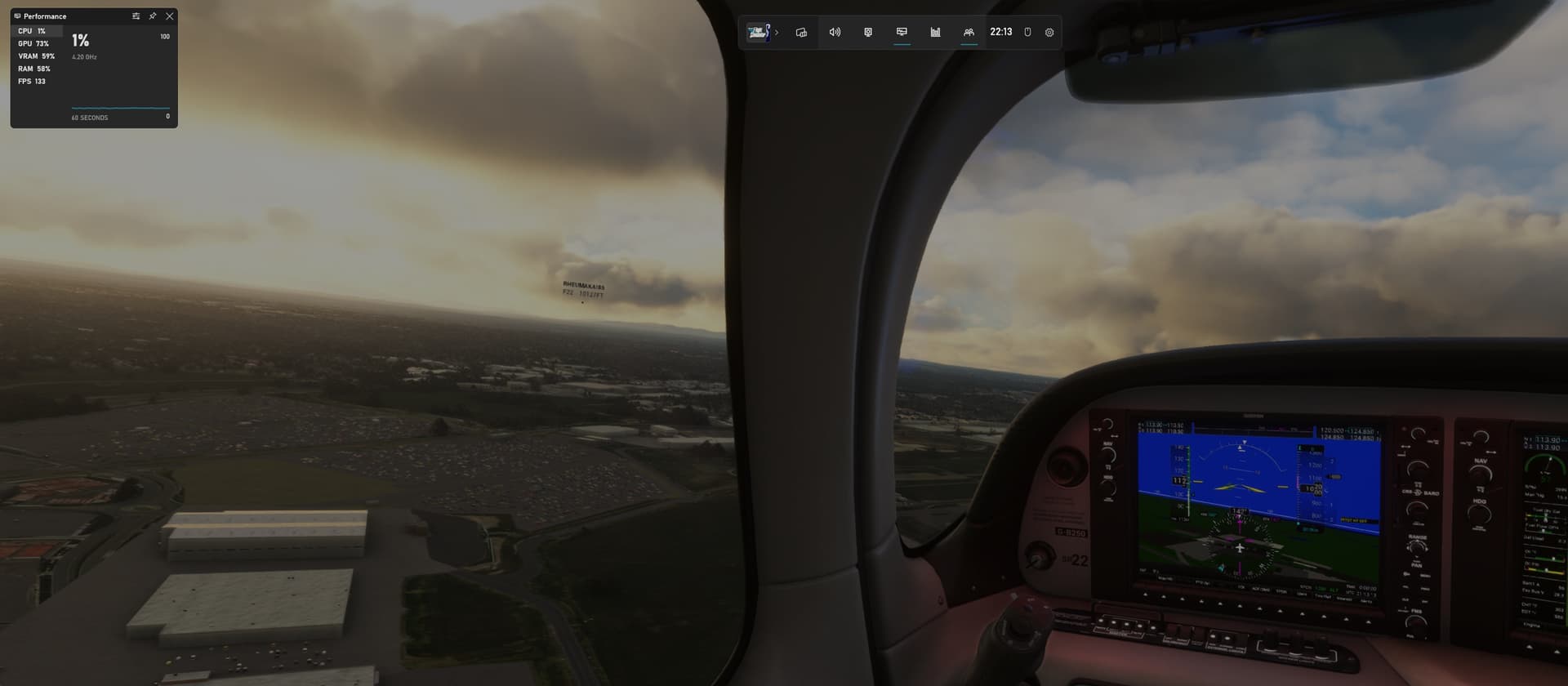
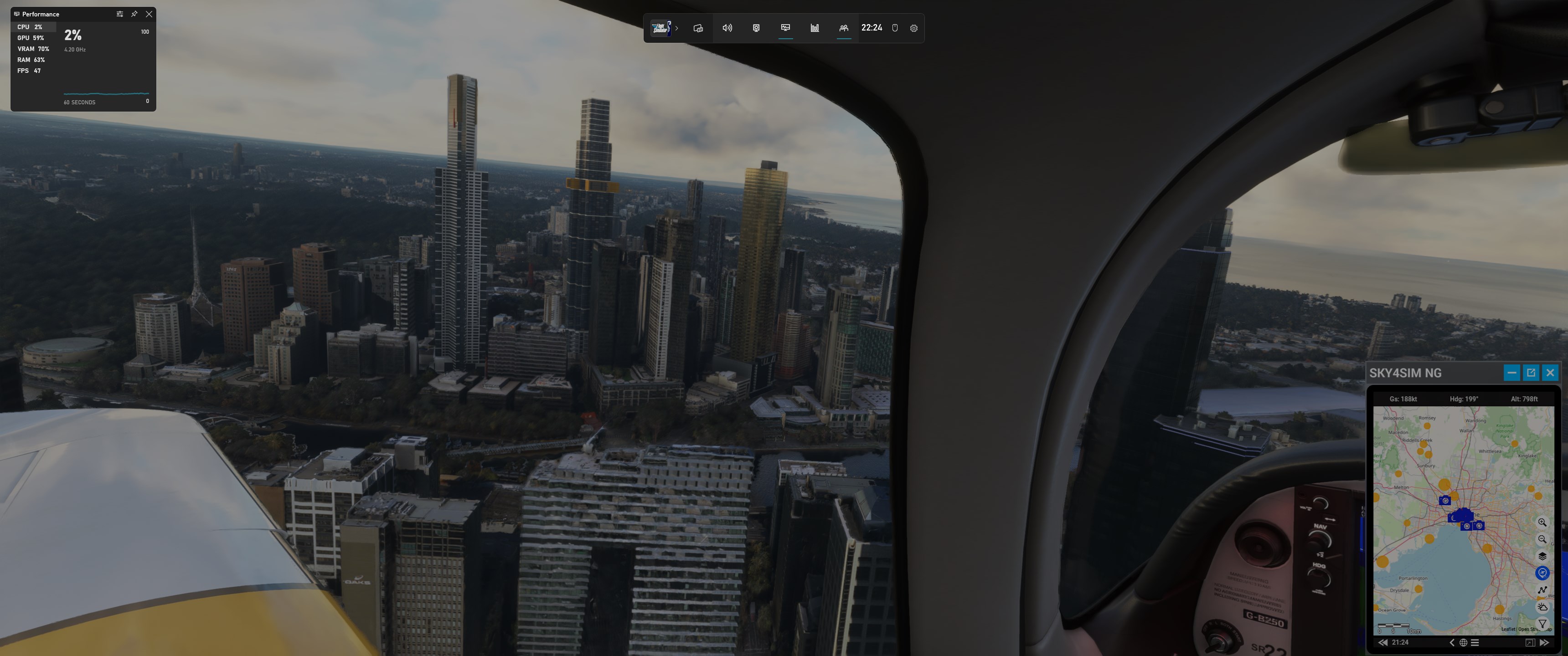
I’ve had some good progress with performance here today.
The RAM is another issue. I did actually buy another kit of Neo from the same seller (but non RGB - I explained to the guy what was happening and he said I can send either kit back for a refund) to see if they would work, and I was just unlucky with the other kit, or if non RGB would require a bit less voltage and then training would work… but it got held up in customs and won’t arrive now before I leave for a 2 week holiday!
I am going to try upping the voltages on the CPU and RAM tomorrow and see if I can get both sticks booting. If not then going to send the whole PC back before I leave.
But on the plus side, been tinkering with settings in the sim and NVCP and found much more fluid settings. I feel it could and should still be better but there are so many settings. It’s really way better than last time I played.
I was thrown a bit of a red herring by using the F-22 the other day - for sure that aircraft has some issues with stuttering which threw me off, but everything else has been very good.
I got rid of the little constant stutters (noticeable when looking out side window) by switching to use v-sync in the sim instead of the NVCP one, and now it’s like liquid.
Still do get the odd scenery loading hitch now and again, but that MAYBE just an MSFS thing or combination of mods I have (650 or so loaded). I could tune more no doubt though.
Main things I did:
- Monitor back to 144hz
- Frame cap REMOVED from NVCP, and added V-sync in game instead of in NVCP, so for the fs.exe I put use the 3D Application setting (33% of screen refresh = 48fps) - this really made a big difference to smoothness and also I think eliminated a weird flickering I was getting on the far left and right of the ultrawide monitor in the game (not on desktop). Now it’s rock solid image. Seems the NVCP Frame Limit was causing both these imperfections. I can go to 50% of refresh but I think it’s trying too much then to reach 72fps and it can’t keep it up so it’s not as fluid.
- Unplugged my second screen from HDMI (main screen is DP) - this could also have been causing issues?? I need to test with it plugged in again tomorrow.
- Tried going back to DX12, to allow Frame generation to go on again. I really like the difference it makes, but the hitches are less often in DX11 so I am still torn.
- What I don’t quite understand is that I have 33% of 144Hz = 48fps, but with Frame Gen on I am getting anywhere between 80 and 138fps according to Game Bar readout (see images below). Is that still matched up to the v-sync frame timing?
- There was a Game Bar update so I installed that, and the latest Nvidia drivers (531.41)
- I did not yet try to make the 50% larger desktop as suggested as it is already reaching high 90% GPU usage in TAA mode sometimes with 115% render scale so it’s 3956x1656 (which also helps reduce jaggies quite nicely). Doesn’t making renderscale higher have similar effect anyway @DensestSnail693 ?
- To try and help the hitches I tried making texture resolution just High instead of Ultra as it feels like it’s when it’s trying to load in more textures when flying in a fast jet. Not sure if it helped - maybe a bit, but I think I don’t need Ultra for a 1440p monitor really so it will just lessen the stress on the system I think? Still looks amazing - can’t really see any difference to Ultra and does feel more responsive. Also made TLOD 175.
- In DX11, I am not sure what the Low Latency or Low Latency + Boost option does. It’s not available in DX12 though.
- Also I have Low Latency Mode ULTRA as override in NVCP for fs.exe as I seen that might be a good thing to do

Some pics - impressive - just need to find what is making the hitches now as I know it can still be better than this. I think the CPU should be boosting more. My fans are never really going strongly hehe