Prior to the update I was able to perform ILS approach and landing with the flight planner from EGPH-EGLL using the A320. I did this on a number of occasions to builds hrs up. Since the update it will not capture the glide slope or perform landing at all. Any one having the same issues. I have tried both directions and a flight to LMML with the same result.
+1 - System is taken the G/S but no indication/change on the screen…
2 Likes
-1 still works for me
Do you do a manual descent or allow the flight computer to manage your descent and ILS line up?
the system doesn’t take up G/S in managed mode (e.g. FL 50).
You mean ils apprach like this in an A320 ? Just yesterday!!
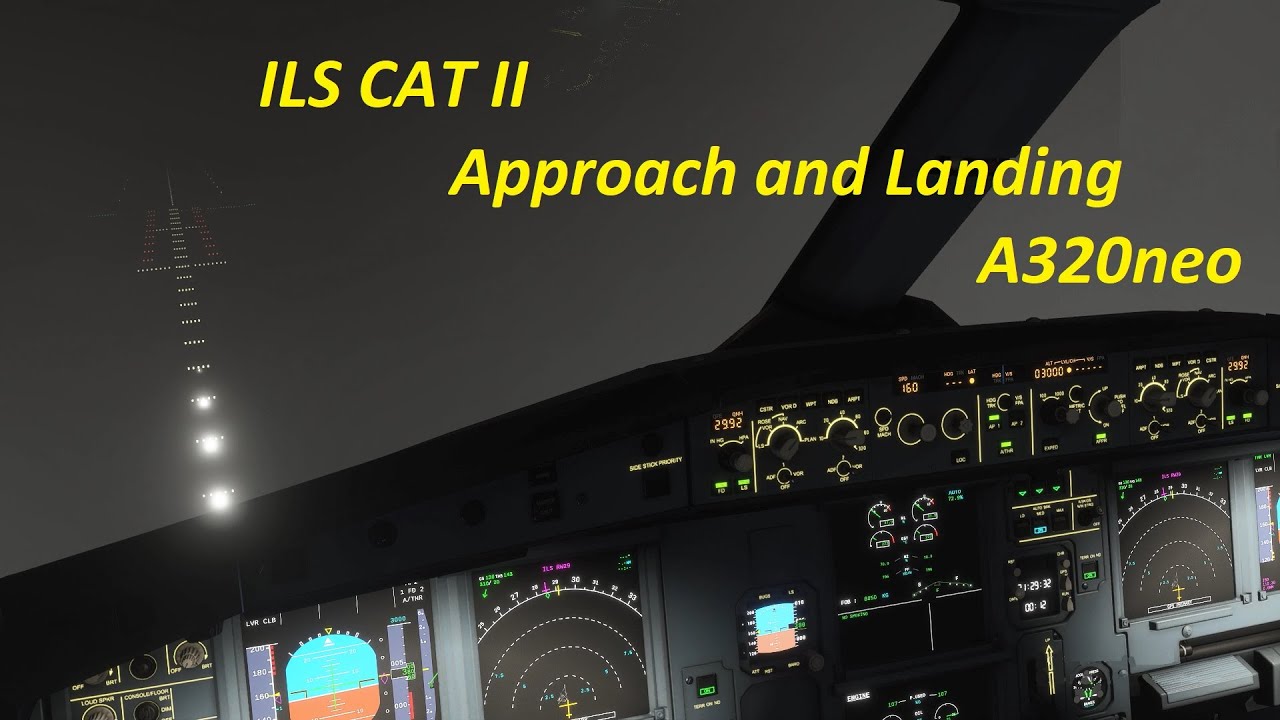
1 Like
I did a fully automated flight (except takeoff obviously) in the A320 a couple days ago, right after the update. No issues with approach or autoland, worked like a dream
3 Likes
I also have had ZERO problems with ILS and Autoland capabilities, before or after the patch.
Your flight captured the ILS glide slope, mine won’t capture or follow down the glide slope speeds are fine it lines up and goes to 2500 then just flies that height.
Worked today - with and without the A320mod. However, I switched off AP before touchdown and manually landed the plane as the AP has (had?) a tendency of landing the plane rather hard…
1 Like
This is actually realistic.
I tried it again and took the alt off managed mode and she captured the glide scope fine then switched back and forth to managed and non managed and she kept her descent.
Have you checked that the ILS frequency is set (on the FMC under NAV RAD)? It’s normally set by the World Map flight plan and/or with the approach clearance but it happened to me the other day (at HECA, I think) that it was left blank and I had to add it manually.
Yes and each time its been correct.
Same. Glad it’s not just me
The autopilot does not use managed mode to do an ILS approach. Once both the localizer and glide slope are being received, you should put the autopilot in APPR mode the APPR button will illuminate when selected. The airplane will then capture the localizer and glideslope automatically. Once the autopilot is in approach mode, managed mode no longer applies. If you press the altitude select knob, it will cancel the approach mode and the aircraft will not track the glideslope.
4 Likes