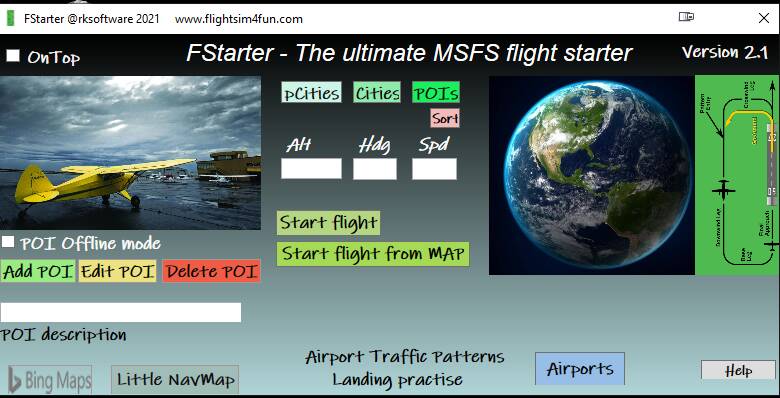
Make it possible to create a new flight plan (world map) without exiting the current flight, or while beeing on the ground, before or after a flight. Filing a flightplan by re-entering the route to Garmin is not always easy, especially in an G1000.
Make possible to alter the flightplans’ cruise level without having to use the ATC.
Is Microsoft reading this??? I think an very essential function to implement! Since there are so many bugs with the flight plan in flight still in there it would truely help as well.
It would be helpful if one could choose and move to another gate position from a start up gate. In online flying it often happens that you start up at gate that is already occupied, and therefore need to move to another defined position. Slew is too imprecise. Escaping to the startup screen is too time consuming.
Seems like a great tool. What I really search for though - or wish for - is to have a “choose airport, choose gate” menu like the one in the main screen, but “in game”.
If I import or manually input a route to the FMC on the PMDG 737, I am not able to request an IFR departure clearance via ATC. Also, the VFR map does not display the planned route, but the original route.
The only way I am able to request IFR clearance, is by selecting a route with departure and IFR arrival through the world map route planner before first flight. However, when arriving at my destination, I would like to be able to input a new route without exit to world map.
With VFR departure, I am also not able to request IFR landing on the destination unless preplanned with the built in route planner.
Hey there, @jsorheim, and welcome back to the forums. There have been a lot of changes since you were here last. I moved your post here to an existing Wishlist topic for essentially the same issue you are discussing. Suggest you add your vote at the top to help elevate this issue. There are also several workarounds suggested in this thread.
Now that you are back, please take some time to check out the Code of Conduct to reacquaint yourself with the rules of the road in the forums. There is also a Forum Guide where you can review the features available to you here.
This should be part of the base sim. But this is also one of the many reasons I use Pilot2ATC.
I only select a departure airport in MSFS then use the FMC/GPS to enter I’m my route to match Pilot2ATC.
I do cheat and load it from a file if it’s not a really simple flight plan on the PMS50 GTN530 because airways are not supported, same as the IRL unit.
I wish there was a way, when you’ve finished a flight and are at the gate, to quickly add a new flight plan without going back to the main menu, or manually entering it into the flight computer. Would speed up those turnarounds.
Hello,
Probably you know already the solution and it took also some hours for me to discover the solution.
So I also do several flights in raw without the need to of going back to the MAIN MENU…
SOLUTION: (in 4 simple key/click steps…)
[1] You can use any tool that generates a flight plan to FSX. (I use www simbrief com or PFPX)
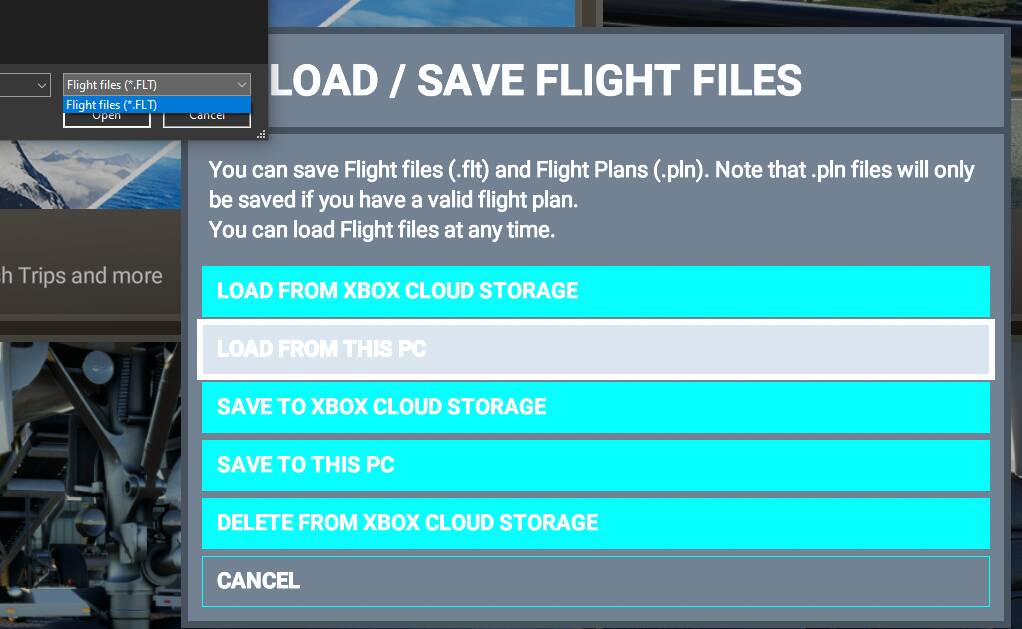
[2] Pause the game with ESC key and then press SPACE to load a fligth plan, an then point to the exported fligth plan directory (for me is the default DOCUMENTS directory)
[3] in ATC just use the term TAKE off NORTH or SOUTH ETC…
[4] Once airborne just say I want to CHANCE my Destination with IFR request.
and that’s it the ATC will follow you to the next Destination in that new flight plan.