I’ve just attempted to download the Premium Deluxe upgrade of MSFS 2020. In response, I got the following message: “You do not have enough space on the disk.” Given that, I subsequently learned that my Windows 11 computer has 692 gb free of 951 gb. Isn’t that sufficient?
Make sure you don’t have hibernate enabled. Also, it’s doubtful, but your Windows page file could be larger than you think.
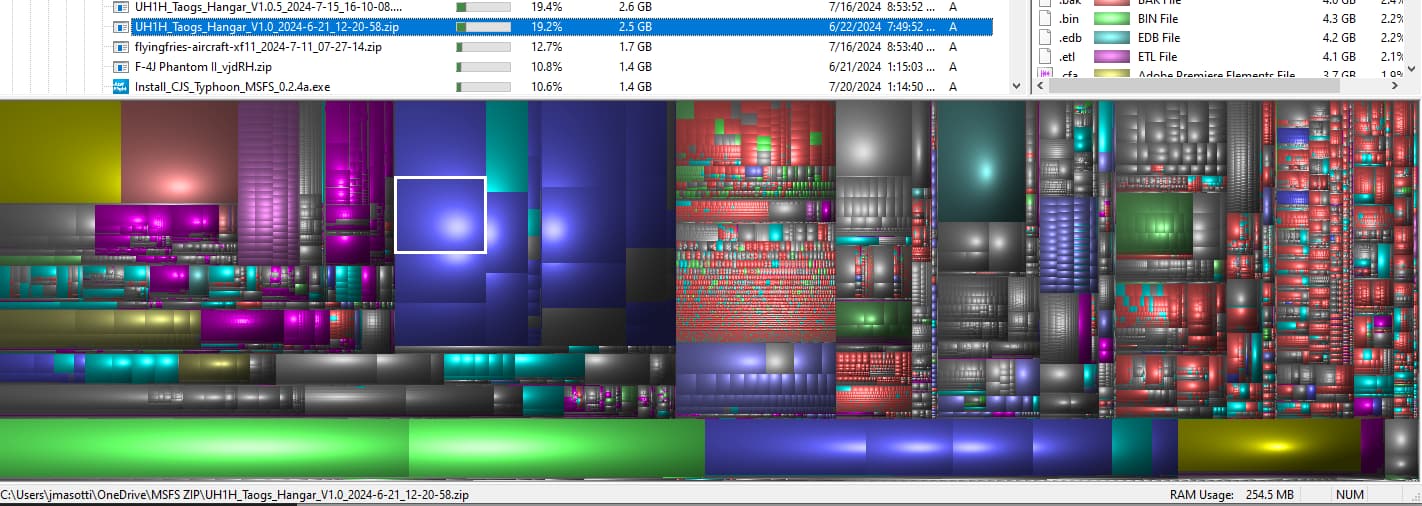
Try WinDirStat. It’s freeware that analyzes your drive so you can see exactly what’s taking up space.
Once it analyzes a drive it displays the files in graphical format. The C: drive on my Win10 laptop looks like this. Click on a colored rectangle and it tells you the file/folder details.
1 Like
The sim uses disk space like nothing i have seen before, although 692g should be enough. What i know is the data is downloaded compressed and at the moment of decompression both data sets need to coexist for a moment, compressed + uncompressed until the compressed set gets deleted. I know the sim takes this into account when checking for free space, so maybe this is what’s happening.
1 Like
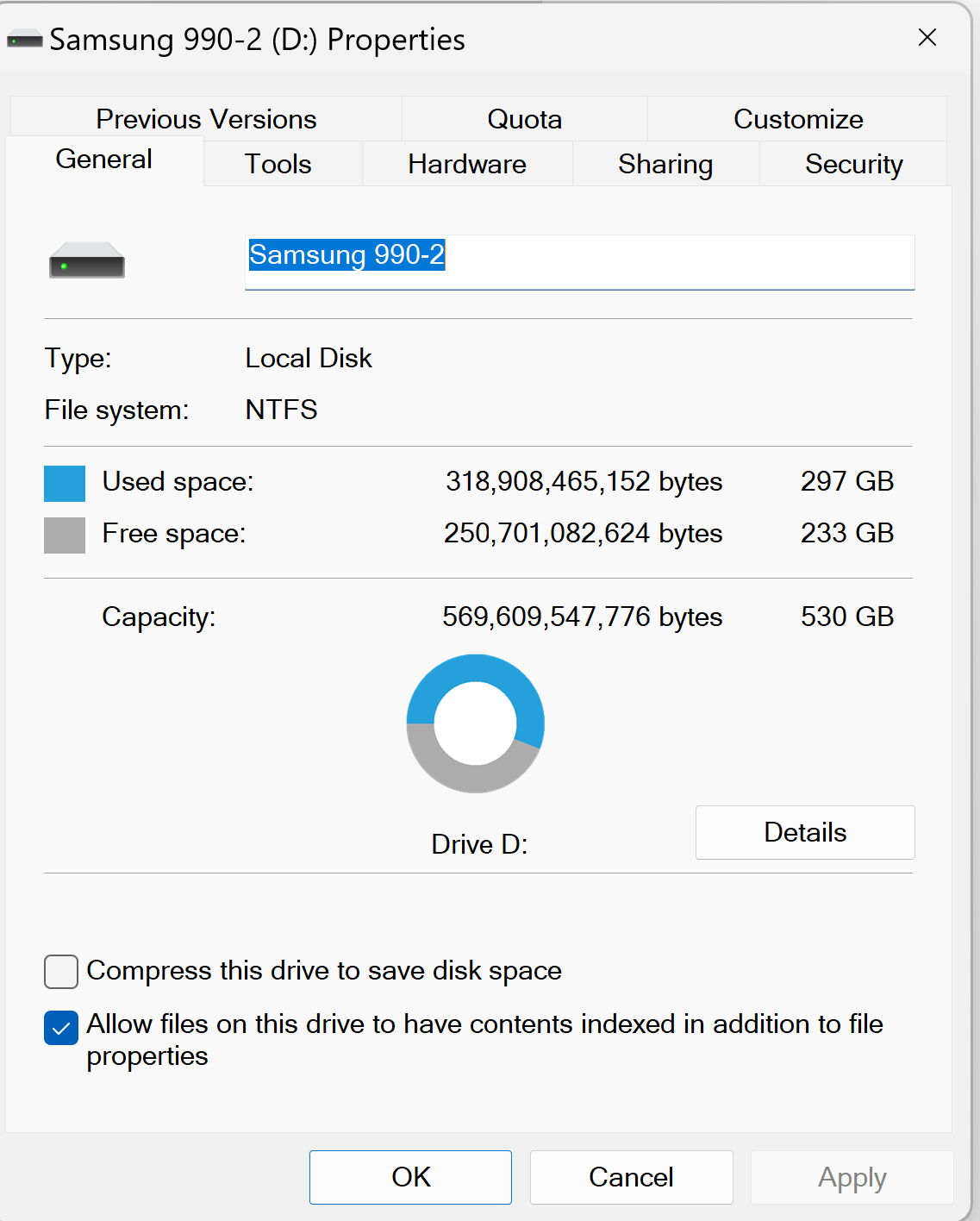
Also make sure you’re checking your partition size, not just your overall disc size.
1 Like
Hi @CoolingCellar72:
- How many drives do you have?
- Where did you install MSFS originally?
If you have multiple drives, make sure you are installing to the correct drive - see this thread that might be similar to your situation (it’s hard to tell based on the information you provided):
2 Likes
1 Like
Just use 4tb for win 11 and 8tb for MSFS installation, hard disks are quite reasonably priced these days, the more space the better!
My windows 11 is on a 8tb and MSFS is on a separate 8tb hard disk! 
I also rexommend removing the check mark form indexing option. And be sure that Microsoft One Drive is off and uninstalled. Also set UAC to never.
1 Like
while having a lot of storage space is nice, i assume these drives you’re talking about are traditional spinners.
The big drawback of these disk drives is load times can increase greatly the more you install on the disk.
You can typically find a SATAIII solid state with 2TB+ for sub $200. 2TB is more than enough room for the game plus plenty of addons
I regret buying 500GB and 1TB M.2 drives when I built my system three years ago. It’s enough space, sure, but I would have been smarter buying a single 2TB drive. I’m switching from AM4 to AM5, and I just bought a 4TB WD Black M.2 drive for $320. Now I need to repurpose the old drives. 500GB rolling cache anyone?? 
1 Like