Using the template below will greatly help the team reproduce the issue and ease the process of fixing it. Before posting, search for an existing report. If you are not sure it’s a bug, please first report in User Support Hub.
3 tags are required - add them in the tag section next to the title above:
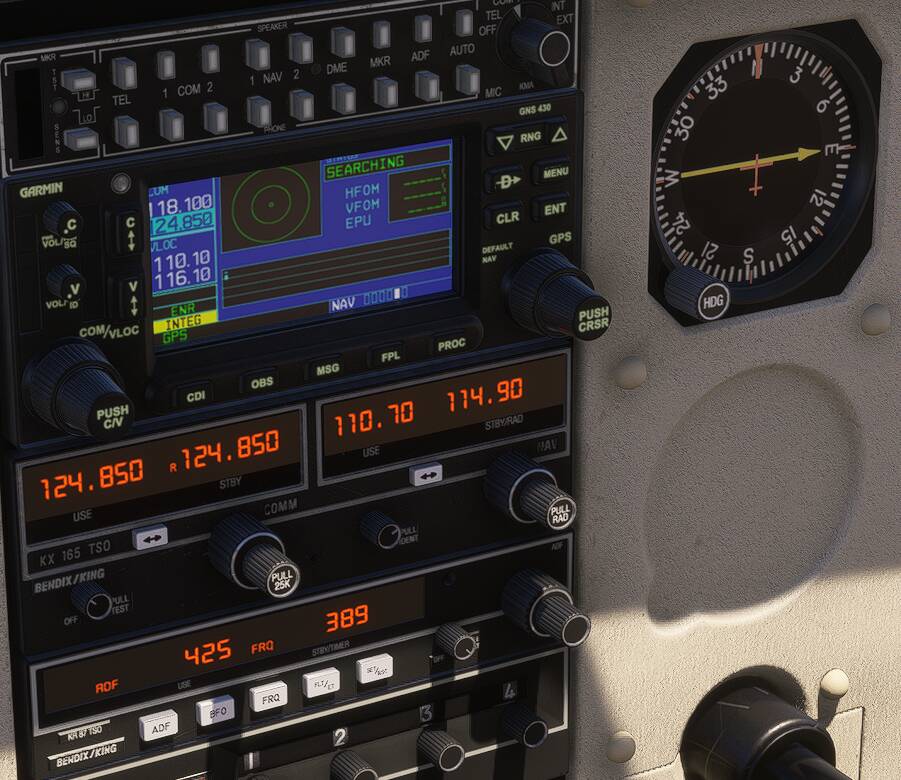
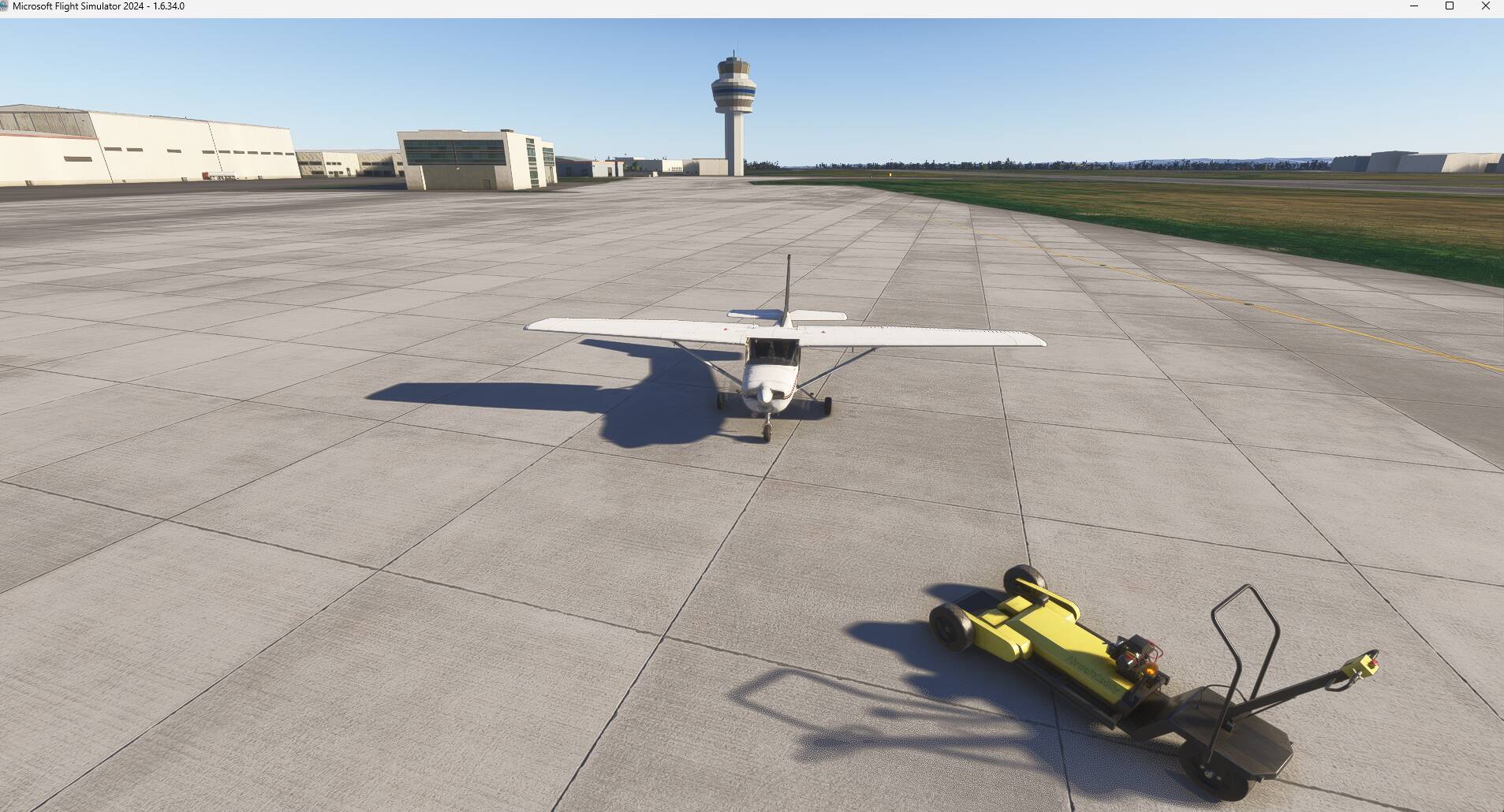
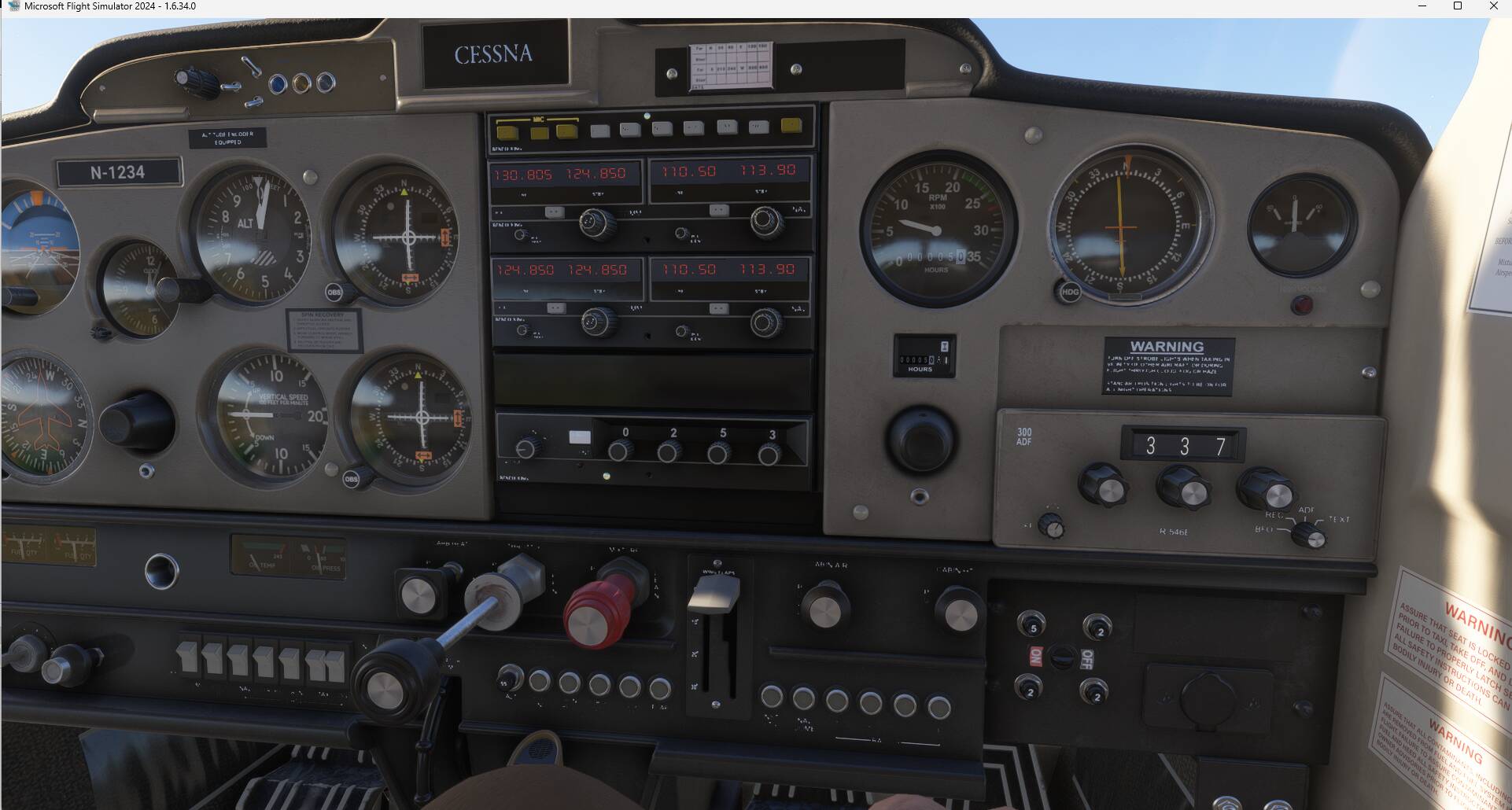
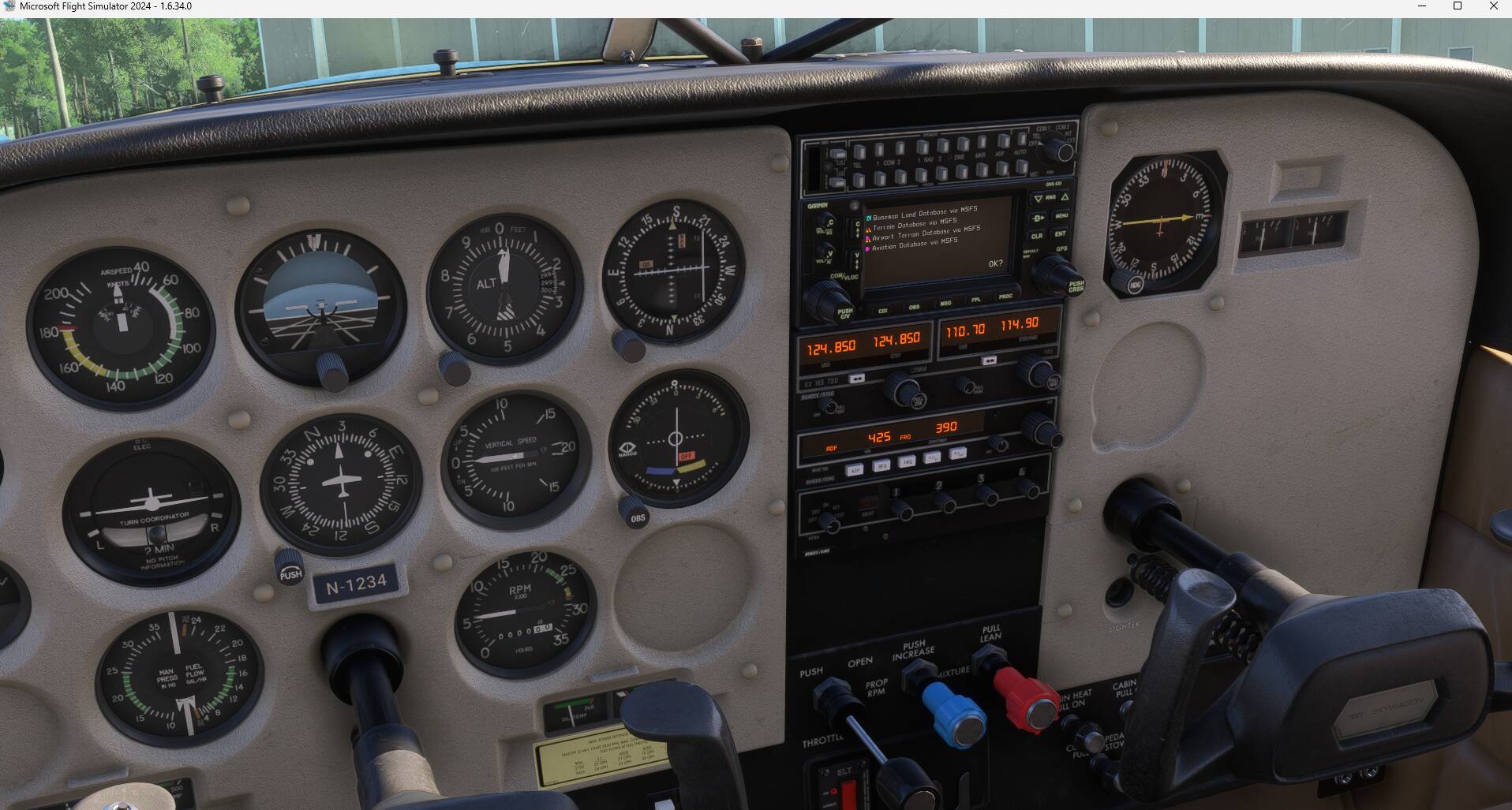
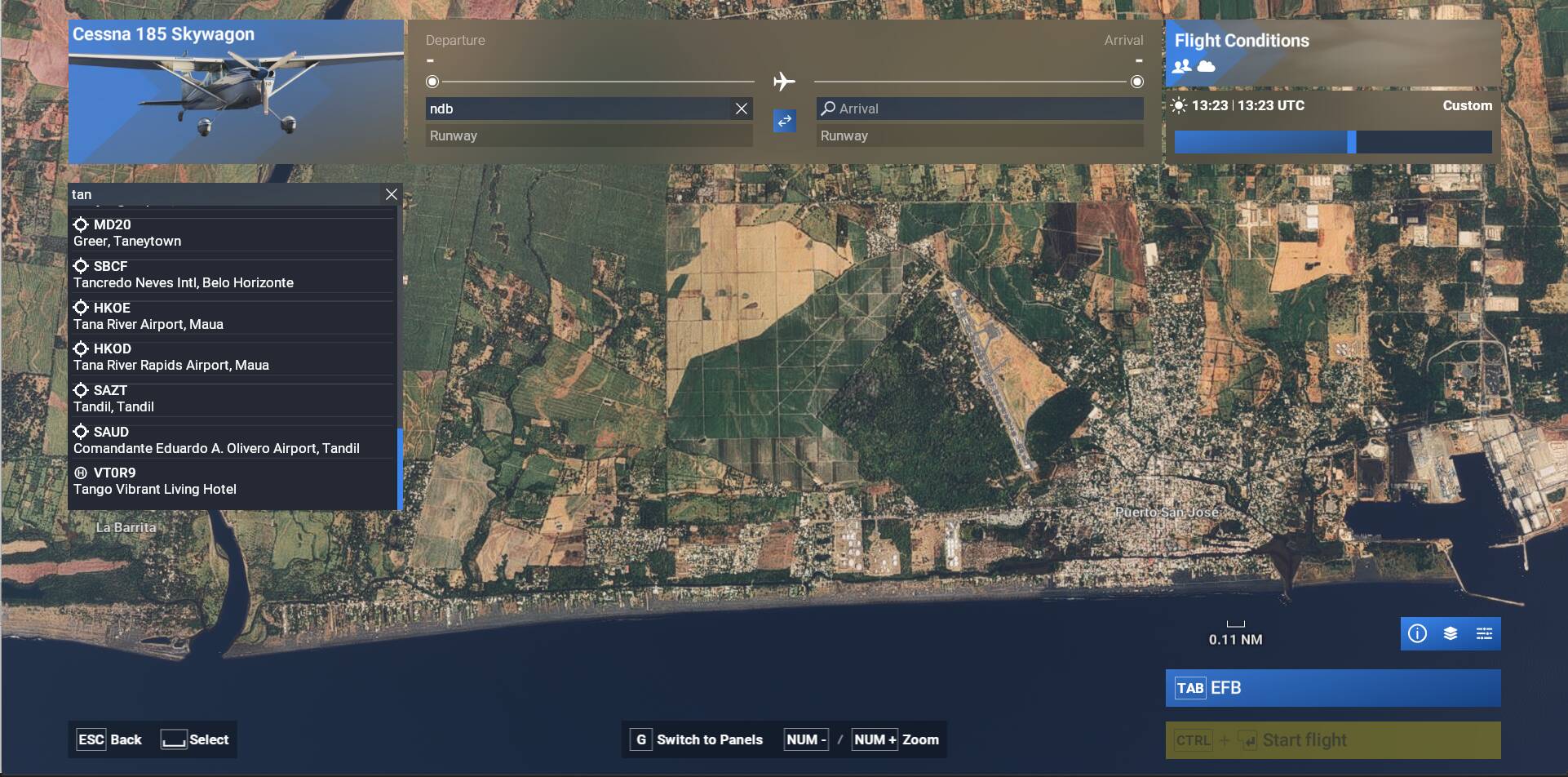
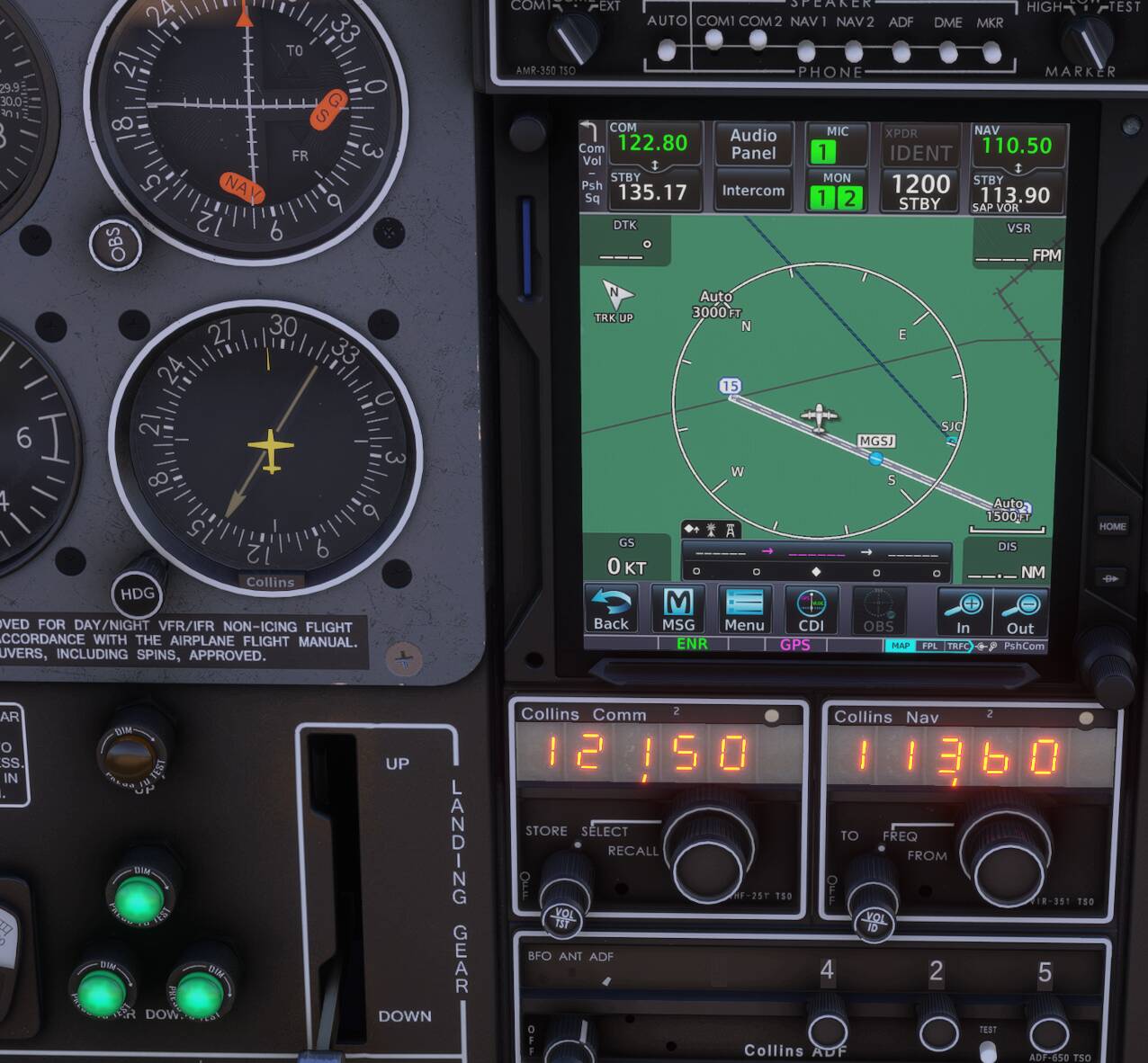
@stianbeyrend : you have added the piper-pa-28 and your description also says PA-28 but as mentioned by @Maki152 your screenshot is for the cessna-185-skywagon . Could you confirm for which aircraft you are reporting the issue ?
Hi @stianbeyrend
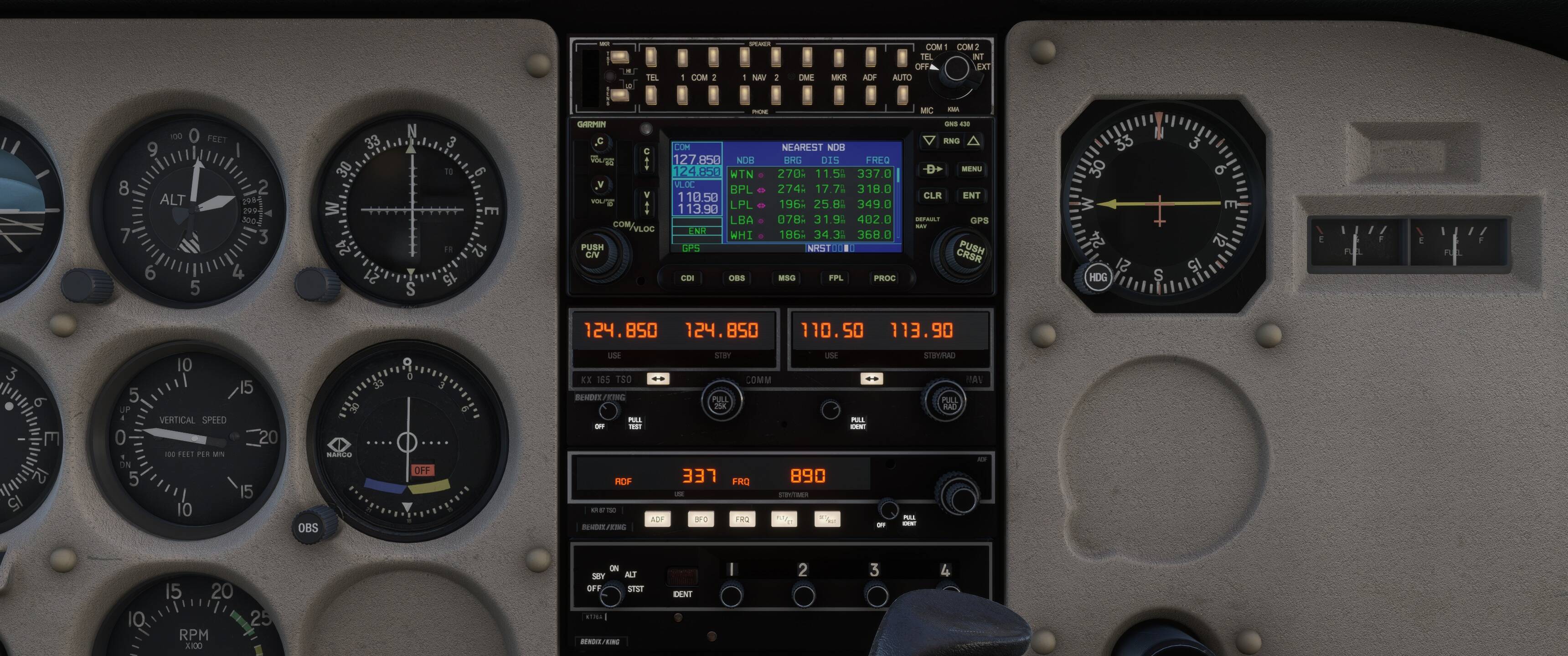
On the assumption that this is the C-185 (and it looks like it to me also), I gave it a test with the three stations you mentioned.
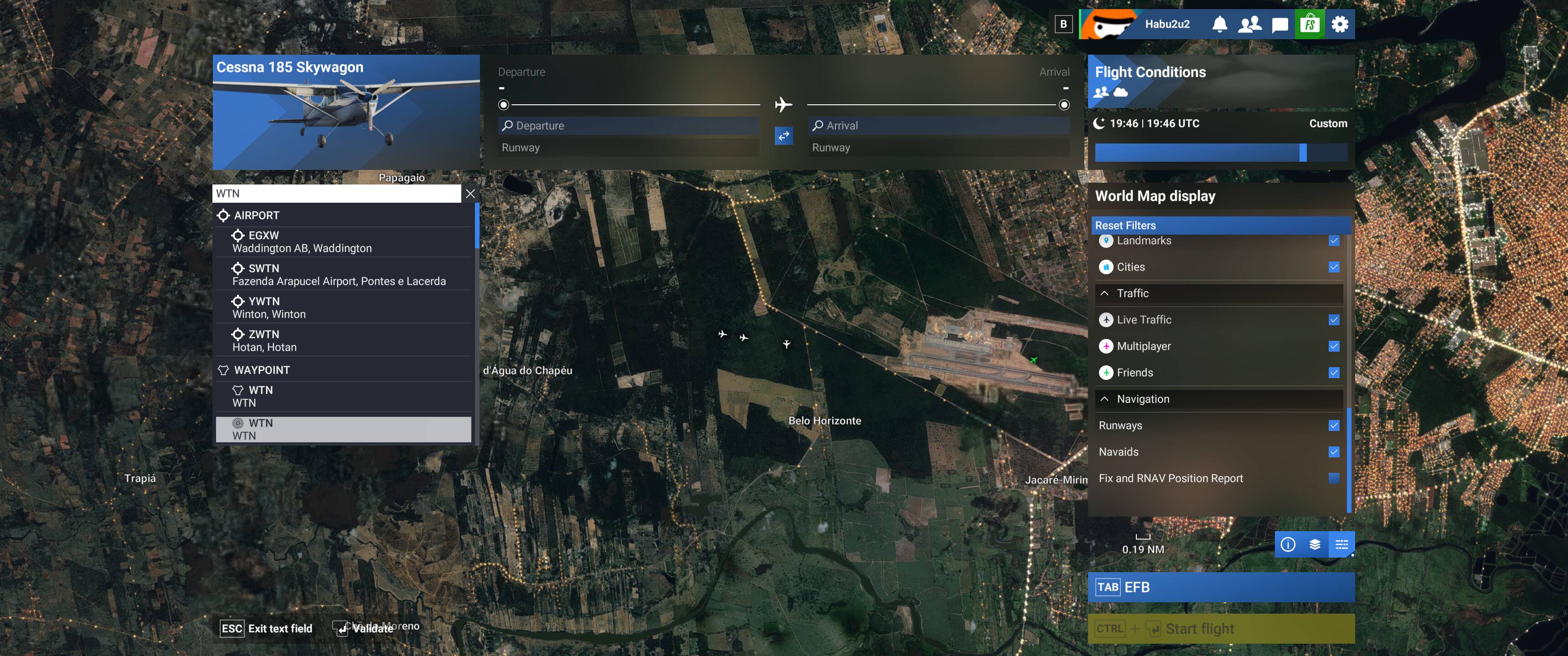
I tried WTN (British Isles) and got the correct signal. I was flying north, and the station was off to my left (west).
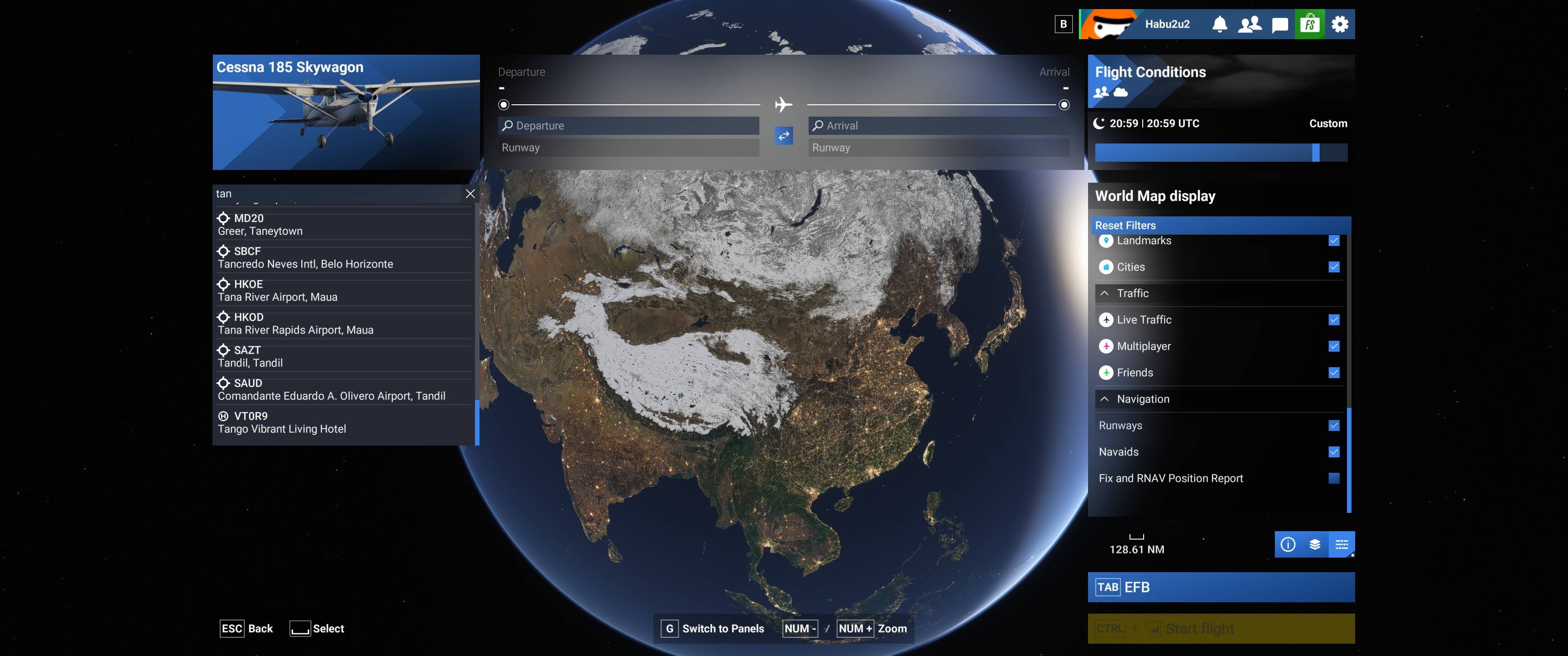
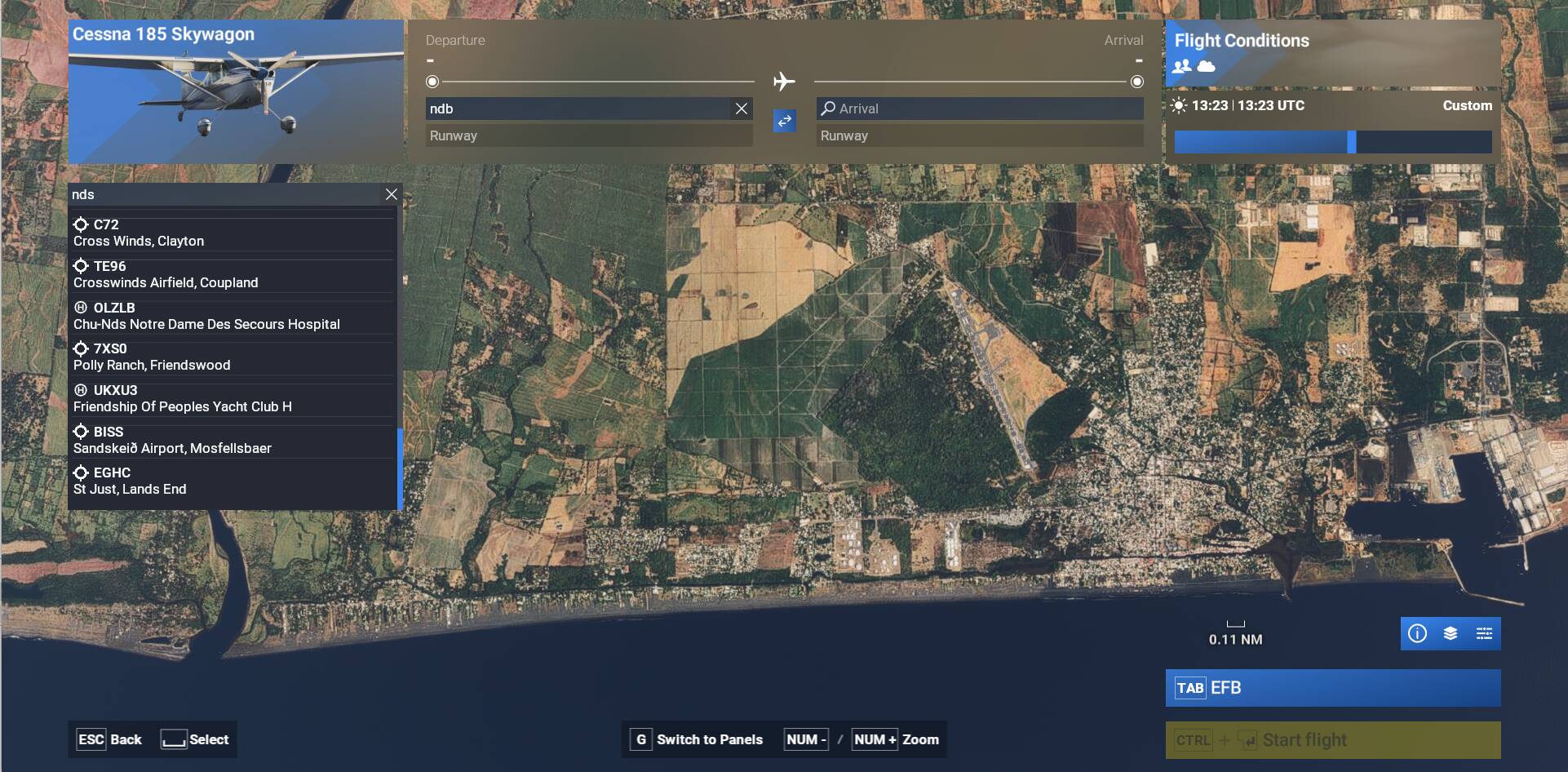
Finally, I was going to test TAN, but it doesn’t show up anywhere on the search list. Could you tell me where it’s showing up on your system and I’ll do some more research. I don’t know if there’s a limit on how many items the search box can display.
The final questions, are you using the standard MSFS 2024 nav database, and do you have any add-on’s with your sim? Third-party sceneries in particular sometimes add/remove things that conflict with the standard navdata.
Regards
#1 Yes i did file for a PA-28, and i did put the picture of the C-185. 2 reasons. first the problem to me is not the aircraft it is the ADF. I put Pa-28 because i had to put something. the Second reason, i did want to try other aircraft to confirm the problem was the ADF and not the Aircraft. and i took the picture at that point.
#2 i check the ADF on the ground because it is where i do my flight set up before a flight. Not like the VOR, the ADF wave bounce back from the atmosphere, so i should have the ADF working on the ground.
So i am sorry for not doing the proper troubleshooting of the systems first, or describe the real problem at the first place. how ever the ADF should work on the ground. where it is not always the case for a VOR who work on the line of site.
I do appreciate the quick response from you guys thank you.
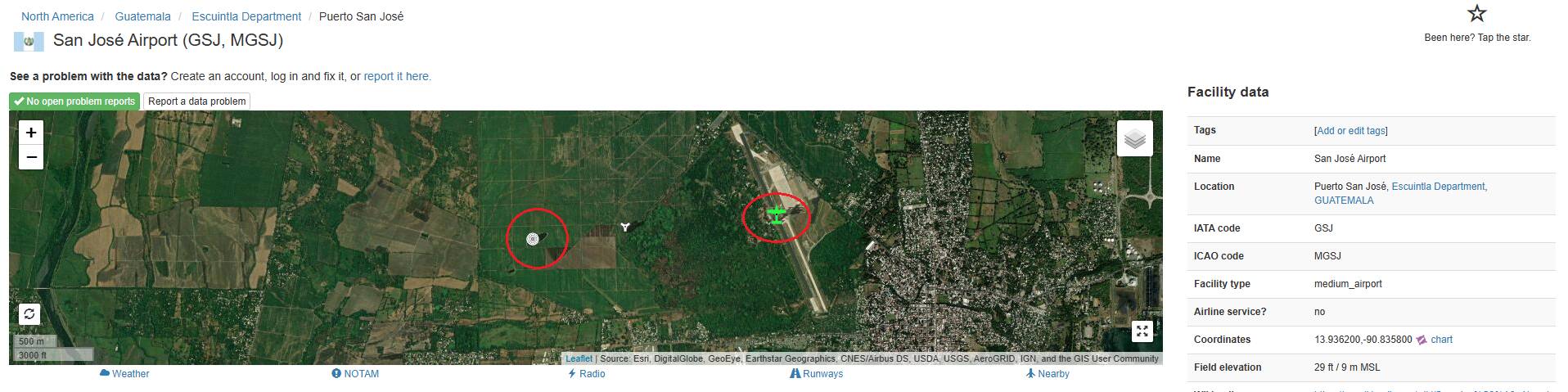
While it does appear that this NDB is still up I would like to say that OurAirports is not a good site if you’re looking for up-to-date information. Much of the information on it is very outdated.
EDIT: As I mentioned it does appear that this NDB is still up. The problem seems to be with the navdata from Lufthansa Systems. It doesn’t work. Using Jeppesen navdata it works.
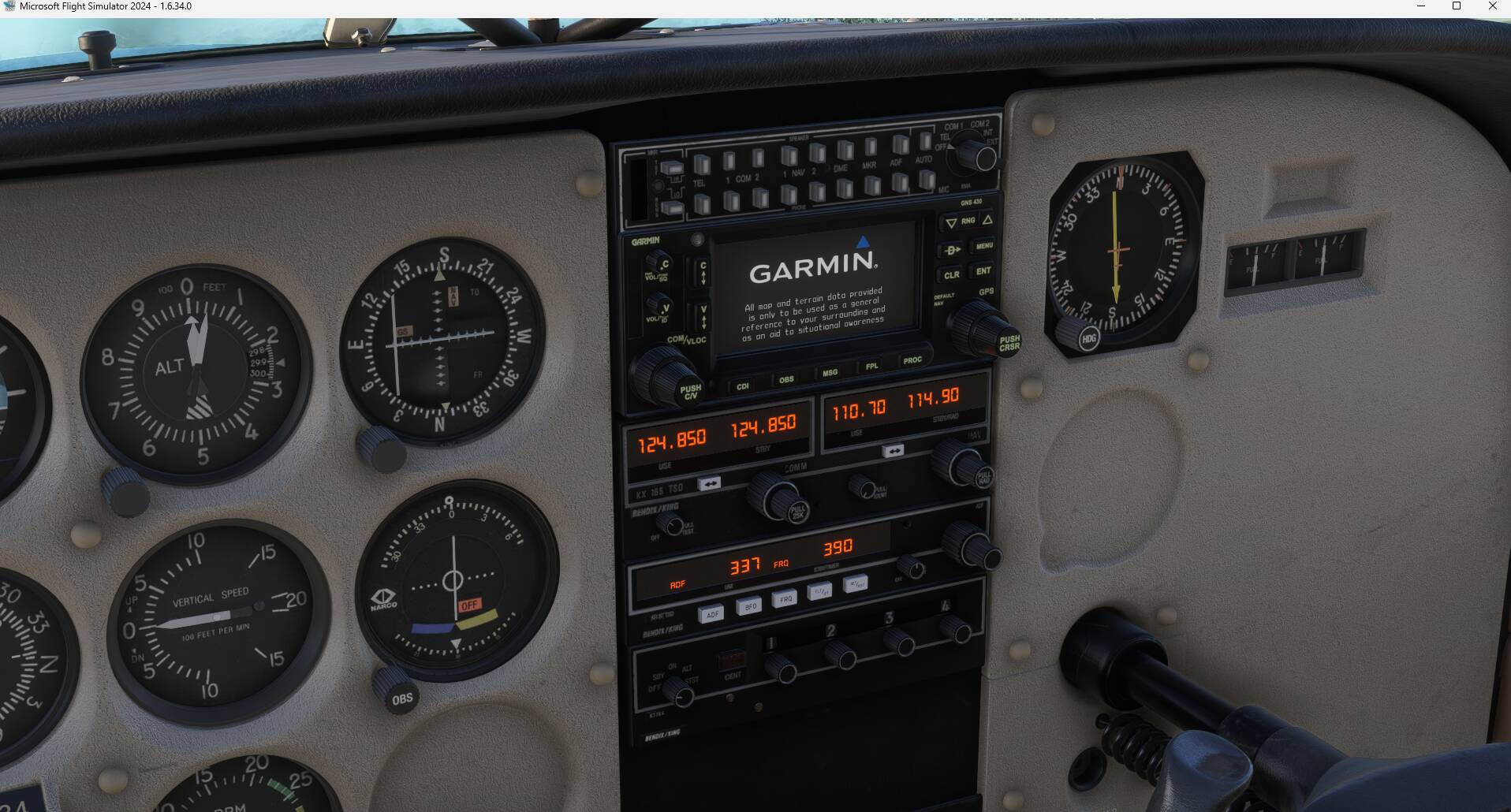
Here it is in the Aerostar. Works in the Dakota also.
Thanks for the additional insight. For those NDBs that exist IRL but missing from Lufthansa Systems they should be reported in separate reports in the Bug Reporting Hub > ATC, Traffic & NAVAIDs category.
Topic moved to User Support Hub since if the NDB exists it can be received from the ground (see WTN NDB example in my above post), so not a bug.
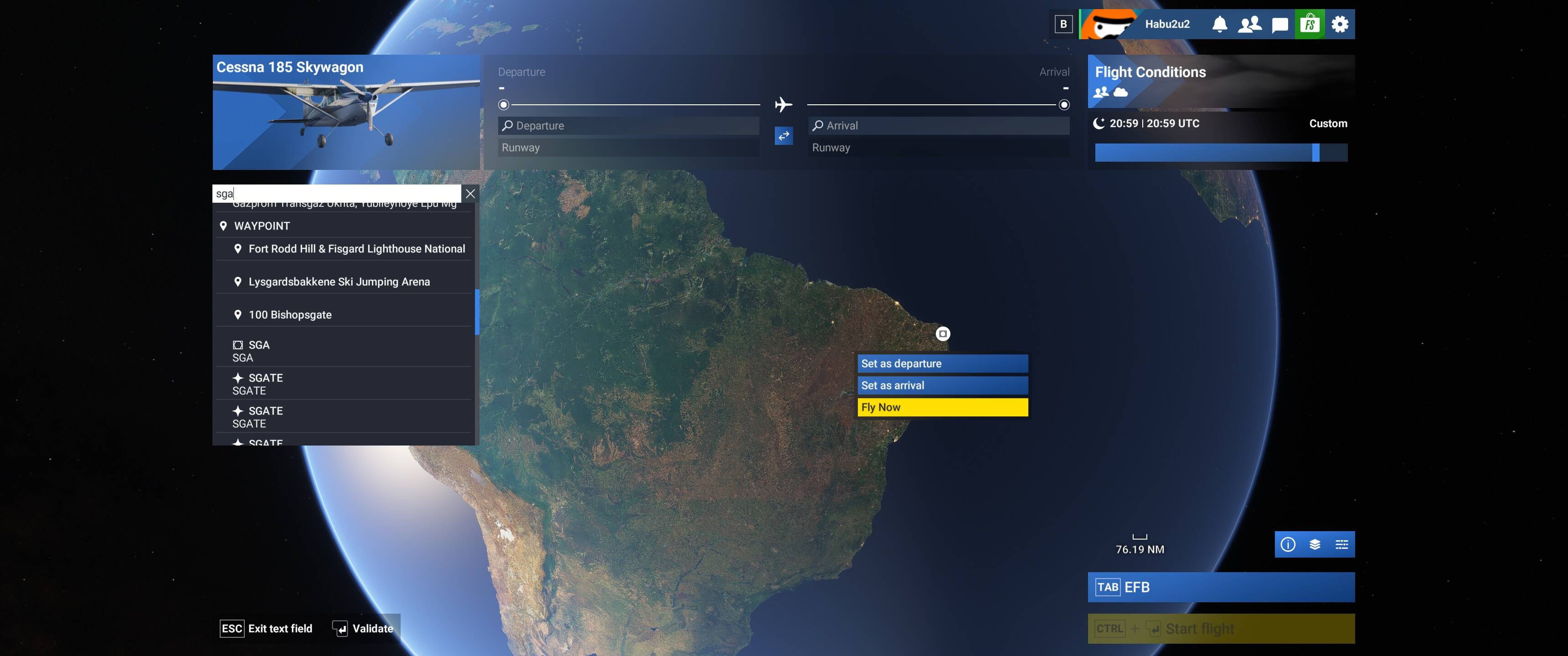
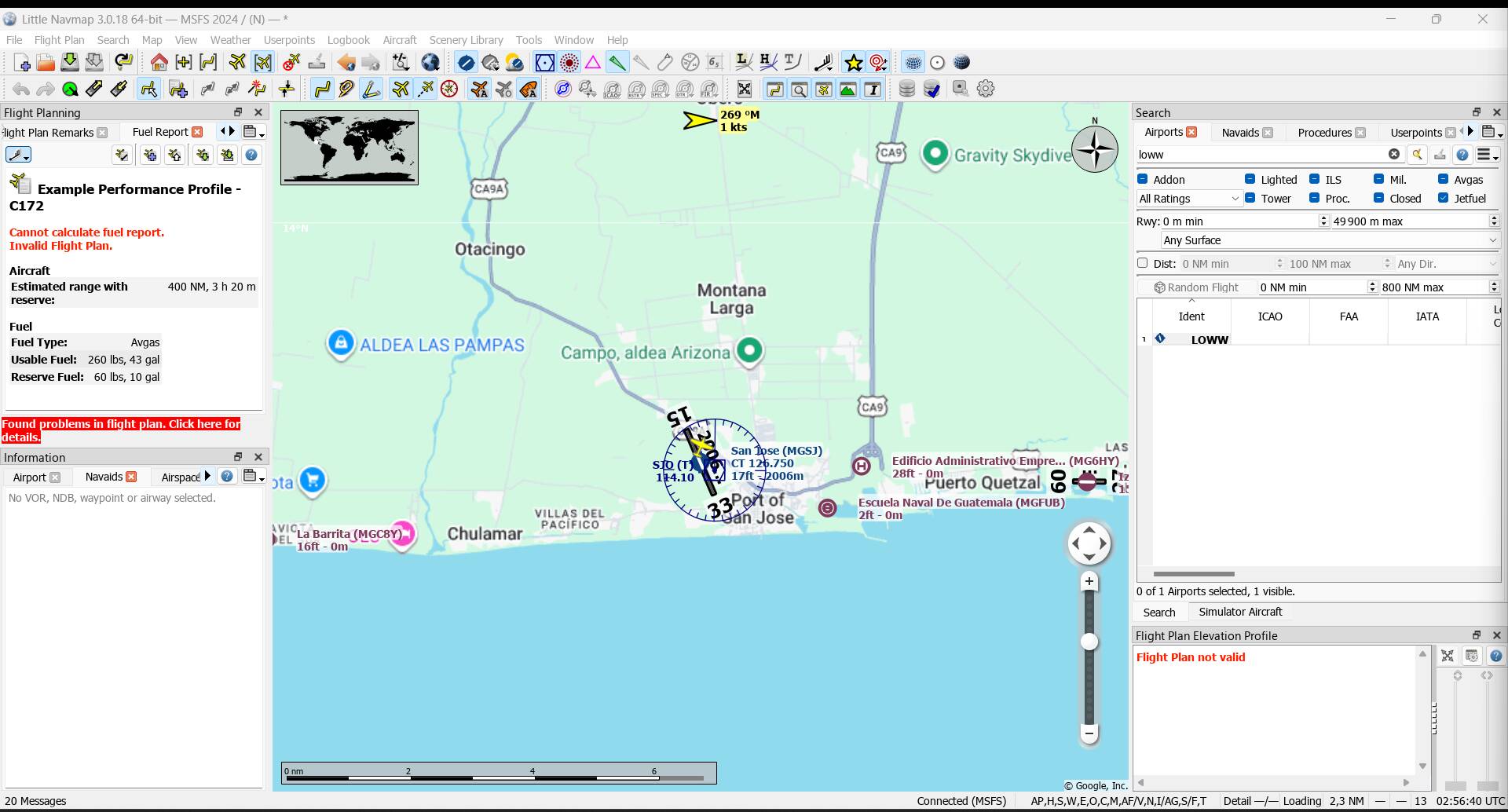
The NDB SGA no longer appears in the Guatemala national AIP as of March 2025 and appears to be decommissioned. It appears that the Jeppesen data is in error here.
I normally fly the Piper PA-28 Dakota, and I’ve noticed a strange issue with NDB reception.
If I perform a cold start and go through the entire engine start procedure manually, the aircraft does not receive any NDB signals.
However, if I start a flight on the runway with the aircraft already running, the NDBs are received correctly.
Furthermore, if I perform a cold start after having previously started the aircraft in a running state, the NDBs work correctly as well.
I have been able to reproduce this behavior multiple times and with several different NDB stations. It is clearly a bug in the simulator.
For those that usually start with the engine ON (not cold start), you won’t see the problem. But this is a simulator for those that enyoy doing every step from the beginning, so it’s not acceptable that the ADF fails in a cold start.