Either, out of coincidence I NEVER had strong crosswind conditions or the flight model is in this part nuts. The second applies more to me because I never had this behaviour with any other aircraft. Right now, with the remodeled King Air, everything is as usual. Sure, this and other planes tend to drag to the left or right at any time when accelerating/decelerating on the ground but they are not about to nearly flip over. I will try to demonstrate later.
These buttons are controlled by a Bvar rather than an Lvar. If you want to map them to an external controller rather than using the mouse you’ll need Axis and Ohs or Mobiflight rather than Spad that can’t manipulate Bvars.
Though I think a Beta version of SPAD is supposed to have BVars in the works.
Sorry, I was no able to do any kind of demonstration due to the familiar license bug happening yesterday evening that denied a ton of people to start the sim.
Anyway, I found this discussion on the Aerosoft forums. This exactly is my problem and as far as I can see, there are quite a few folks experiencing this. It only came aware to me because I use APL Chapter 2 right now and since I love flying VFR, I use the Otter a lot for island jumping in the Caribbean or French Polynesia. Winds in general are there around 8 to 16 kt, and very often crosswinds. I do not use ANY assists and I have no double or triple key or axis bindings.
I use a full setup, my pedals are the whacky Thrustmaster TFRP that I already modified with PTFE duct tape. Like this the stutter fest stops when trying to do inputs with your feet and they become relatively precise, though the lack of a sensable neutral position still annoys me. But hey, there is such a big price gap between plastic ■■■■ for around 100€, then nothing and then professional stuff like Virpil, TM TPR, Honeycomb or MFG starting not before 350€ incl. VAT so that it’s quite hard for me to convince myself of a device which can do only one single thing but costs as much as all of my equipment together so far - a fact that you can also see in the second hand market as most people can AT BEST and reluctantly force themselves to pay for TM’s TFRP or Logitech’s pedals  The good stuff like mentioned before you see rarely around every two to three weeks and if you want to buy it, you have to be quite fast and do not want to haggle the price except it might be the same or more than when you buy them new.
I have those exact rudder pedals too with no modification (just the standard grease once in a while)
Just to confirm, you are experiencing this excessive yaw on the ground when taking off and landing even without crosswind? I regularly do touch and go’s with this thing at TFFJ, maybe I can make a video later.
This is what I have to try conciously yet, though I remember there have been days where crosswinds were about 4 to 6 kts and still, the Otter was giving me the dance.
For the pedals, I can only recommend the modification with PTFE tape on a layer of really strong assembly tape to even out the cavities at the contact areas of the plastic slide. This together with rather loose than tight screws on the clamps underneath.
Finally, I did it. Its weird with this aircraft. Even with wind from the right it always seems to like veering to the right. Sorry for 32:9 but somehow, my GPU didn’t let me do it this time in 1080p.

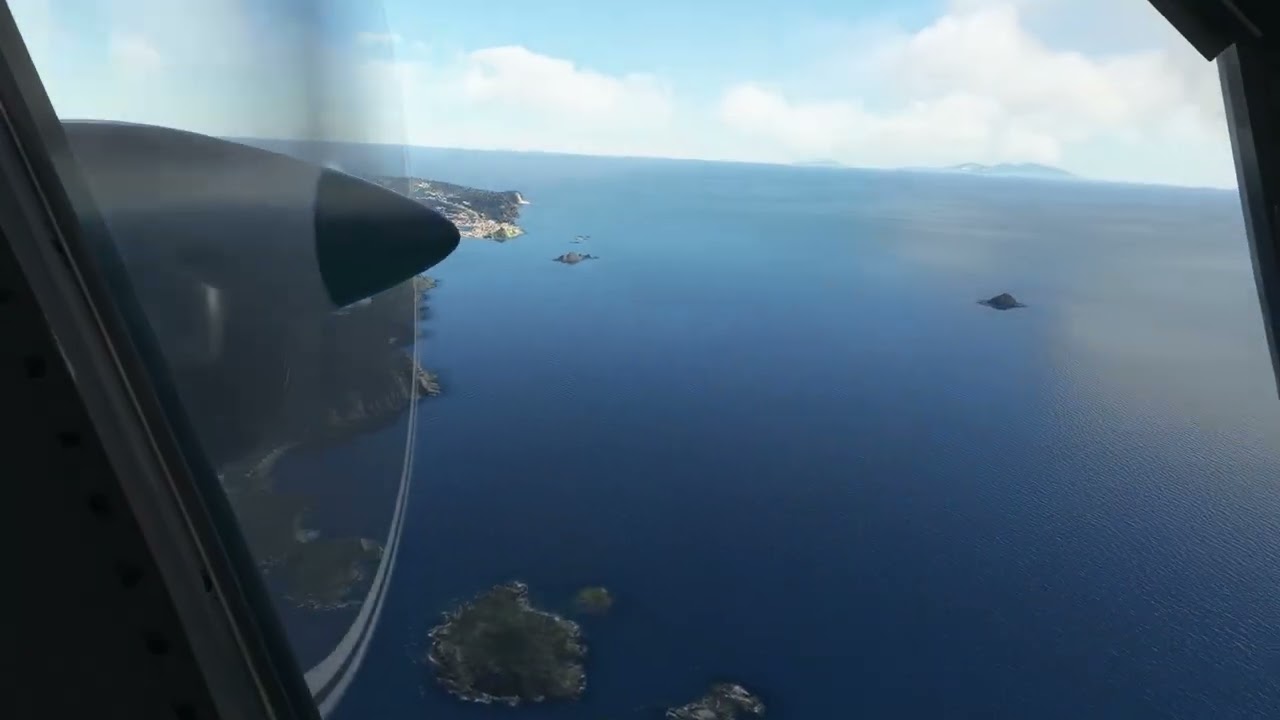
I did a circuit at TFFJ yesterday and I didn’t have any problems with extreme veering. You can have a look here:
@Postalphil2850 I’ll look more at your video later when I have more time and see If I can give some input.
How did you adjust your crosswinds? Or did you use real weather?
I used live weather. I would say that the crosswind component was about 4 knots from the left. I can try to use a stronger crosswind later today.
-
You need to dance on the rudders instead of making larger adjustments. You should feel where the aircraft is yawing once you start rolling and immediately apply opposite rudder. Otherwise you will overcompansate with opposite rudder and you’ll end up dancing along the runway like in the clip. It takes practice but your feet should be moving all the time while you’re taking off and rolling out after landing.
-
Ailerons must be deflected into the wind if you have a headwind and away from the wind if you have a tailwind. I don’t see any aileron movement at all in the clip (before it’s too late) and that’s why the wind is pushing your left wing to the ground. You’ll learn to feel how much aileron you need to apply to keep the airplane level on the ground.
-
You’re staying on the ground way too long. You should rotate at around 80 knots (unless you’re staying on the ground for demonstration purposes). Also, try to use flaps 10 instead of flaps 20. This will help you pick up speed quicker.
-
Using the outside view is useless if you’re trying to have any sort of control of your aircraft. It works when you have your autopilot on and you want to take in some views but otherwise it’s totally useless.
Again, I have no real world experience in the Twin Otter and I’m sure it’s too wind sensitive on the ground (like most planes btw) because of the lack of tire friction provided by Asobo. However, it is a high wing aircraft with enormous wings and a rather bulky fuselage so I would expect it to be affected by wind more than for example a TBM or a PC-12.
By the way, you’re overstressing the engines. Never use more than 50 torque pressure (red line in torque press gauge).
All for demonstration purposes. I was not willing to do the whole shebang with a decent by-the-book takeoff, letting the turbines gain momentum or working myself to the point of highest torque. IIRC you can push the Otter way more from the start. The only thing you have to keep in mind is to reduce into a decent torque level once you’re airborne. Also I thought I used flaps 10 but since I already started at the runway (which I usually never do), maybe the game puts flaps 10 automatically and I misadjusted to 20. Was not checking for that because also I didn’t use my TrackIR.
Outside view I used to display the leaning tendency of the aircraft. In the cockpit you sometimes don’t see that so good. I used ailerons a lot. The reason for that is the finicky rudder/nosewheel which pushes too much too fast (more of a TFRP problem because there is no progressive resistance the more you steer to the left or to the right, so it’s quite hard to figure out where exactly you are with your feet). This causes you to counter with the ailerons in a rather uncoordinated way. It got way better after I revised the rails of the TFRP (a bit of PTFE tape had come off over time) and now the movement is much smoother again.
But I am still not convinced that this is the actual handling of the aircraft. I tried a few of these high wing STOL planes, heck, even the C172 is one of these and nowhere else have I found such a behaviour so far. It’s possible to take her off in a decent manner but you need a lot of adjustment and fine-tuning for that. Also landings have become quite a hit or miss thing with her. On some occasions it works, in others it ends in total garbage. Either this plane is very unforgiving for mistakes and bad equipment or this is really a problem with the flight model. Maybe someone who has some RL experience could chime in…
Well, I have the same “bad equipment” as you but am still able to keep it on the centerline. I’m not saying I’m a better pilot, I’m just saying it’s possible to fly this plane in an acceptable way.
Also, check your sensitivity settings. I’ve had problems with my hardware before, mainly my Honeycomb Alpha, that would cause inputs on the roll axis when pitching up and down. I had to open up the yoke and move some cables around in order to fix it. I’ve also had to unplug and plug my rudders because they were giving inputs in the neutral position. This is easier to spot if you open up the curve settings for each peripheral. This is probably not the cause for your problems but it’s worth to check it once in a while anyway.
It looked to me like not enough left rudder, and not rolling hard enough to the right, into the wind.
It would have been good to have seen a view from inside the cockpit to see what your yoke was doing.
True, it’s hard for us to see what your controls are doing. I have seen some videos where you can see the inputs on the screen but I don’t know how to activate that?
I’ll try to arrange that. Yesterday, there was not enough time.
And again. This time with comment 
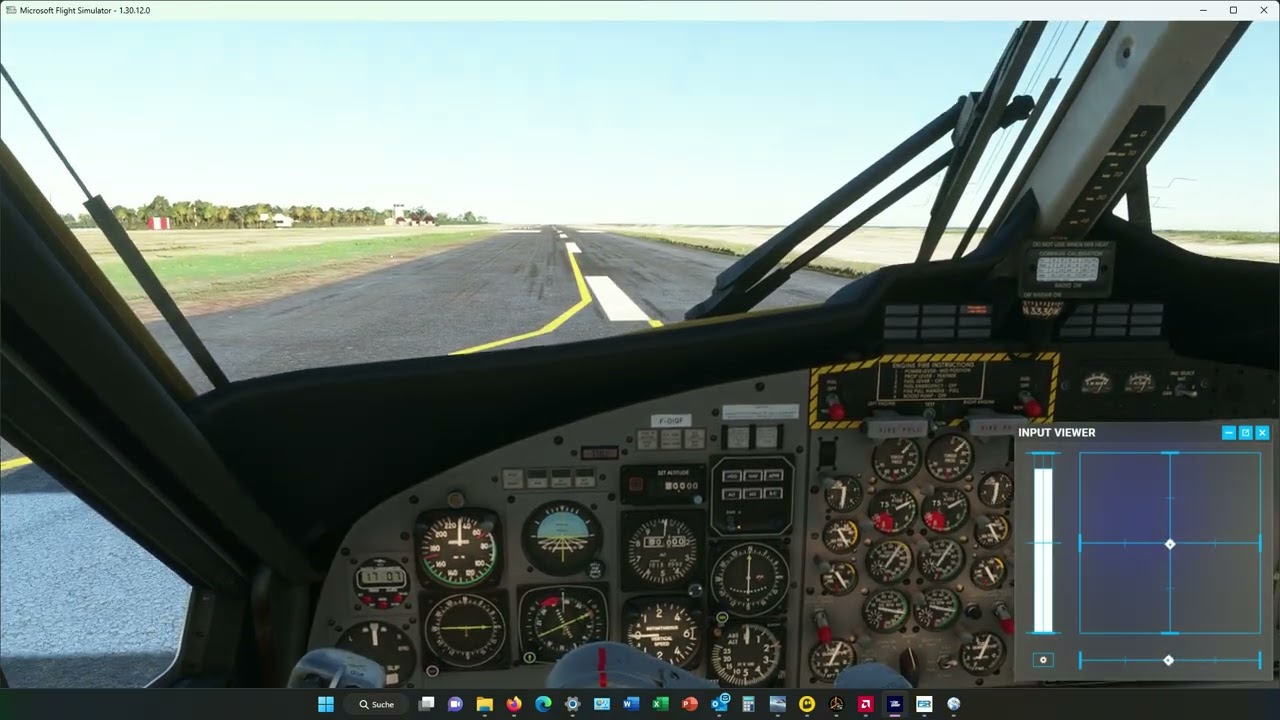
Ah, I just recorded a circuit at Bora Bora before you uploaded this one. I tried to use the same wind settings as you did in your first video and I might do one more video with the input viewer later today!
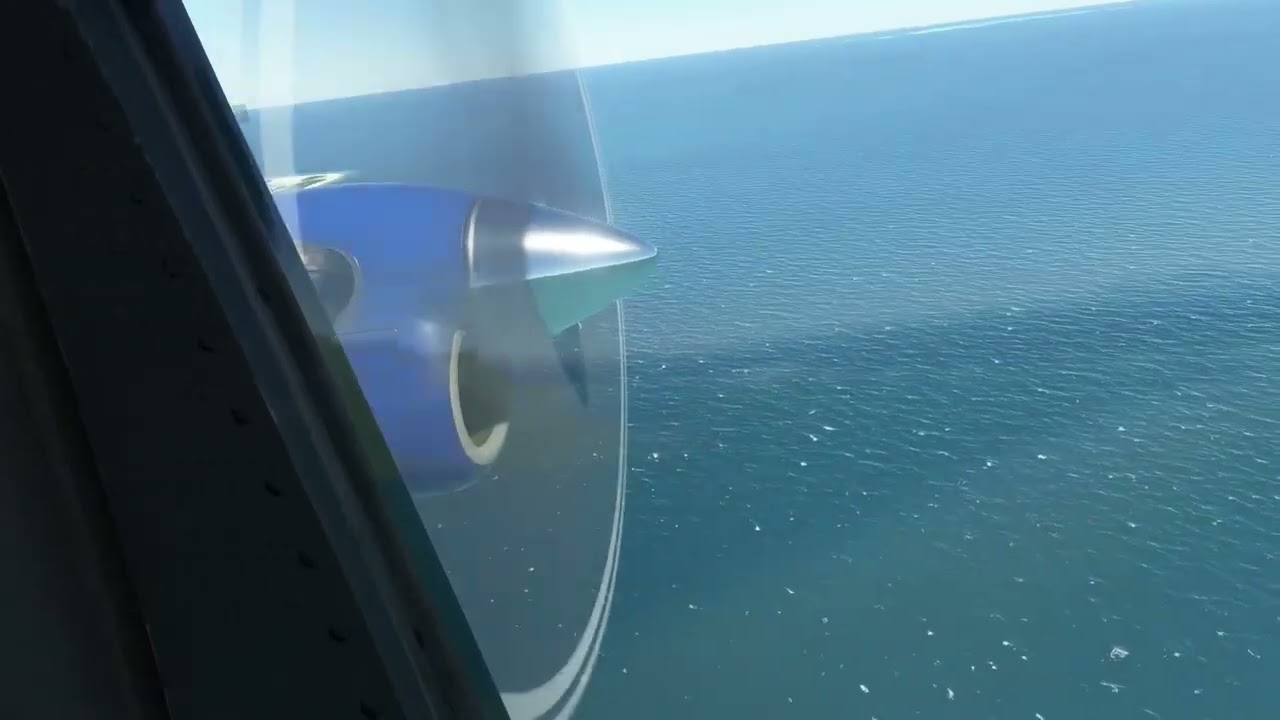
When I can see the left wing dipping, I would expect to see some right roll to counter this, but on occasion I saw the yoke completely centred. Let me see if I can screen grab the part I mean.
So on your first run, wind from the left, you have right rudder in, and the left wing is starting to rise, but your yoke is centred.

A few seconds later, higher speed, breaking hard, and the left wing is even higher. You do have some aileron input though, but not enough to keep the left wing tip from rising.
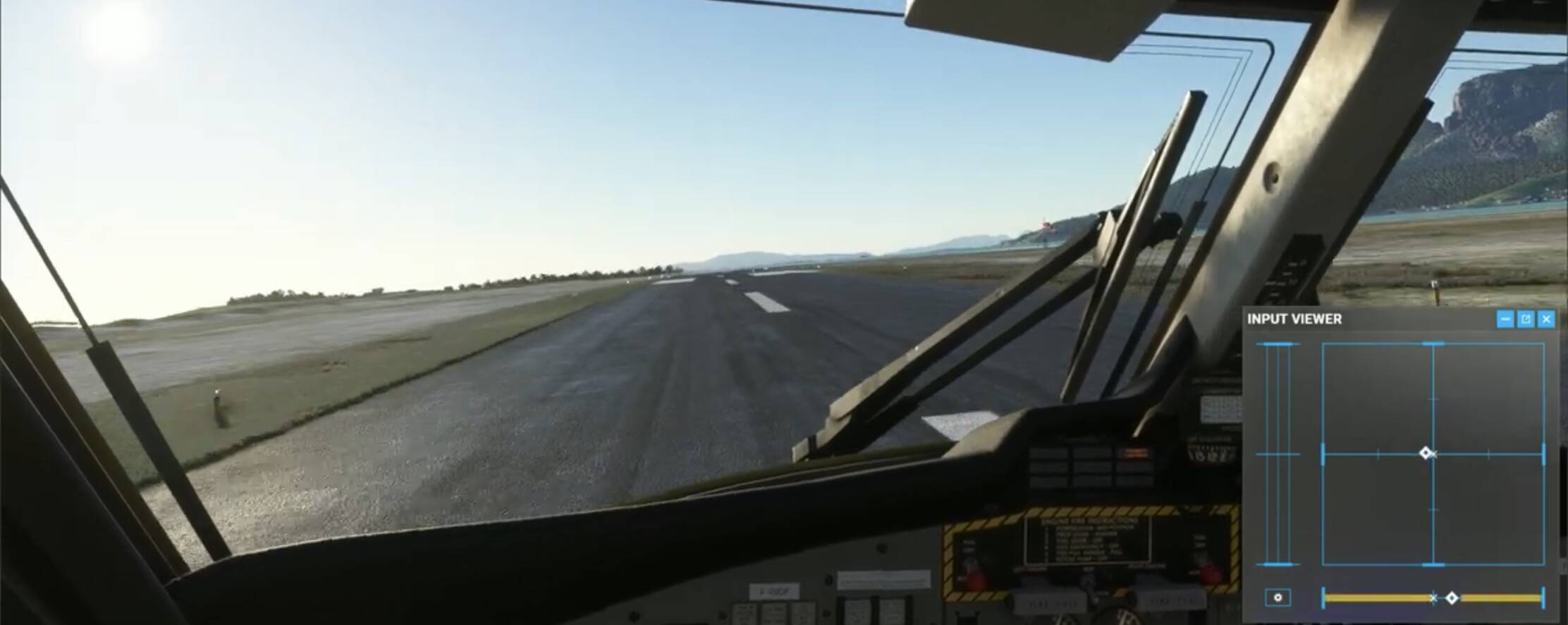
On your return the other way, a little better but too much left rudder and off the centre line, but more aileron input, and the wings are roughly level, with the right ring only slightly raised.
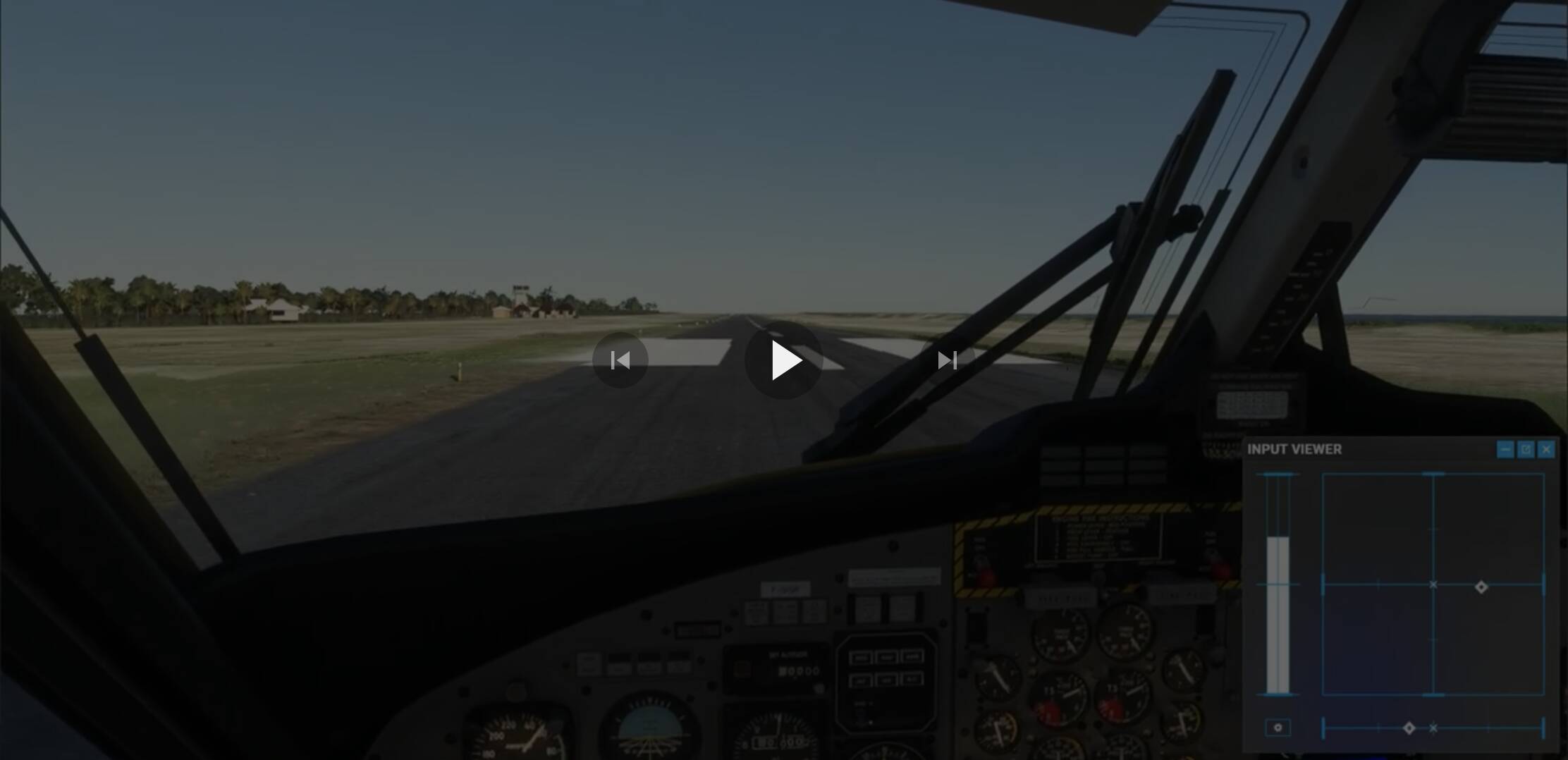
Then a little later we see you in reverse thrust, and centre the yoke, and up comes the right wing.

The Goose does this a lot as well, and a lot of aileron input is needed to keep wings level. So I’d argue it’s not drunk, you just need to put in more aileron input to stop this from happening.
As for how realistic that is I’m not qualified to say, but it would be worth watching some Twotter takeoffs in crosswind conditions on YT, and see if they have cockpit footage of it showing the controls.
It’s possible. I have 3% deadzone on the stick, both axes because I was suspecting it to give a slight turn to every aircraft. Turned out this is kind of a very usual physics thing and in some occasions it was very strong. So it may be I did some input but due to the deadzone, these were neither visible nor noticable for me as for you - which ends up in far wilder actions. The other problem is also that the sensitivity of the controls in general in MSFS is too high. But so far, every attempt to get a good mixture of precision and action didn’t turn out to my satisfaction.
Since I reworked my stick a couple of months before and replaced the gimbal with a 3D-printed one resting on ball bearings, I am also getting more and more annoyed by the in fact very strong spring tension in the Warthog stick.
I am not saying the flight model is broken. And of course I can adjust a control profile for the Otter. It’s just funny that I don’t experience this behaviour with other aircraft