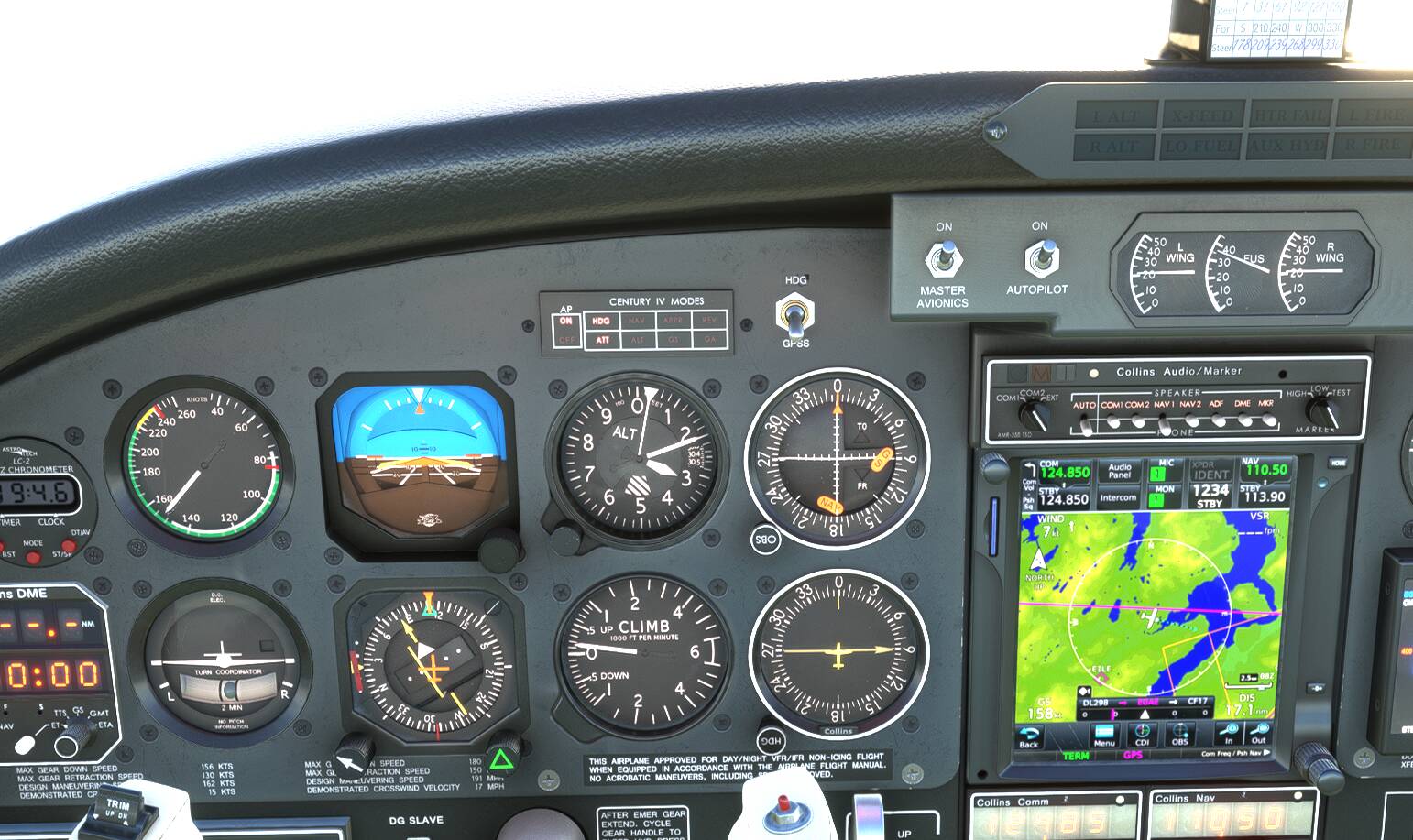
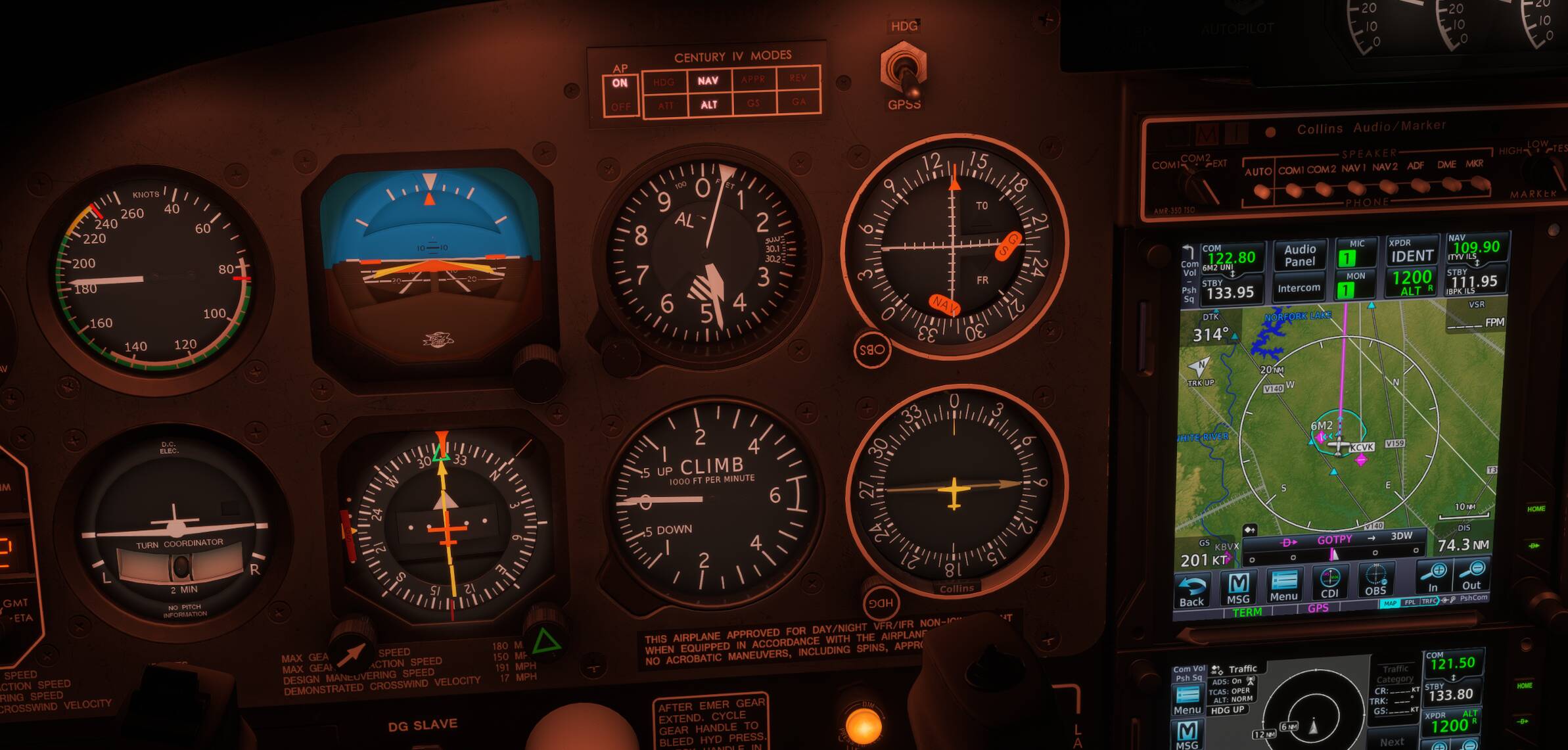
Just got the fantastic Aerostar 600 and am trying to have the AP follow a GPS course. But as you can see in the screenshot it is not following the course.
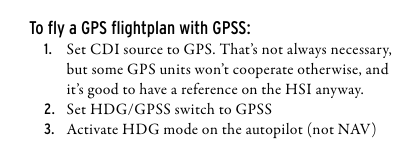
Per the instruction manual I have the “HDG” autopilot mode activated and the HDG/GPSS switch set to “GPSS”. But the autopilot keeps turning away from the course.
This is correct, HDG mode, with GPSS selected on the switch, and CDI on GPS on your Garmin. From your screenshot, it looks like your plane is going away from the Magenta line. I believe you need to be on an intercept course to the Magenta, where it’ll then fly a 45 degree angle and then intercept the course.
However, if your plane just flew right through the magenta from the north side, then…..not sure what’s going on.
(I only use NAV mode when I’m doing pure VOR with no Garmin, and want to follow the radial.)
This works too, but if you change your yellow course on the CDI, the plane stops following the Magenta line. In HDG+GPSS, it follows the Magenta no matter where the course is set. From what I’ve read this is real-world behavior, meshing old-school autopilot with modern Garmin.
Hi, if you are using MSFS 2020 then currently this does not work, turns out one of the simvars works different in both sims. It will be patched in a day or two.
Don’t know if I am off point here.
I had the issue where the aircraft would not track the magenta line at all.
My solution was to turn off the GYRO DRIFT in the controls section of the tablet. Now works spot on.
.