You may have been offered this observation before, but you are really pushing that quad core 4th gen CPU pretty hard. Your graphics card probably has more to give if you can upgrade your CPU.
yup! definitely planning to upgrade in the future
Well, I am streaming now with ISLC running, If it don’t help me with Long Hauls, maybe it will help my normal A320 flights when OBS is Running and maybe prevent issues I used to have, I’ll tell you at the end of the stream how it went, maybe I have a use for ISLC 
This day I have flown 2 2,5 hours flight without any performance degradation. Only difference I made was I have flown in South and North America. Not near or from UK and generally Europe.
For me it looks like there has to be something around English Channel what is causing issue. I do not have any 3rd party add-on installed on that place.
Everybody who has issue please test if you will get degradation even when you avoid Europe completely.
Tried Tokyo to Noumea few days ago, had Problem after 2-3h
7 HOUR MARK -
Performance is still going strong!
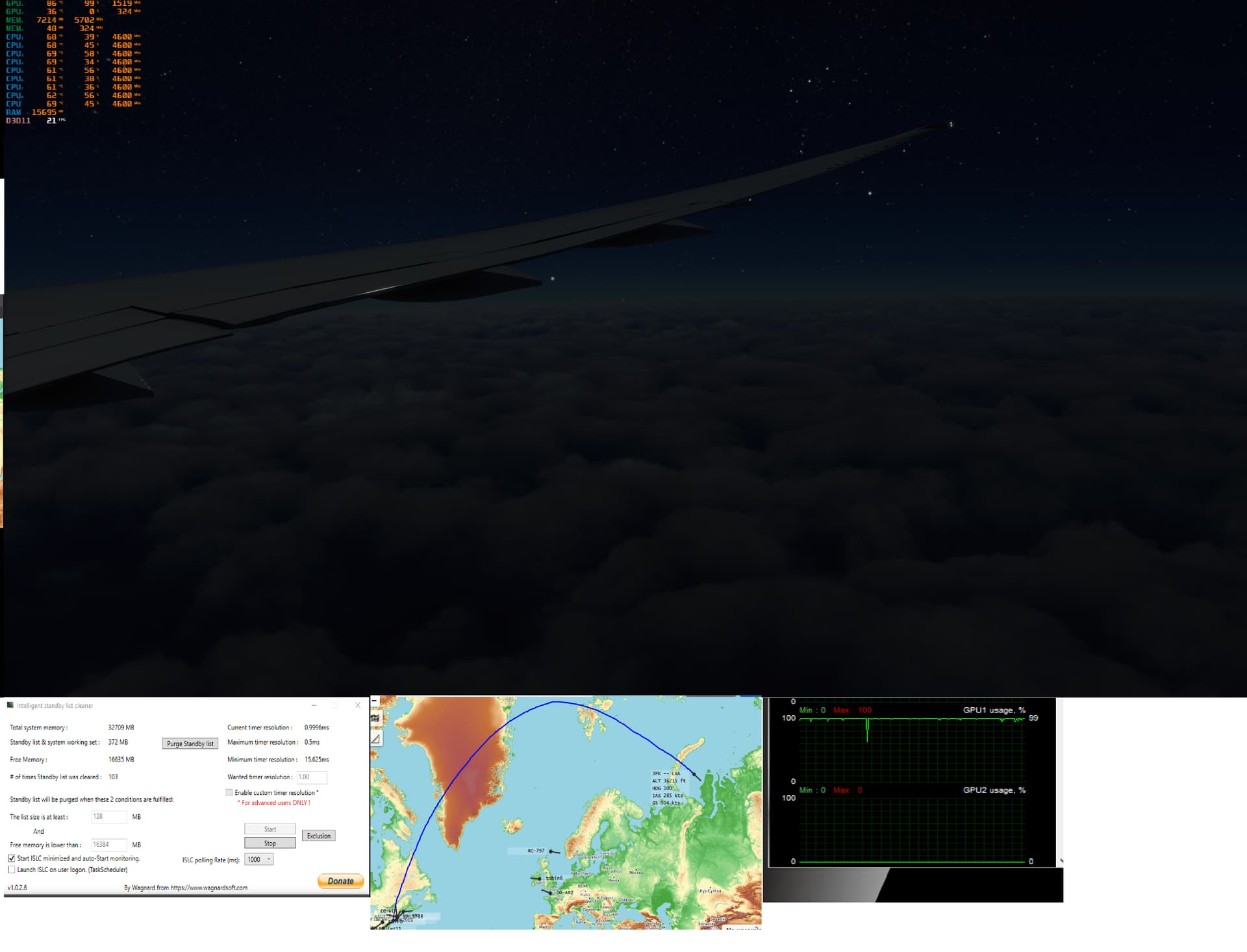
8.5 HOUR MARK -
GPU utilization is starting to get a bit unstable, but FPS still acceptable. One thing I noticed since SU7 is that there are now a lot of these really bright white specks at night…they really don’t match the scenery and look very jarring. Also the clouds don’t have as many different patterns and formations now…they all look kinda similar and blocky in some cases.
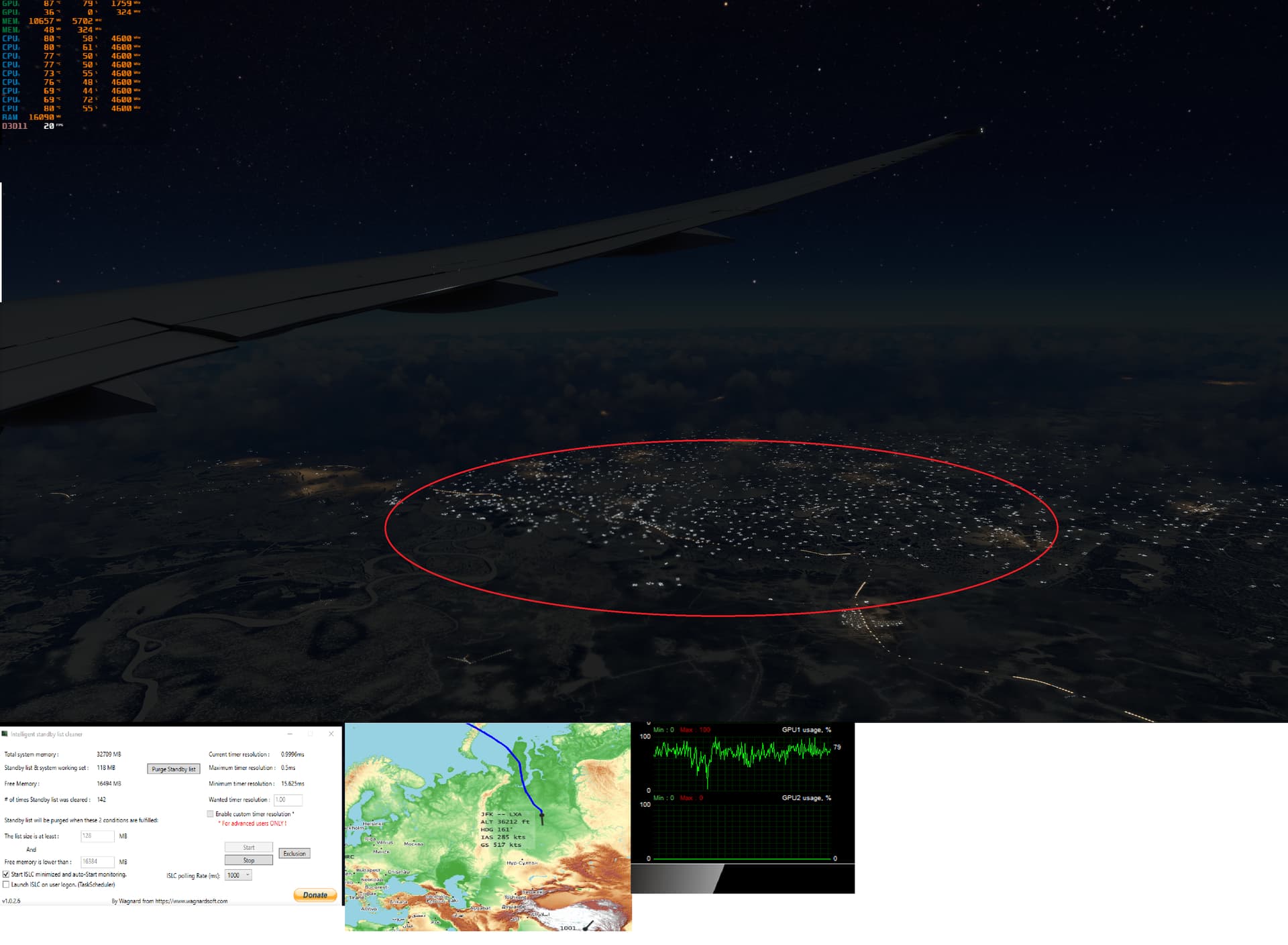
10 HOUR MARK -
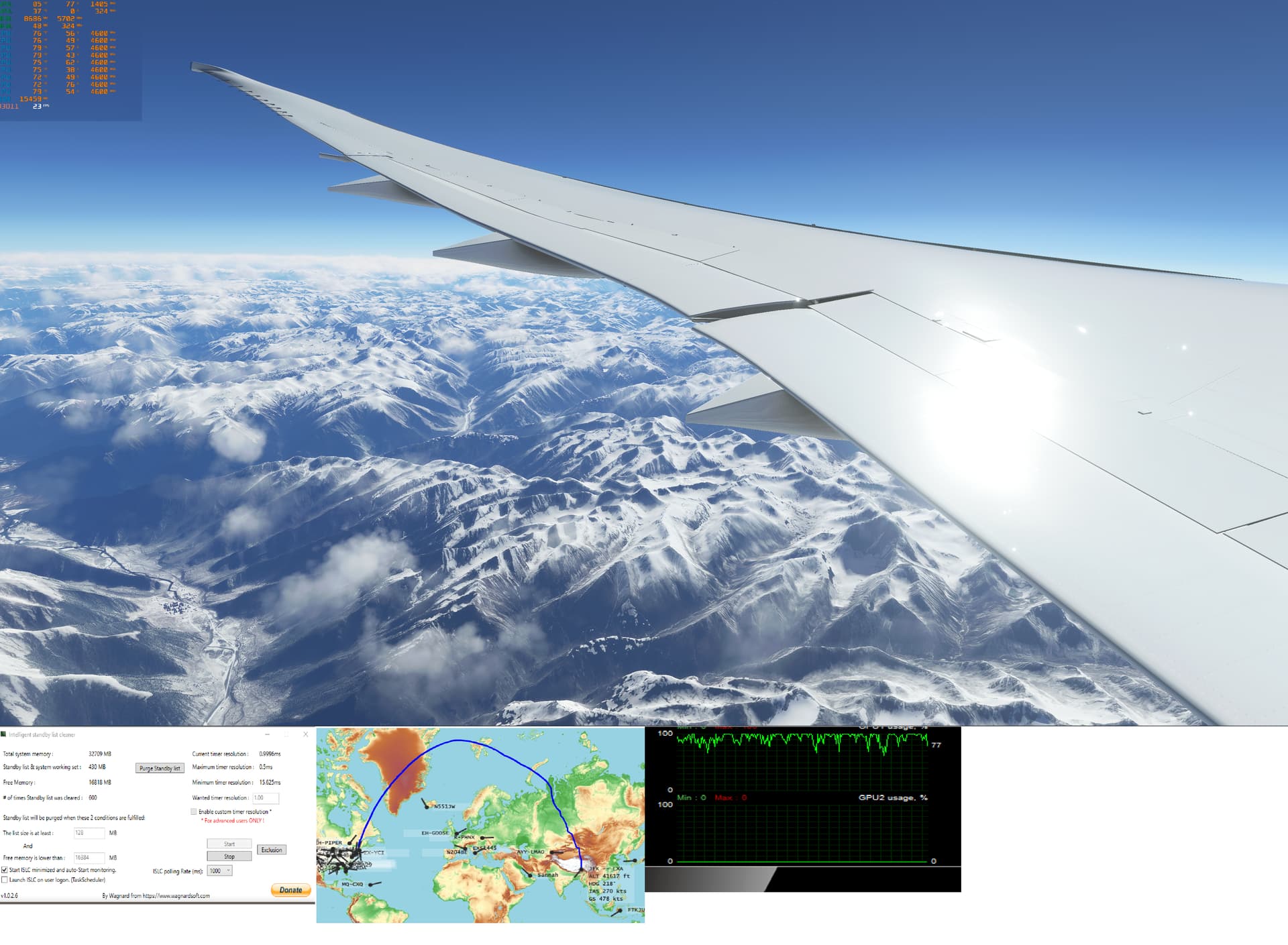
Sunrise over Kazakhstan. Some performance degradation…
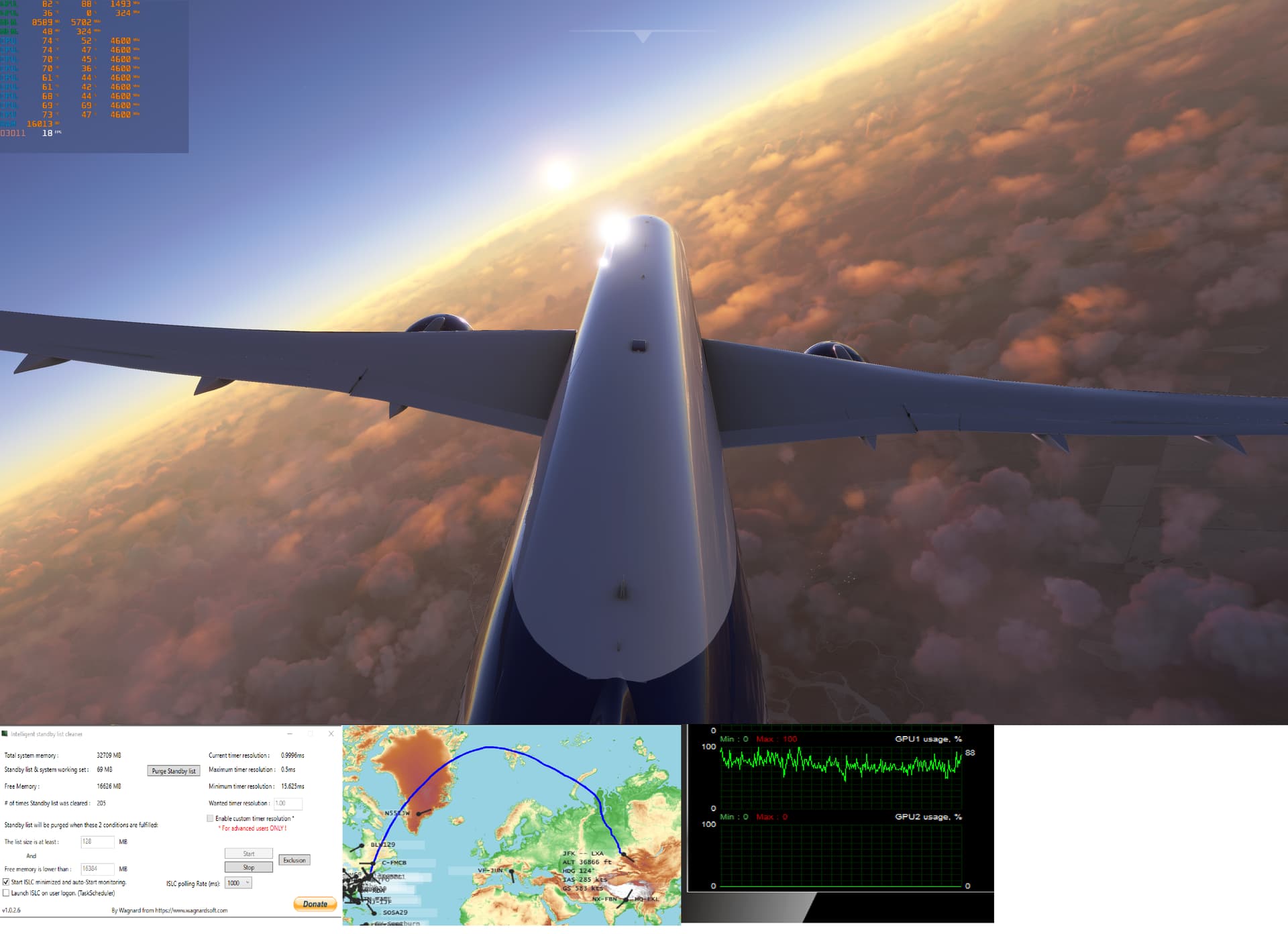
12 HOUR MARK -
Entering Tibetan Plateau. Beautiful Scenery. Performance has once again recovered…
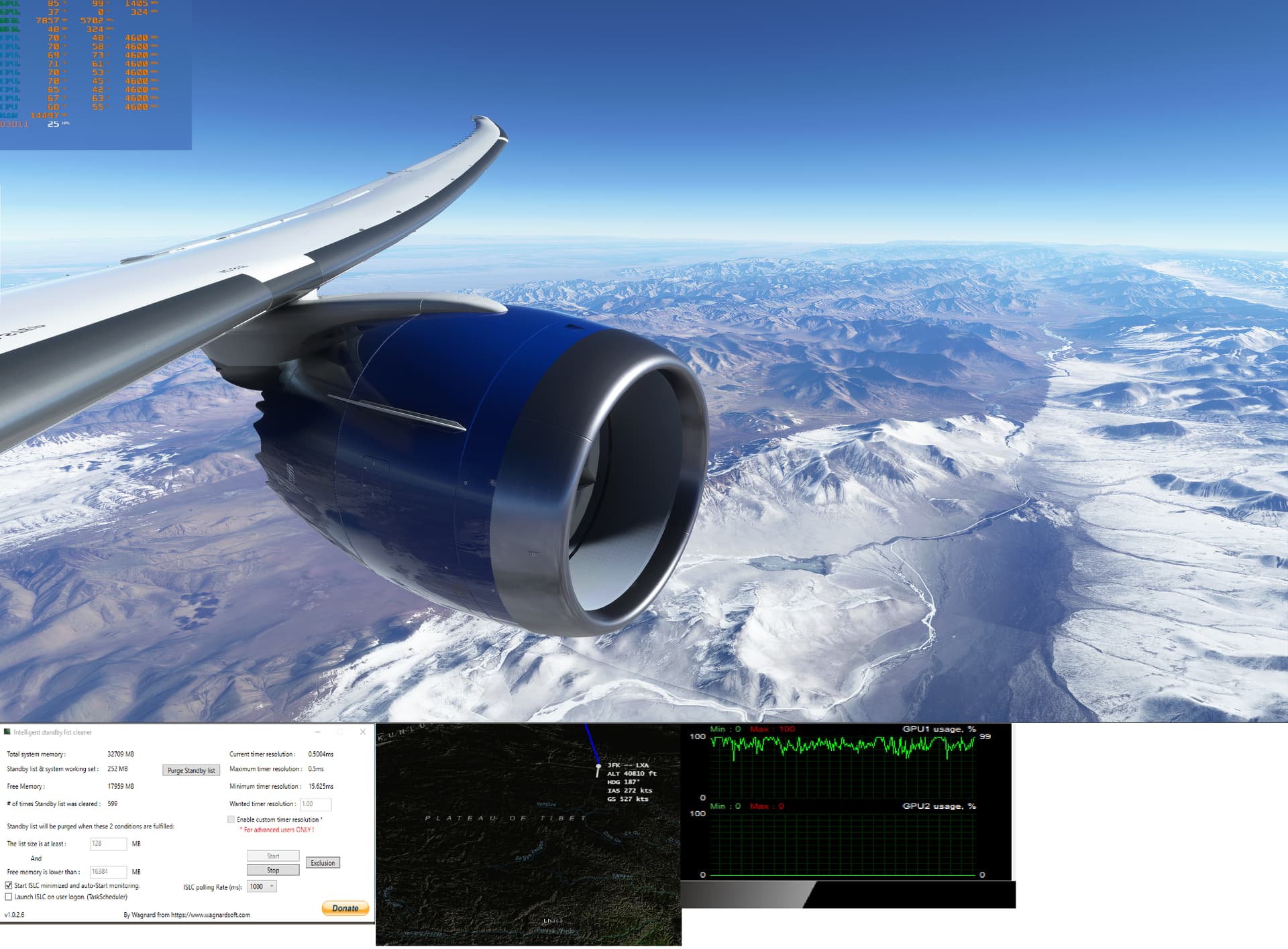
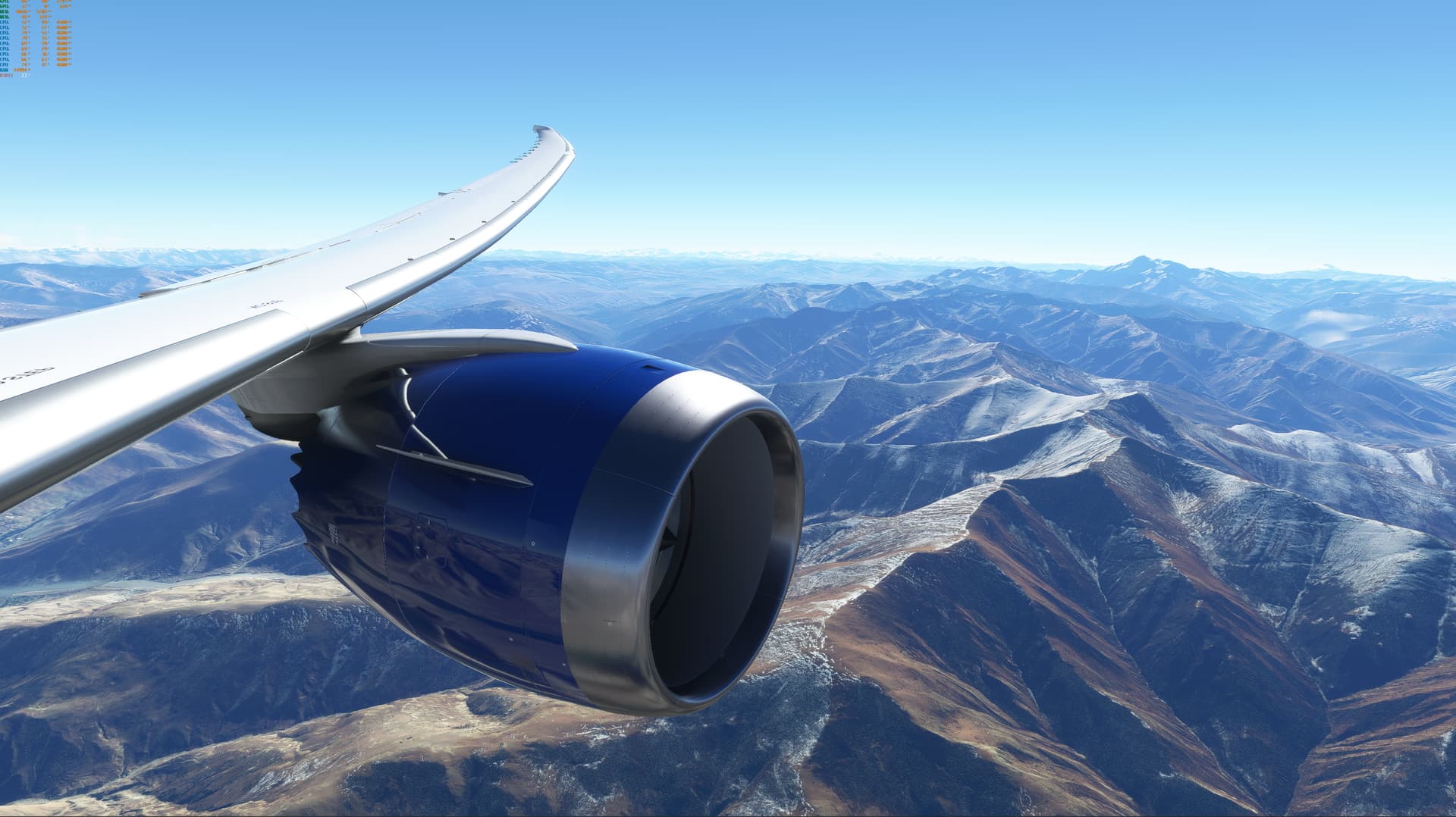
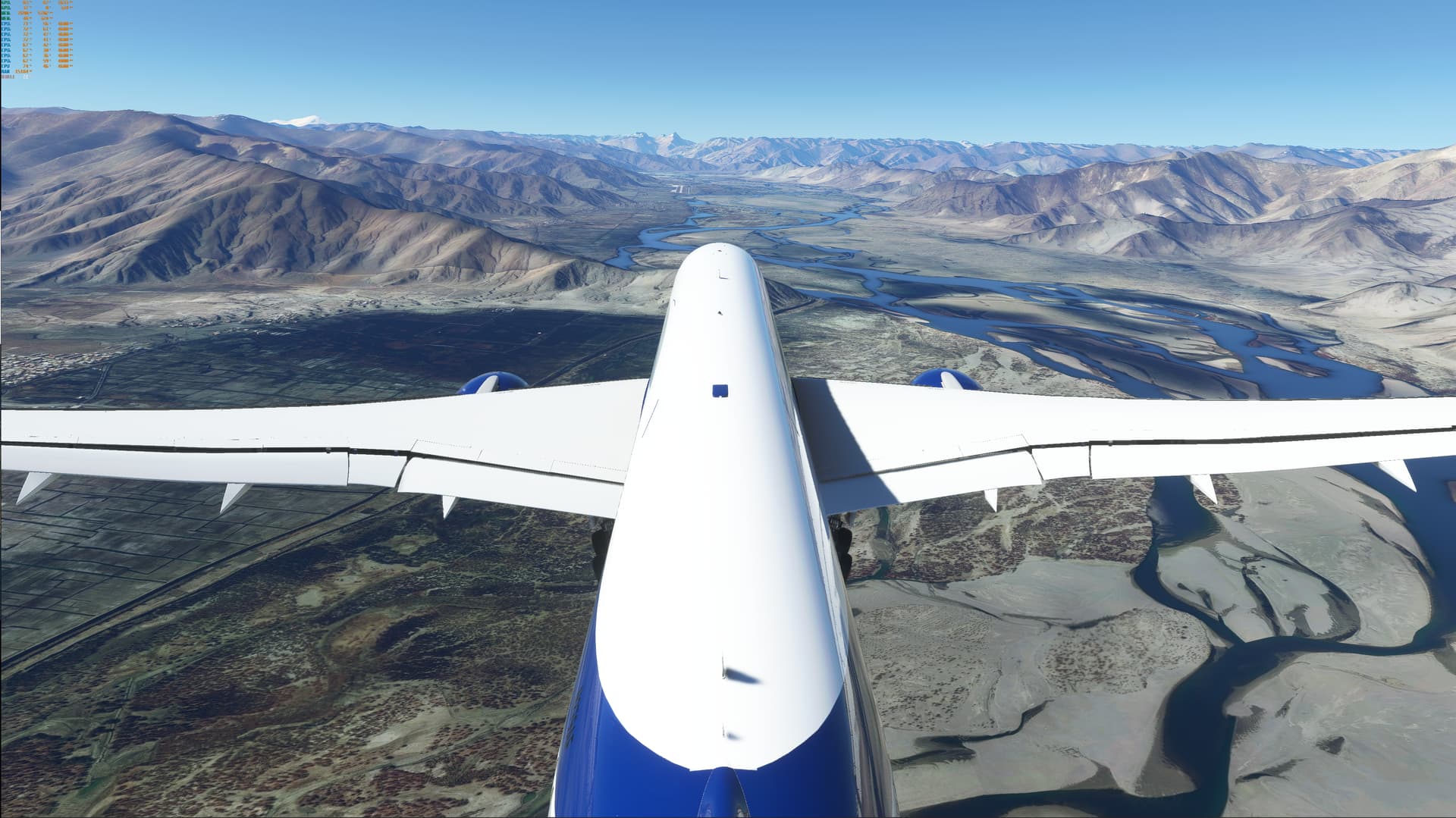
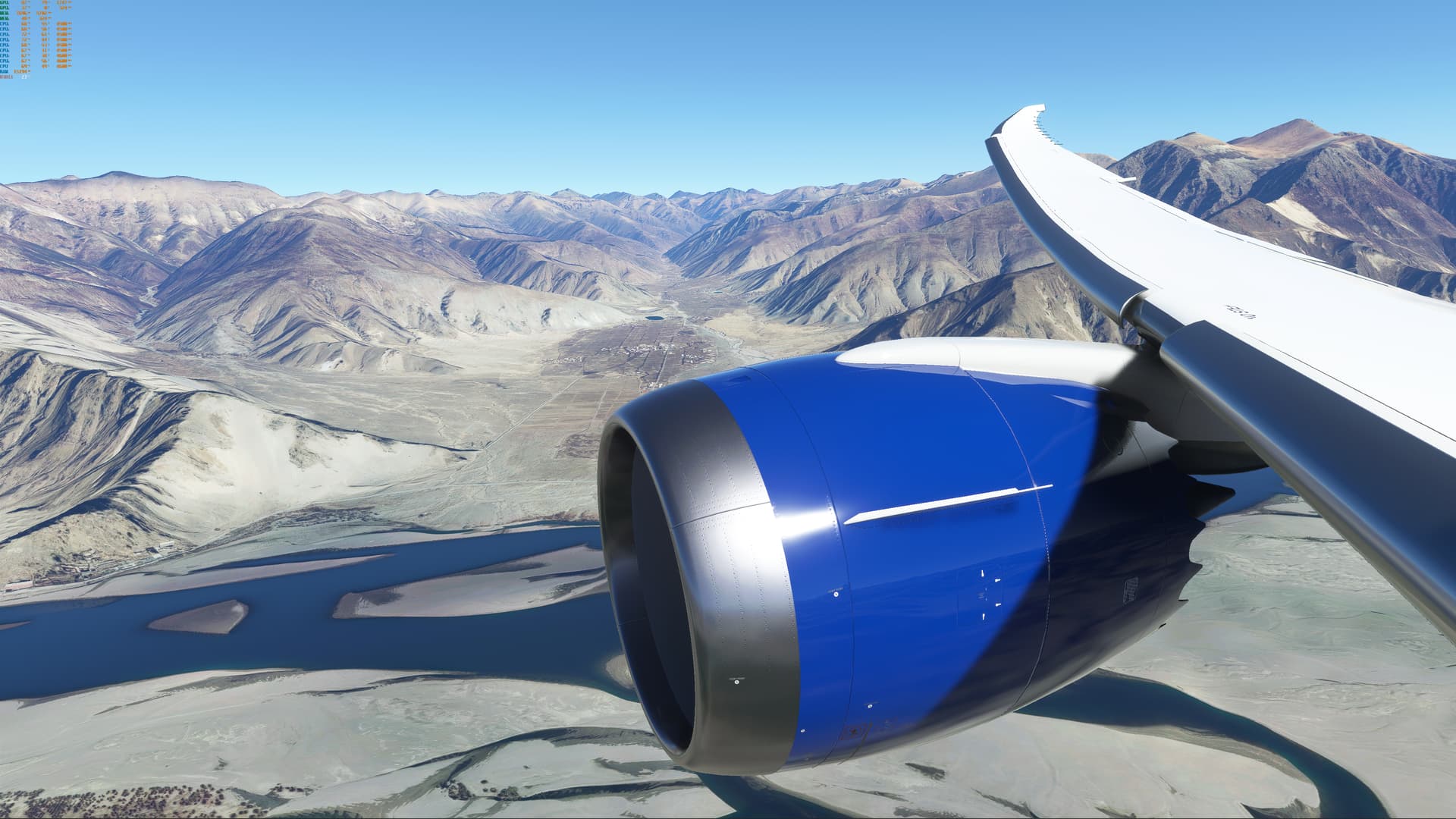
I have finally completed the flight! ZULS is a challenging airport with high elevation (11,715ft) and I am glad that I didn’t mess it up on final approach. Today’s actual flight time was only 12h50m due to favorable winds and I also cruised really fast. Performance wise, it was pretty smooth all the way till the end, but I was also doing a lot of other things while flying so naturally there were stutters and drops. But overall the GPU utilization kept above 90%. During the most serious dip GPU utilization was down to about 35-40% but it recovered.
I guess I just want to show people that ISLC might really be something helpful for now…who knows when Asobo can really fix this issue. The only tricky part is that everyone has different specs so the thresholds need to be tweaked based on your own system. And finally, some beautiful screenshots on descent and final…



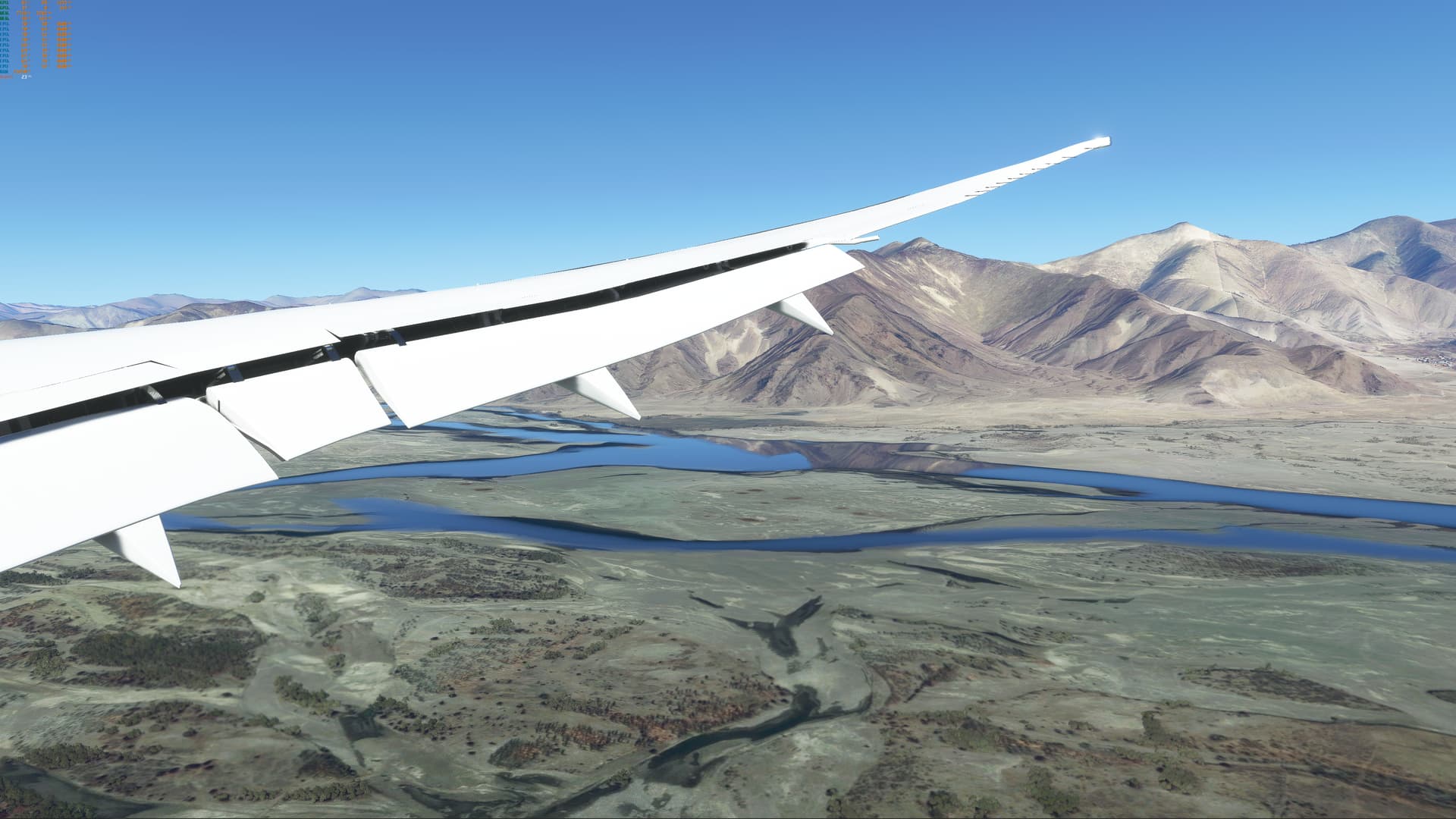
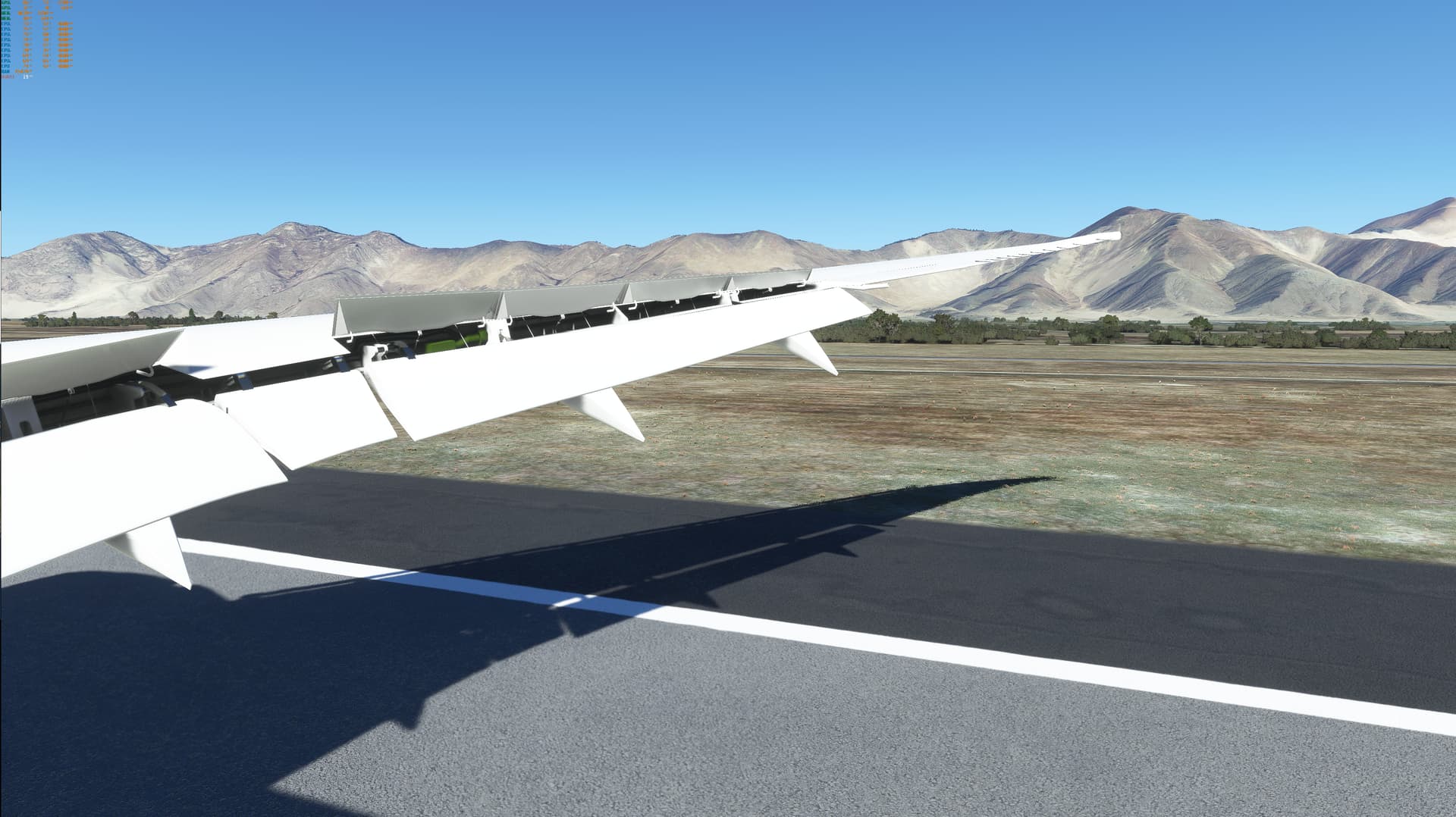


So my hypothesis that degradation is caused by something near English Channel was wrong - This day I have flown from EPMO to LIED and gathered pretty big degradation (about 7 FPS) over time - ISLC has not helped, nothing - just saving and reloading flight - but after few minutes FPS went down as well…
Is there any software like ISLC but for GPU memory, not RAM? I personally think it has to be something with GPU Memory…
What’s your ISLC setting? The previous screenshot you posted shows it’s not flushing at all because the values you set are way too low.
I’ve flushed manually multiple times by button
Also, what is Your Terrain LoD Settings? I have noticed strange thing. I have flown again on cursed route EGLL to LKPR, but only with 100 Terrain LoD.
I noticed performance drop over time, but not that big as on my default (250) Terrain LoD settings.
After landing I had 30/31 FPS on LoD 100. So i switched to LoD 300 → 20/21 FPS. Then I have restarted flight, same location,… - 32/33 FPS on LoD 100 but 24/25.
So new theory, is it possible people who claim they have no performance degradation just have low Terrain LoD settings and won’t notice performance drop?
Also performance degradation over time become thing for me after Sim Update VI. And Sim Update VI brought opportunity to increase LoD over 200, which I am actively using.
I would recommend setting it up to flush automatically and as frequently as possible. I don’t think manual works well…
I posted about my settings above, before the flight started. everything is at max settings except no aa, motion blur, and lens correction. LOD is at 400.
I think you should all check VRAM usage. I had/have this problem, too and I’ve closely checked the last few times and everytime I had this problem it was my terrain LOD being too high, especially in high-resolution areas like Europe with many cities and photogrammetry - VRAM was accordingly almost 100% used, and I have 11 GB, so there is that…
I was able to rectify by lowering LOD to 200 or 100. But I am only doing medium-haul, so I’m not an extreme case.
I still think there is a memory leak, but it might be rather connected to VRAM usage, maybe it does not get “cleared” regularly like it should.
I have already posted here screens with all info including GPU VRAM - After playing a few hours, FPS drops from 40 to 5FPS - #665 by Orishek
Lowering details should help for actual performance, but high details should not cause performance degradation over time… If only Asobo would have fixed this memory leak
In your screens I can see a massively higher CPU usage (mainthread) after landing compared to a re-start. I cannot immagine any other explanation than 3d objects (autogen, trees, photogrammetry) still getting drawn even if you’re already far away. That is more or less the definition of a “memory leak”. Have you tried changing the new off-screen terrain caching setting? Maybe to “low” and see if that maybe clears some memory stuff. Or one level lower than usually, but for the whole flight? If it was a memory issue, the effects should be far less because that graphics setting basically prevents objects out-of-sight to be drawn AT ALL. Should help a lot with memory leaks (VRAM or non-VRAM related). I use “ultra”, by the way, so maybe this is the cuprit for me, too?
Good idea I will try tomorrow if that would help. Besides of that I have tried nearly everything:
Happy that you completeed you flight.
On my end, I even had issues on my 1h flight Munich - Nice 2 days ago (on Stream) with ISCL running. I think SU7 was bad on my end, or maybe is was just coincidence, I will Stream MSFS again and see if the flight goes well of it I have problems again.
Airborn on a 2h30 flight from Nouméa to Wallis with the A32NX Experimental.
At the Gate I had 2 OBS crash (ever happened since SU5).
51mins after Push Back: All Seems OK, ISCL is also Running
I was doing a flight from Abu Dhabi to Gatwick and noticed a dramatic drop in performance enroute. I was at 38000ft above Eastern Europe whenit happened.
The camera would stutter when panning and occasionally freeze and button presses in the cockpit and camera menu wouldn’t always register or it took a few seconds before the appropriate action was executed.
I looked at task manager, resource manager and hwinfo and there was no high CPU or GPU usage. Usage on both wouldn’t peak above 50%.
RAM usage was about 8 gb out of 32 gb. VRAM was about 50% of 16 gb. (Can’t remember the exact number).
All CPU and GPU temps were around 60C. Interestingly the GPU hotspot temperature was at 70C which is much lower than usual. Normally it reaches 105C in high LOD areas. The GPU fans weren’t spinning so I checked them in sapphire strixx and all ok.
So it appears that despite the CPU, GPU, RAM and VRAM being way below any limits the sim wasn’t utilising these fully.
Weirdly on leaving Europe and shortly before descent and all the way to the gate the performance was extremely smooth with no stuttering or delays.
Any ideas why this could’ve been?
I have GTX 1070 8GB
E5 2470 Xeon
24GB DDR3 and 1440x900p my monitor
I’m having FPS drops with everything on High before SU7 and low GPU Usage, is this happening to you guys?
Cheers