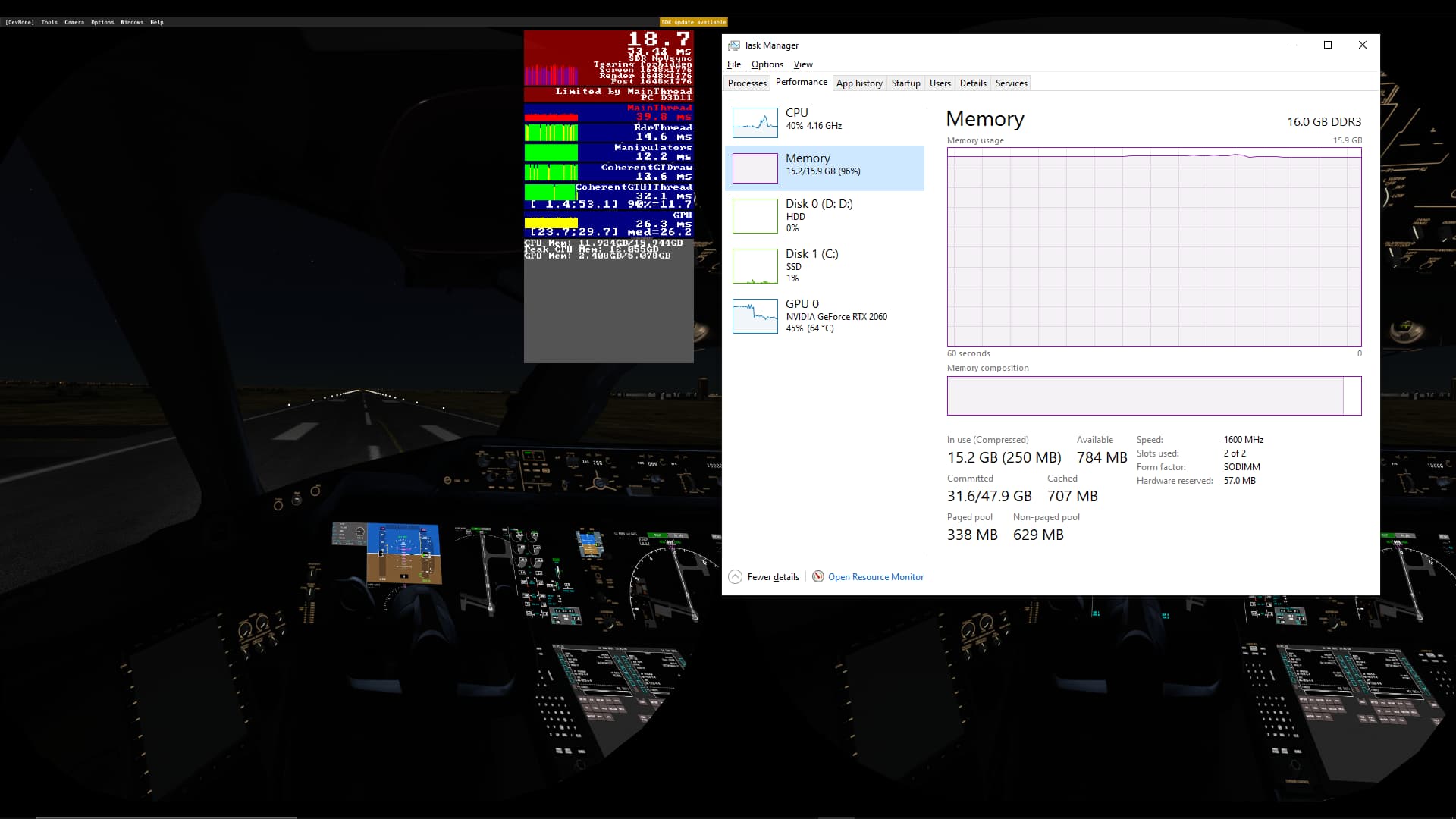
1.21.18.0 :
After launching the sim in Niamey (not a very performance intensive area…) : 30+ FPS in VR
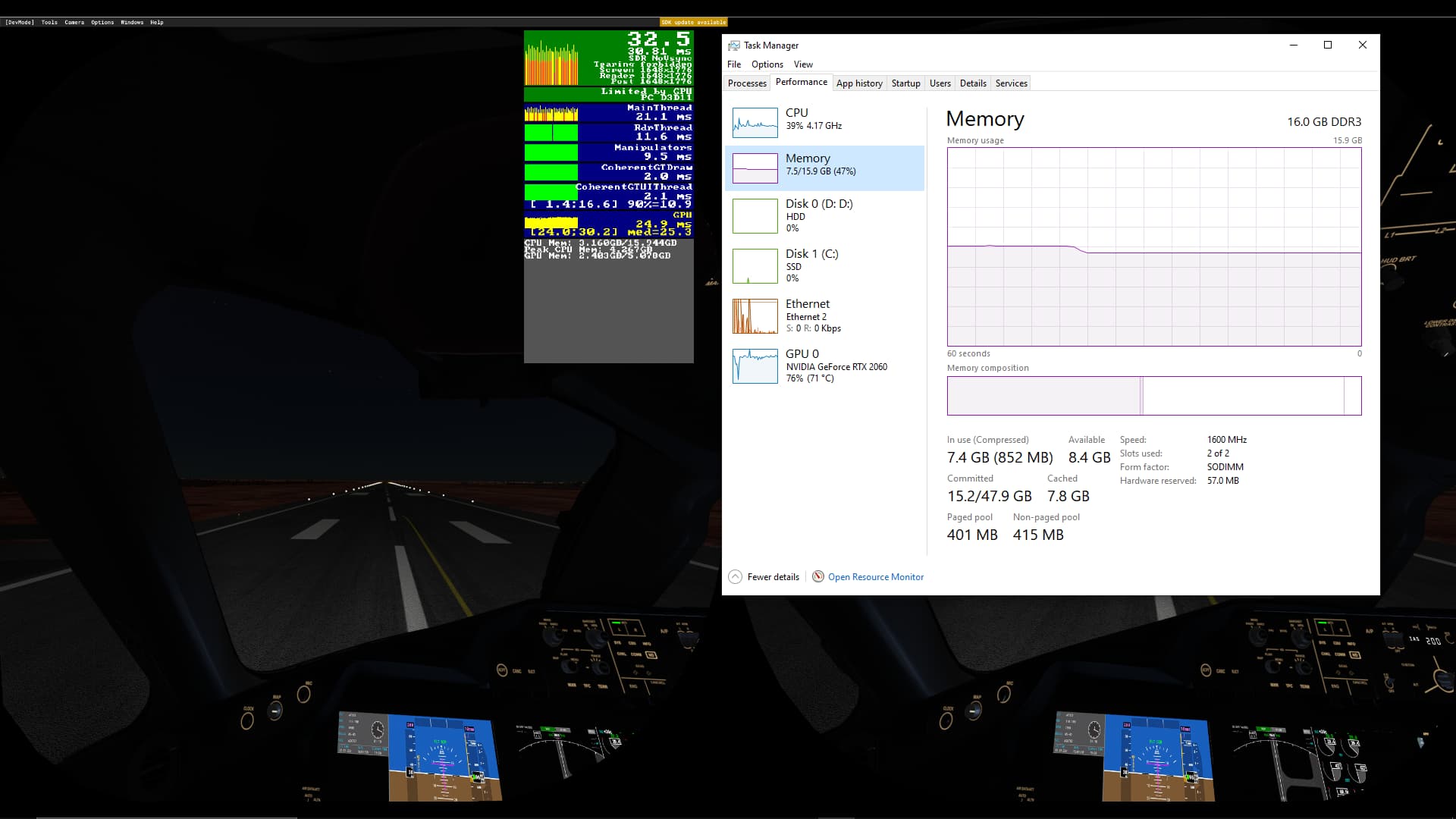
After 8h of sitting on the runway doing nothing in Niamey, 20- FPS in VR (I was offline)
1.21.18.0 :
After launching the sim in Niamey (not a very performance intensive area…) : 30+ FPS in VR
After 8h of sitting on the runway doing nothing in Niamey, 20- FPS in VR (I was offline)
Huge jumps in the Coherent timings.
This is why I now have 64 gigs of RAM 
@BowedGuitar1430 Can you copy that post here? This is the clearest indication of a memory leak/improper cleanup that I’ve seen.
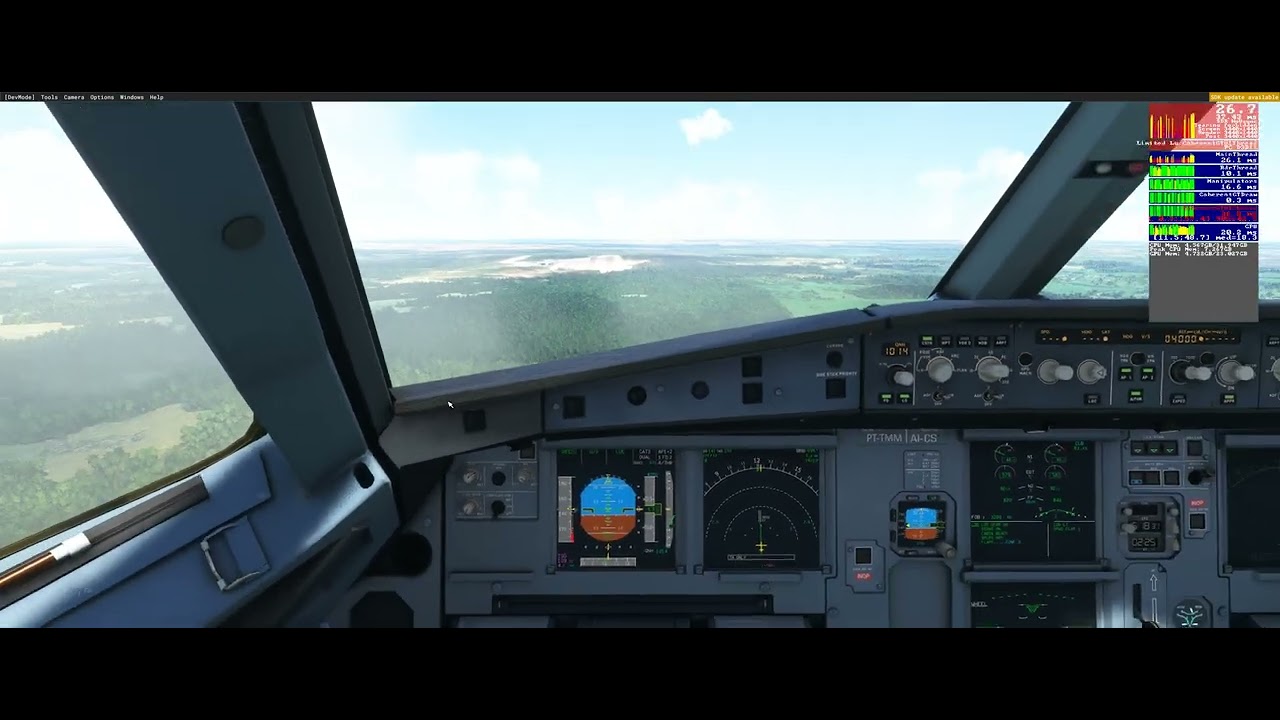
yeah It’s usually both coherents, mainthread and sometimes also the manipulators that are all over the place, I just posted a video above of it
I’m seeing similar, and it is new within the last few weeks.
My system is i7 9700, 32GB, RTX3070 and was running FS very smoothly up till the January patch.
I suspect its a server side issue as the sim runs fine but seems to get bogged down in PG streaming. It can take a long time to develop, or can start quickly in more PG heavy areas. Yesterday in a flight near Orlando FL, it started almost immediately and became so severe that even audio was being impacted. I used multiple audio devices on different drivers and the problem was persistent.
I see problems around weather also… As the weather gets more dynamic the performance gets much worse.
All of this is new. I’ve been running stable for a long time. CPU utilization is typically less than 70% when this happens, which is part of why I suspect server. My system load simply doesn’t justify these hiccups at the time they are happening.
Switching to clear skies should rule out one, and disabling PG should rule out the other.
it makes no difference, at least after it’s settled
So it’s probably not the servers then.
I went from 114 mbps download upgraded to 350 mbps download time and the fps still degraded after a couple of hours.
I have noticed that when I start to stutter, the GPU usage drops from 99% to 70, especially when I land in Frankfurt EDDF, it is actually the same with other airposts
it keeps going down, i’ve seeing it going down to 10%
OK. of course it can be. I often only fly 1-2 hour flights
The entire flight from LEMD to KJFK was pretty stable with about 35 fps but as I got below 3.000 - 4.000 ft and landed at KJFK as well as on the ground it was stuttering heavily with about 10 fps. Could barely land the bird there, really sad if you get close to the ground
I have the same result since the last update… from 30 FPS 40 FPS I drop to 7fps yet my CPU and at 60% 57° my GPU 60% 62° and my ram at 47% it’s not a hardware problem … if I completely cut the simulator and restart it the FPS return to normal 30 40 or even 50 fps … It’s time ladies and gentlemen Asobo to find a solution for us …
Pretty sure that there are more than four or five hundred people affected by this problem. Please if you have not voted, vote.
in my case disabling PG improves the situation immediately.
Weather is more hit and miss, sometimes it helps, other times it does not… Makes me wonder if there is a particuar weather condition that causes it… A particular cloud type, something like that. Not sure.
The link to vote please.
Scroll to top of page, blue box in left top corner:
Thank you very much it’s done I voted… 
I’m sure there is a lot more, keep in mind that the majority of the player base on MFS don’t usually do long flights at all, so they don’t realize it. Also most of the players don’t access the forums so the count we have here is just a small percentage of the people affected