Hi folks,
The Development Team has asked whether those experiencing this issue may be having better results if currently opted into the Sim Update 5 Beta for MSFS 2024, after the latest 1.7.16.0 release last week?
I can see a few comments above, but would love to hear back from others too so that I can forward this to the team!
Thanks
The MSFS Team
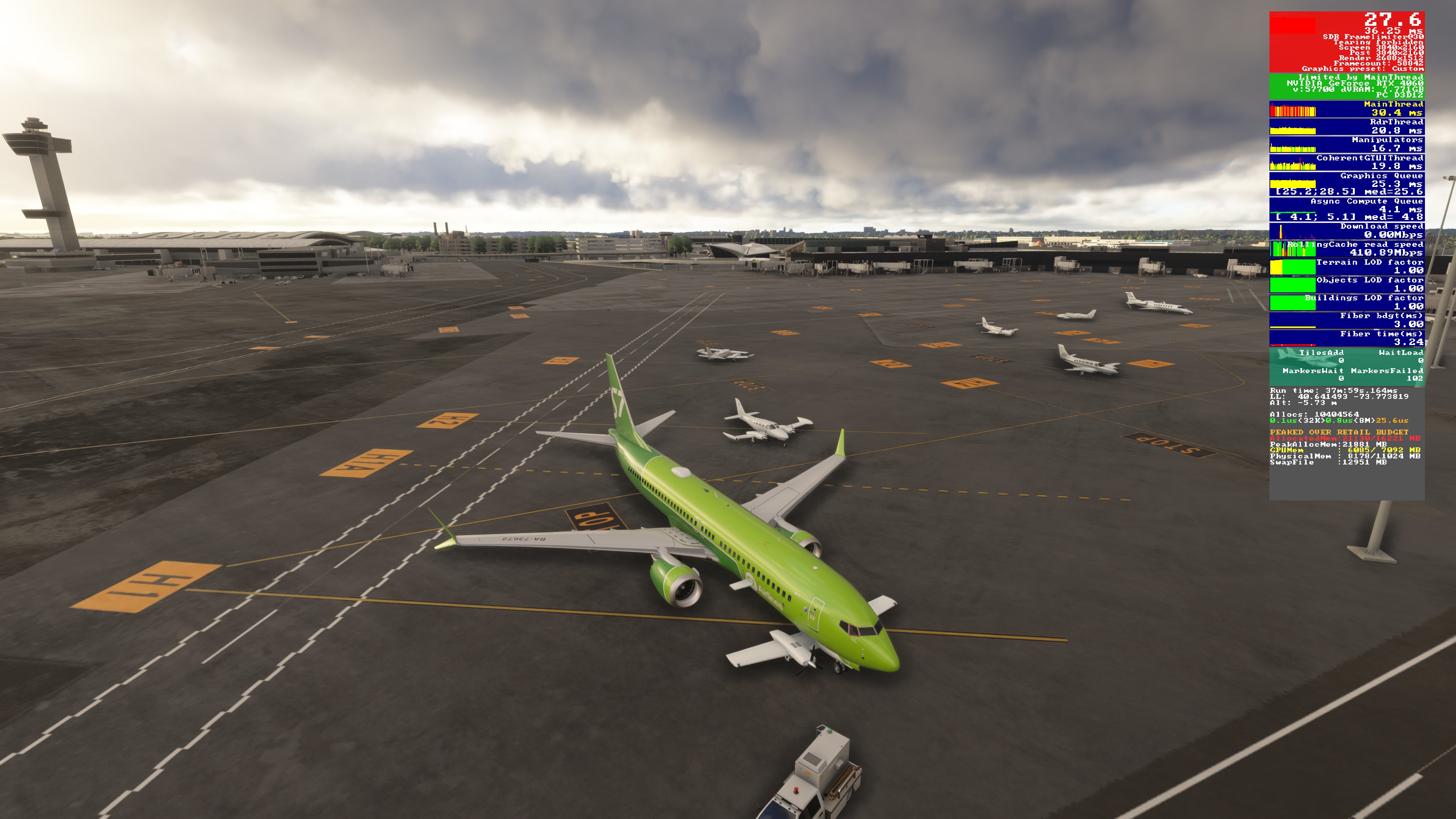
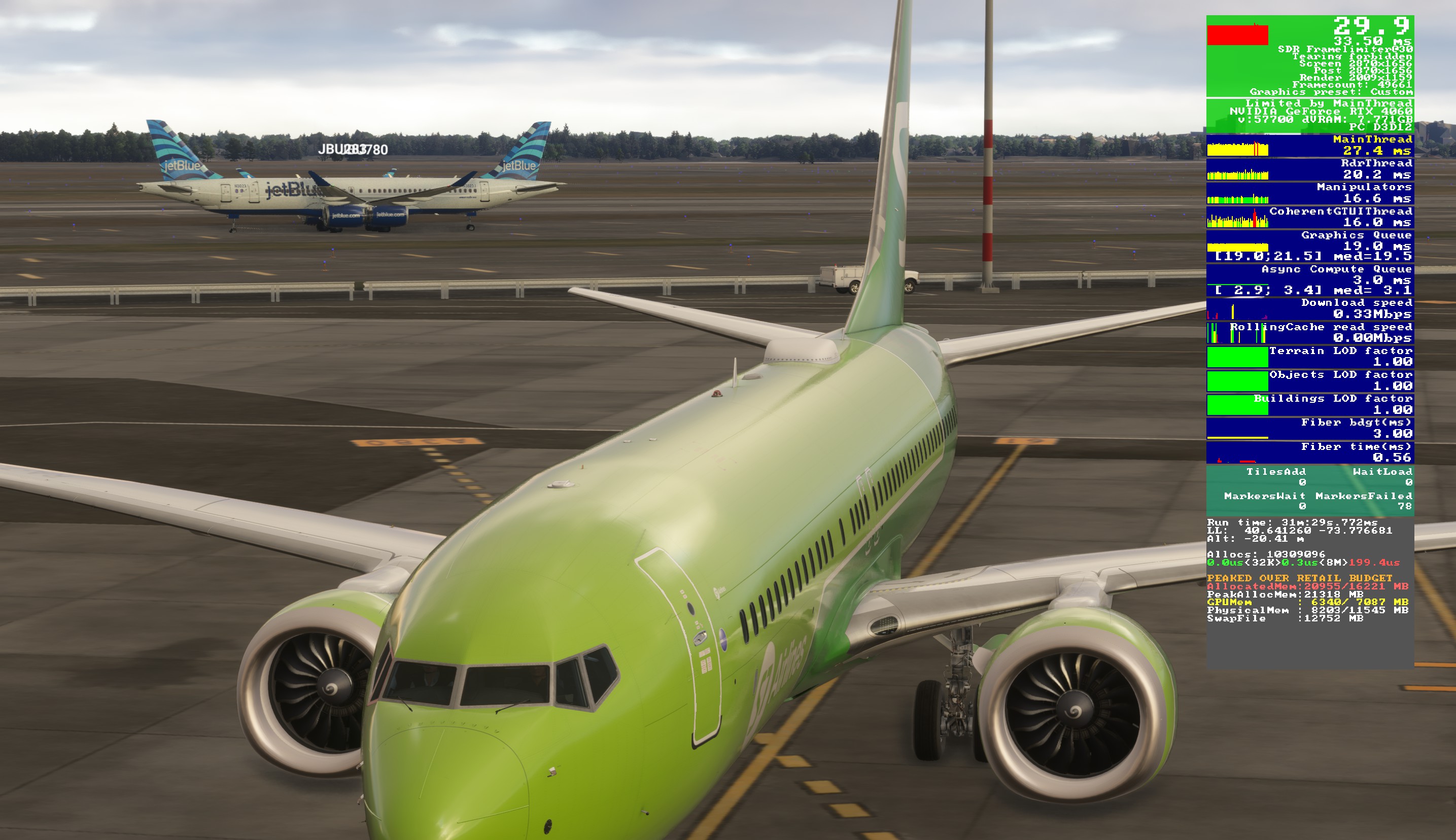
I also can’t see traffic with the AI offline traffic option. Everything is the same as before. SU5 beta 1.7.16.0
SU5 Beta 1.7.16.0, off-line traffic tested in Sim at major airports Japan, Australia, USA, Russia, Germany
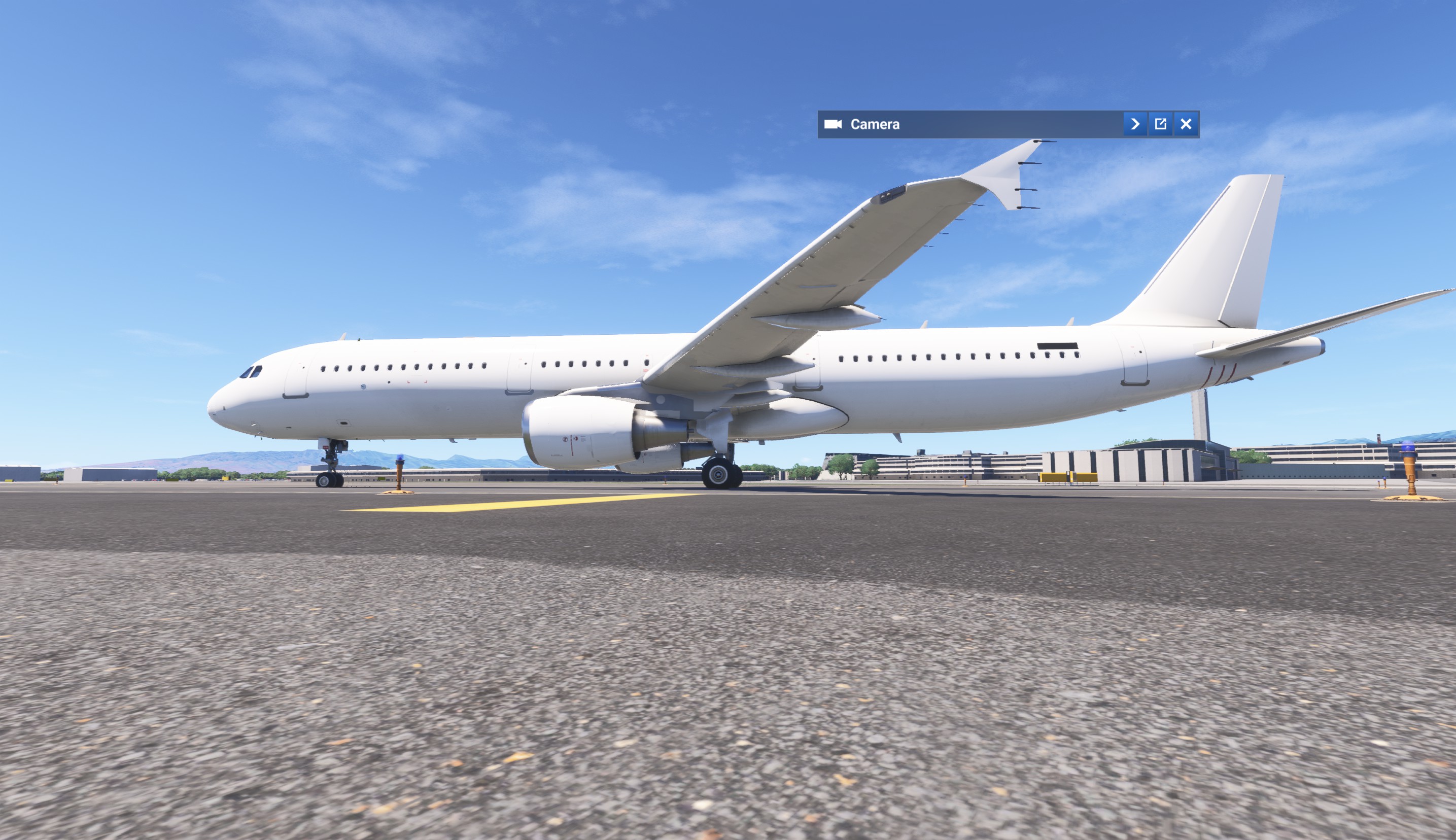
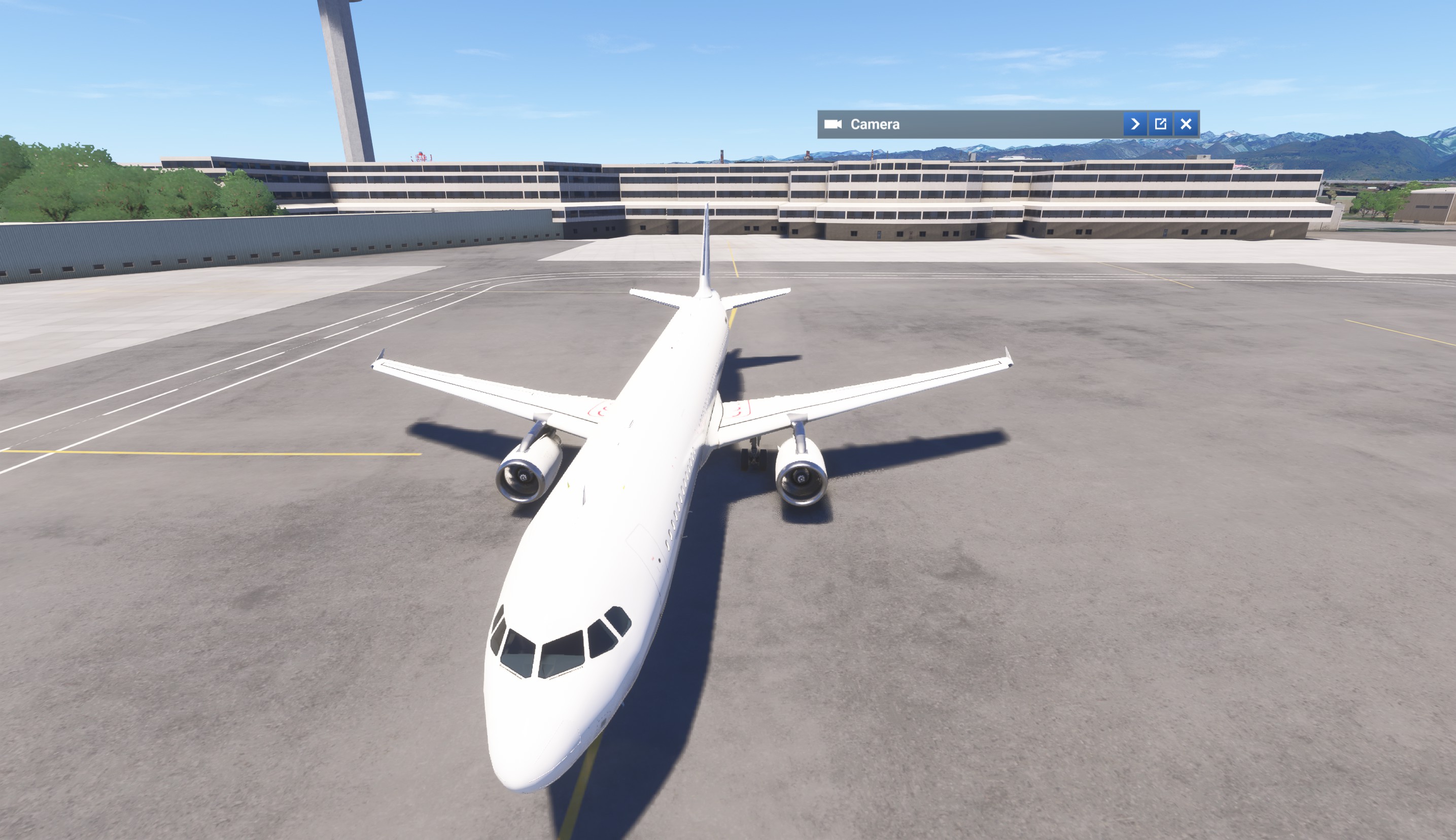
- Some planes have reg numbers, some - not. All of them are with wight livery
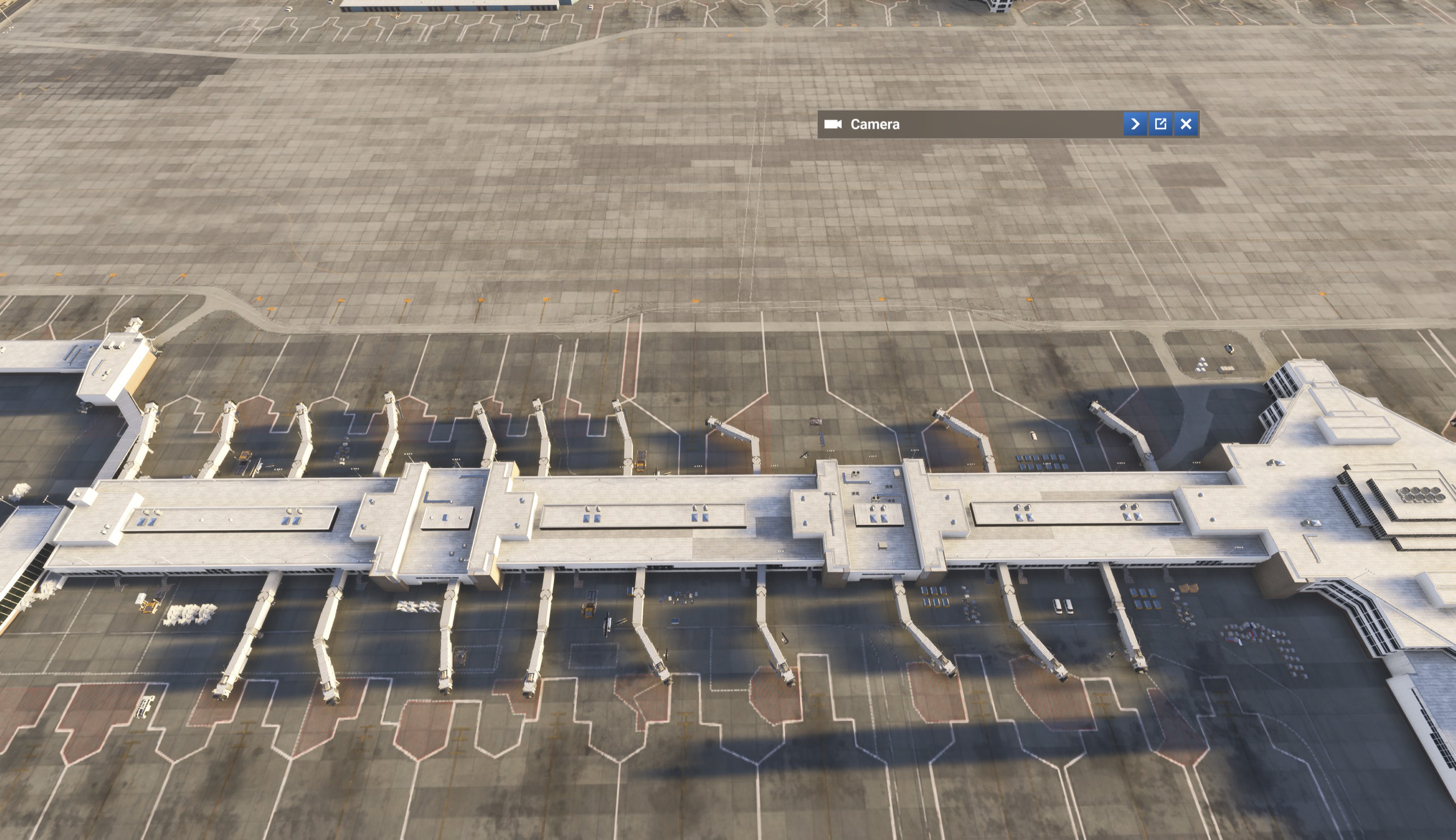
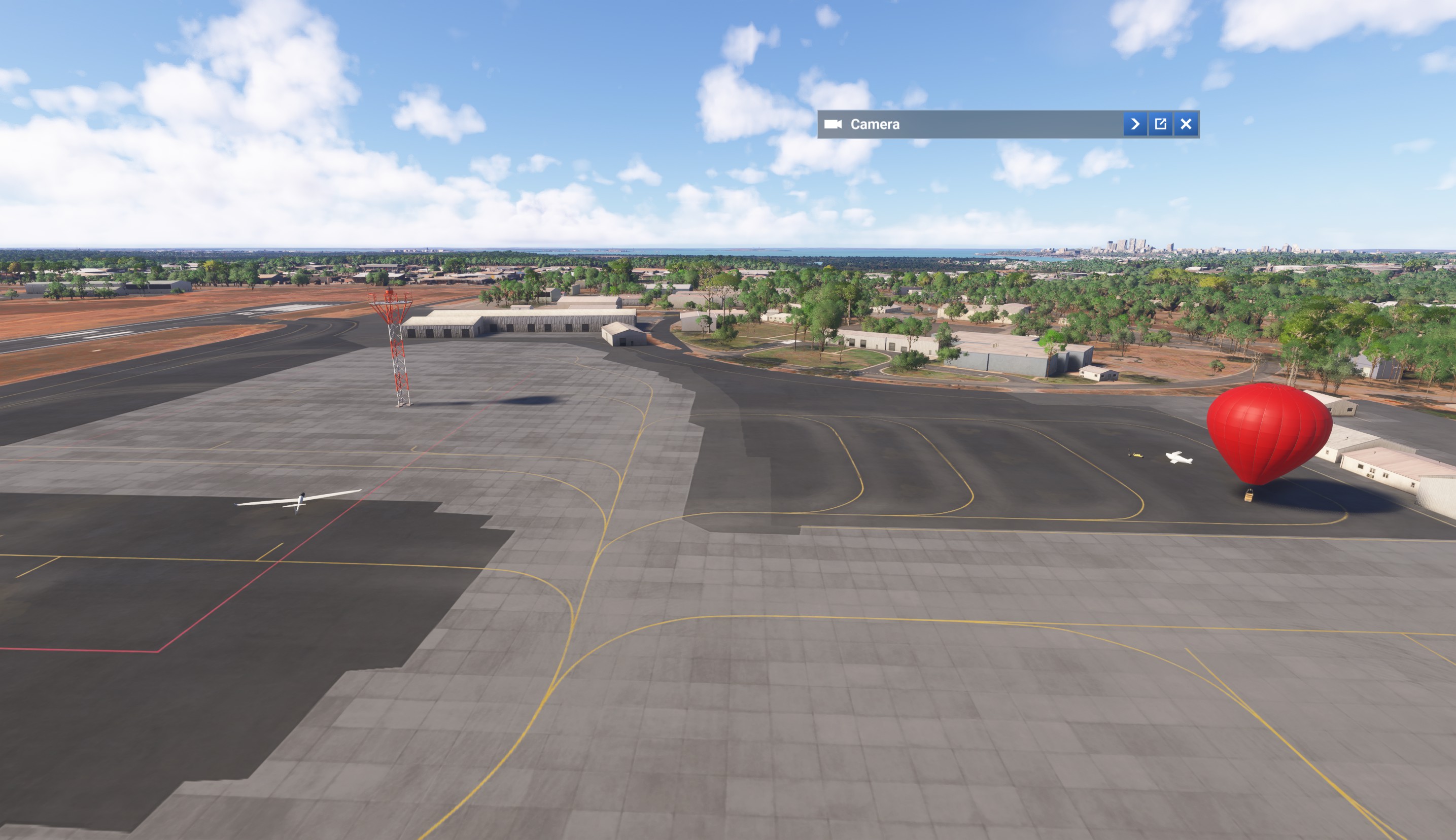
- Number of planes is very small for ultra settings and is the same on low settings (1-4 airliners, more GA planes in the airport+a bit more in the sky), at some airports (Denver for me today) there are nothing of them.
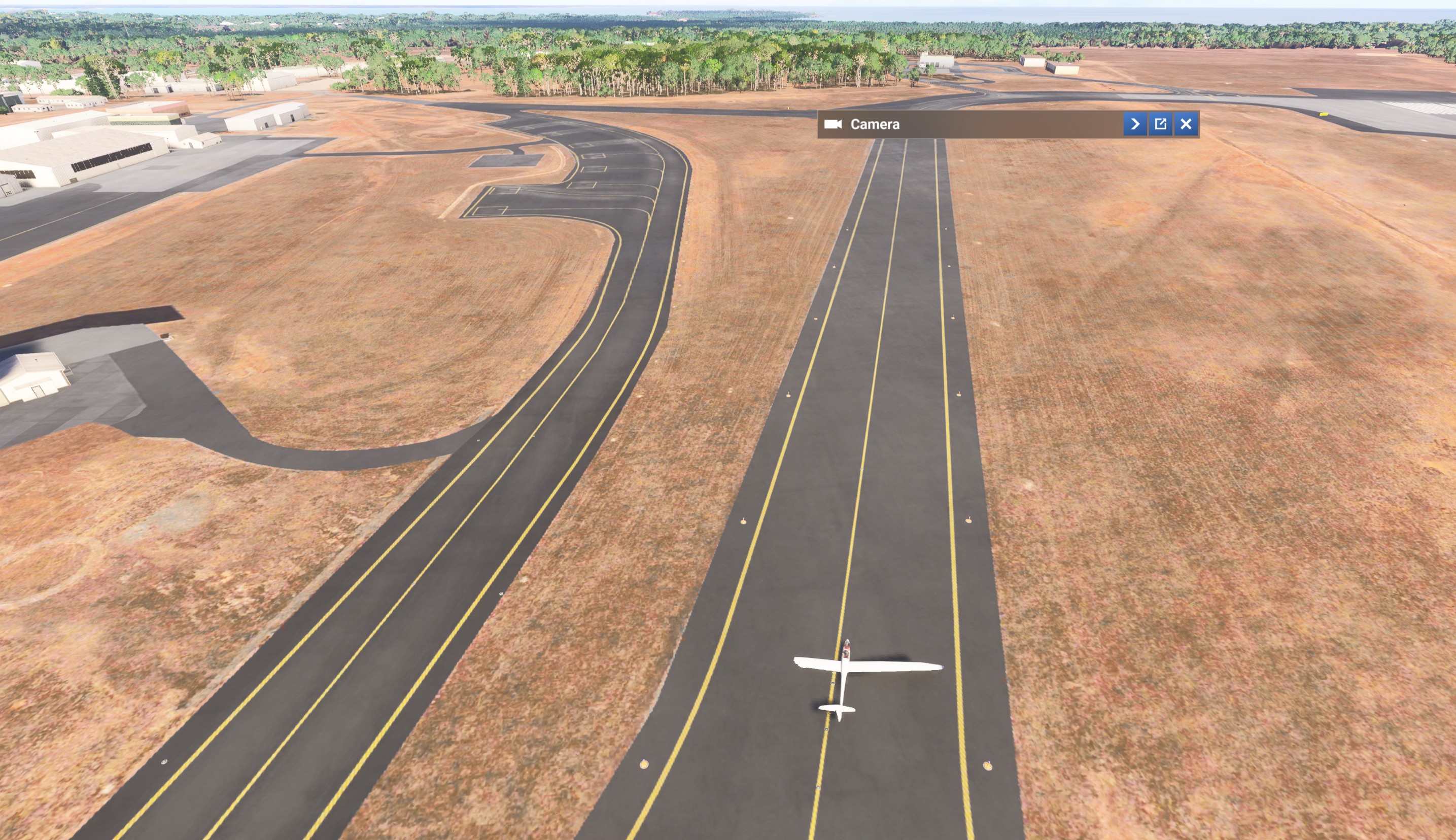
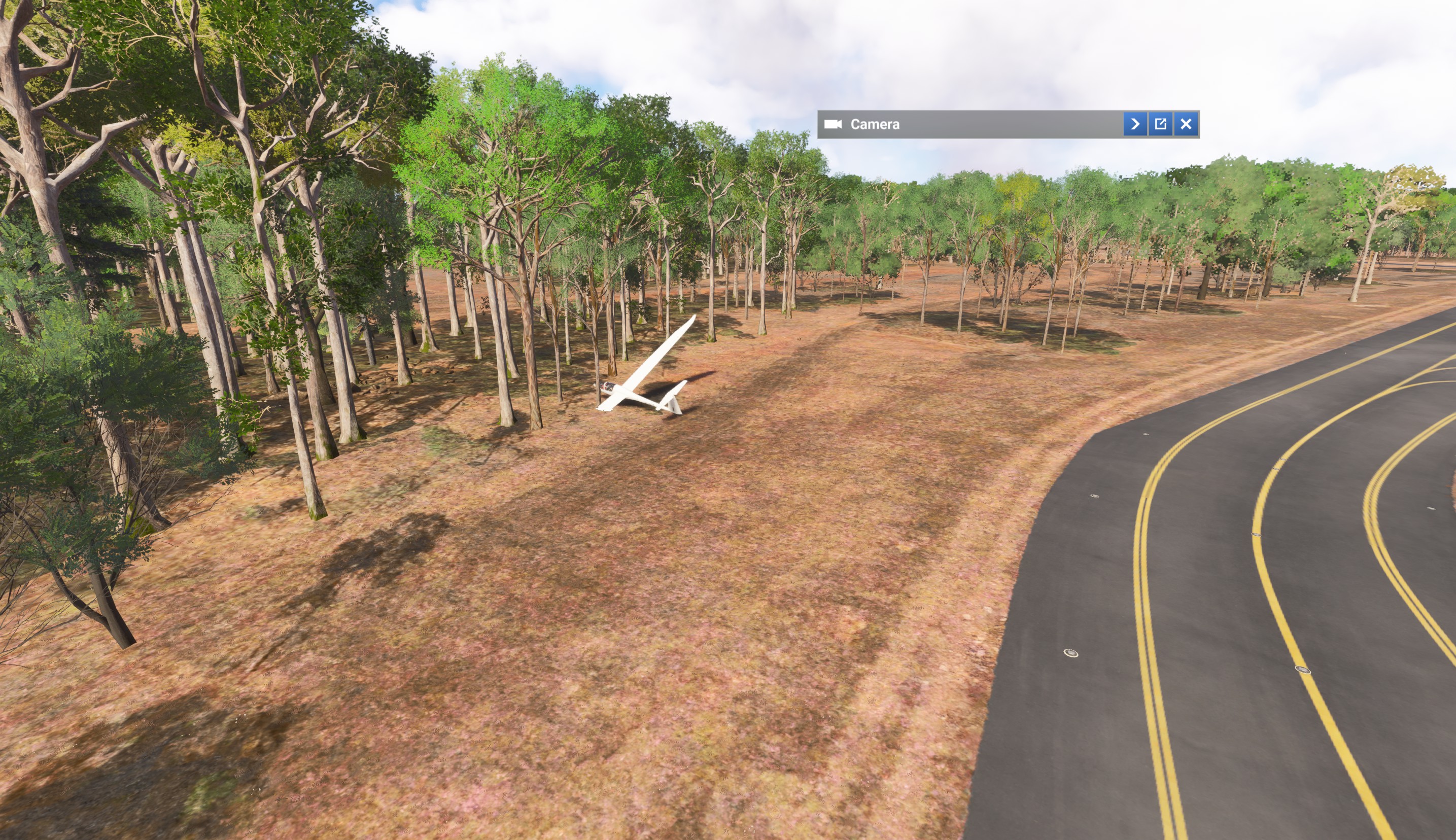
- Planes behave strange way - once there was a glider started to taxi from the ramp and anded its taxi in the forest.
- NAV lights, strobes not visible day time.
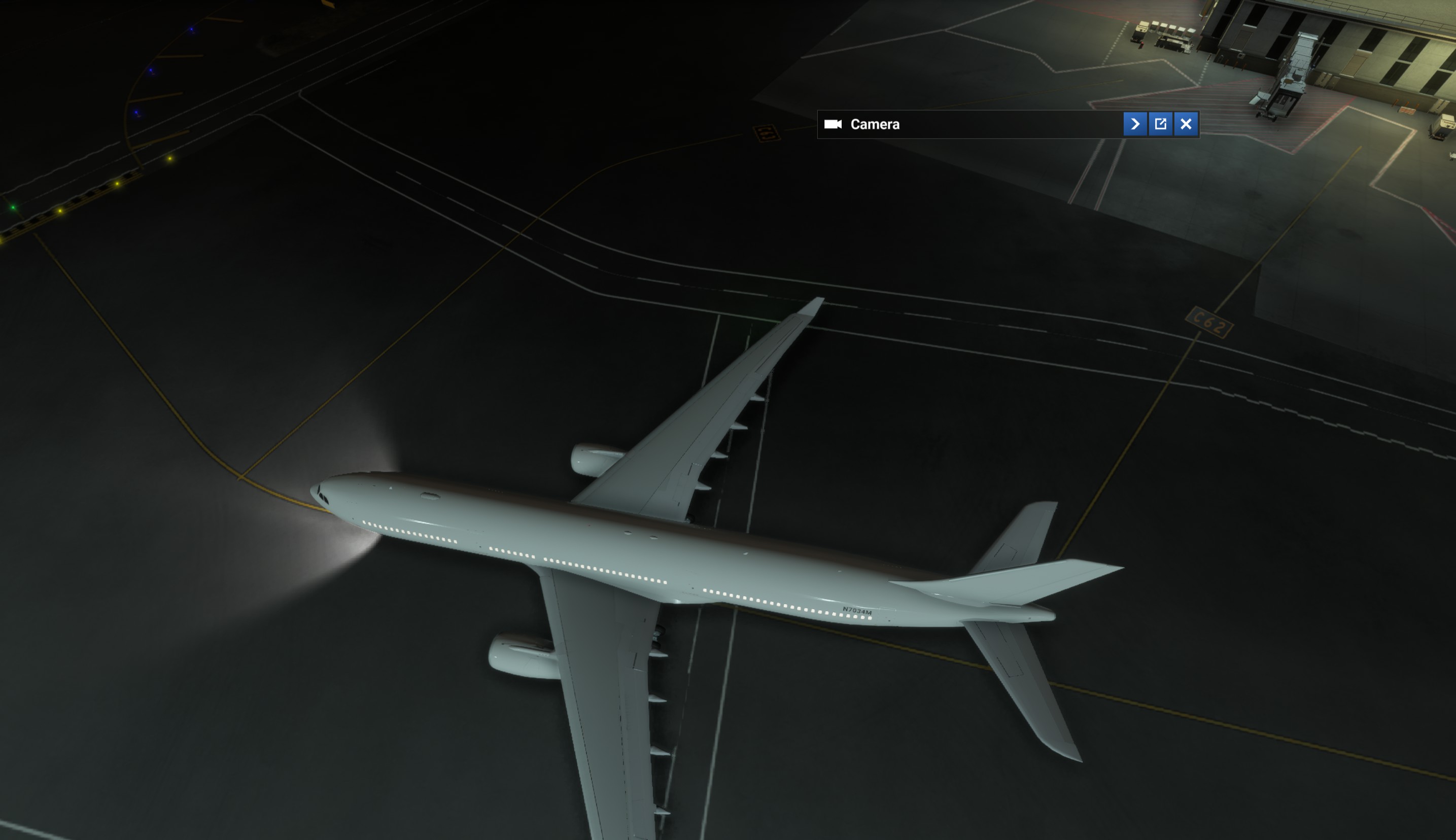
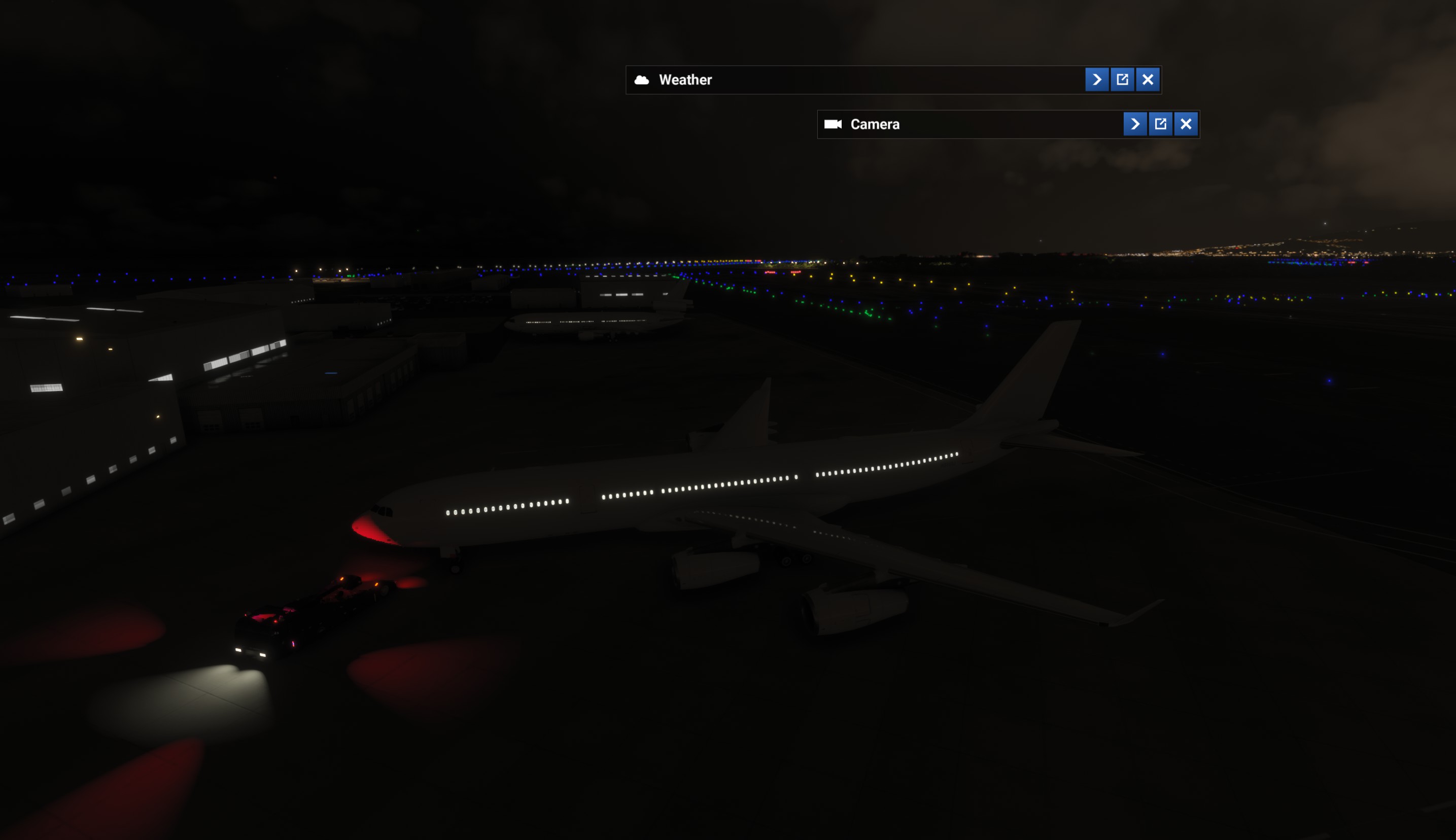
- NAV and tail logo lights are OFF on planes standing and boarding at Gates with cabin lights ON night time.
- AI spawns at the same spot as the player’s plane.
- I did not see colliding off-line AI planes as there are simply no more than one plane on a its taxi, but there are colliding and going into each other Live AI planes. live AI:
1st attempt today using AI offline and this time I had aircraft

Issues I noticed:
- no liveries
- no registration number
- no nameplate
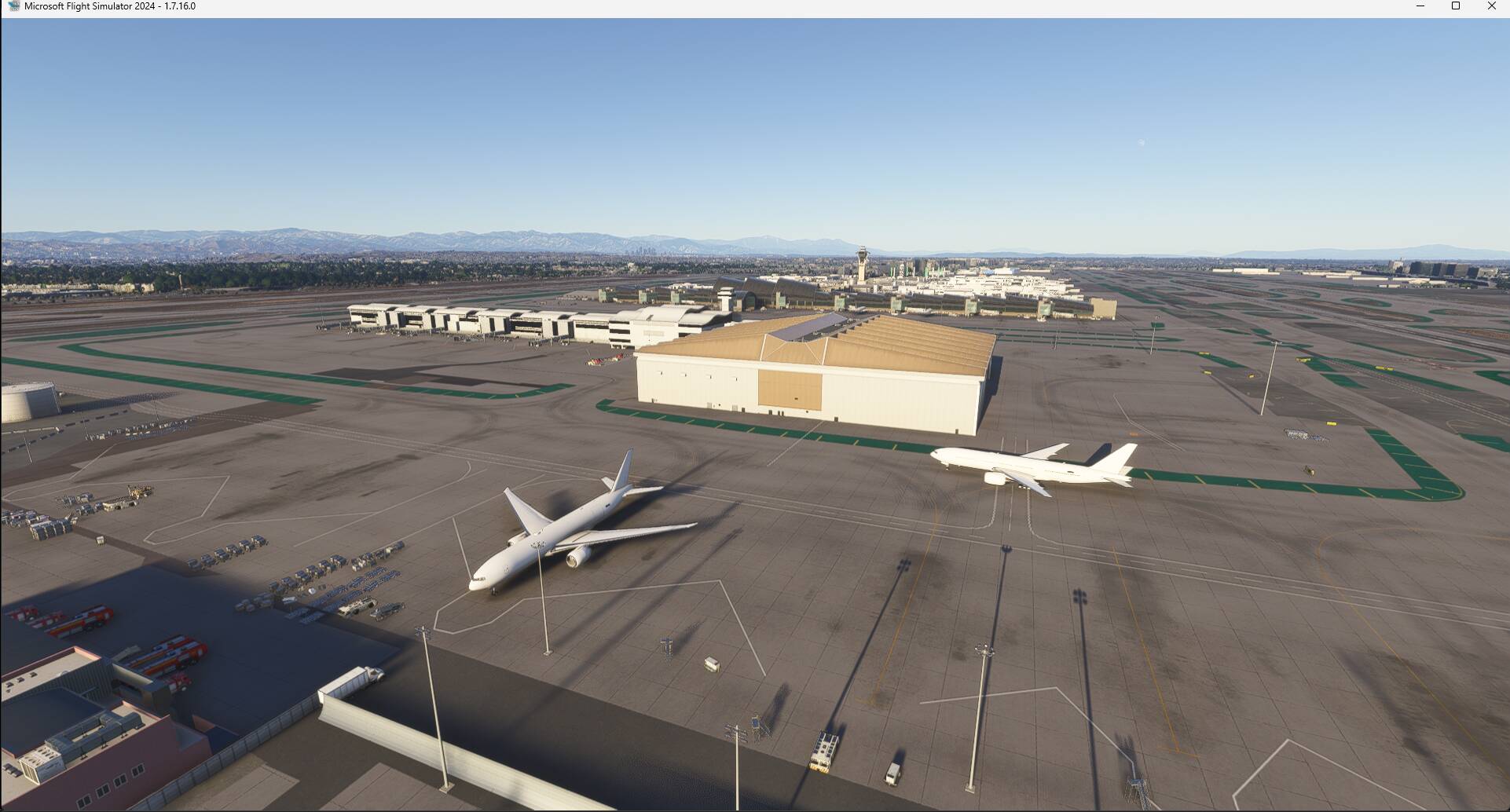
- very few aircraft (quantity set to high)
- it was a mix between airliners and small jet aircraft
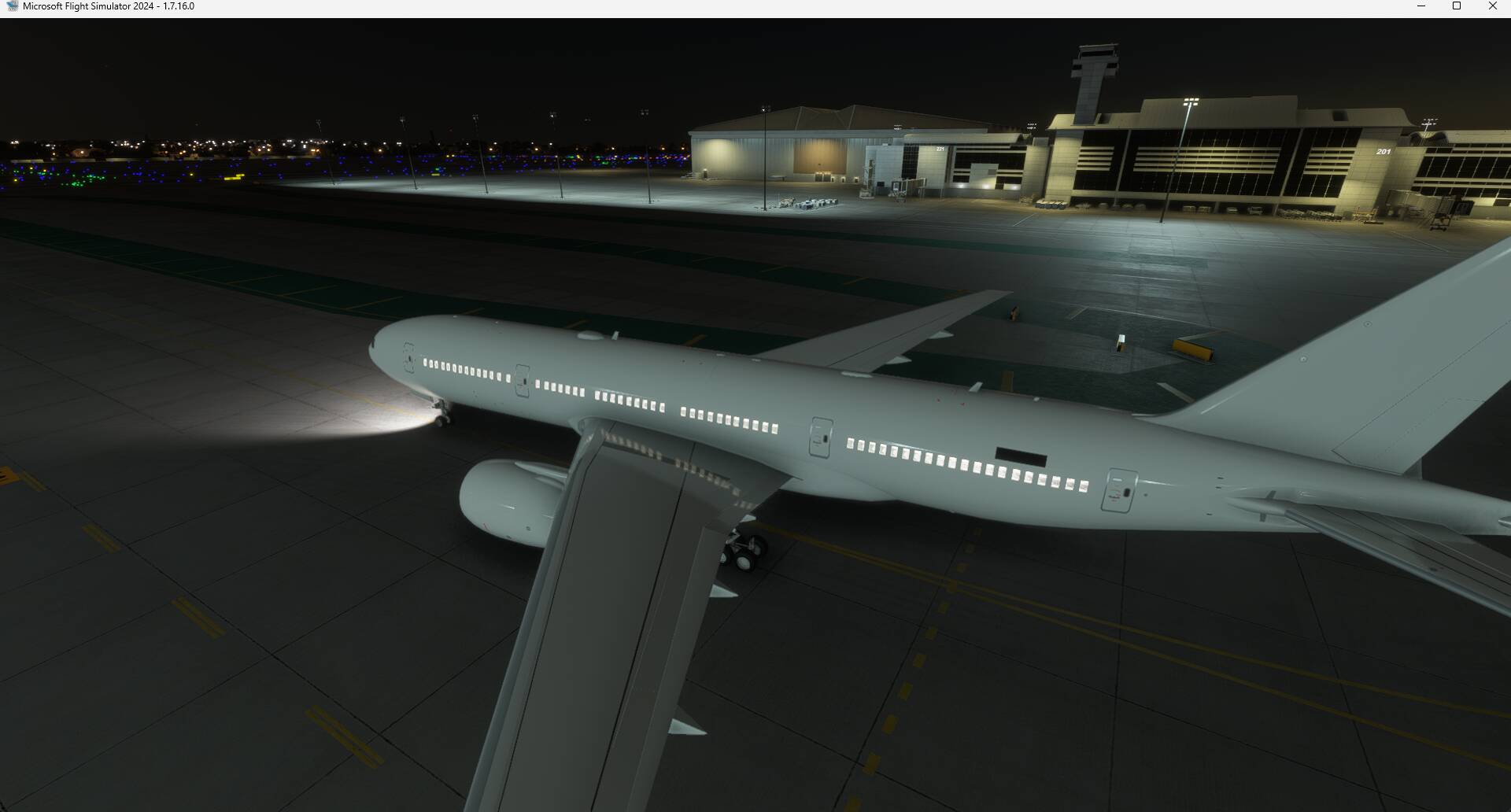
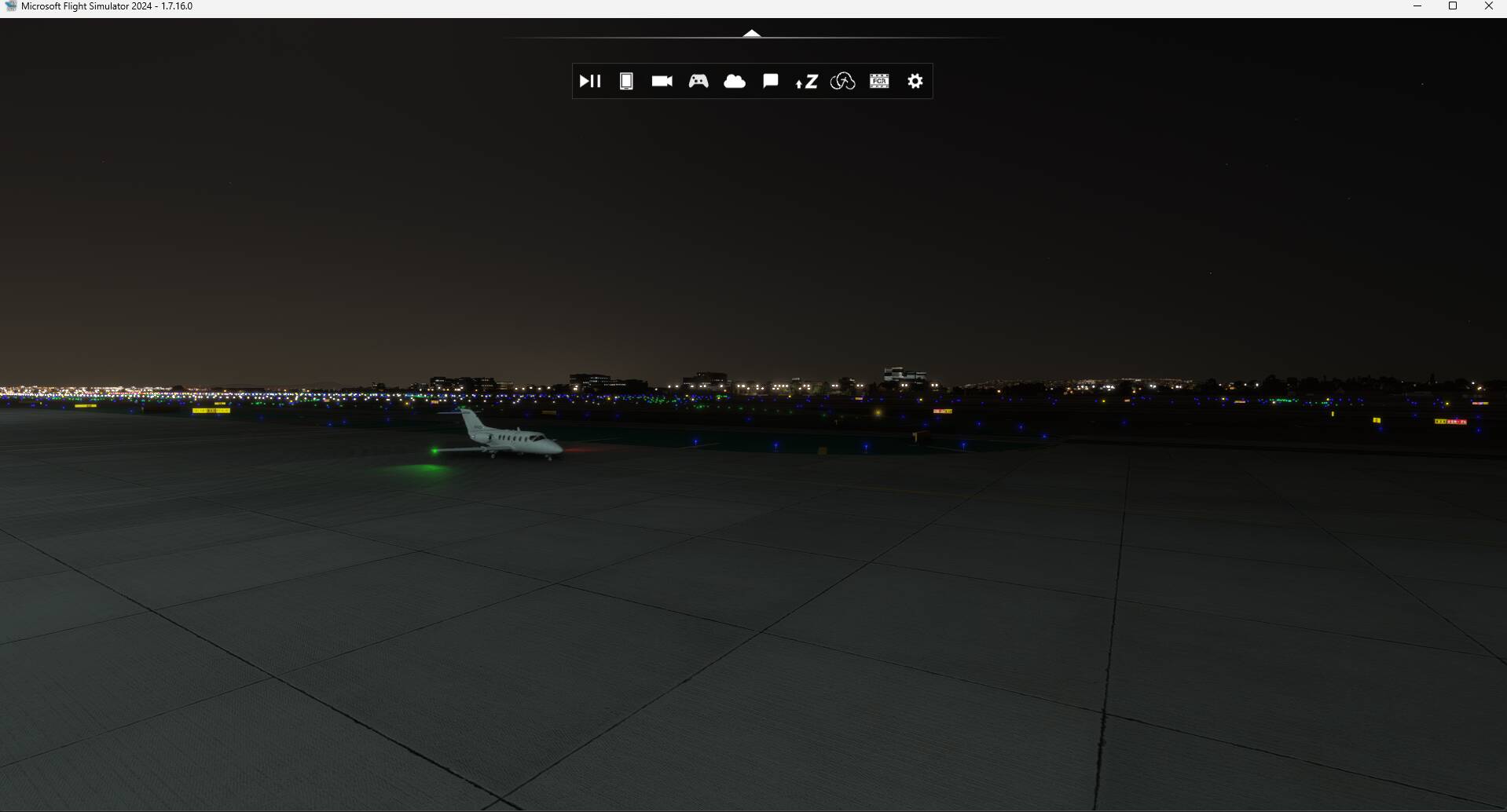
- small jet aircraft did not have taxiway light at night
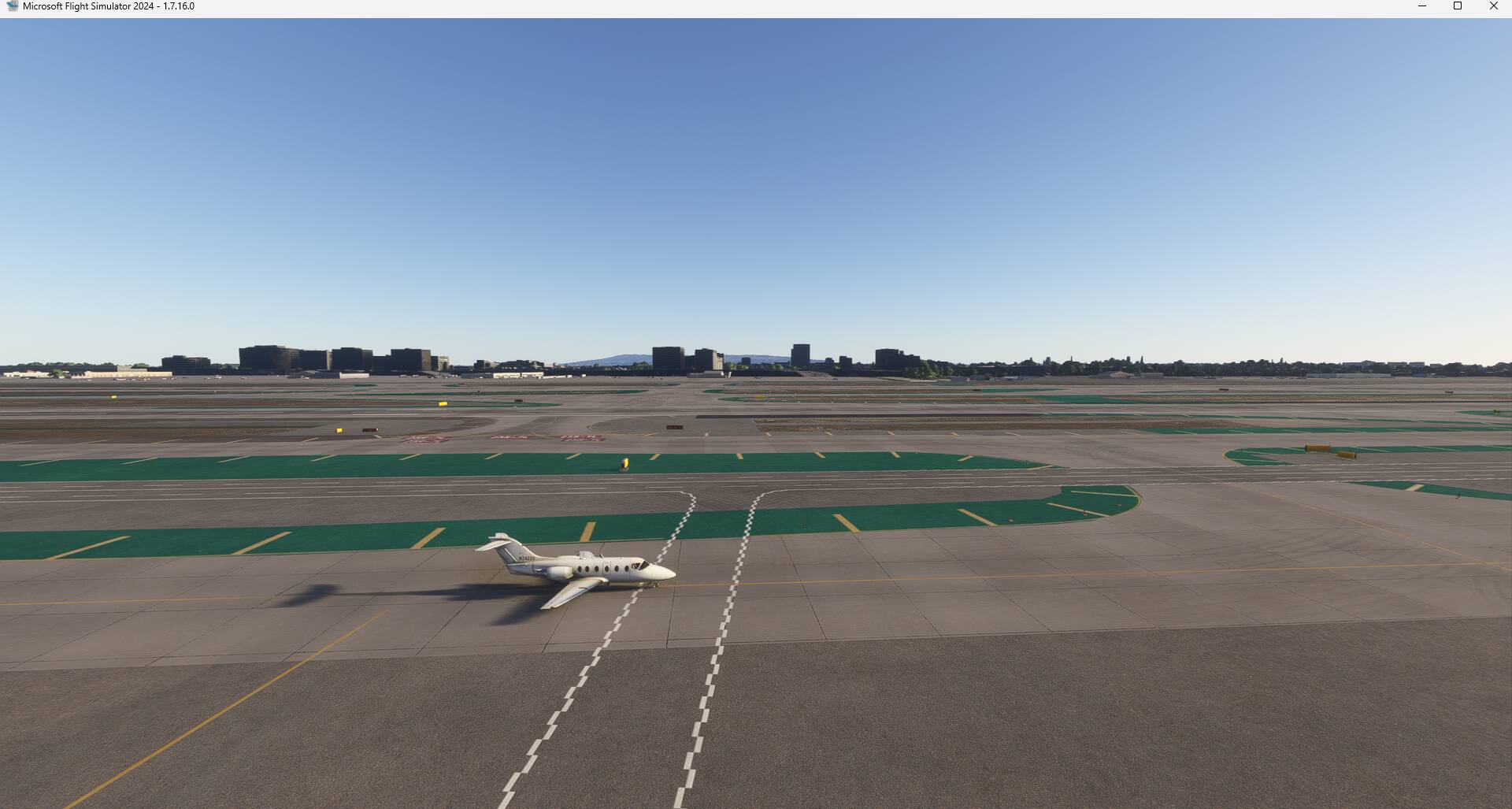
KLAX
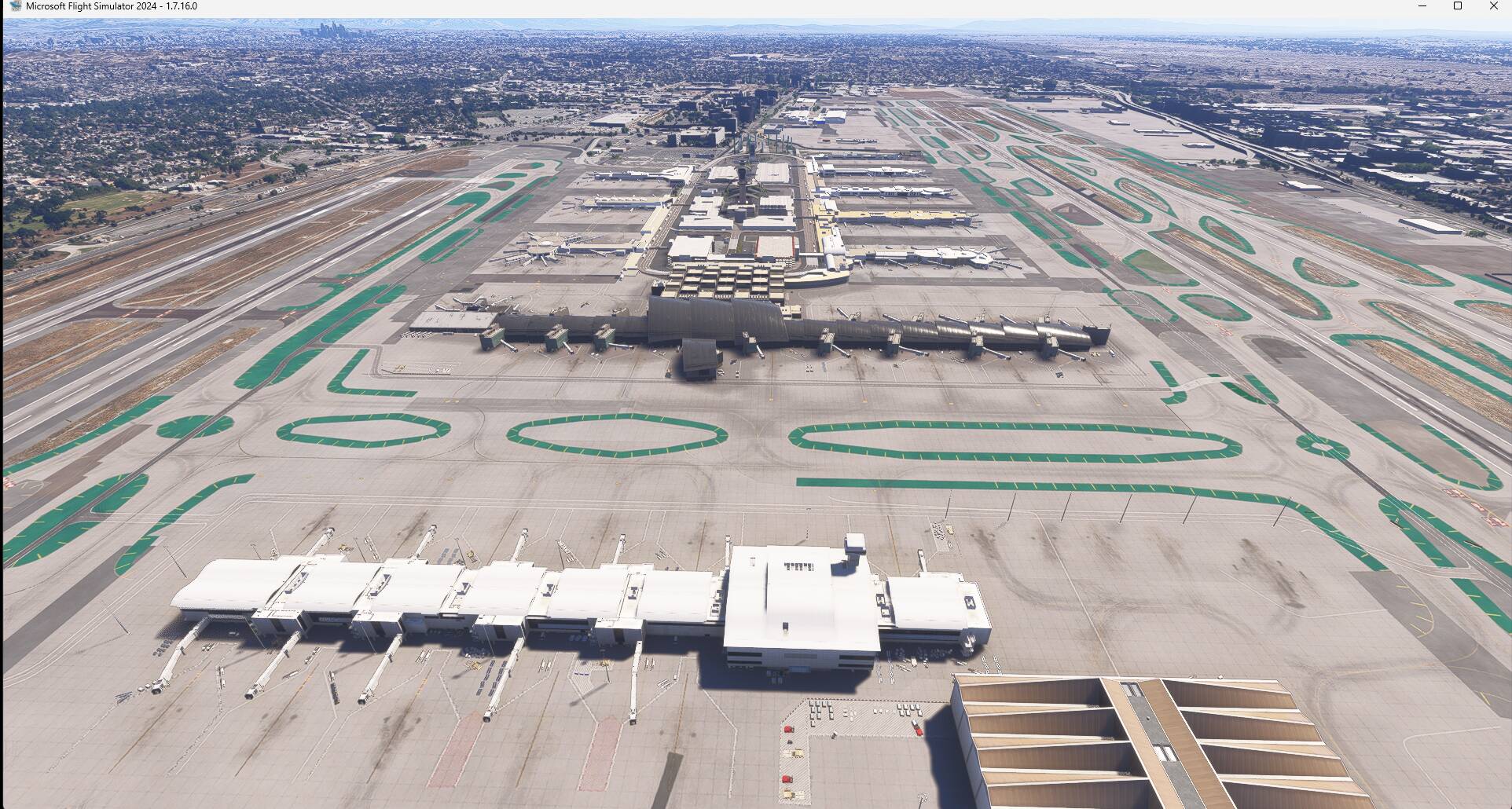
Then the sim crashed, after the restart no aircraft at all:
KLAX
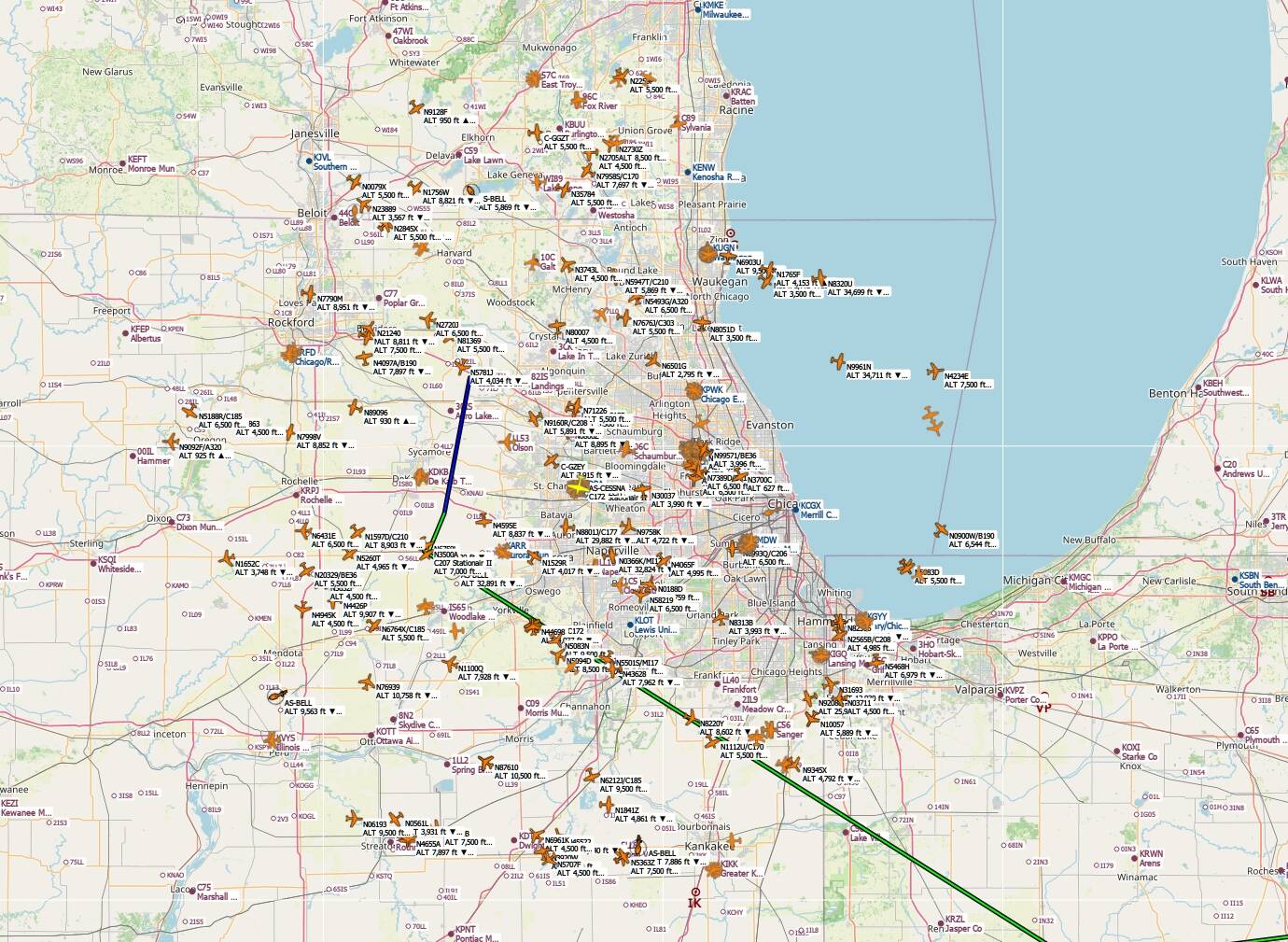
I had about 200 active planes in Chicago area with stock AI OFFLINE. With white liveries for sure.
There are irl manufactor made liveries availeble, but stock AI OFFLINE doesent use them. They can be found via VFS in the liveries folder.
GAmod use those liveries for GA airplanes, so if you download GAmod and put only models to community, most the AI OFFLINE planes have liveries with stock AI OFFLINE mode. You dont need to use GAmod flightplans. It only adds liveries and some changes to aircraft.cfg files. Model files are streamed.
You guys are seeing balloons at airports. This is the reason: https://forums.flightsimulator.com/t/modelmatching-is-broken-with-ai-offline-traffic-custom-bgl-s/744922
i hope devs are on to this. Modelmathcing needs to be re-done, so it would yet again work. This fall backs system would work perfect:
- Title entry from aircraft.cfg (straight match if there is possible to match it)
- then icao designator with random livery, it title isnt matched
- then aircraft type, it you dont have the aircraft model based on icao designator matches. Like for GA: engine type + engine Count +:wing span.
Do you have the same issue if you follow the OP’s steps to reproduce it?
• YES
Provide extra information to complete the original description of the issue:
• ALL TIME. There is no way to turn on traffic, no matter what I do or what settings I change.
If relevant, provide additional screenshots/video:
• N\A
This was finally working great in the Beta, but now with the final release it doesn’t work again? I can’t see any AI Traffic flying around. No problem at the ground, many static and taxing aircraft, but 0 in the skies.
Working fine here. TOtal of 290 stock AI OFFLINE flights injected. No addons, just MSFS experimental AI OFFLINE enabled.
Yeah, I noticed it is indeed working. But during the day, without nameplates, you can barely see them, or see them at all. During the night is different, is gorgeous to see so many Air Traffic fliying around. There’s like a problem with navigation lights during daytime, they’re barely visible.
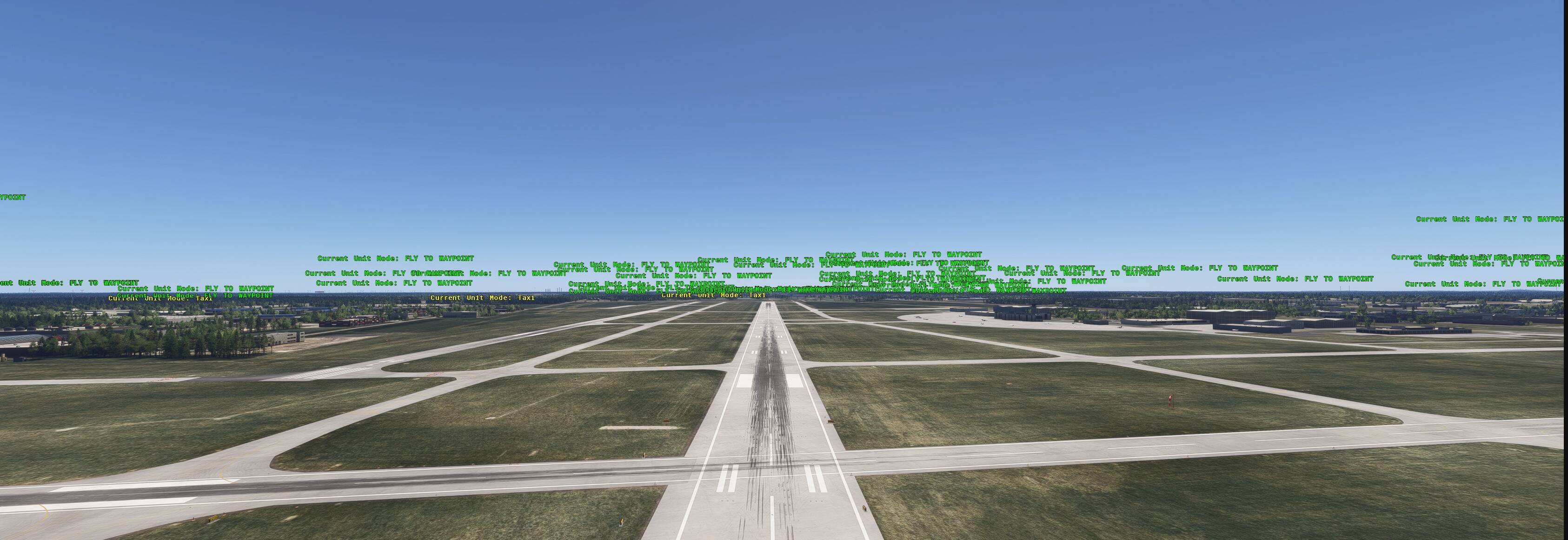
Hello @C0rsten , The “Current unit mode; Fly to waypoint” label you show is a SDK/Developer type option?
There has never been nameplates with AI OFFLINE in MSFS 2020 and MSFS 2024.
@TGP7777777 Enable dev mode - simobjects. There you can select what info you want to see from AI models injected.
True, I was more referring to the screenshots you posted, that shows the green tags on the planes. If you turn those tags OFF, can you actually see aircraft during daytime?
Because that’s the problem I’m facing, at night you can see a tone of AI Traffic, but during the day feels completely empty. I’m not sure if it’s related to the Navigation lights being barely visible during the day.
Well LOD system makes sure, you cant see aircraft that are far away. With those tags you can see the aircraft´s position but its hard way, because all the tags are same size so you cant tell how far away that model actually is.