Be sure to give this a try - it helped me get better performance in MSFS 2024:
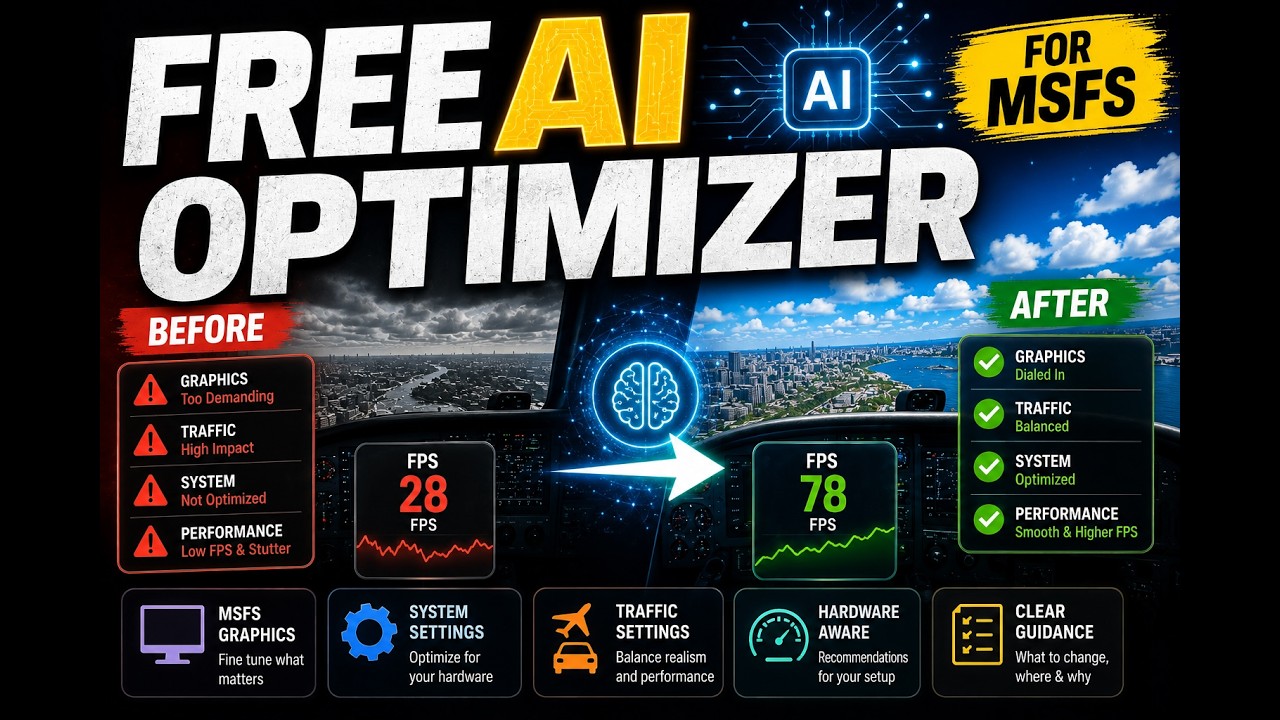
Be sure to give this a try - it helped me get better performance in MSFS 2024:
Not a user of SI but in the everlasting quest for better performance I installed it and set it to work. Pretty easy to set up, following clear instructions before it offered a list of suggestions. I’m an avid VR user so made sure I set the required parameters.
Now I like to believe my system is already pretty well optimised but it did make a few offerings, which I incorporated. But when I came to actually run the reconfigured sim for the first time in ages I got a series of not just CTD but total PC crash. Seems that my RTX5070 wasn’t happy so I dialled back to closer to my original settings and had no further problems.
The blurb does warn you that this could happen and, unhappily in my case, it did. So do take care if you decide to use it.
Interesting looking tool, cool idea. I do wonder what data (or other knowledge) it’s based on. Like whether they did extensive machine learning on test data to make it truly precise and useful, or whether in the background it’s just stuff like “TLOD is hard on CPU, assign weight X and evaluate vs CPU tier 5”; “Clouds are hard on GPU, assign weight Y and evaluate vs GPU tier 1” etc.
Although even the latter may already be quite useful if it’s been done well.
Do they explain anywhere what the “AI” component is or does?
Clever marketing campaign in any case 
Does it offer to store/backup current configuration before the recommendations are applied? Can it automatically rollback if needed?
Doesn’t touch your settings at all, just offers you the suggestions for you to make the changes yourself. I screenshot all mine whenever i make changes anyway so there’s always a reference.
I tried it out. It was unable to read most of my Nvidia settings, so I had to work through the list to verify. It seems to order by impact, so lots of scrolling up and down in the Nvidia app to check each one. There were a couple it called for, that don’t exist. It seems to have very little knowledge of DLSS options. It did better on the Windows side, but it did not group by area - so lots of jumping between system and game settings. In MSFS it was able to read most settings (but not all). Again, lots of scrolling around the screen from place to place to adjust. Again, little to no DLSS considerations, except most basic. And again, a couple of suggestions that do not exist in the options in my latest/greatest version. In the end, it found the areas I knew were pushing things too hard for my setup, and it’s recommendations struck a reasonable compromise - but I was pretty well tuned before, so changes were not dramatic. Advice was generic, and not in terms of specifics for my system - although the suggested settings appeared to be. Overall, it looks like the AI is just trying to read all system/game settings, and then suggests changes based on a pre-stored matrix.
Beware that in going through the signup, install it also dumps a lot of other items into your Community folder to enable their main add-ons.
Since it did encourage me to balance things a bit better, I’ll keep its suggestions. But I deleted otherwise after the testing, as I don’t need it or the other SI add-ons going forward.
Nope, I already have the Ultimate Performance power plan enabled. Ironically, AI System Optimizer - which seems to exist mainly to advertise SayIntentions - suggested that I switch to the High Performance power plan. That only made me realize how useless this application is.
Also, AI SO failed to detect my actual Windows settings. It suggested disabling vsync, which can cause screen tearing. An inexperienced user following its recommendations could easily end up with a worse experience or even reduced performance. Personally, I can’t recommend this application at all. You’re much better off asking questions on a forum or getting advice from experienced users.
Now I just need to figure out how to delete the account I created solely to try out this application.
Can’t say I was overly impressed with this application.
It suggested I use AFMF on my AMD card. This causes awful artifacting and screen tearing, I’ve never used AFMF for this reason.
Went back to my own optimisation which works just fine.