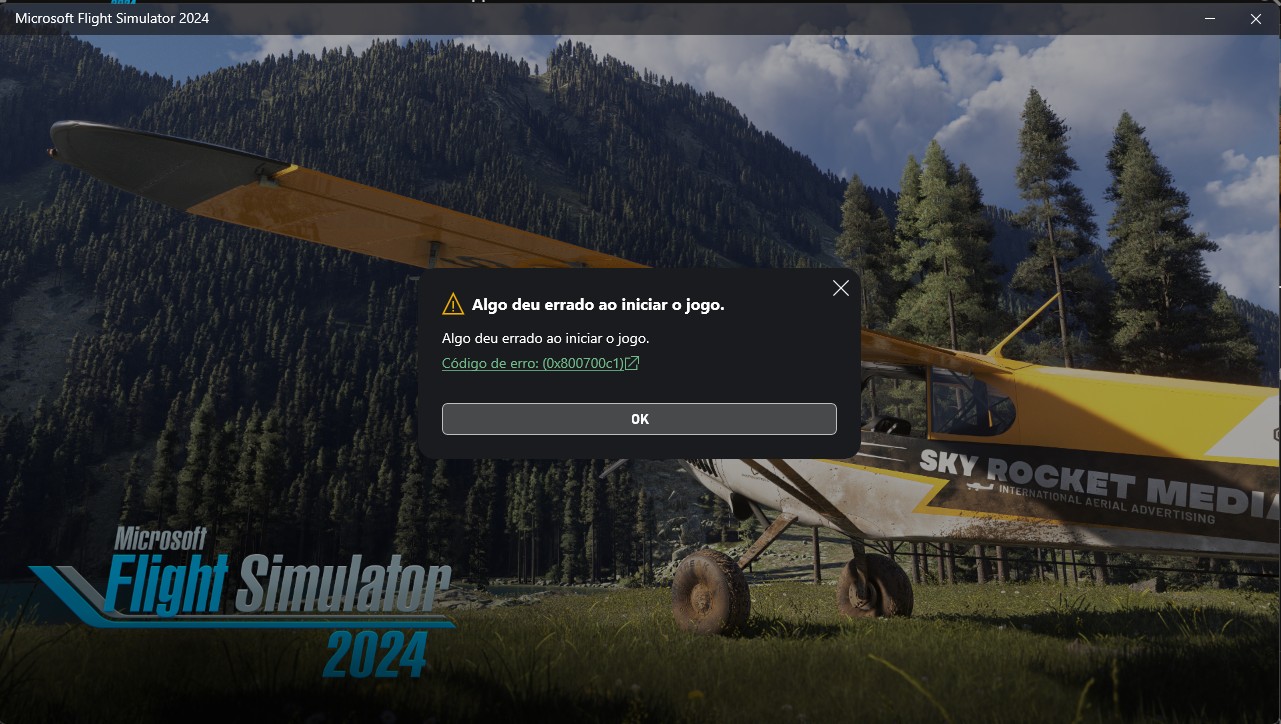
Are the servers down? error 0x800700c1

Hi folks. Tried to load both MSFS and MSFS 2024, and I got a error message (code 0x800700c1).

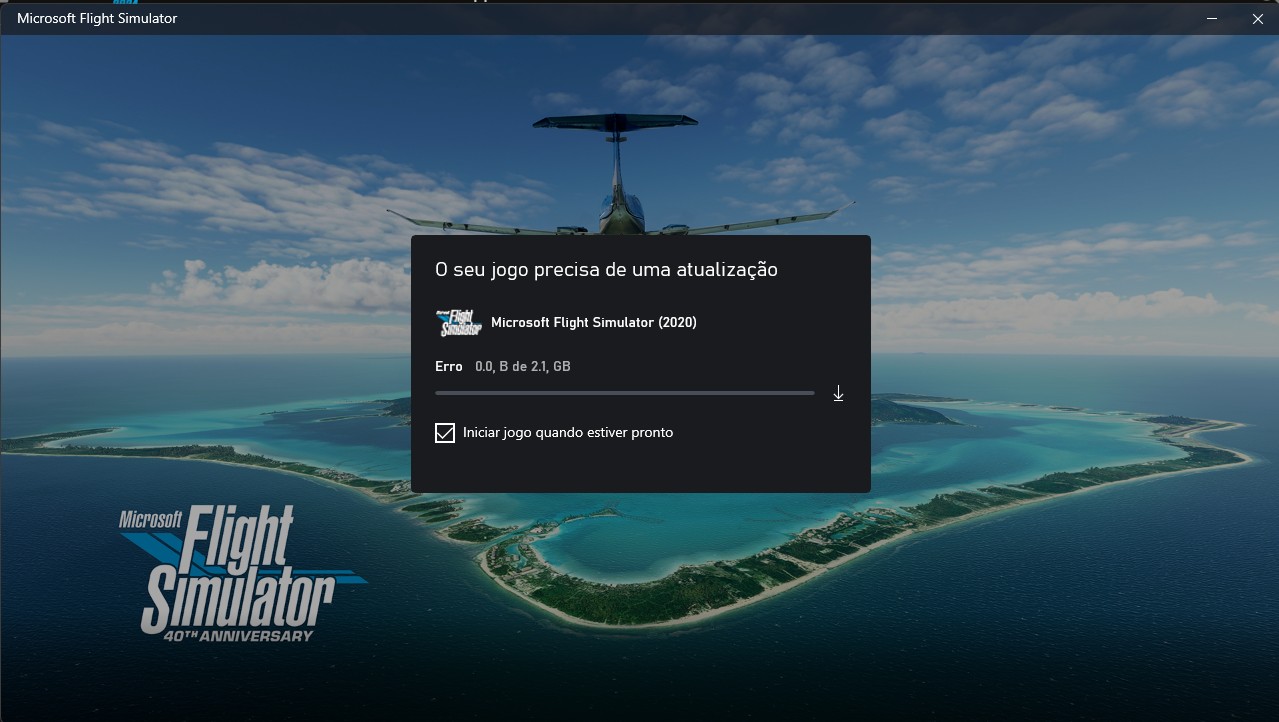
MSFS says I need an update, but it fails to install at 0%, saying that an error ocurred.

Checked Windows update, Xbox app and everything, no luck.

Any ideas on this? Thanks in advance.

I’m able to load into 2024 with no issue.

Perhaps a local/regional issue for you?

1 Like

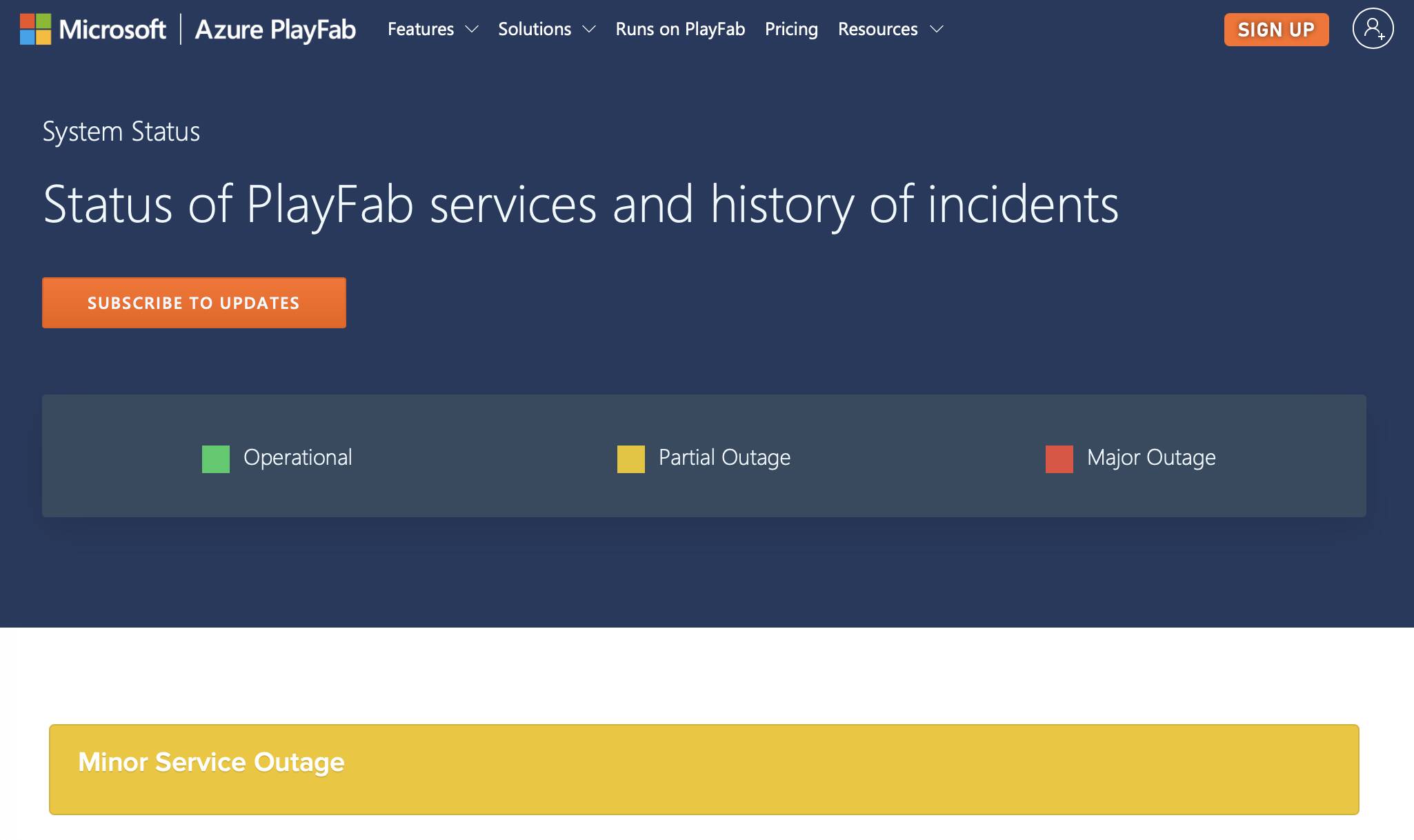
There is a minor outage reported on Microsoft Playfab

1 Like

Never heard of PlayFab before

Would this prevent simulators from opening?

Thanks

I’m not an expert, but MSFS relies on Microsoft Azure, and Azure uses PlayFab as a backend management of gaming services. I’m not sure what aspects of MSFS use Playfab (if any), likely some of the initial authentication, and also any of the multiplayer aspects. Microsoft and the Forum managers here have mentioned it before.

The reported Playfab issue is a minor issue ongoing for several days, see the logs below the graphs.

We have no other reports of any connection issues at this time.
These reports are available in the top pegged article in the very first category of the forum.
Here is a link to this article which is in the Official Microsoft Flight Simulator / News & Announcements category:
“On Line Services Monitoring”

There are links there to Playfab and Xbox connections status.

1 Like

Just fired up my MSFS long enough to disable the stock TFFJ for the latest payware - no issues.

1 Like

Moved to User Support Hub > Install, Performance & Graphics as OP is requesting Community Assistance.

@DowglasLima

This post may help?

2 Likes

Nothing that I tried worked.

Had to reinstall both simulators. What a pain. Reconfiguring everything now.

Anyone else who might encounter this error, here is solution that worked for me.

You need to repair your files.

You can do this in XBOX app on PC by right clicking on MSFS 2024 and going ot MANAGE. Then click the FILES tab and click “VERIFY AND REPAIR”.

1 Like