Over Alaska

1 Like
Amazing picture! Clouds, not haze, but still amazing!! 
2 Likes
colours are always very saturated. Everything is extreme to the point that you feel you are always in a 90s picture. It gives amazing screenshots but poor fidelity.
Try disabling (change to 0) the ColorGrading option in the “UserCfg.opt” file.

2 Likes
Thanks, what does that do? Any tutorial you can point me towards to understand how reshades are managed in msfs?
Makes the colors look less cartoonish.
1 Like
The lowest Cat II landing minima you’ll see is 100ft / 1200RVR. With this weather preset, you certainly cannot see anything at 100ft; and based on the fact that runway edge lights (not centerline lights) are spaced 200ft apart and you can’t see more than 3 or 4 of them when sitting on the runway, visibility here is no more than 600 - 800 RVR.
It’s well below Cat II.
Truth. Believe me, I’ve been complaining about the lack of a visibility slider since I first tried this sim. What makes it particularly annoying is the fact that the sim engine IS capable of taking a visibility value and rendering it on screen; live weather does a good job of using METAR vis. So why can’t we set it manually?! I wish someone would come up with a hack to manually inject a value that the sim sees as METAR vis.
All my preset does is set an overcast layer with bases at -5,000ft AGL with max aerosol density, min scatter, and max precip rate. I just like having it as a preset for convenience.
You exactly nailed it. Out of my four points in the OP, three of them don’t require any change but cosmetics. Clouds are a different kettle of fish, but the rest is all there! It would be sufficient to get a box called “dull graphics” and add the slides in the presents and it’s done. It does not feel it needs to change the lighting engine or the atmosphere rendering at all! You are 100% right!
2 Likes
Now, I was looking into FSUIPC and it looks like some variables may exist to tune it. 04C0 looks like a good candidate! But I may be totally wrong. It looks like you can set it to 0.01 miles (106m) as a minimum but at the moment is read only (you can’t input info in the SIM!(
Good find, that’s one to keep an eye on if they make it editable!


Tks a lot, you read my thought, I second that 100% !!!
Not as much experience as you got, “only” 12 years of flying in real life 
On the other hand Xplane 12 has a serious issue in the way it treats CAT, convective in CB, Gust Winds, all the effects are very too weak as never, far away from Xplane 11/Xenvrio for instance, in XP12 everything has been reduced in terms of turbulence (only for Live Weather, presets work ok even if I don’t use presets) which surprised me “badly” to be honnest… and many of us, I’ll submited ticket tomorrow by the way!
The native XP12 weather is weird about Turb, it’s an early early beta which could explained it I guess…
Anyways you are definitely right about strange complaints I’ve read here, “turbulence overdone and bla bla” knowing that nowadays you can still fly a C152 in TS in order to make beautiful screenshots and flying through dark cells without any convective or up/dowdraft in TS, severe icing conditions in TS that could happen (lethal weather) and some of players dare to say it’s overdone?? Well … There’s nothing to say more, the majority could be totally wrong but they win because they are loud…
it’s like if I try to explain to my doctor how to be a physician without having being myself in university to study medecine … and it works lol (in the virtual world only not in reality)
I do believe that now Asobo try to add some realism based on Q&A I’ve seen…
SU10 should provide more up/downdraft winds, Gust winds have been already back, I wish that severe icing conditions could affect the envelop of the bird much more than it is now… but let’s see if we can still flying a PA28 in a huge black cell or TS in SU10 without any convective! Imagine how loud should be the complaints " How come that I cannot fly my Cub in thunderstorm anymore?? Asobo please do something it’s not realistic, I broke my bird in TS, it’s overdone!!!" … The humble question to this dude should be friendly just as : " Hey buddy, how many hours do you have in your logbook for real?"
Learning is fun! Challenges as well, same for creating a VFR/IFR flight plan based on the weather conditions of the day just because the danger in the skies is not that far away from your wing, the base of real aviation.
Two modes (realistic and casual) should satisfy everybody to make sure that everybody could share the same passion gamers/simmers/pilots in the same good vibes.
That’s it…
5 Likes
Exactly this!
I think “flyers” also don’t know how influential non-flyers and significant their numbers are in MSFS.
A lot of top MSFS streamers are “non-flyers”.
Many people who “plays” MSFS just fire up their copy and then take screenshots to be posted on their social media. That’s why when they forgot to turn off their “real weather” option, they shocked when they see haze and couldn’t see the beautiful coastline and sea from 20 km away.
I think this could be very common among casual users in Jakarta. Even “crazy rich” individuals who frequently flies with their miles on first class. They wouldn’t know how hazy and polluted Jakarta compared to other places, when all they know about Jakarta is from looking outside from their mansion and luxurious minivan that took them around shopping centres.
4 Likes
My humble opinion is that it’s finally perfect with HDR No adjustments needed. One can always increase the humidity slider in the weather drop down if more “haze” is wanted.
1 Like
Well yes, I’m talking feet. And yes, RVR and visibility are not the same thing, which is why I referenced RVR.
You yourself quoted 100ft decision height, and since you can only sometimes see lights at a 50ft decision height… this preset is obviously lower than Cat II, yes?
I used to fly Cat II approaches in an RJ, 20 years ago. It was kind of a comical procedure in that aircraft. Monitoring a Cat III autoland with the HUD in a 737 (or just hand flying the AIII approach to 50ft) is much nicer.
Much nicer indeed!
Hmm I have thought about mentioning that no real zero visibility is possible in Flight Sim 20, and looked through the YouTube videos for some Cat3B landings…
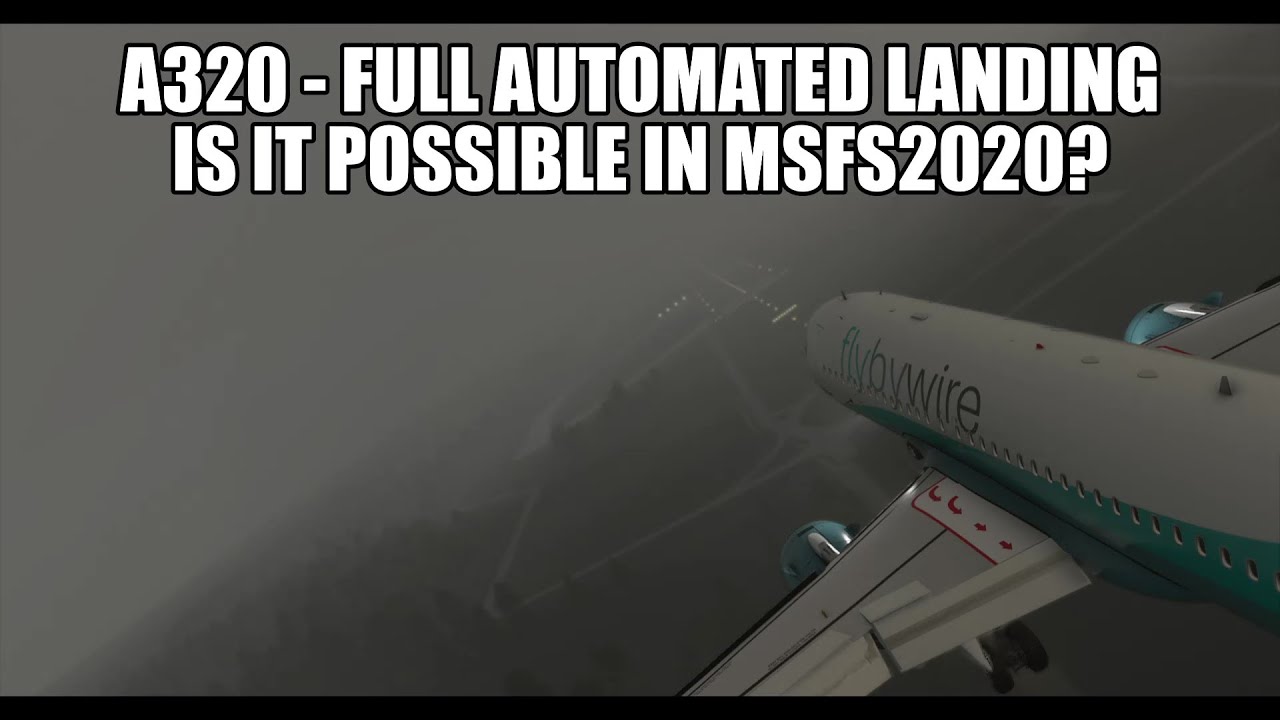
Yes the visibility is always around 50-100 meters ahead and can probably not get any lower, but with strong downpour and real torrents of rain it should.
This is one point in Flight Sim 20 that can (and should) be improved, lowering the visibility to only a few meters ahead when strong rain is added to dense fog to make landings even more challenging and exciting.
Plus fogging and completely freezing over of unheated windows come on make IFR-flying more thrilling during the wet cold stormy rainy season

1 Like
When I went on the Hurricane Irma flight, I could see less than in that bottom image above.
We’re not too far off from your screenshot here; this weather is definitely CatIII. I still wish for a simple vis slider though!


1 Like
Then you’d be missing out.
I’m a real-world pilot with about 260 hours and I’ve progressed through my IR written and was just about to take my checkride when my rental aircraft went into the shop for 4 months & the pandemic kicked in.
My long x/c for my IR included 3.7 actual.
I used X-Plane and FSX extensively - in fact, learned how to do a crosswind landing by flying them over and over in XP. With FSX I built custom 2D panels to closely match the DA40 I was flying. I only had a small window for the view, the rest of the instruments were large.
I also used PilotEdge a LOT.
For both VFR and IR training, the simulators were invaluable. I never expected them to replicate the feeling of real-word flight, since I don’t own a motion platform. But even with fairly good physics in either sim, the ability to go through all the same planning, steps, and workflow as an actual flight is not something that can be replicated otherwise.
3 Likes