I had the same audio stutters most of the time. Tried almost everything from reinstalling win11, updating drivers , deleting rolling cache, endless nvidia tweeks and using old, very old and newest drivers. Nothing removed the stutters until I chances the windows power setting to “best performance”. Tried Ultimate and balanced with my amd9950x3d. This setting removed my audio stutters.
I don’t see a best performance option. I see balanced which is recommended for AMD x3d CPUs, high performance, and power saving. But don’t see one named best performance.
Yesterday, the sim worked flawlessly on my end. Today it is sound stutters everywhere. This is so annoying.
My bad. High performance eliminates my stutters and audio crackles.
30 days after changing my BIOS settings and MSFS settings and countless flights without a single dropout – yesterday and today unusable – constant sound dropouts! Nothing changed!
Hello everyone,
I’ve been following this thread since the release of MSFS 2024.
Since the beginning, I’ve been experiencing recurring audio stutters.
It got so bad that my PC froze for a short time and even crashed some programs running in the background (fan control).
I’ve tried a lot of things:
- Windows 11 settings
- BIOS settings
- Nvidia drivers
- Audio drivers
- Audio devices disabled
- Rolling cache disabled
- MSFS settings
But none of that worked.
I was really frustrated and annoyed.
In the end, I decided to reinstall my system and go back to Windows 10.
Since then, I haven’t had any more problems, and I can finally enjoy my flights smoothly and with really good performance.
It’s truly embarrassing and a disgrace to release a game that, under certain conditions, is simply a disaster on a current operating system.
Sure, it’s an idea – but I have so many tools and applications – it would take forever to change everything, including hardware (parts of the home cockpit) – as I said, it’s definitely a combination of the operating system, system and settings (or even driver updates) – and MSFS itself – MSFS2024 runs really smoothly for me – and has been doing so for a long time without any glitches.
What I notice is that whenever I update the BIOS and reset the settings and set them correctly again, it runs without any problems. It always occurs after a certain amount of time (regardless of whether I delete the RollingCache or not) – it’s a really strange issue. But didn’t Seb say (Q&A) that the problem had been found?
Let’s see what happens – but as I said, it’s only related to MSFS2024!
They definitely mentioned it in the most recent dev stream. Something to the affect of they were speaking about it recently, it also involved the CPU cores/threads spiking to 100%, and that it either was being addressed or has been addressed (I’d assume the former but it was tough to understand, because it is definitely still rampant even in SU3 beta).
On my system it pegs one or multiple cores at 100% and the audio popping/stutter is the resulting symptom because it momentarily cuts out along with almost everything else in the sim.
It spikes the cores so hard that it can freeze your mouse outside of the application.
And I have spent countless countless hours trying every single proposed solution I’ve been able to research to no avail. From my experience I’d have to agree it’s likely a combination of CDN latency/availability and the way the sim’s engine handles it.
Do you have the timestamp?
Sure. On YouTube it’s around 51:45 or so:
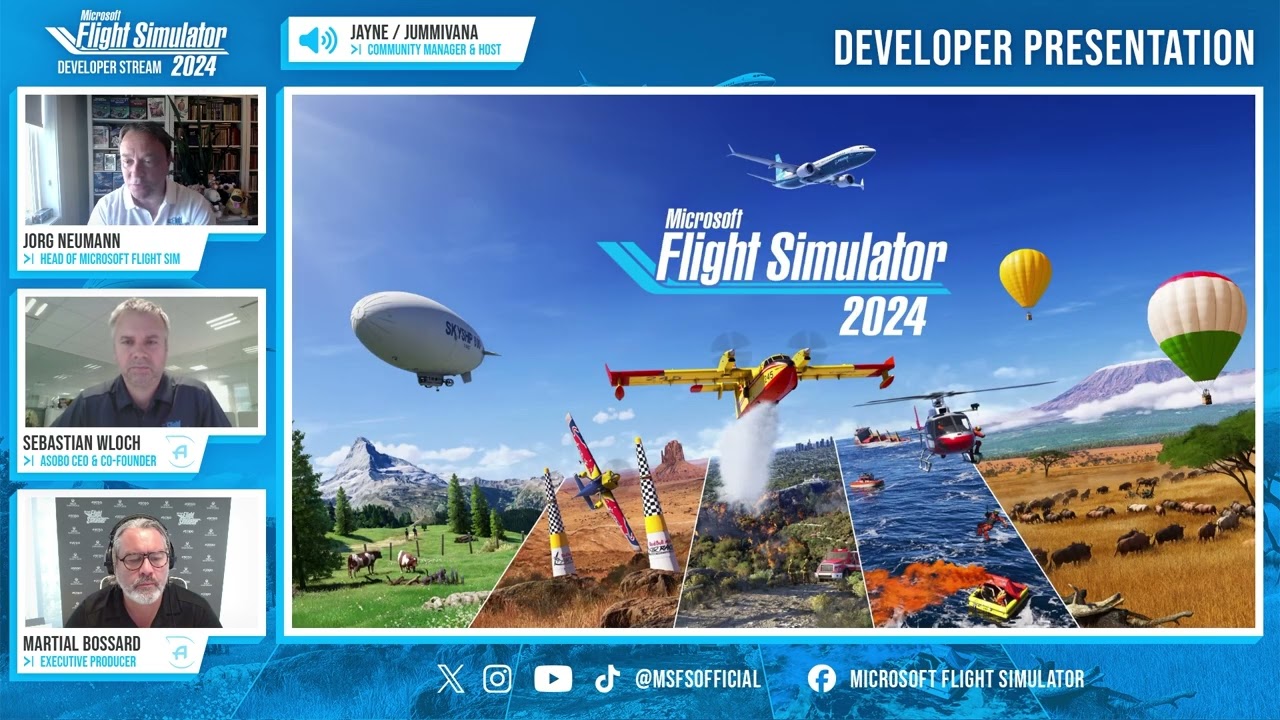
Sure hope they address this quickly. It’s gotten so bad when flying 2024 that it’s almost unbearable anymore (Specifically when loading into a free flight or descending into a new area/airport). Surprising to hear it’s potentially CPU related as I have a Ryzen 7 5800X3D that really doesn’t struggle to run the sim.
Seems to be a more of an issue with AMD CPUs from I’ve been seeing. Hope it gets fixed soon too. Want to retire 2020
I hope this is what he means. The language barrier makes it hard to discern. But if true let’s hope they can get it into SU3 or they get it in the beta for su4 which should start right thereafter.
It’s strange that this error still exists even in the beta. I had it earlier on a flight with the Fenix from Düsseldorf to Split. After landing, I set the new in-game feature frame rate to the default setting of 30 and flew another lap, and everything was fine again. Really crazy 
CPU 7800X3D 64 GB RAM RTX4080
Especially since I’ve been flying a lot in the past few days and everything was fine. This bug is so random. I still suspect that it has to do with the servers.
It is not my job to solve that. I’m just a user.
The ground textures look worse again at the moment. I am still wondering about the big innovation of this sim!
It wasn’t due to that, I also had slight stutters again on the return flight. You can actually restart the sim immediately if you notice it at the beginning. I leave this FPS limit off.
No idea what was going on.
Here one can only hope that it gets fixed and the Sim becomes stable. All time should be reinvested into that. My opinion.
My problem started after I upgraded from Intel to amd9950x3d. Tried all solutions mentioned here - a not perfect solution was to set proces lasso to cpu vcache but still audio crackling/cpu spikes intermittent. What I have experienced is if stuttering / audio crackling starts - already even small in the loading into an airport -you can just stop the sim and restart pc and try again. I had some succes with zooming into the airport so it loads before I “start flight”. But still very annoying. Have 16 gb rolling cache I delete before flight.
Considered going back to Intel but the performance with 9950x3d I do good. Annoying issues coming up. Hope Asobo fix it soon.
Have you tried to put the “Rolling Cache” file to a different drive (assuming you have one) ?
That cured most of the stuttering for me.
Or even better, live without a cache, if you have a good i-net …
I am on 24 but tried differentiering c drive, No rolling cache…. Stille same audio stutter. Hope is is on Asobo because just upgraded new motherboard, ram and cpu. And everything is worse now. No problems with Intel despite High temp. That has resolvwd with amd. Expensive 10c lower temp. 
I was with Intel for 30 years - switched to AMD last year and I don’t have any audio stuttering in MSFS 2020 or MSFS 2024. So there’s really no reason to go backwards to Intel. As for Process Lasso with your CPU - it’s unnecessary and can actually have a negative impact, potentially causing the stuttering you mentioned. Also, after moving from Intel to AMD, a full clean install of Windows (format and reinstall, not just a refresh) is strongly recommended.
Thanks for reply. I dont know what is wrong but had my pc checked at two professional specialist to try to figure out what is wrong. Was build by a prof. Not me. Total pc noob.
Got a new AMD CPU Ryzen 9 9950X3D 4.3GHz 16-core, MSI MPG X870e Carbon WiFi, G.Skill Trident Z5 Neo RGB DDR5 64GB kit lo 6000MHz CL30
3 complete clean reinstalls and still have audio stutters. Stille have my 3 year old ssd nvme - Maybe thats the problem or the new windows Update. Tried “everything” and mafs2024 is not just working.
Don’t want to spam here, but it’s always worth checking your BIOS version. I have the same motherboard with BIOS beta 1A61 (there’s already a newer 1A63 available). Make sure it’s configured properly. Then download and install the latest AMD chipset drivers for AM5/X870E directly from AMD website. If you don’t experience audio stuttering in other games, then it’s probably nothing serious to worry about.
Fly safe.