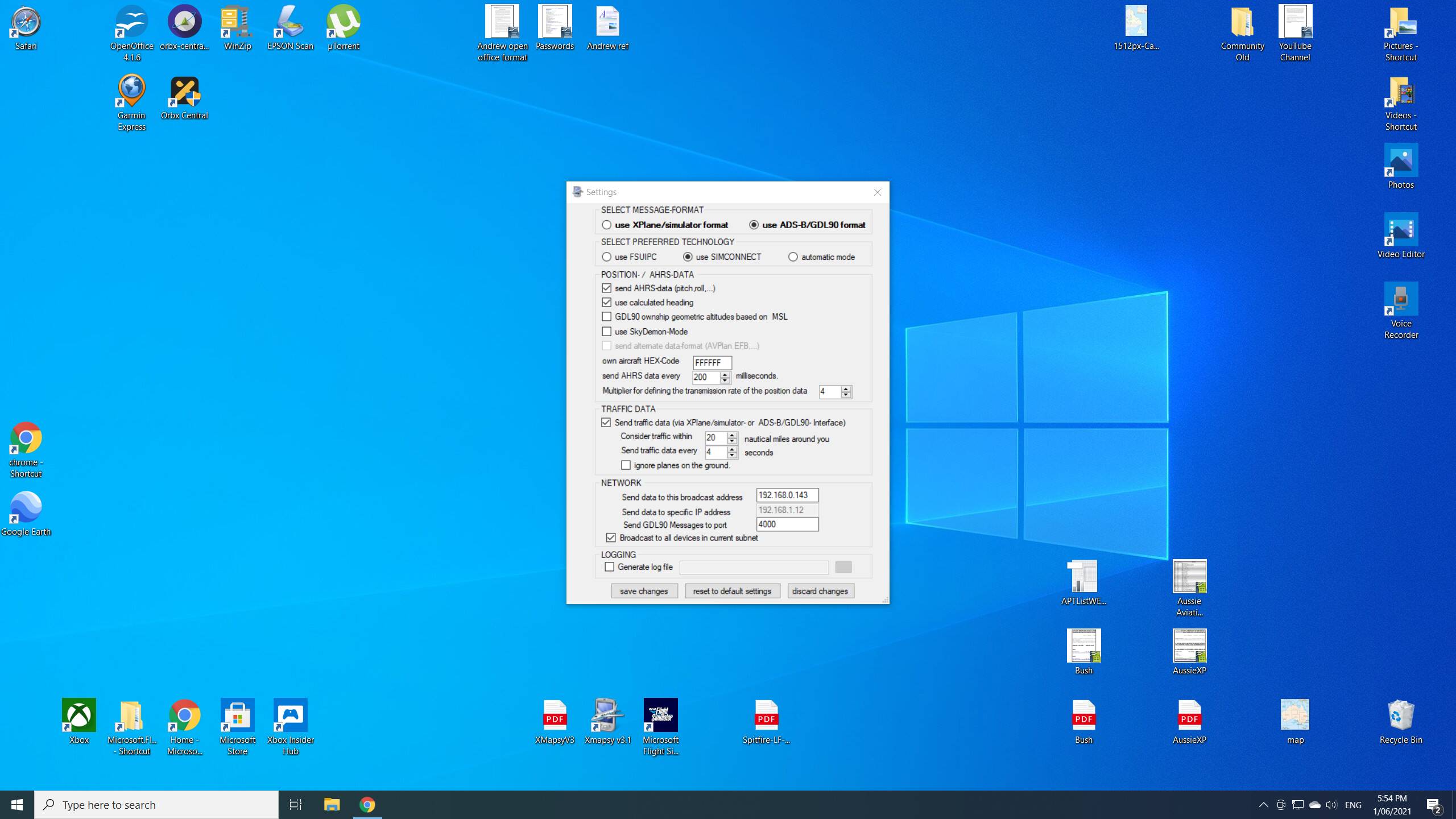
Hi guys, im trying to setup Avplan for flight sim 2020, it seems to have worked pretty well with flight sim X but the install instructions are outdated.
Its asking for files to be extracted to the “Modules” folder but from what i can tell, this folder no longer exists in FS2020?
Any help would be greatly appreciated.
@kronerer420, I went through this myself when MSFS first came out. I now use my real-life flying EFB, AvPlan, with MSFS all the time. I use XMapsy - see below. Works perfectly. Hope this helps. Cheers.
Thanks Frank, I’m having issues getting it going…
I have FSUIPC7 setup and XMapsyV3. They seem to be working fine. I cannot however to get any kind of movement on the AvPlan app on my tablet. I have forwarded relevant ports and checked the settings on the AvPlan app to make sure sure sim mode is activated.
I am departing from Adelaide as per the XMapsy trial limitations
Did you even need to place the files from “AvPlan-EFB_FSX.zip” anywhere within the flight sim folder?
I am referring to instructions from the AvPlan pdf (which im unable to link here)
I’m a bit stumped at the moment to be honest
Hi again. Hope I can help. Answer to your specific question is No. I did nothing at all in AvPlan, not even check the “X-Plane/Elite/FSX Interface” in AvPlan Settings. I copied the address from AvPlan Settings into Xmapsy Settings and that was about it. See my Xmapsy Settings below. You have to follow the Xmapsy instructions very carefully.