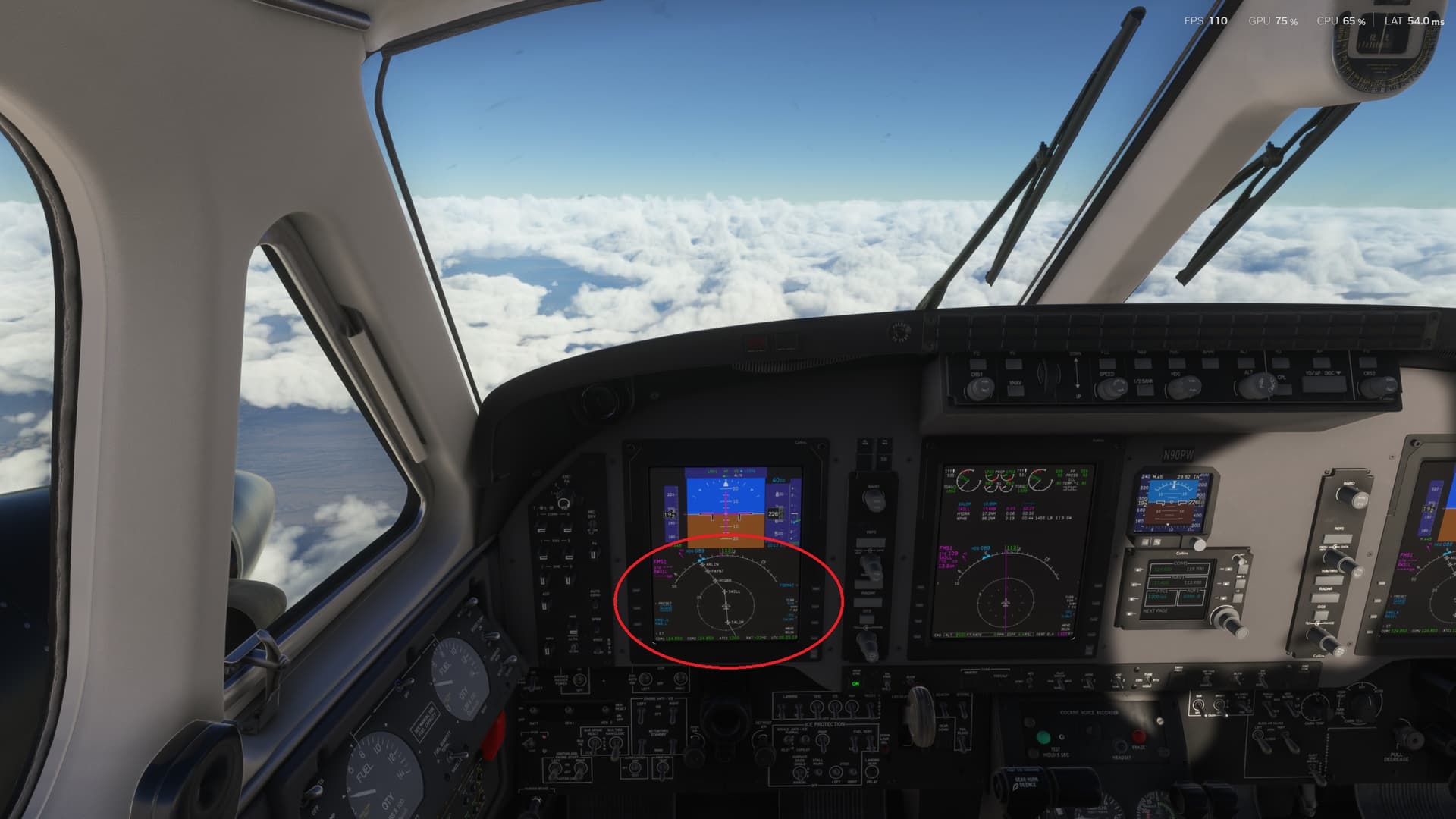
Does anybody know why this Engine Malfuntion happens?
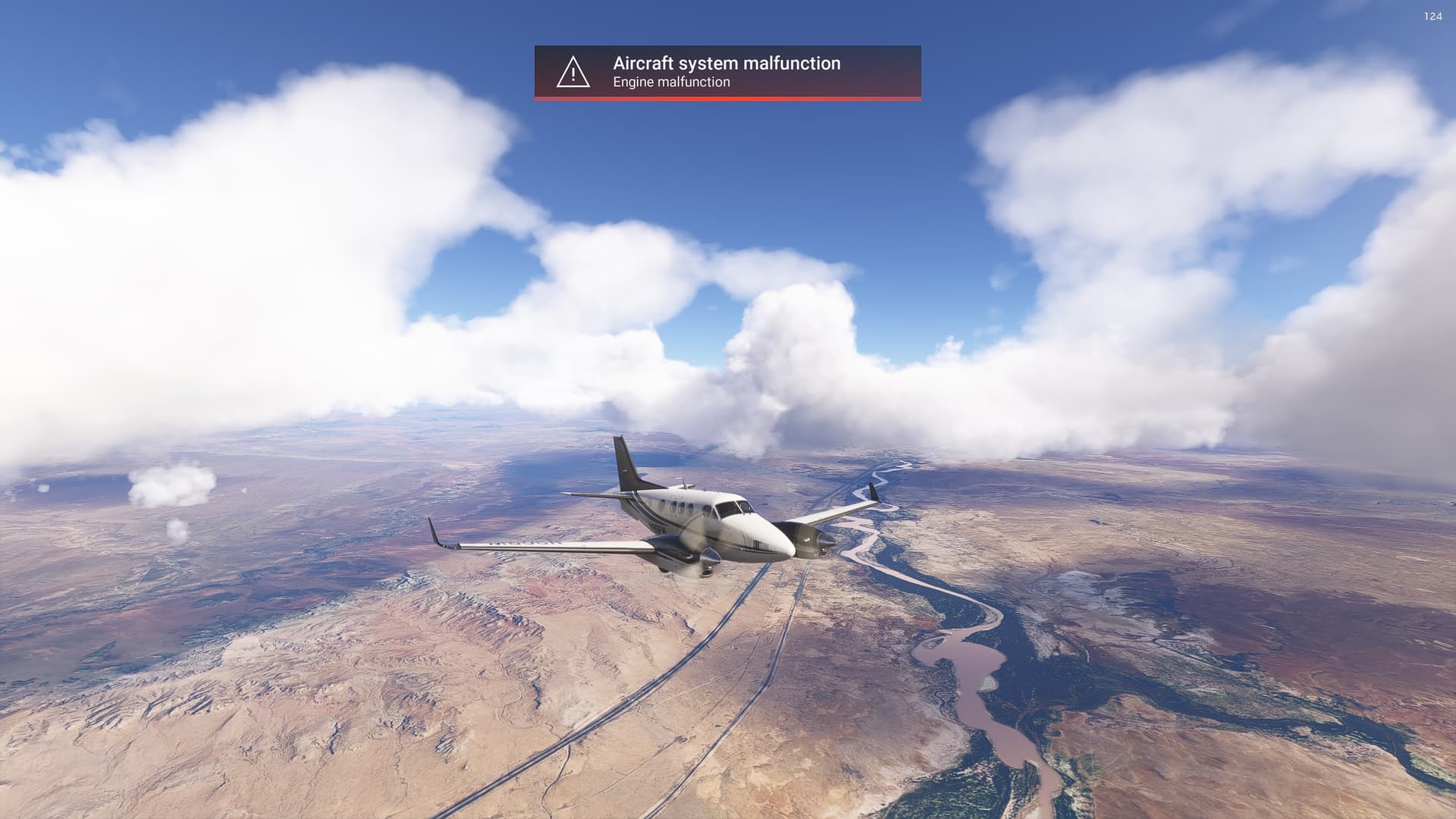
I keep getting these warnings as well on every flight with the C90 that exceeds 20-30 minutes. Ultimately, both engines quit. Looks like fuel starvation, but I’m not sure. Another bug…
1 Like
After takeoff try
Back throttle back to ~90%
Turn Props back to ~ 1800RPM once at altitude ~1700rpm
This worked for me I do not get the warnings anymore.
Same issue here. Two time in a row. Left engine gone, and right engine gone, battery gone. What happen to MS/Asobo???
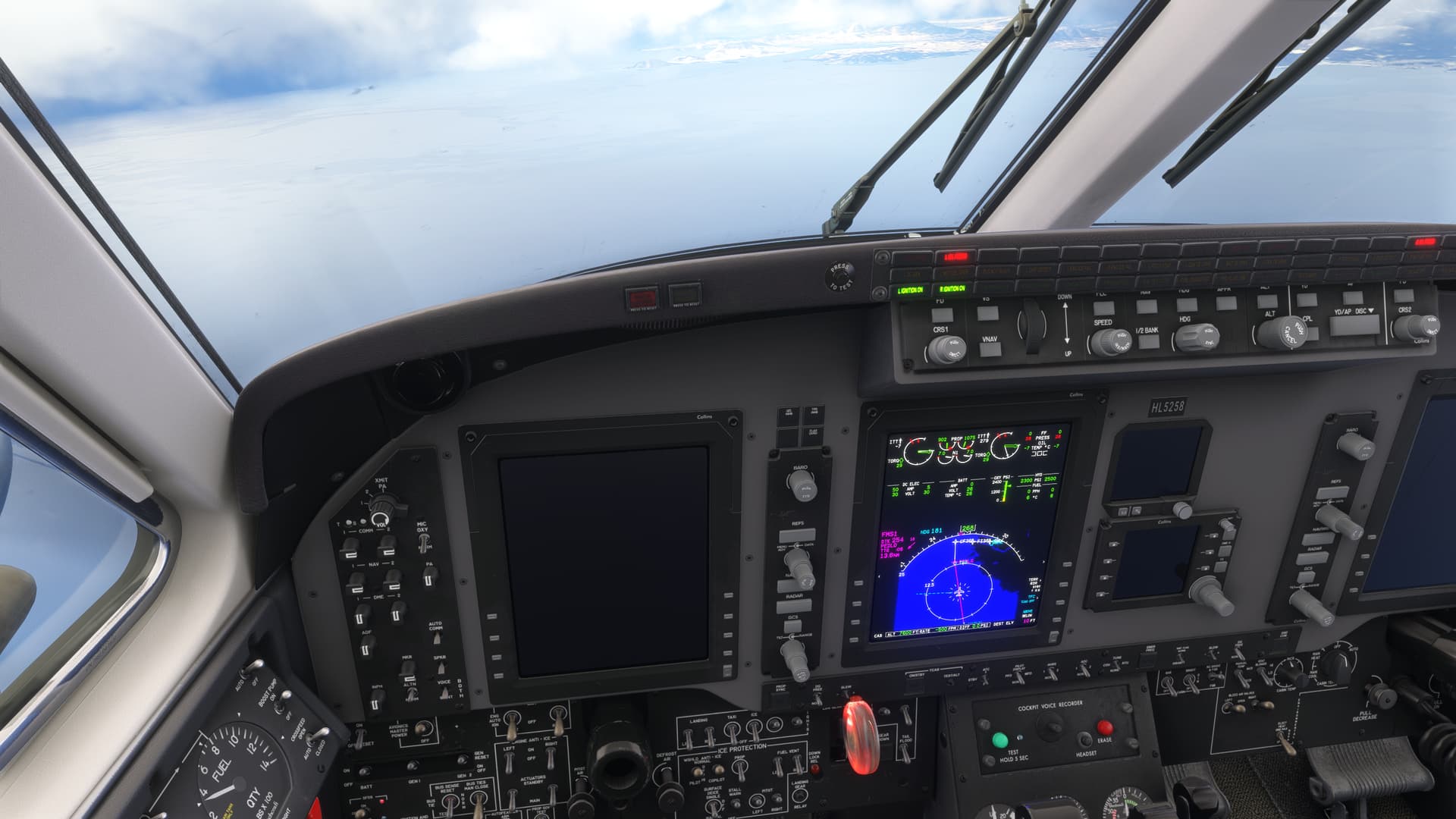
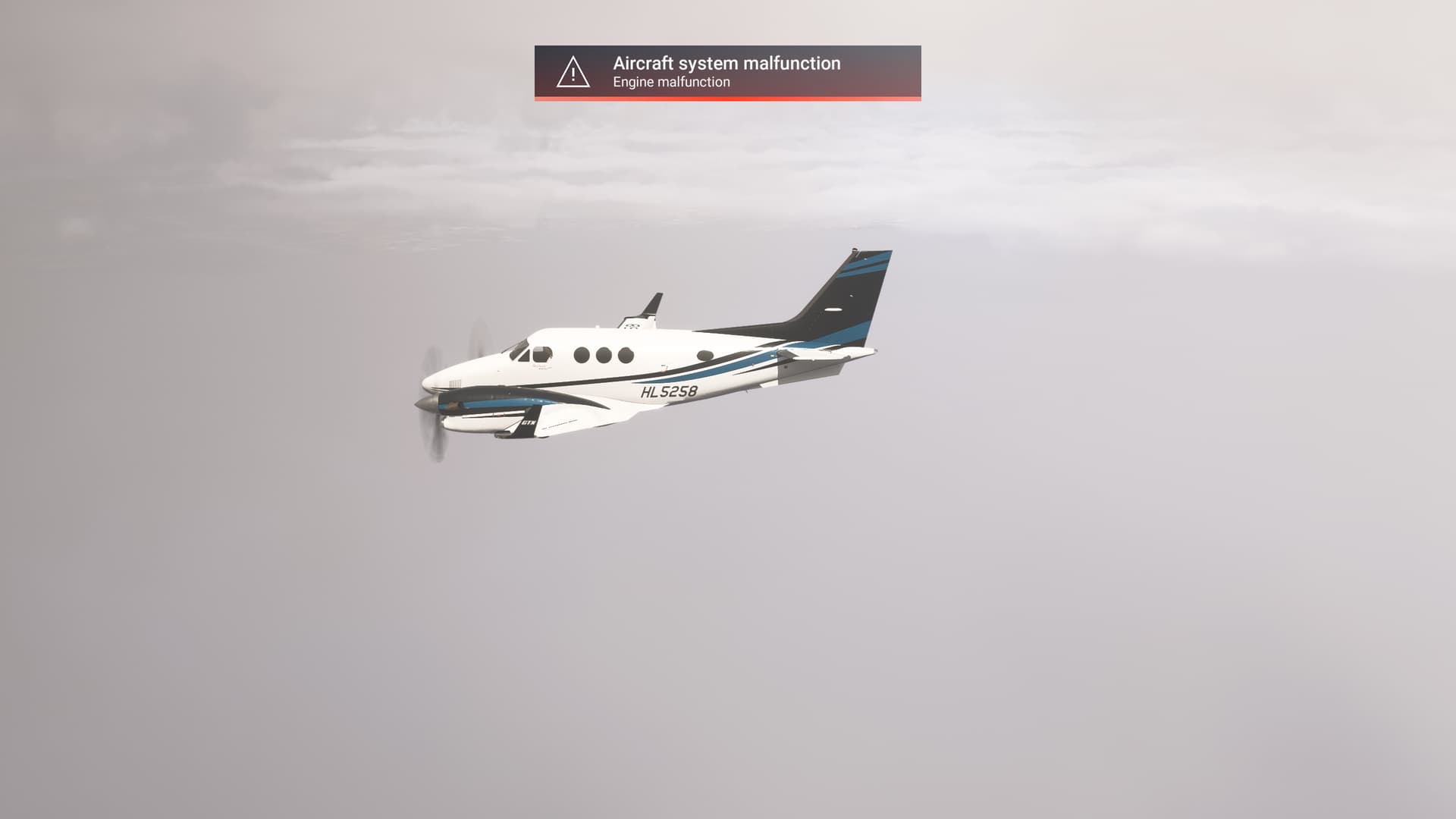
1 Like
Just a thought, did they model overtorqueing or overtemping the engine? You didn’t exceed redline torque or ITT?
Another problem is that this thing burns 50% more fuel per hour than it should, so could be fuel starvation?
Flying in icing conditions without engine anti-ice (inertial separation) on? Fuel vents iced over? (fuel vent ice protection off).
1 Like

What do you mean with throttle 90%? The physical throttle position depends on a lot of factors. You are on the torque limit in the picture you posted (= 100% available power). C90 in climb and cruise should run at 1900 RPM (I used to fly that thing 15 some years ago  ).
).
So it does seem overtorqueing / temping the engine causes damage? That’s quite cool. For anyone confused by this thing, the torque and ITT are combined into a single (digital) gauge.
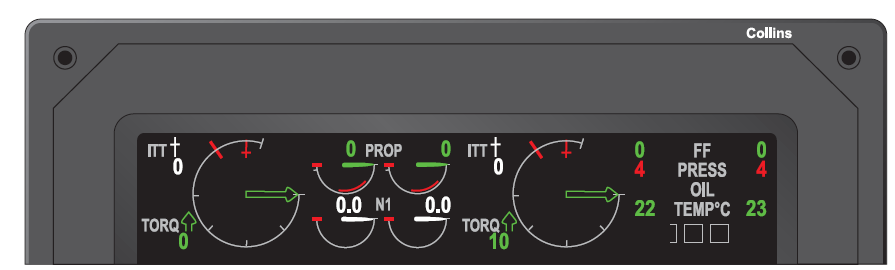
The torque (arrow) and ITT (needle with + at the tip) should both not exceed the redline. Torque is the limiting factor at low altitude, ITT becomes limiting when hot and high. During climb, at some point ITT becomes limiting.
RPM can be kept full (which should be around 1900 RPM), it doesn’t do any damage. It’s best to fine tune it to 1900 RPM for climb and cruise. But it won’t cause damage if left full.
The real Kingair does NOT have a torque / temperature limiter, electronic control or anything like that. You simply can’t move the power levers full forward as this will cause torque and / or temperature to go over redline.
This is also true for take-off, you need to move power levers forward until torque or ITT limit (whichever is reached first) and keep them there. During take-off roll, torque and ITT will increase slightly, so best to move power levers until just below redlines at the beginning of the take-off roll.
I was just stating what I did to not get that message.
I do not have POH , If you do I would appreciate a copy or link.
I guess I’ll get sued if I post it here. If there is a specific item of info you are looking for I can look it up and post it here.
Power management wise, throttle lever position is unimportant. Stay at or below torque and ITT redlines and all should be good (assuming this is the reason for the engine failures).
I think that’s the key to understanding. A lot of people don’t know ITT, torque, and the associated limits. I can’t count the number of posts that reference physical throttle position but fail to correlate how that relates to power (just look at the vision jet threads - “why is power indicating 45% at FL300, my throttle is wide open!”), but it is one of the things for which the sim gives feedback (via the external view HUD), so the misunderstanding is built-in.
That’s probably one of the biggest tragedies of the sim - we want study-level, but we’re not given the right information to be even mid in many cases.
1 Like
Anyone interested, throw me a DM, I’ll see what I still have.
What doesn’t help either is that torque and probably ITT needle as well do not turn red as they should when exceeding limits. I came across this post:

I just realized a thing! This ITT redline (plus symbol) should ONLY be there for engine start, it shouldn’t be visible during flight. The single redline counts as both the torque and ITT redline. This might also cause people to get these engine failures. Neither torque nor ITT should exceed the first redline.
1 Like
Yes. You need to enable ‘Auto Feather’. If you don’t do this, it over-torques the engine causing a malfunction, probably due to oil pressure. Check the engine torque at the top of the middle display panel and it should be well below the upper torque limit.
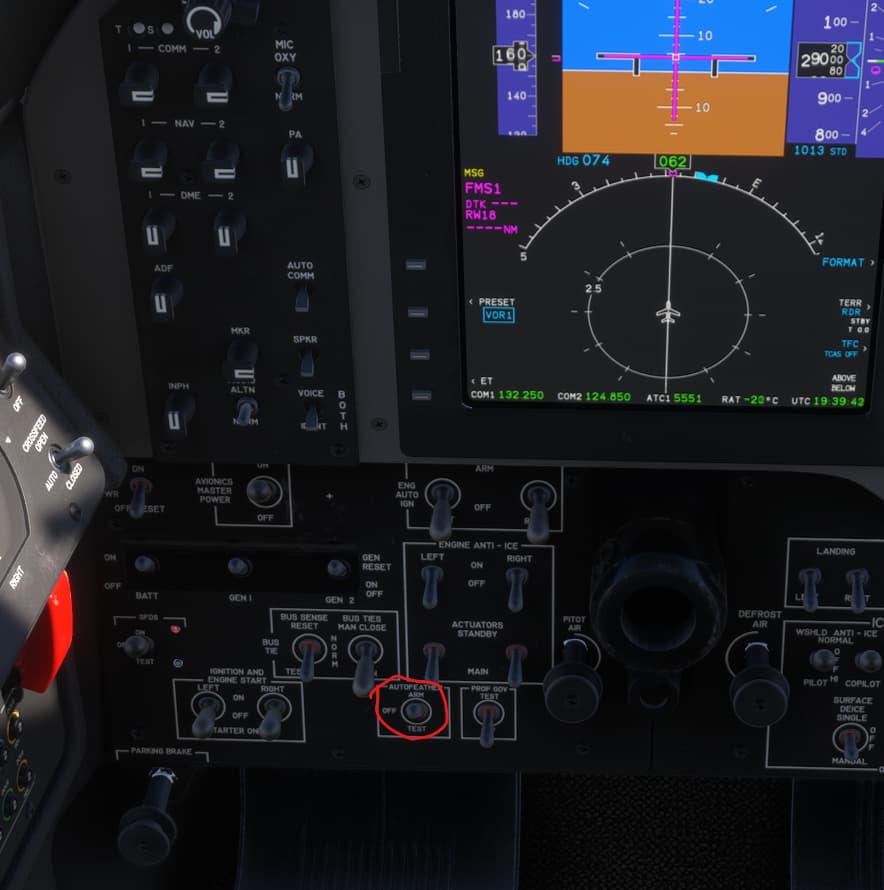
Correct. Activating ‘Auto Feather’ prevents the ITT and Torque from exceeding their limits.
Ok, that is a bug then. Autofeather should NOT prevent overtorque or exceeding ITT limits, that is not its function and that is not how it works on the real aircraft.
The only thing autofeather is capable of doing is dumping oil pressure from the propeller dome which feathers the propeller of an inoperative engine. It has no means to limit torque or ITT.
The Kingair simply does not have a torque / temperature limiter. The torque / temperature limiter is sitting on the pilot seat . You just need to adjust the power to manage torque and ITT all the time.
On the C90 this means setting around 1500 ft/lbs of torque during take-off roll which is just below the limit (or lower if limited by ITT), during take-off roll it will increase slightly, then after take-off you need to check and adjust torque and ITT constantly.
1 Like
Yeah, you’re right. I think the way it’s implemented in the simulator is to act as a an optimizer on torque and prop speed to keep them within operational limits. Is there some reason in the real world they can’t manage a turbo prop with a FADEC?
PT-6 is just the way it is, old and simple design perhaps. I don’t know if there are any PT-6 versions that have digital control or at least have some elements electronically controlled, I believe not.
Doesn’t have to be FADEC necessarily, Honeywell Garrett TPEs can have a torque temperature limiter for example while its operation is mechanical, it’s more as a safeguard in that case and not something that really controls the engine.
PW100 like on ATR and Dash are more modern with electronic propeller and engine control. Still not FADEC, those are electronically controlled with a hydro-mechnical back-up.