Bing Color Correction Doesn't Match with New Aerial

In some location in-flight bing maps have different color than in the world map. I’m sure that some of post processing layer have not been updated and still tied to old aerial. Here some of my findings:

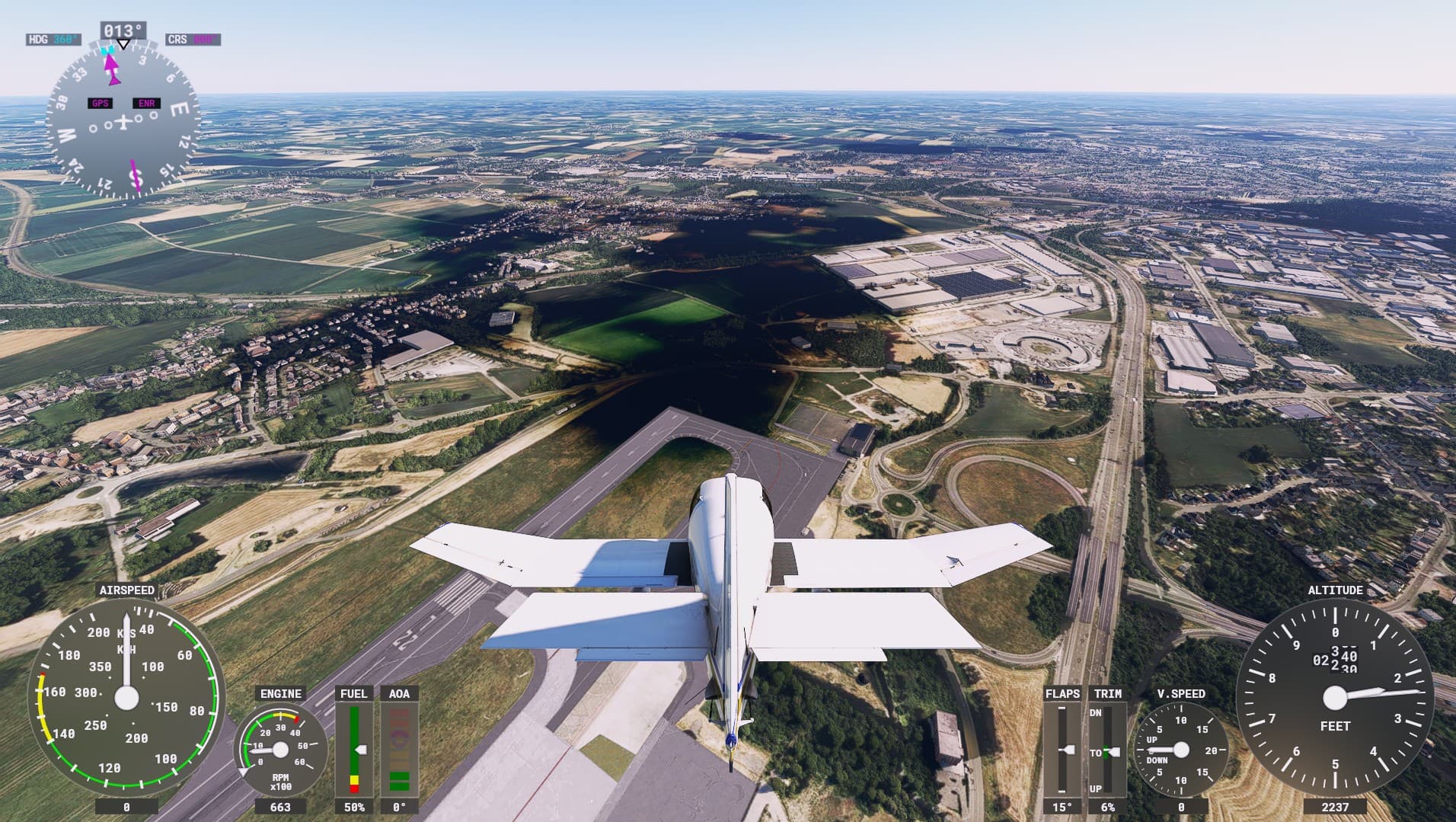
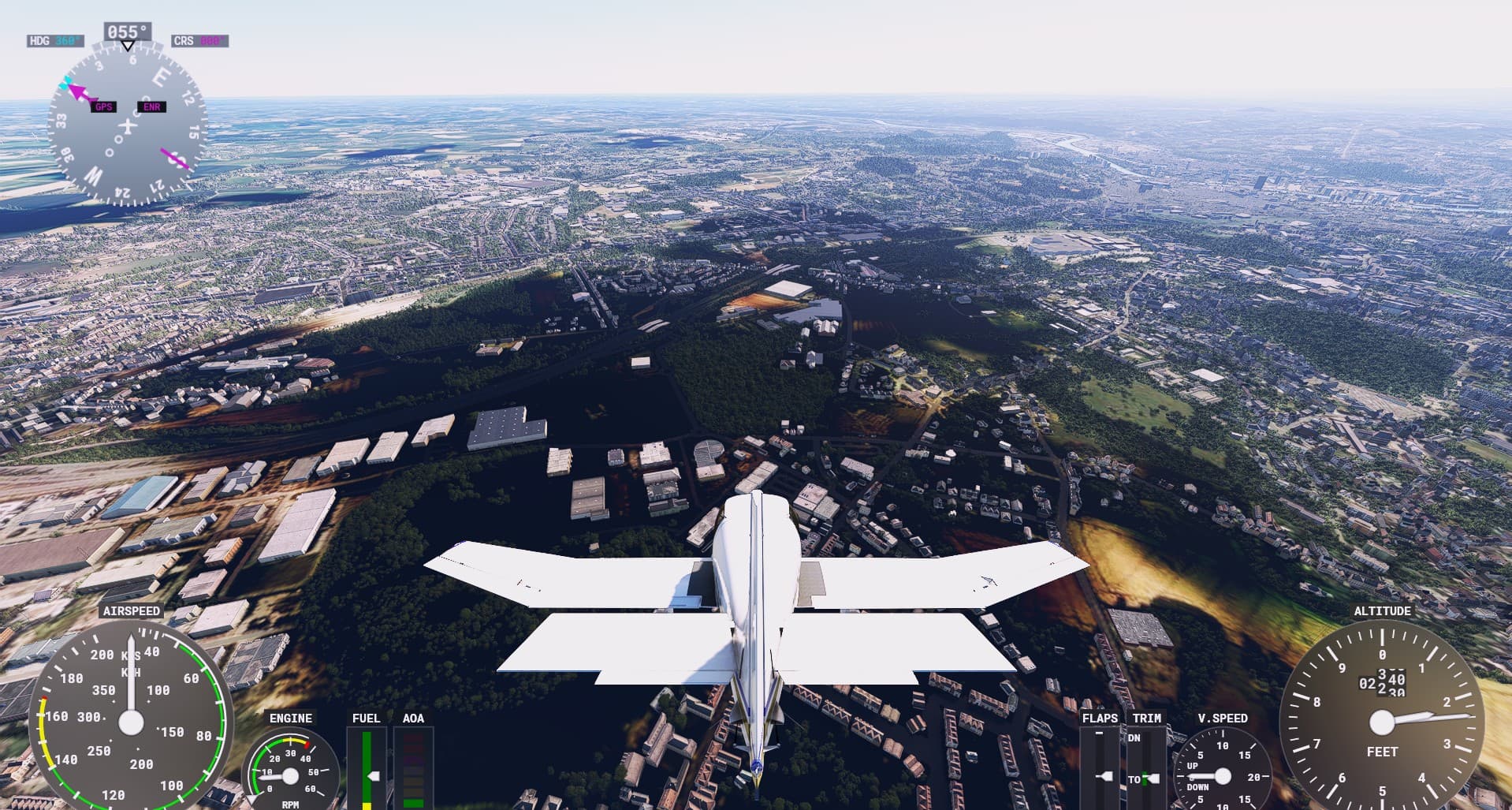
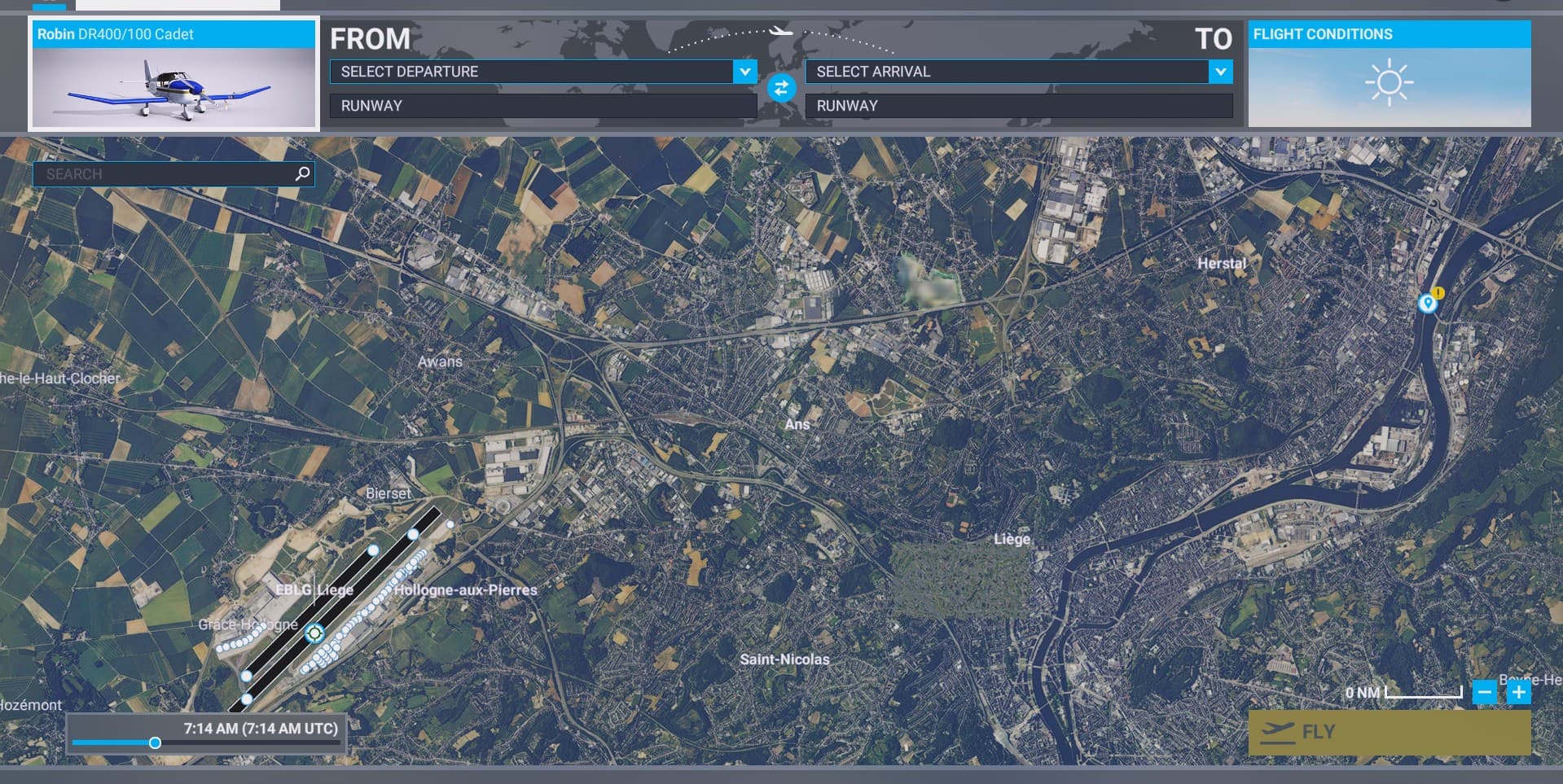
EBLG, Belgium in Clear Weather

In World Map, clear map without dark patches


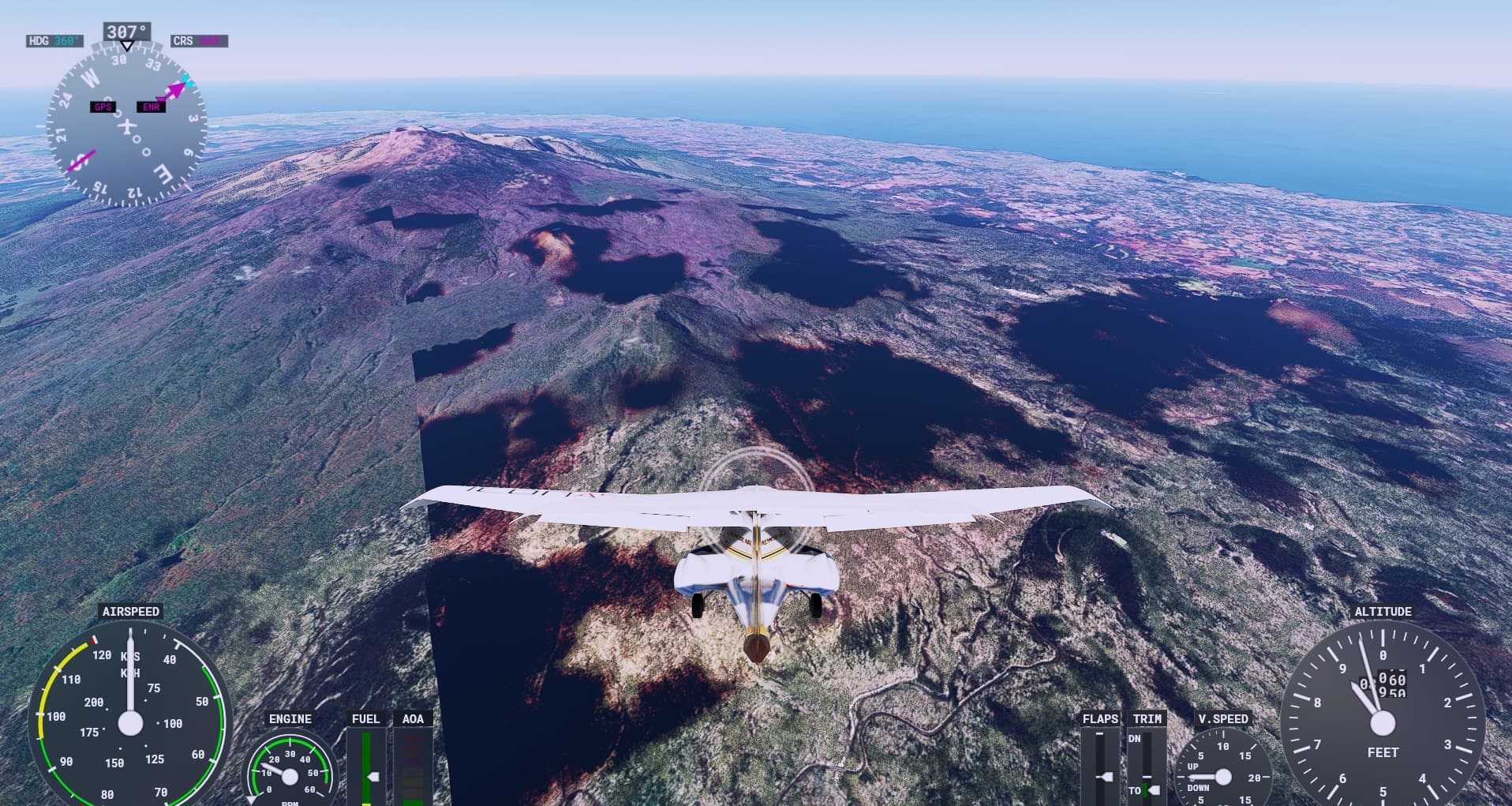
In Flight, dark patches baked to the ground, they’re NOT cloud shadow


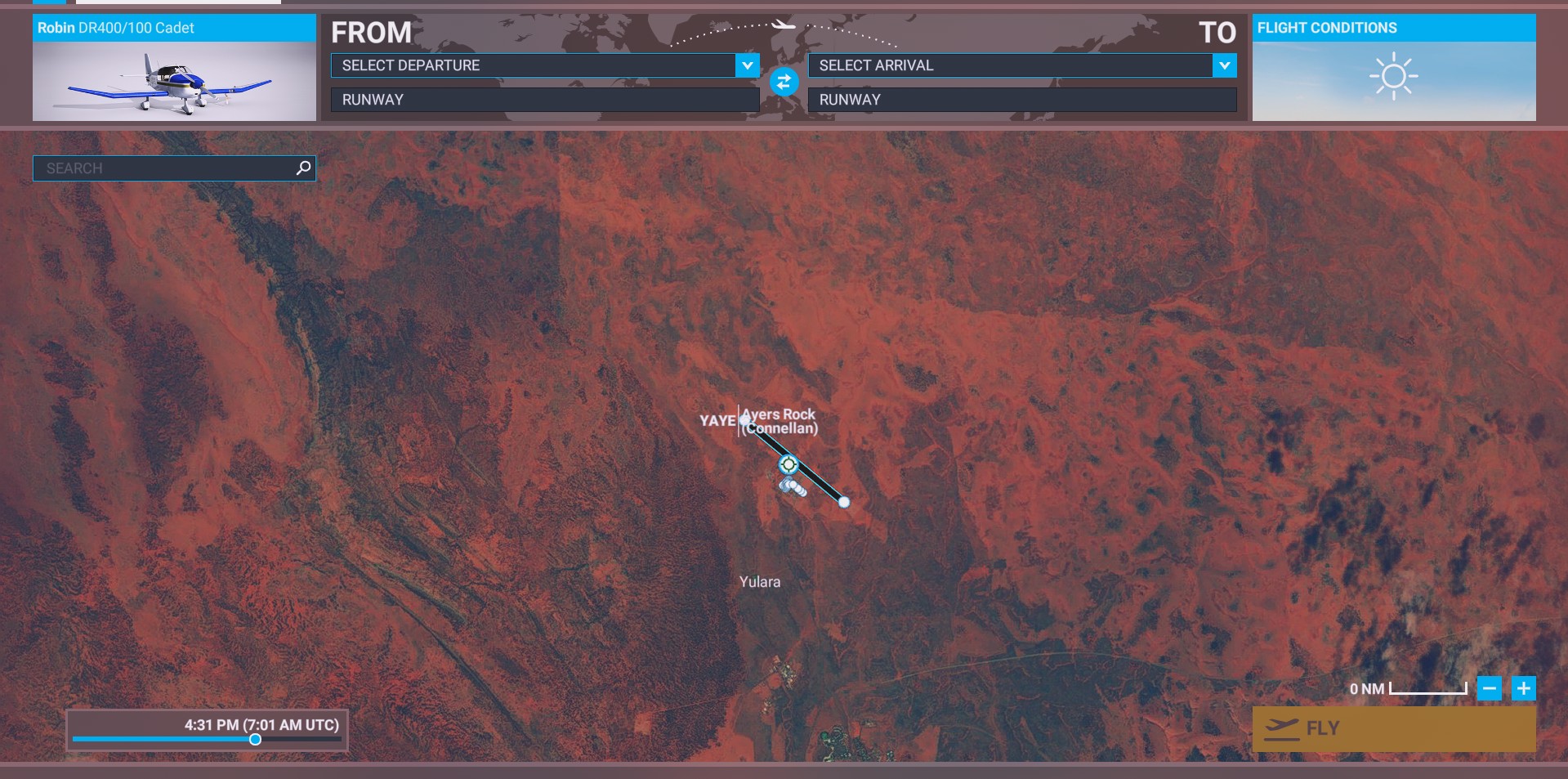
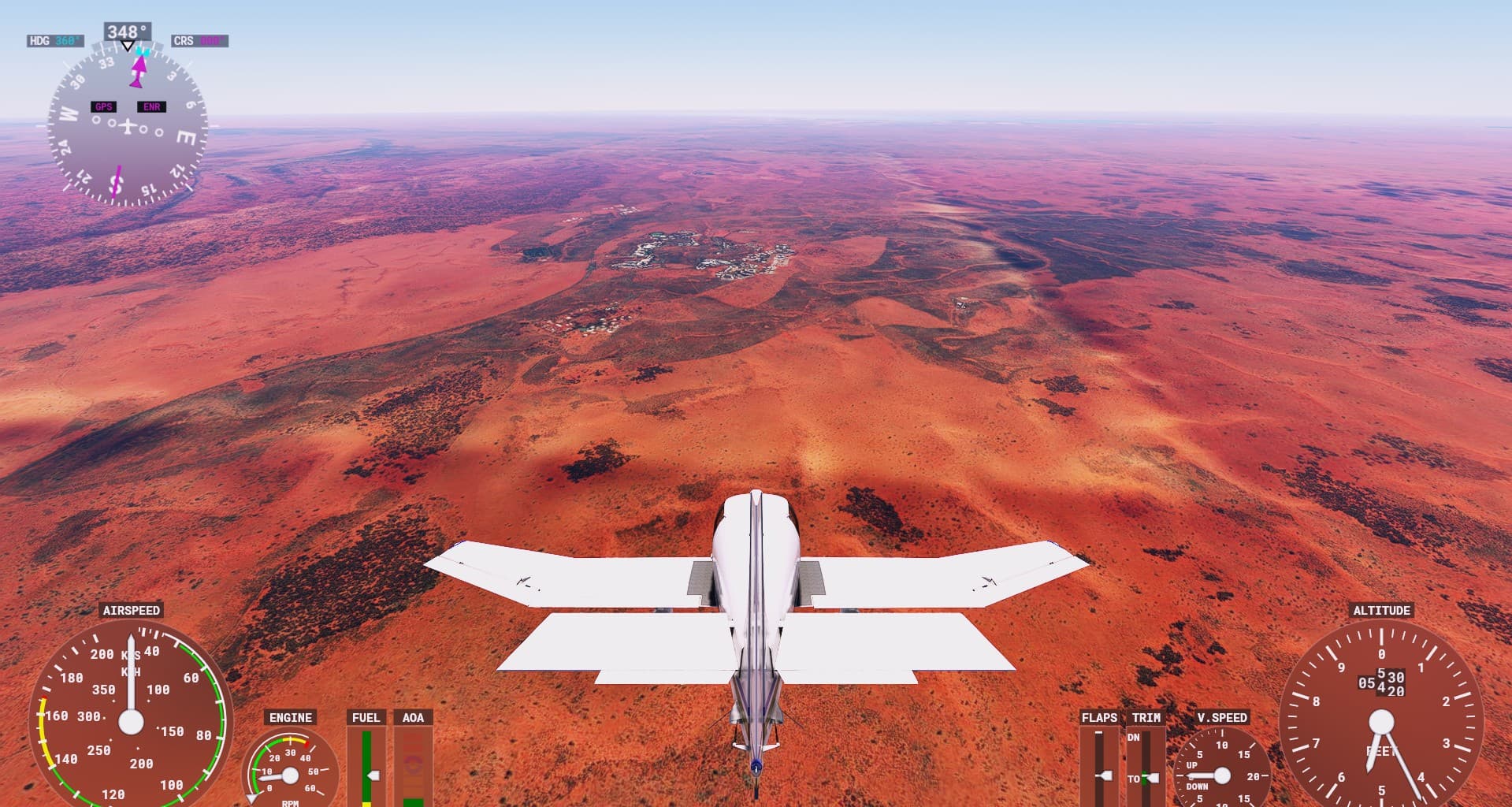
YAYE, Australia

In World Map:


In Flight, bright square around airport
3 Likes

What have you noticed, exactly? Is it the difference in brightness and contrast between the World Map aerial and the airport?

in 2020 the aerials of the world map and the ones you see in actual flight are not the same, i think what we see in the world map has been the same since launch

unsure about 2024

2 Likes

Not difference in general. But it’s specific to some of weird color patch at certain location.

2 Likes

They’re same aerial. Just with different coloration after post processing.

1 Like

I left beta due to trees on water issue. This is how YAYE looks in SU15:

1 Like

Those dark spots are an absolute eye sore. You cant ignore that

1 Like

Just found another “black spots”:

Around MHTG

Around Jeju Island (RKPC)

3 Likes

So I’m noticing smaller dark spots along the Australian east coast too. Checking Bing maps, however, I can see that these are either shadows from clouds that are visible in Bing maps, but that don’t exist in the FS2020 sky. Or they are areas of (sometimes marshy) water that the FS2020 world does not detect as water, and so haven’t been converted to a water texture area.

Bing Maps view at Diggers Headland with dark spots from a cloud and un-detected water

SU16 capture of the same area, showing the dark spots visible in the terrain.

But these larger dark spots, eg those originally posted by @n772ua just outside EBLG, are not found in Bing maps at all, confirming they are the result of an independent glitch in the SU16/FS2024 world that is not caused by the underlying Bing map source material.

2 Likes

Please Asobo, if you are really going to release the new unified bing maps at least give us similar color correction for more consistent color as before :smiling_face_with_tear:

4 Likes

i have seen this black spots to !

1 Like

I also checked in Morocco Casablanca which used to be much better than now, it has all the colors burned, terrible…

3 Likes

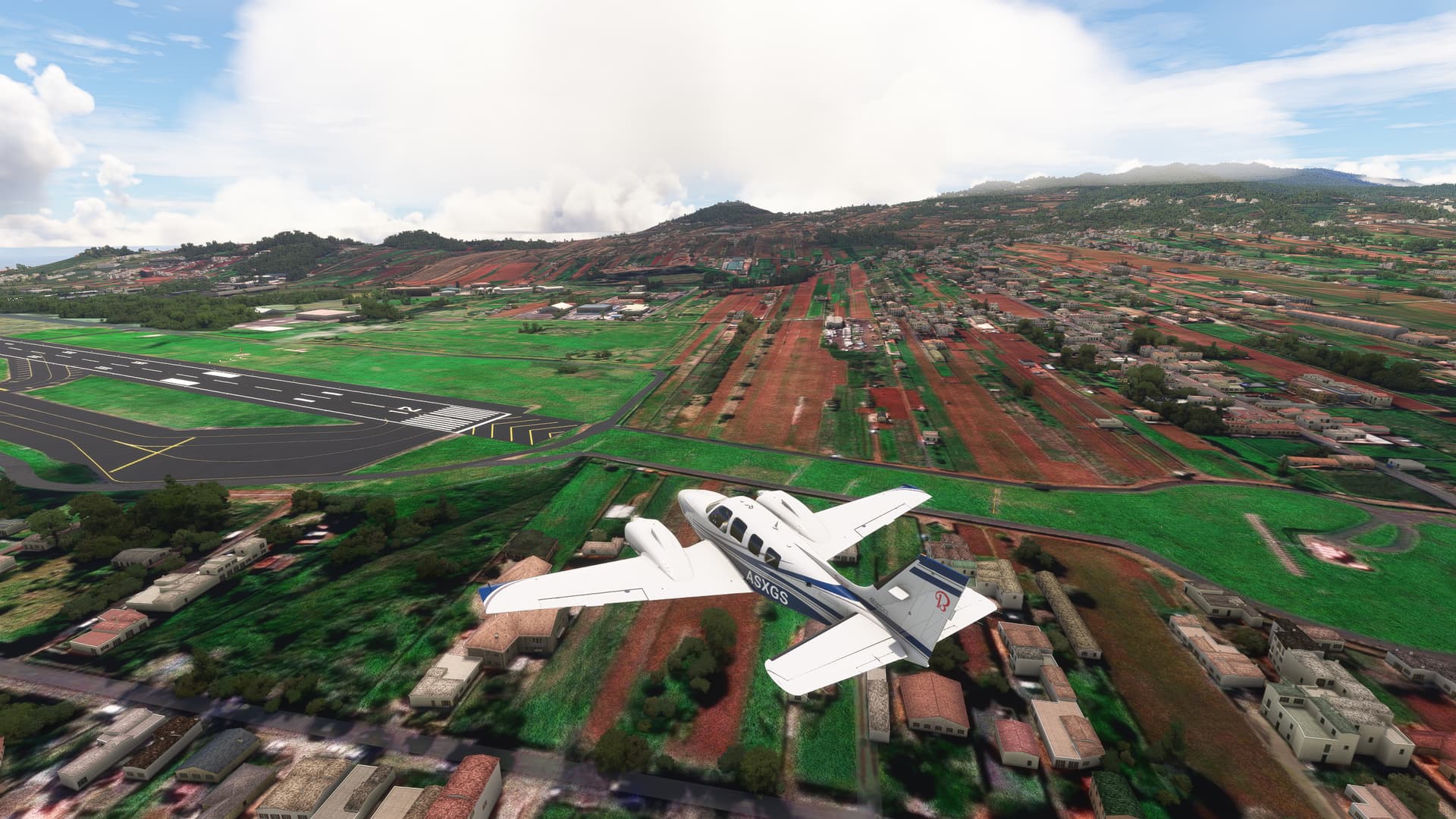
This golden corn pops in when you approach it (Pyecombe, just north of Brighton).

At a further distance there’s green textures next to a colour seam that isn’t there at all in Bing so it’s unclear why.

Same in North Italy ,close to Italy/France border

Airport reference LIMG Albenga

3 Likes

Re. MSFS 2020 simupdate-16:

Flouro-greens & over-saturated rust/browns now in lush or tropical landscapes, Niagara is extraordinary, & lod pop-ups now breaking the immersion we enjoyed with update-15.

(pc-user/Microsoft store, graphic settings mainly on ultra with a few on high)
5 Likes

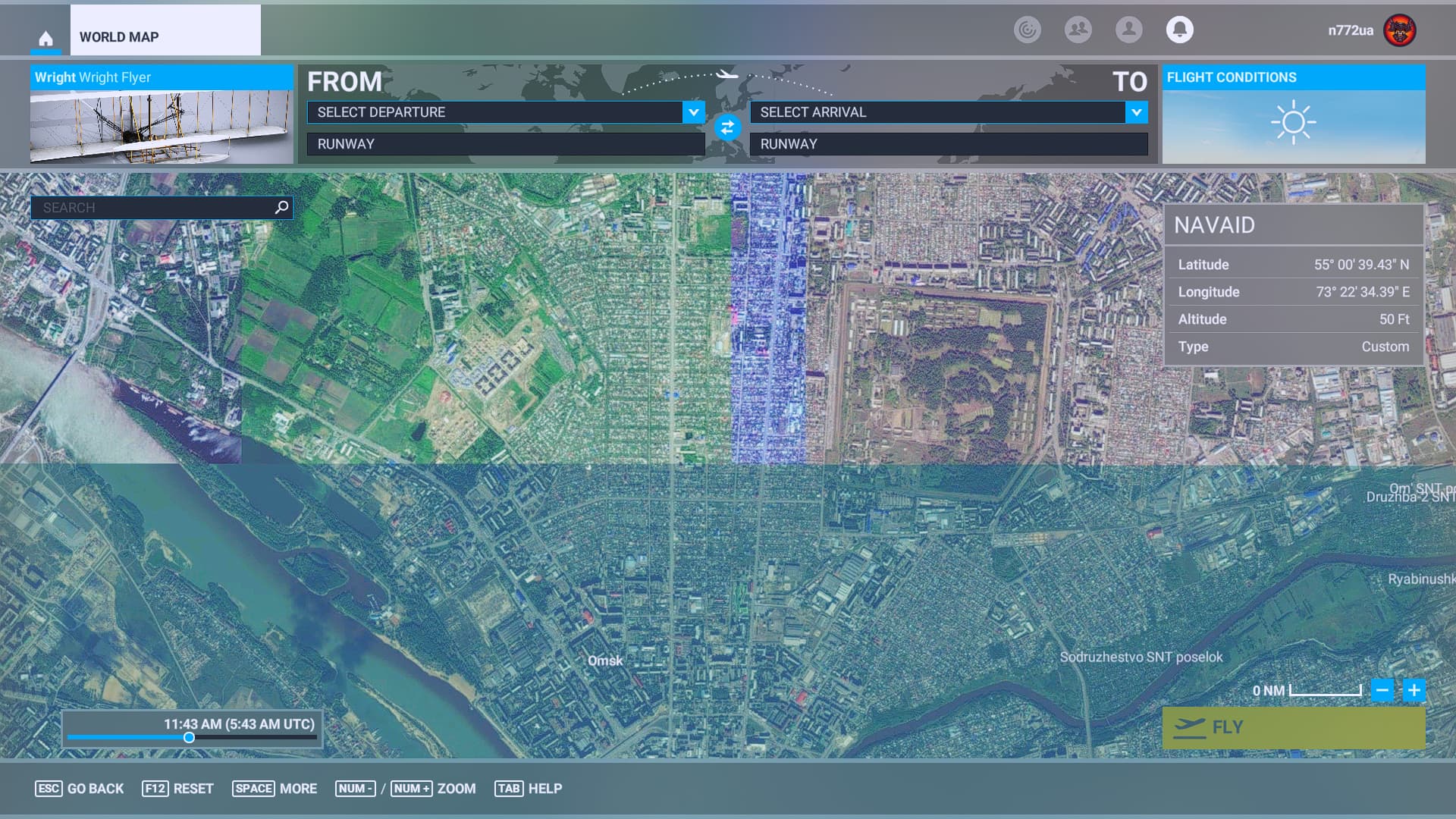
This is how proper “color correction” applied to bad imagery source. This one is at Omsk (UNOO), Russia.

What’s displayed in the world map is raw satellite imagery:

With color correction it’s not so bad in the sim. Sometimes almost seamless. More consistent color between tiles:

2 Likes

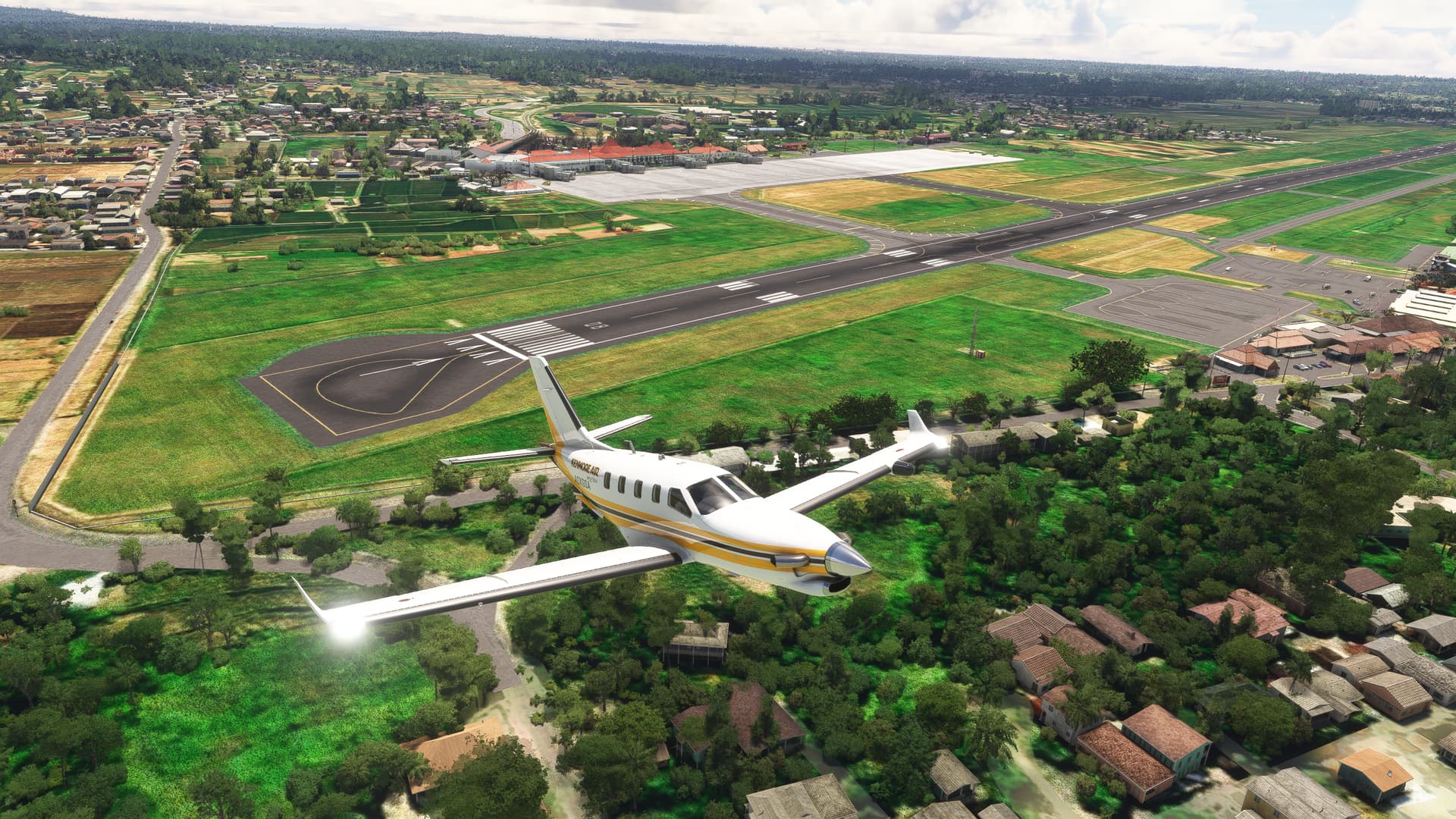
Wrong color correction:

VQPR

MMUN, no clouds, dark spots everywhere:

I can’t count those dark spots. They appear almost everywhere worldwide. Even I can see them in 2024 too.

3 Likes

Without color correction at all. Also found worldwide.

Around EGCK:

Around LPMA:

2 Likes

1 Like

Added MSFS-2024 tag as exact same issues are also present in 2024.

1 Like