I’m starting to wonder if it’s related to something like Displacement Mapping being on (which tries to make 2D look 3D…), in combination with Frame Gen… or VRR? I was playing with settings and noticed the lines were not showing up for me. I no longer have VRR (switched to fixed refresh). Sorry I don’t really have an answer yet.
Keep plundering Gimbal.  It’s made it better on my system somehow. I’ll go back and turn it on, see if it comes back.
Finally got a shot. With it on they are monsters now  Turned off they are much harder to find. Not completely gone, but much much less. I also had to completely exit the sim and reopen to get it back after cycling. Thanks for the insight Gimbal, I haven’t a clue. I’m gonna leave it off for now. Vram is just a tad better here with it off, and I see nothing but minor visuals, ie..like wheel tracks.. eye level grd visuals. My sim performance is great, on or off. Best it’s been…

Where is this setting? Is this something related to VR? Would that mean that the black lines is only a VR issue?
No, they are clearly visible in 2D. Plenty of examples in this thread.
I also updated my DLSS and FSR3 versions (first reverted NVIDIA App to no overrides, then used DLSS Swapper)… unsure if releated.
a few random thoughts on this issue:
time based antialiasing makes the lines more noticeable. I don’t know if there are any non time based AA techniques to test with.
the lines are more visible through some cloud layers so it may be that a decrease in haze makes the lines less visible.
the lines can be seen on the flight planner map and they occur on LOD borders.
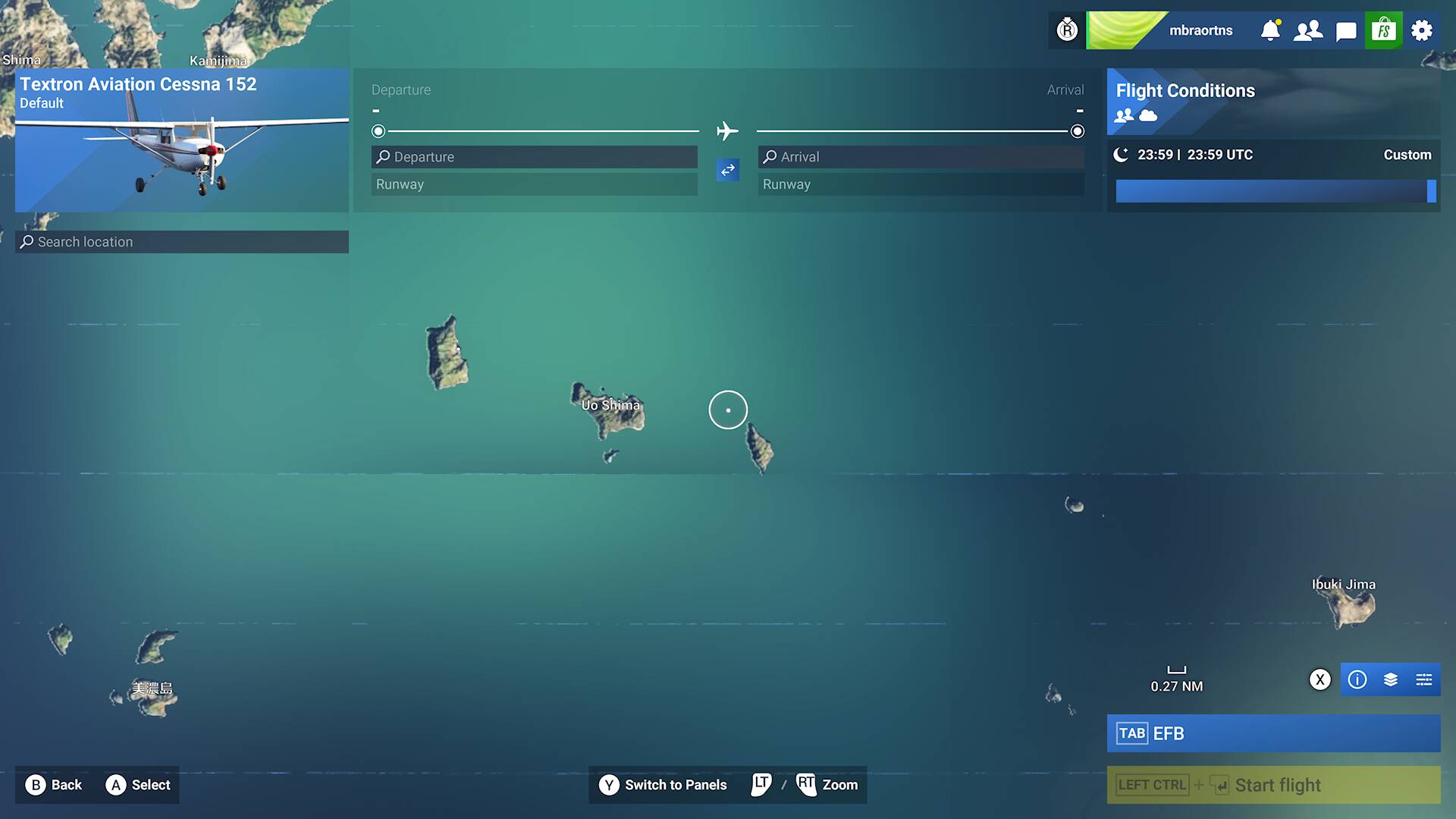
There are mostly noticeable running eastward and westward. The lines are much worse in the Pacific and other oceans that I have seen.
How much is this related to their water coloration approach and would it occur if water was 3D?
[quote=“mbraortns, post:336, topic:443618”]
Agree
I’m seeing the same black lines in SU5, nothing really have changed.
What happens is depending on your angle respective to the tiles, the lines are more visible, and with other angles, they dissapear.
For example, when I see most lines are always in diagonal, not horizontal in relation to the player.
Yup, thought they were gone for a while but back in VR today at SFO…. rats. SU5 the new Beta.
We need this issue to be a specific issue tracked in betas to have any chance of this getting fixed.. It will be ignored totally like it has been for years. Everytime there is a thread made, i tried multiple times, it gets merged because there is another issue that looks similar… It is frustrating, to say the least.
I suspect we have to ask the moderators to do this and merge them all with this thread since it is already bug-logged.
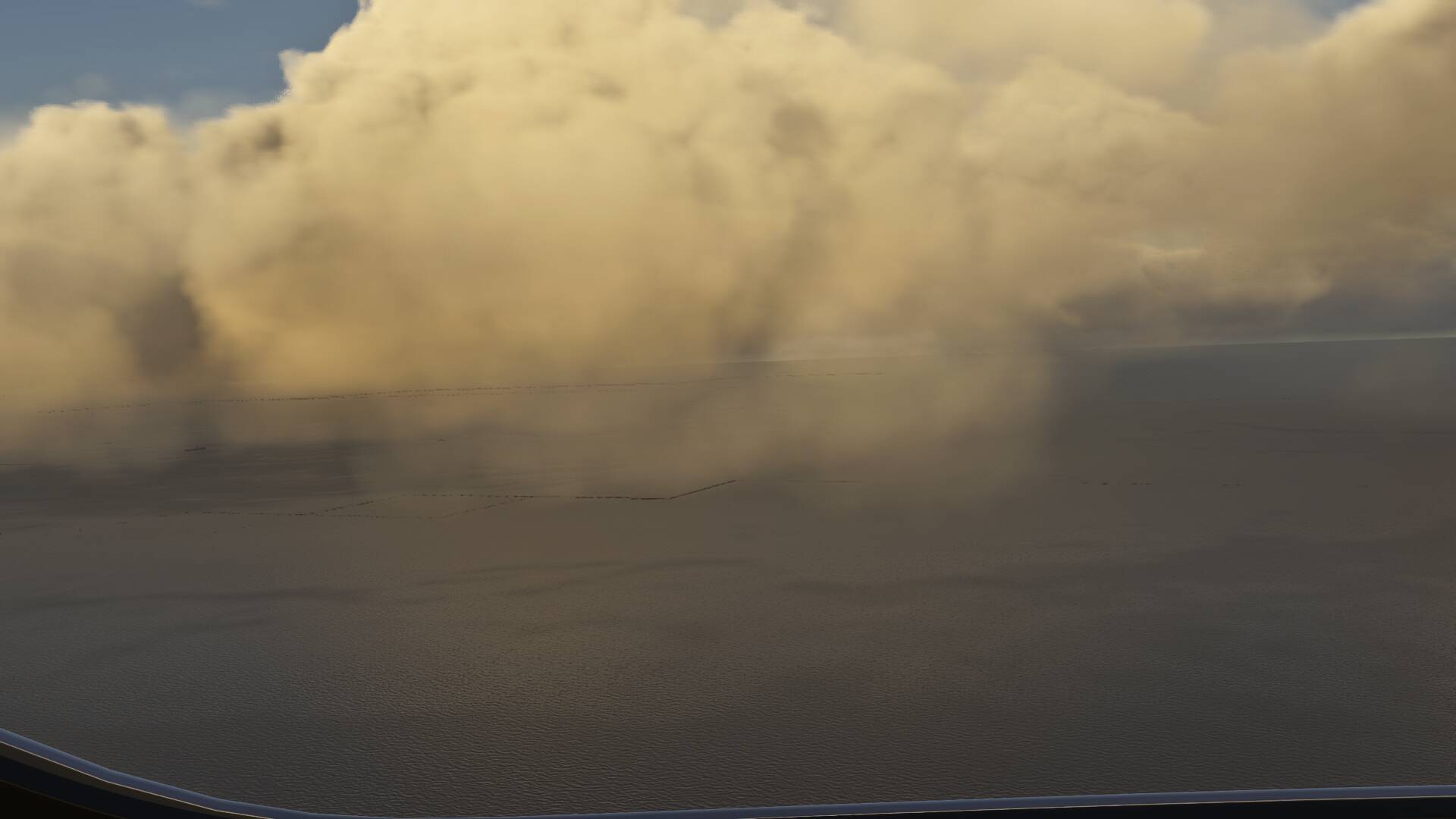
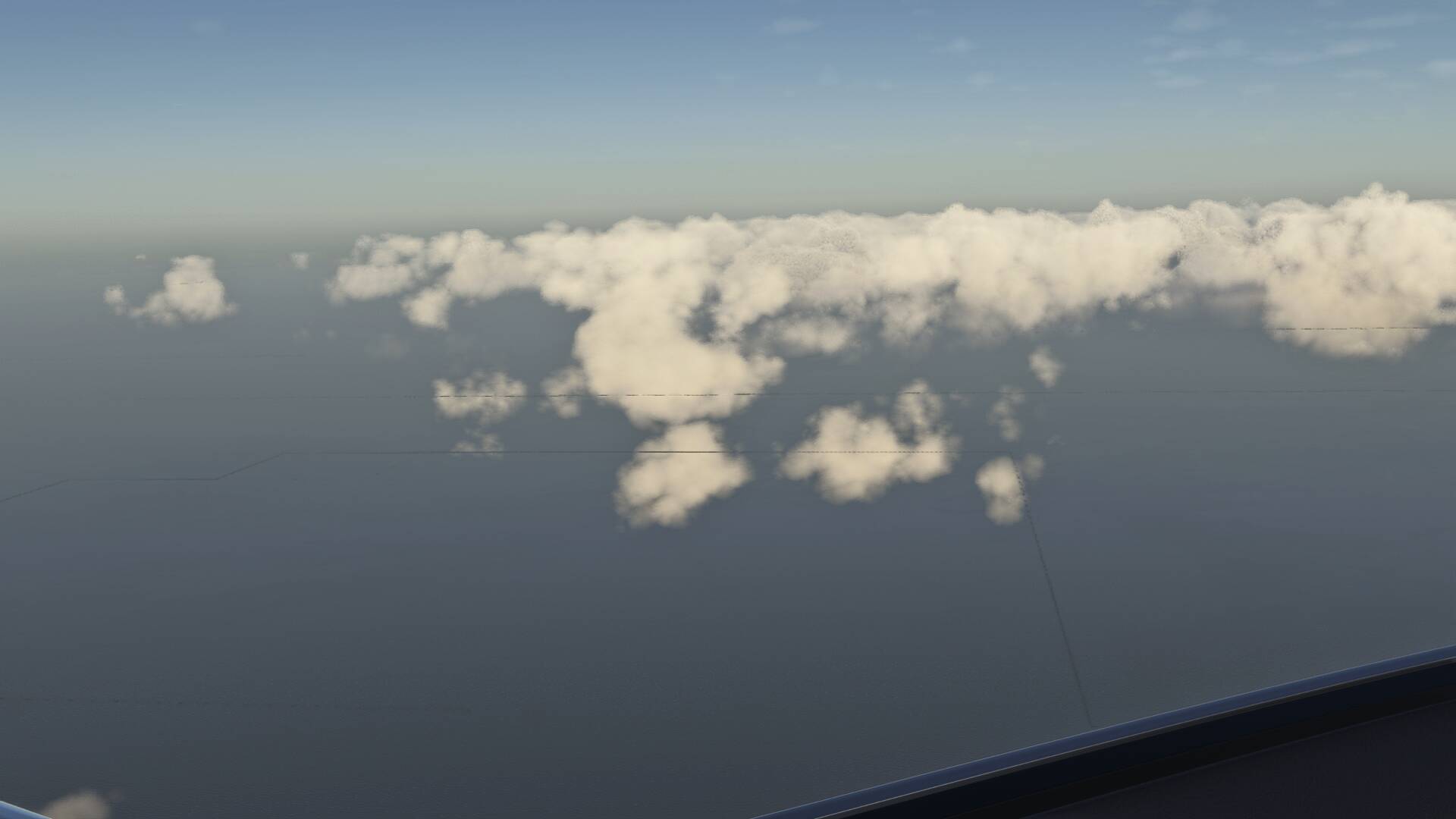
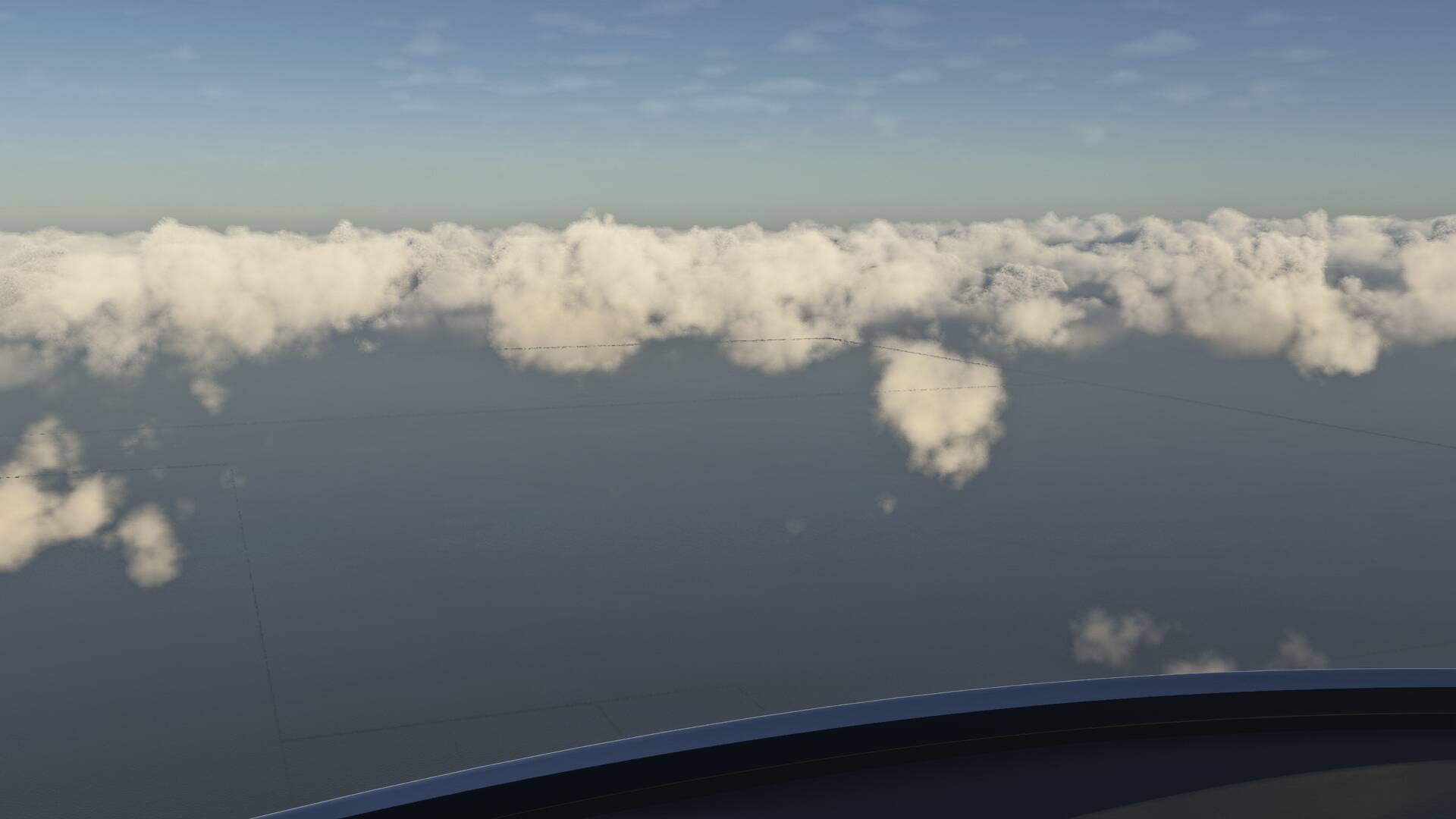
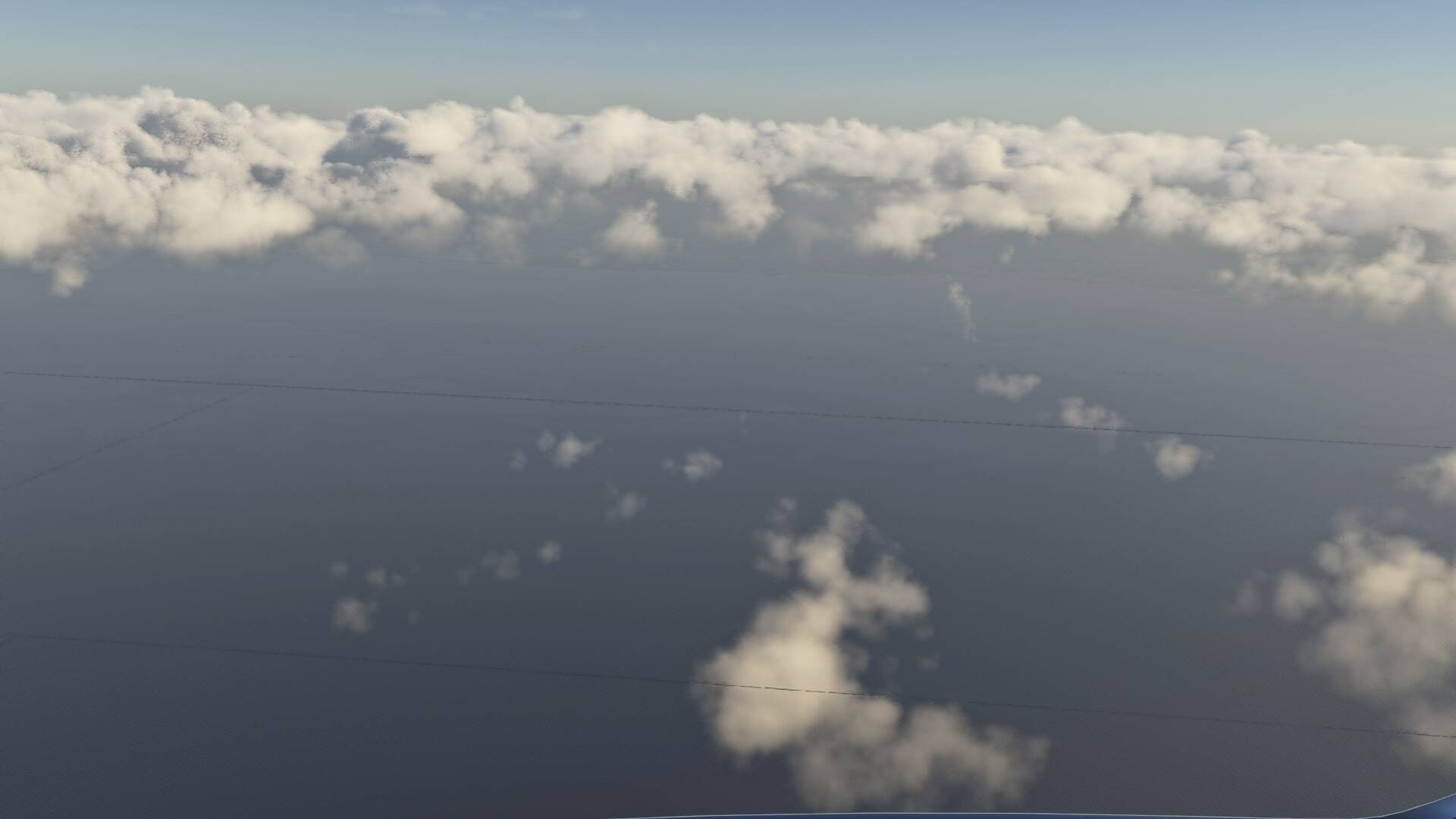

Is this SU5 beta?
No, SU4 live weather, real time. most settings on High or Ultra
I had that too with SU4, but haven’t seen it yet with SU5 beta. Perhaps they fixed it.
hopefully… it ruins most over water flying
It’s still there, not as frequent as before,but it’s not fixed yet.
I see them almost daily, unfortunately. SU4.
Yup and I don’t seem to learn lol, currently flying from KMIA to TJSJ 
It was in the release notes. But it’s seems to be just like the horizon line in 2020. A SU fixed it… partly.