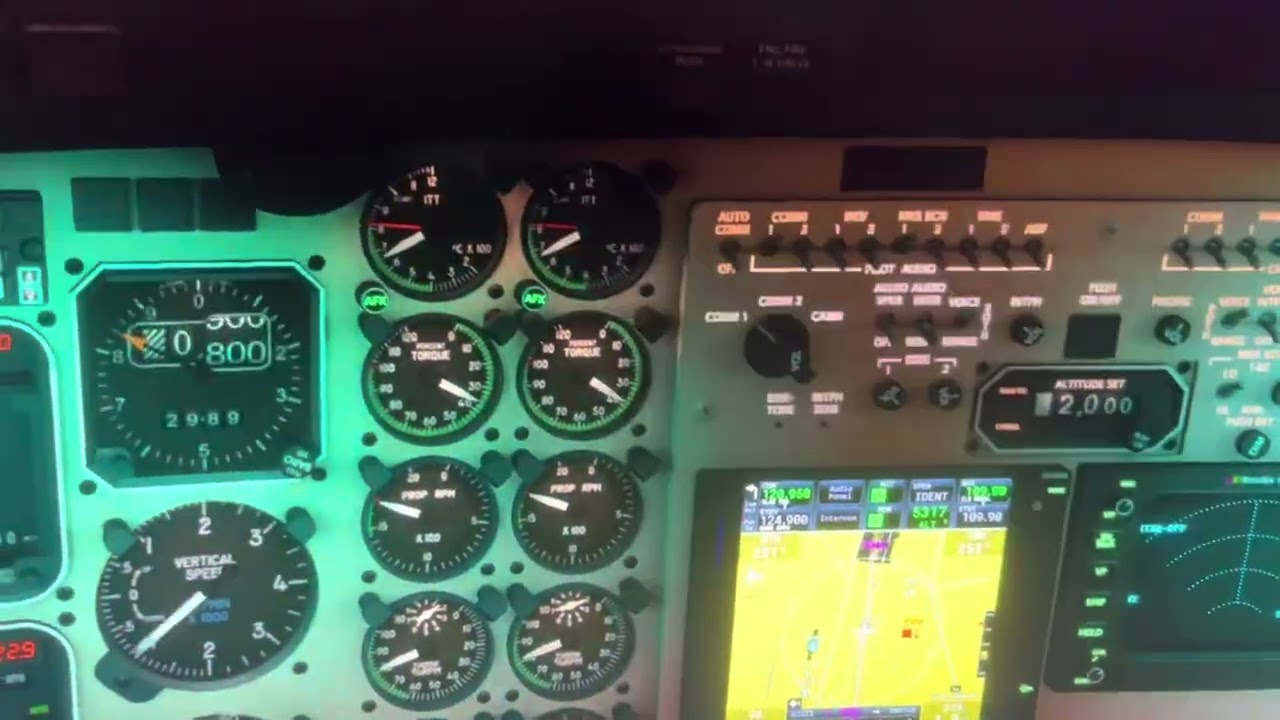
I got most things working except the Avionics switch…still working on that. If I could get that working I would fly the KA350 more often. (VR)
You can get it mostly working without SPAD just using MSFS2020 also.
I just noticed that it is dating these messages with yesterdays date the 17ty. Today is the 18th.
I got a problem of the AP of Kingair 350 , this two weeks ,I found that the even AP can be connected, but the AP panel buttons are not working properly, and the NAV, HDG, and VS buttons are not working. I don’t know if it’s related to PMS GTN750 or AAU2, there hasn’t been this issue before.
Are you on Beta? If so, there’s a very good chance things have been broken for addon planes and you’re out of luck until AAU2 is released and the planes are updated.
Are you using any mods?
Is one of those mods you’re using a livery for the Kingair? If so, have you tried a default livery?
Have you tried emptying your Community folder except for the Black Square Kingair and PMS50 addons. I assume that’s what you mean when you say you’re using the Kingair, as opposed to the default Kingair. If you’re using the default Kingair you’re in the wrong thread.
Do you have the PMS GTN750 WTT patch installed?
You’re giving us precious little information. You’re basically doing the same thing as telling your doctor your head hurts, and that’s it.
I had something similar, but with the TDS750 and the AP symptoms that you mentioned. I got over this (I think…) by cycling the selector to the 530 and then back to the 750 on the Nav 1 option a couple of times. So far, so good.
I used a texture downloaded from flightsim. to, using PMS’s GTN750. Previously, I added AAU2, but later exited internal testing due to white dot issues. As a result, the AP’s control buttons are no longer available.
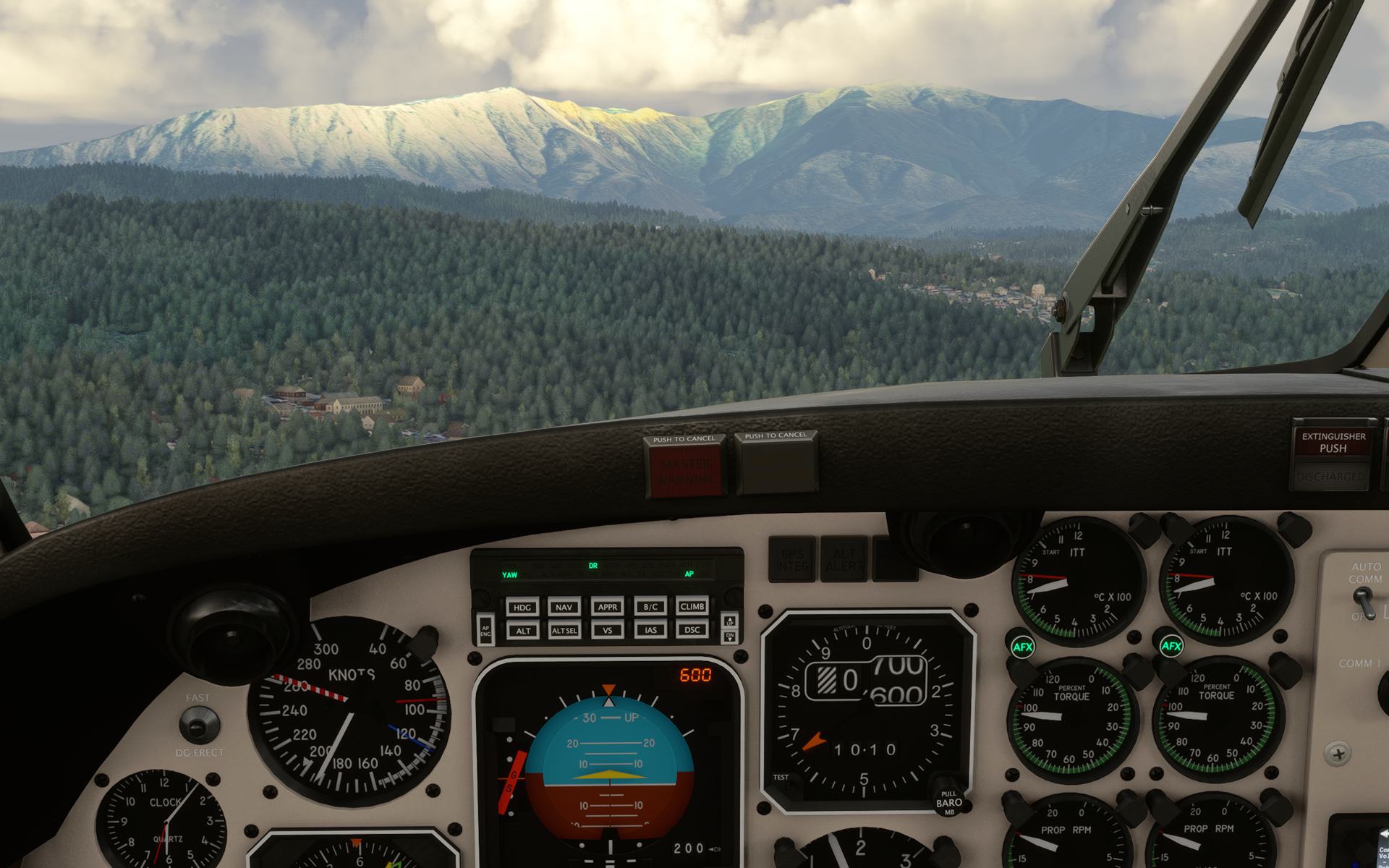
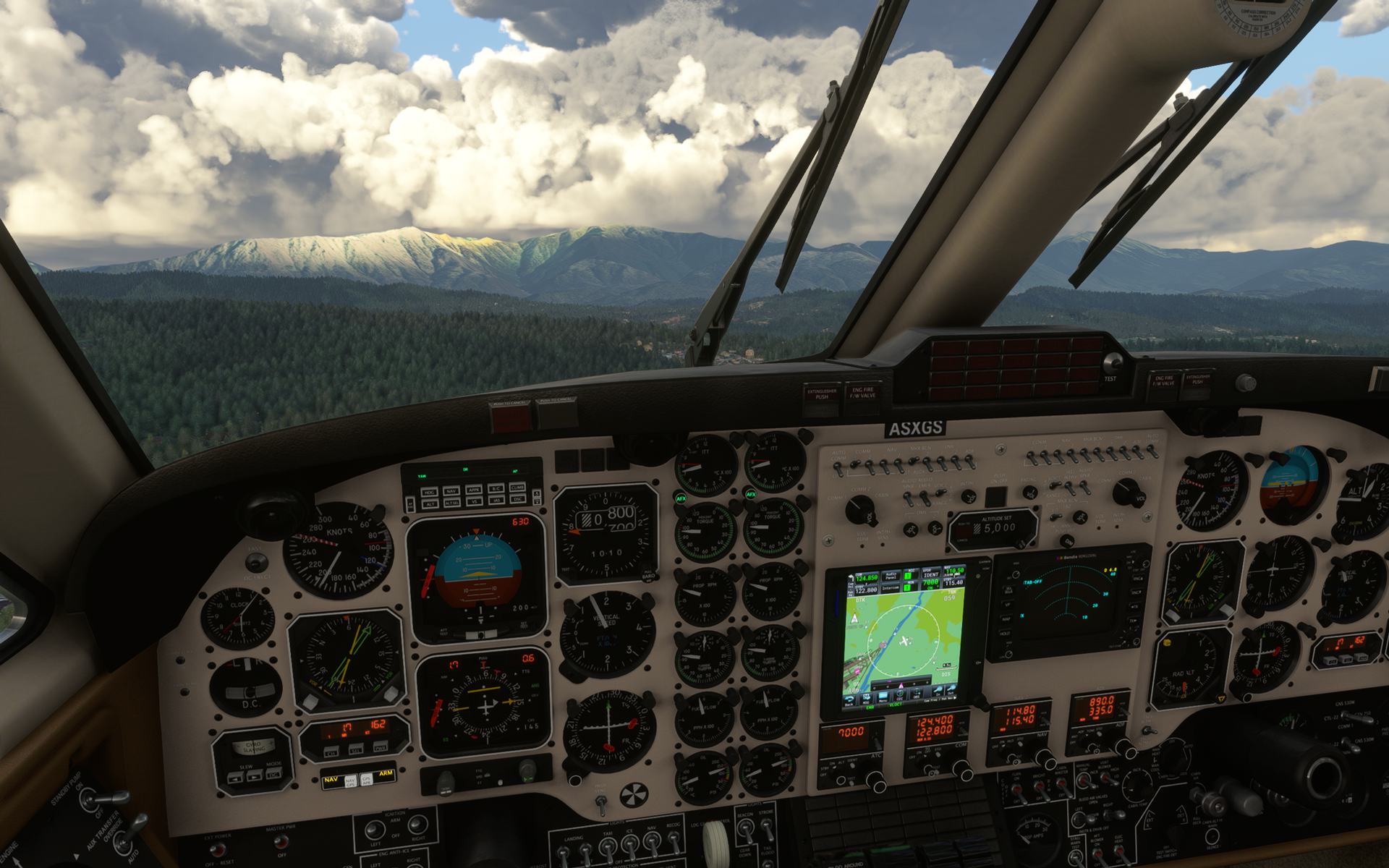
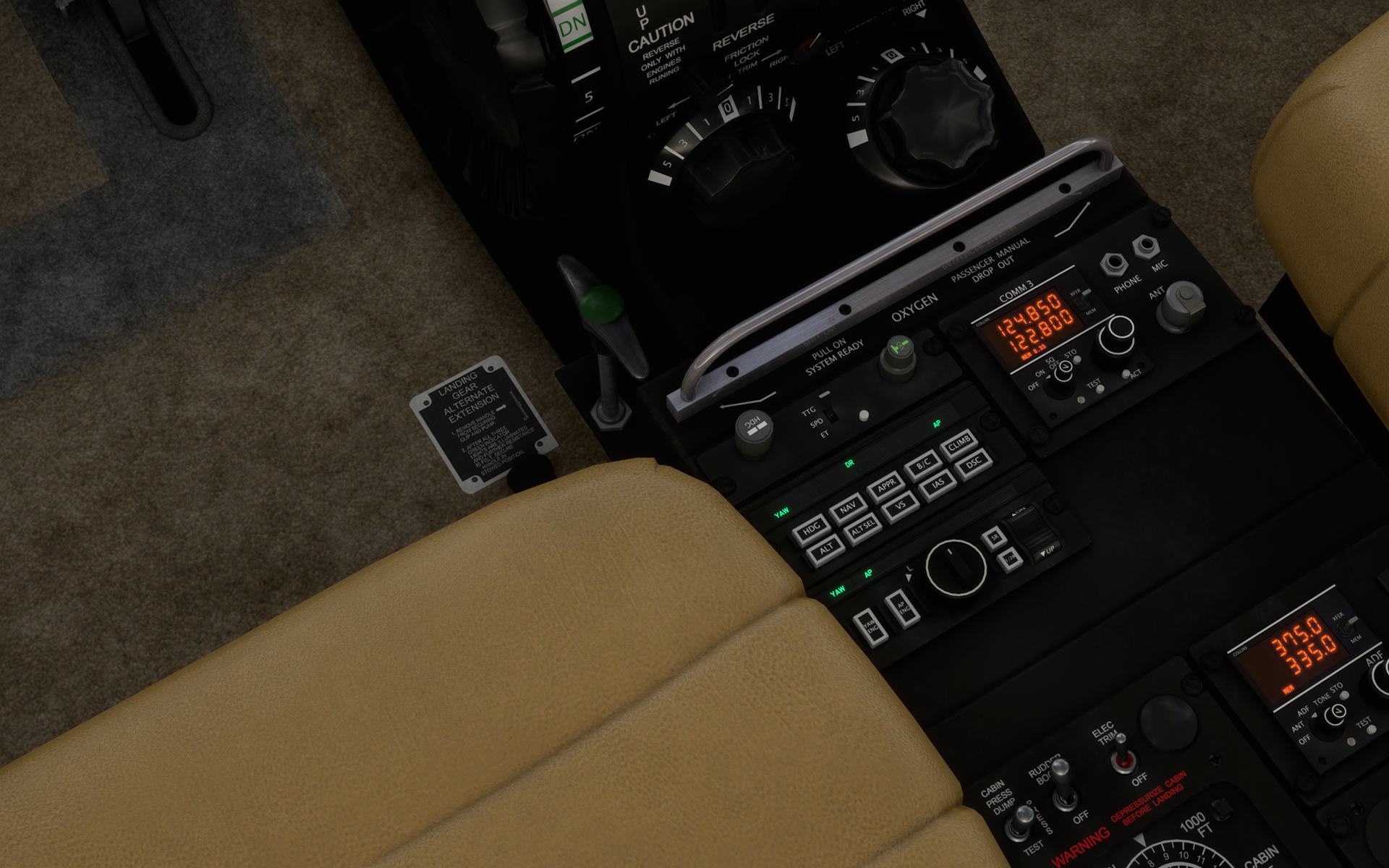
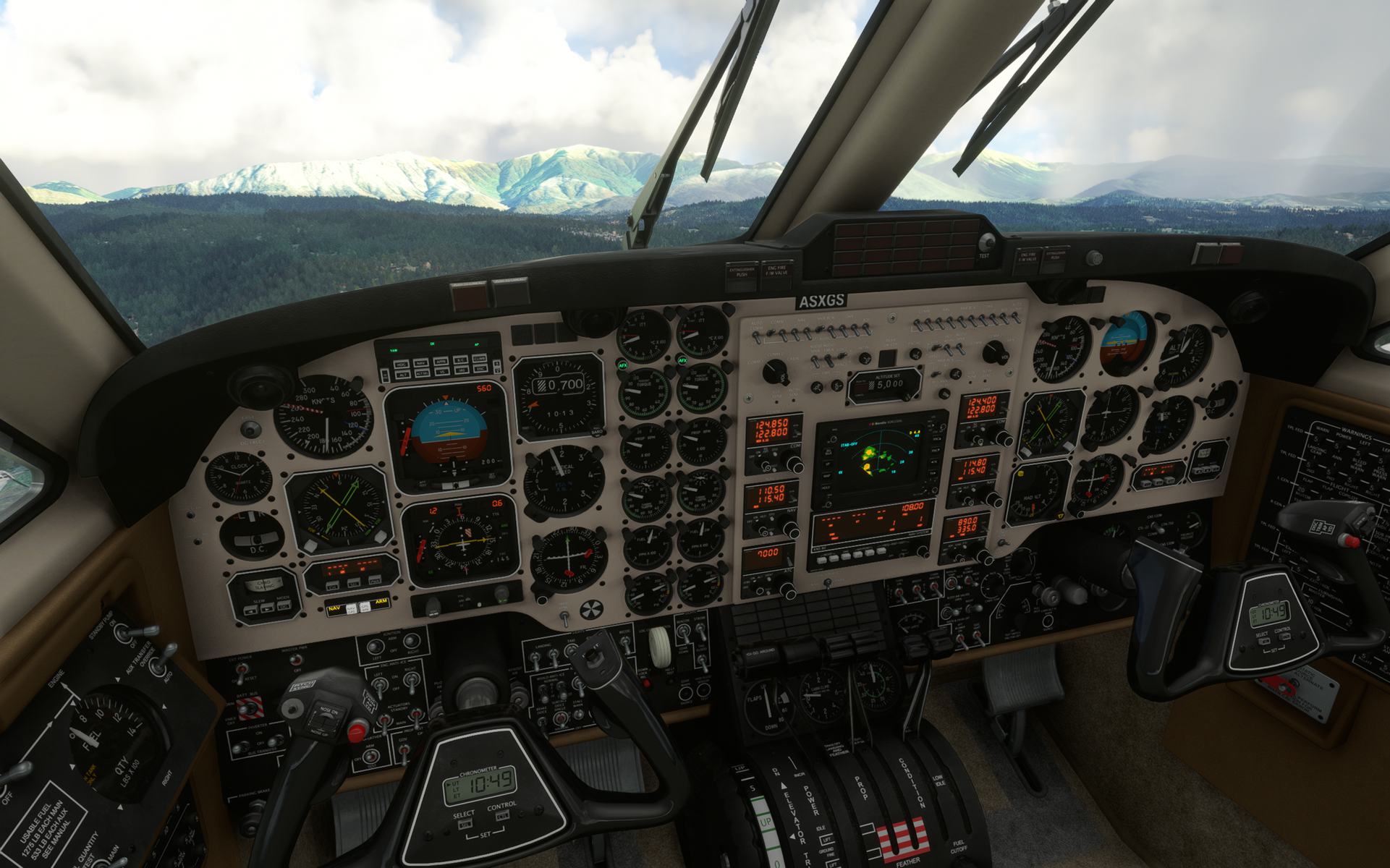
I use Black Square Kingair with default texture and PMS750. I have installed WT patches and previously upgraded to AAU2 internal testing. Later, I exited AAU2 due to white dot issues. In cold&duck mode, I powered up the aircraft and started the engine, but PMS750 did not work. Only by switching to WT550 and then switching back to PMS750 can it function normally. During this period, the AP can be connected, but all buttons have no effect. Please refer to the picture.
are you interfering with AP using the mouse, a dedicated switch panel or another hardware ?
have you tried with clean hardware profile followed by a sim restart, I recomend you to try with hardware unplugged aswell
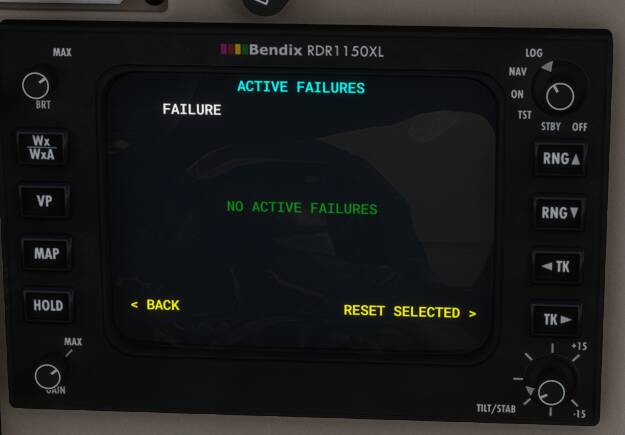
is the issue only with the gtn750 or with all avionics (gns530 & collins ) since you are unable to select HDG … did you check if there is 0 active faillure or try with a fresh install of the blacksquare King air ?
I tried removing PMS GTN750 and reinstalling Blackspare Kingair, but this fault still exists in my MSFS.
Before I updated the AAU2 beta version, flight was normal, but after I experienced the AAU2 beta update and exited the beta, this issue arose.
The APs of other aircraft are working normally.
maybe should you ask in the beta section of the forum wich common packages are involved in the A.A.U.2, in order to restore them. then find and delete them from your content manager and redownload them.
describing there your issue may be also helpfull … hope you will get this sorted out soon
via normal start up process the Black Square Kingair can’t start up Eng1 . It looks like the
ignition not work . but Eng2 start up is normal.
After a long time starting , the starter is broken ,and can’t start up any more .
engine condition ? is the engine 1 start spinning ? would be great if you upload a video showing us how you start your aircraft because, your post isn’t very helpful
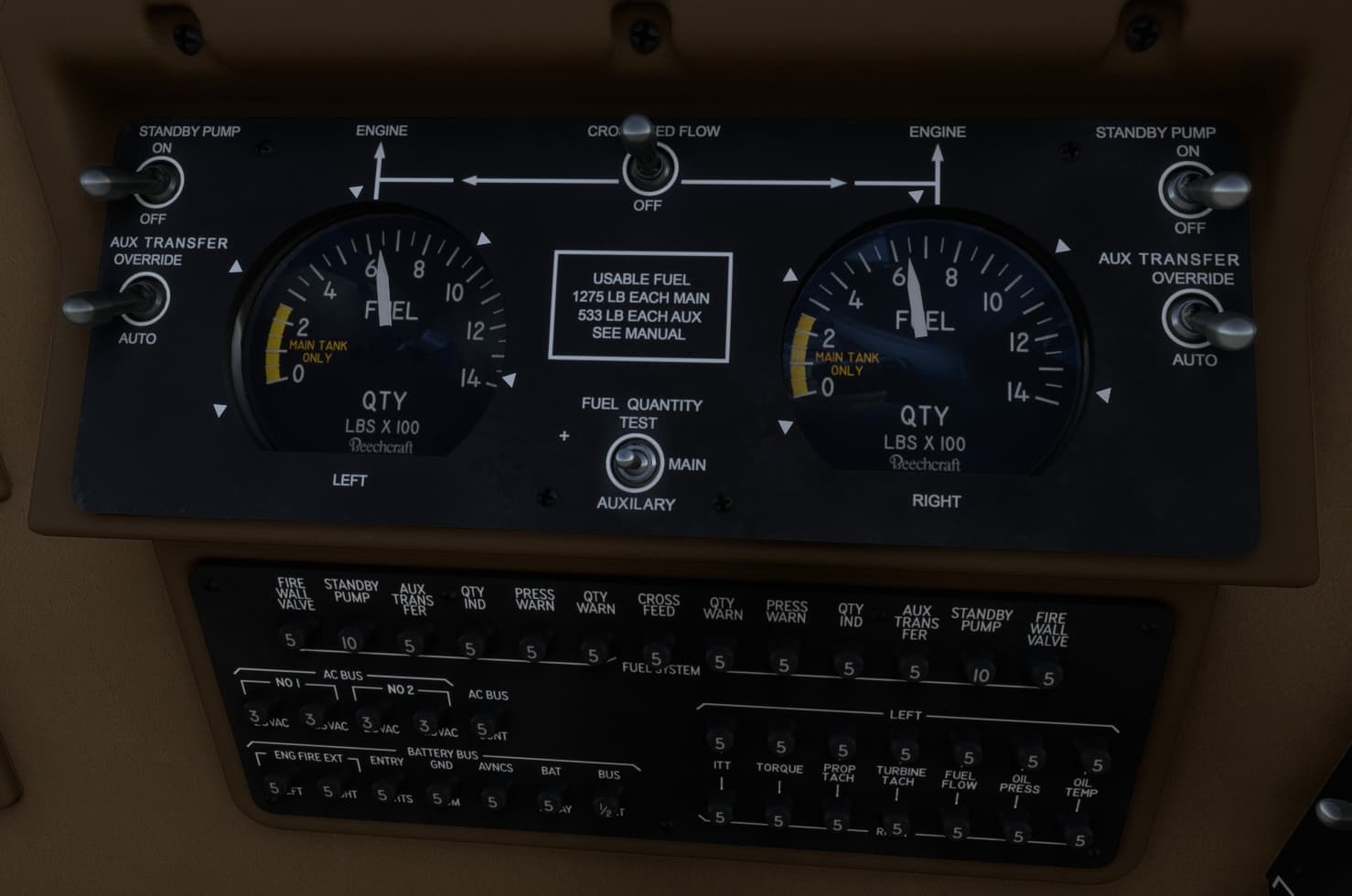
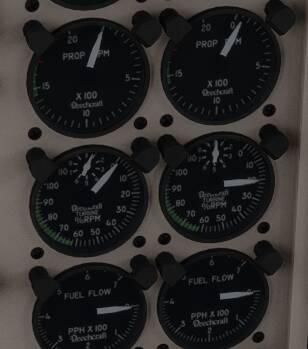
fuel and cross feed status ? maybe an issue in fuel transfert, when you engage the faulty starter do you see any movement on gauges and propeller ? (turbine % RPM )
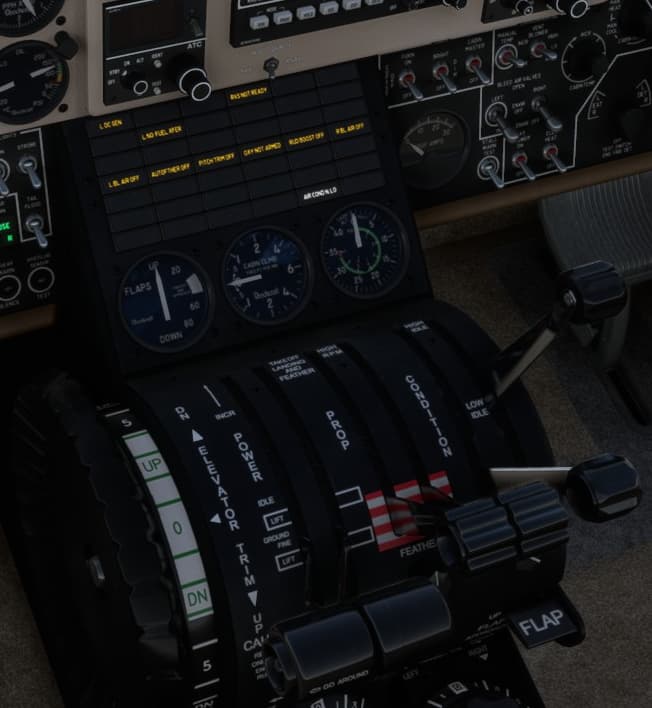
alternator and inverter ON and reset ? (the annunciator panel shouldn’t show alternator dc issues) when the engine is running don’t forget to turn off the starter and then reset the alternator by slicing the switch up ( when turbine%RPM reach 50% to avoid it to drain the battery )
is it related to your previous issues with AAU2 béta ? did you get those previous issue sorted out ? are you using a controller for the starter with custom mapping setting ?
Thank you very much for your detailed answer. Currently, all the issues I have reported have been resolved, mainly due to the following reasons:
The AP is not working properly because I installed the latest PMS50-GTN Professional Edition package, which was removed and replaced with the PMS50 free version to restore normal functionality.
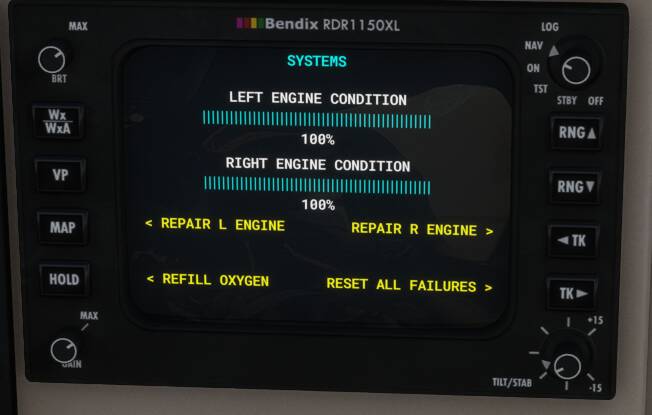
Eng1 start up failed because the health level of Engine1 decreased to 0%. After resetting to 100%, it can return to normal.
Thank you again for your help. I will continue to support the Black square product as always.
In the futur and in high temperature condition I recommend you to wait 20 % of Gas Generator RPM (Ng) instaed of 12% to get a lower ITT spike and avoid breaking the engine glad you have been able to fix everythings

 glad you have been able to fix everythings