Anyone having issues with the elevators, ailerons, and rudder not responding even though the stick in the cockpit still moves correctly? I don’t own it, but my dad bought the Blackbird Simulations SR-71 for his XSX and says that’s an issue. Reloading the flight sometimes fixes it.
This can often happen if you start on the runway.
Instead start from a parking spot (or hanger) and from there your dad can select the aircraft state he wants from the clipboard.
I ran into it yesterday and ultimately resolved it by deleting the WASM. I started at the parking spot.
If it’s the same hydraulics bug, entering and exiting slew mode will resolve it.
Mistake I made was to drop below 365KEAS. You’ve got to be comfortable keeping the engines well above idle while you do a ballistic arc down over 200 miles. You’ve just got to remember the denser air will start to slow you down like a parachute, and that’s a nice feeling.
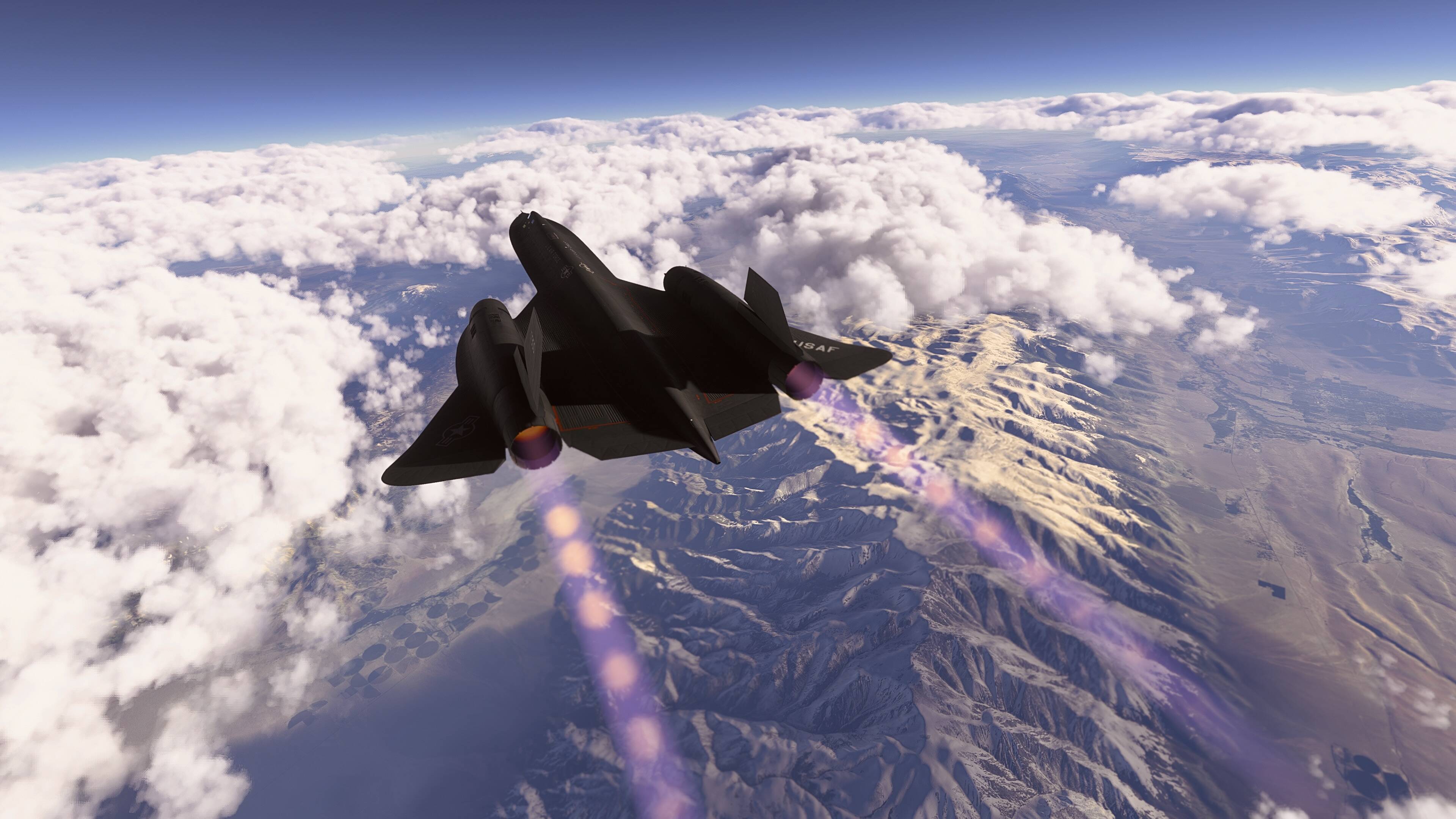

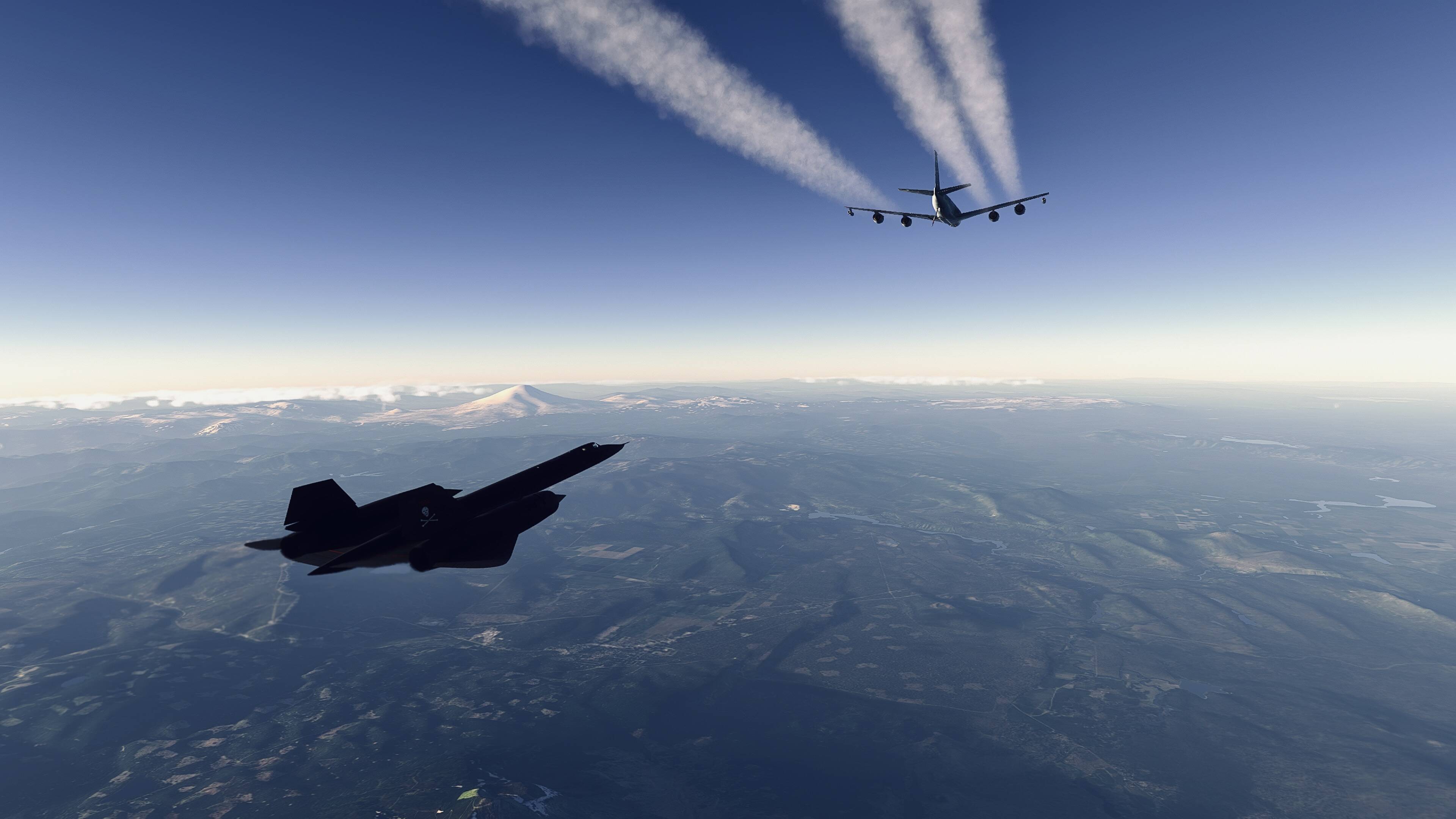
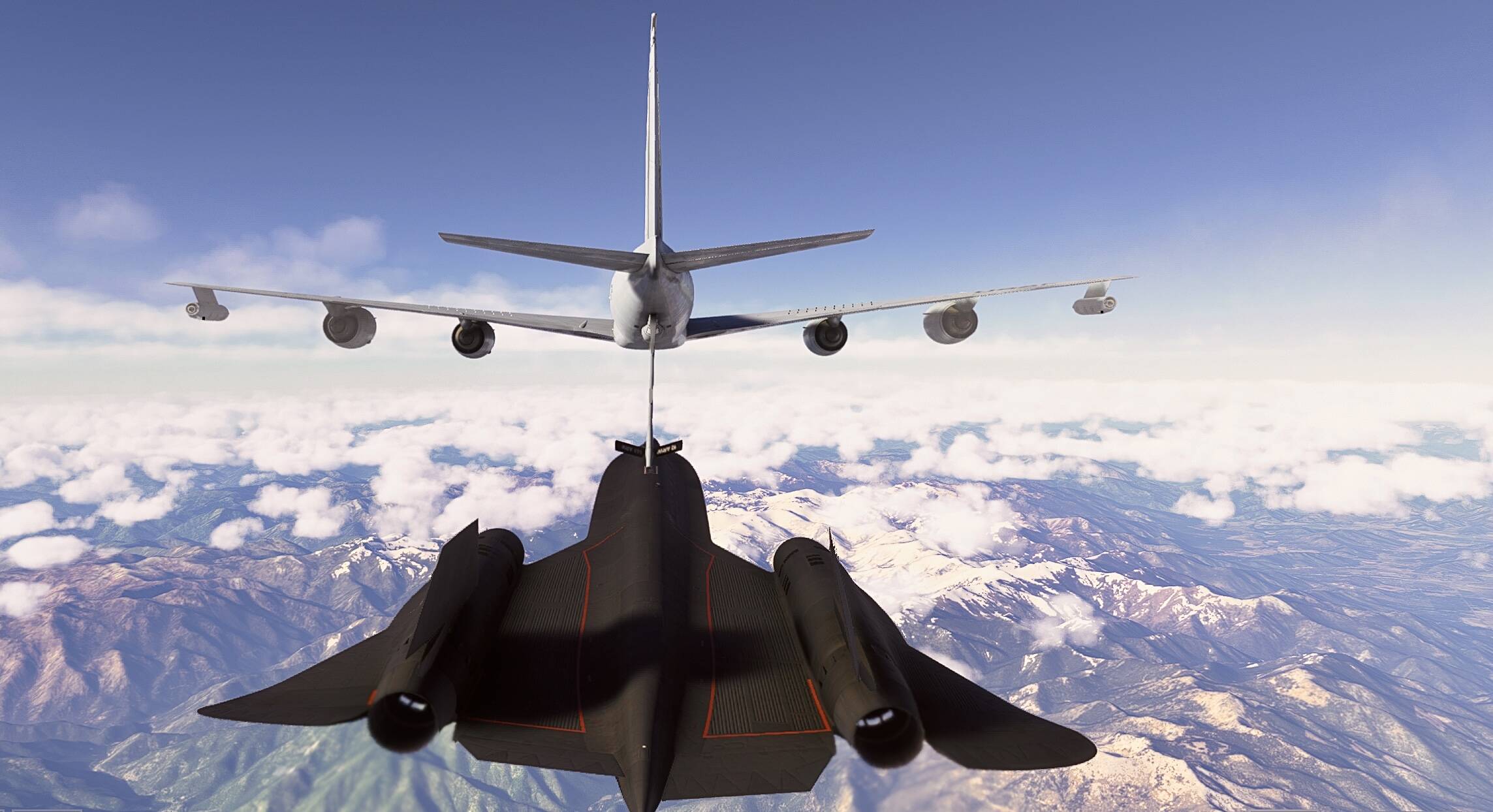
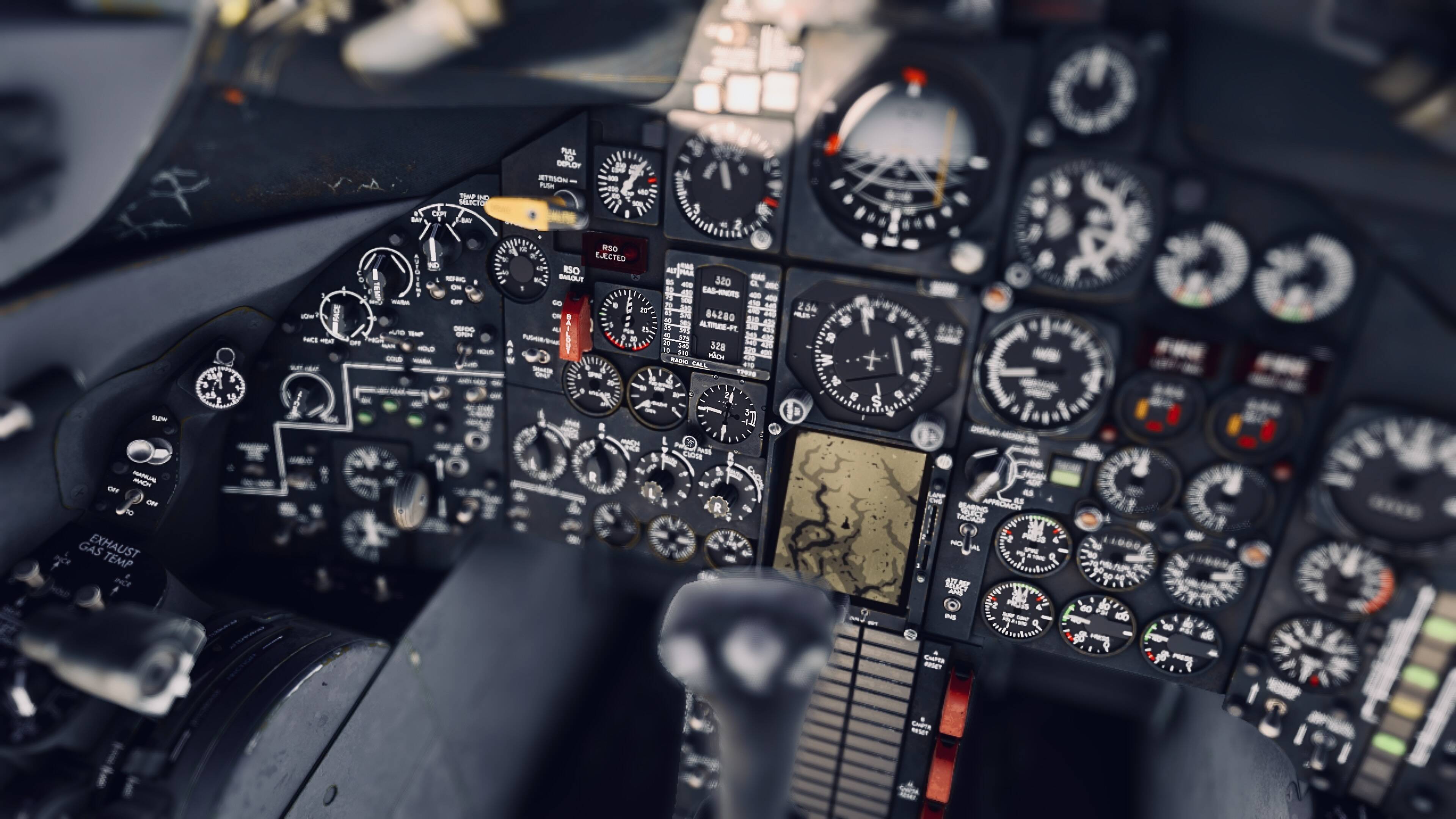
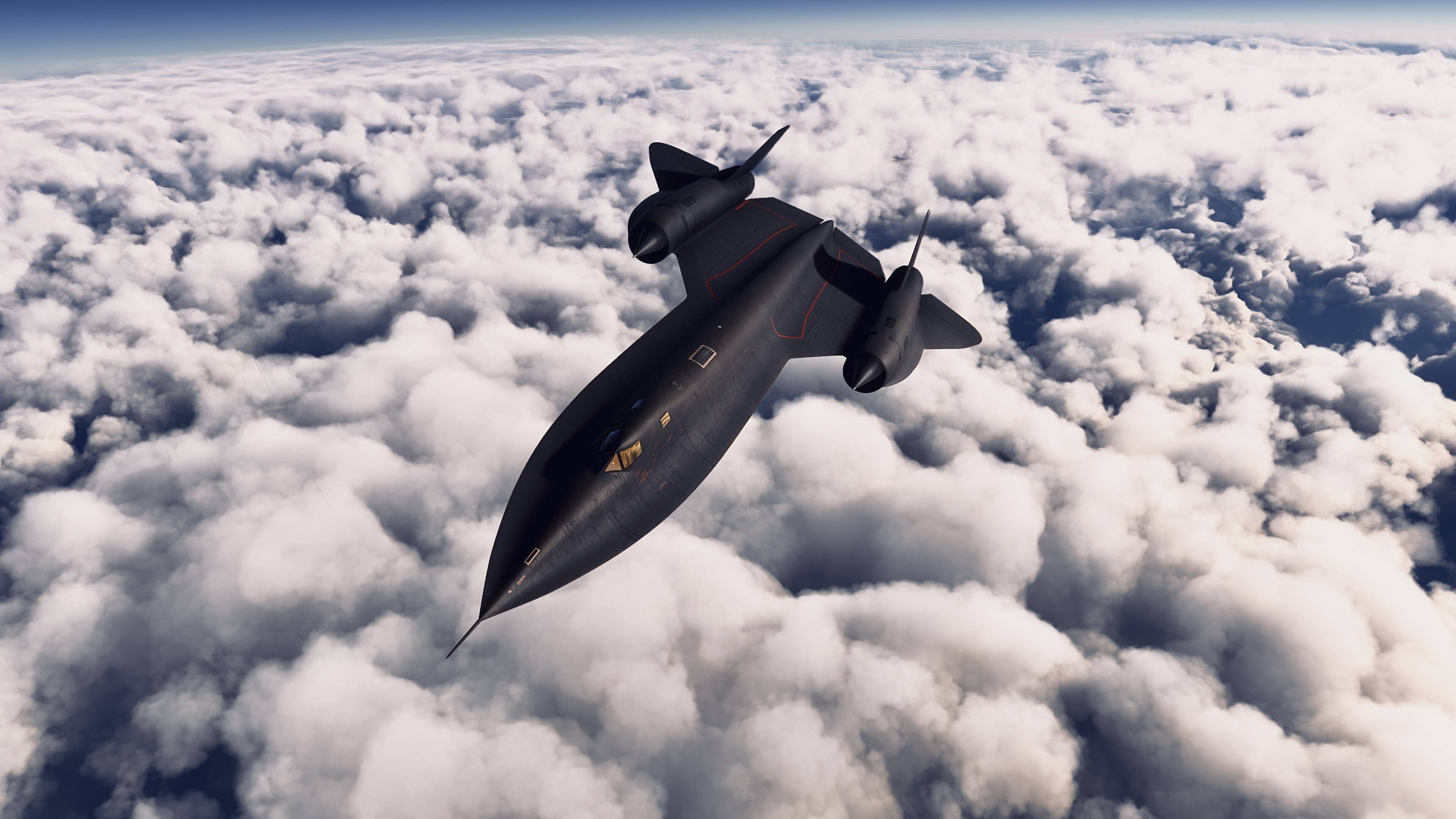

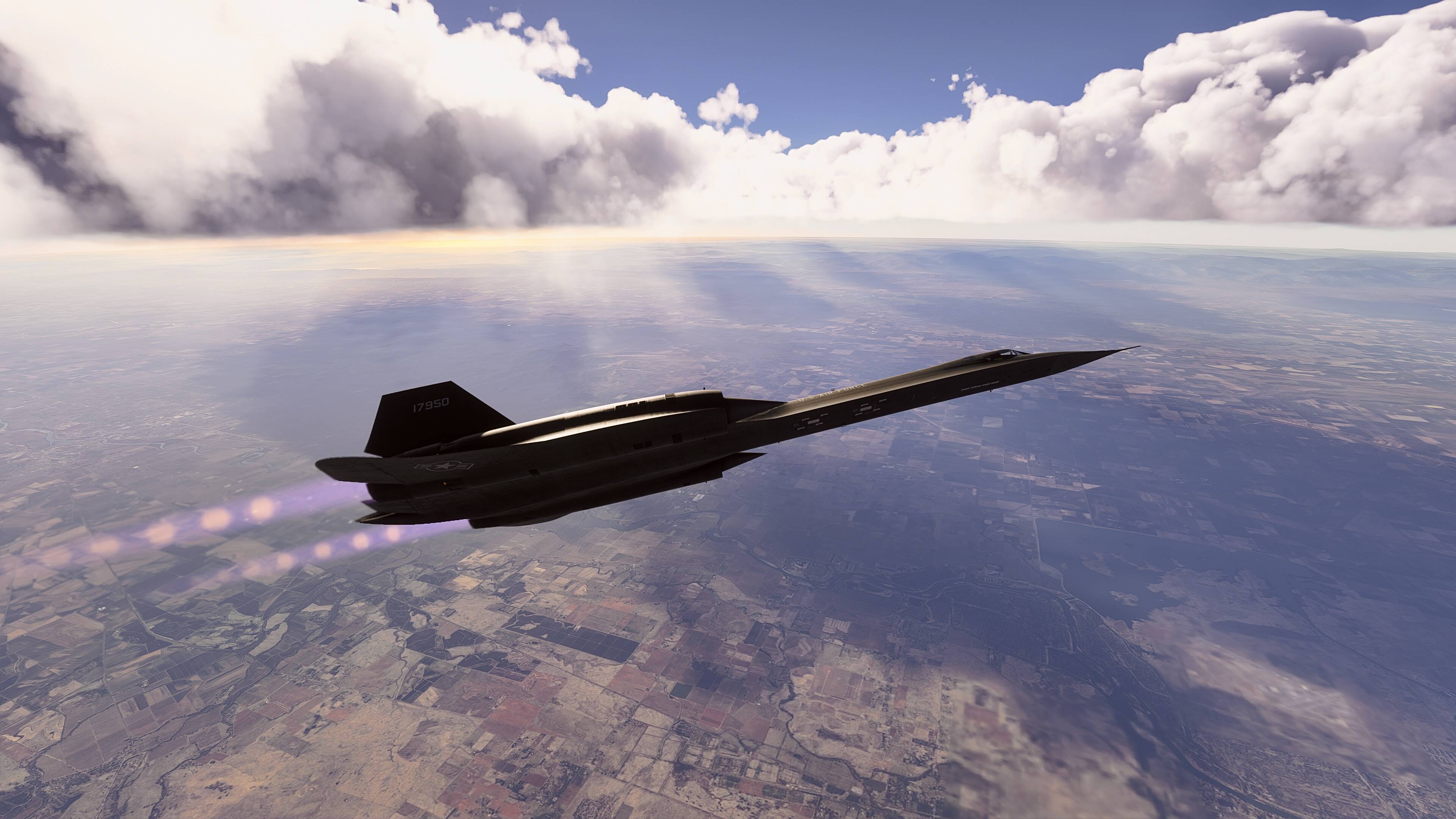
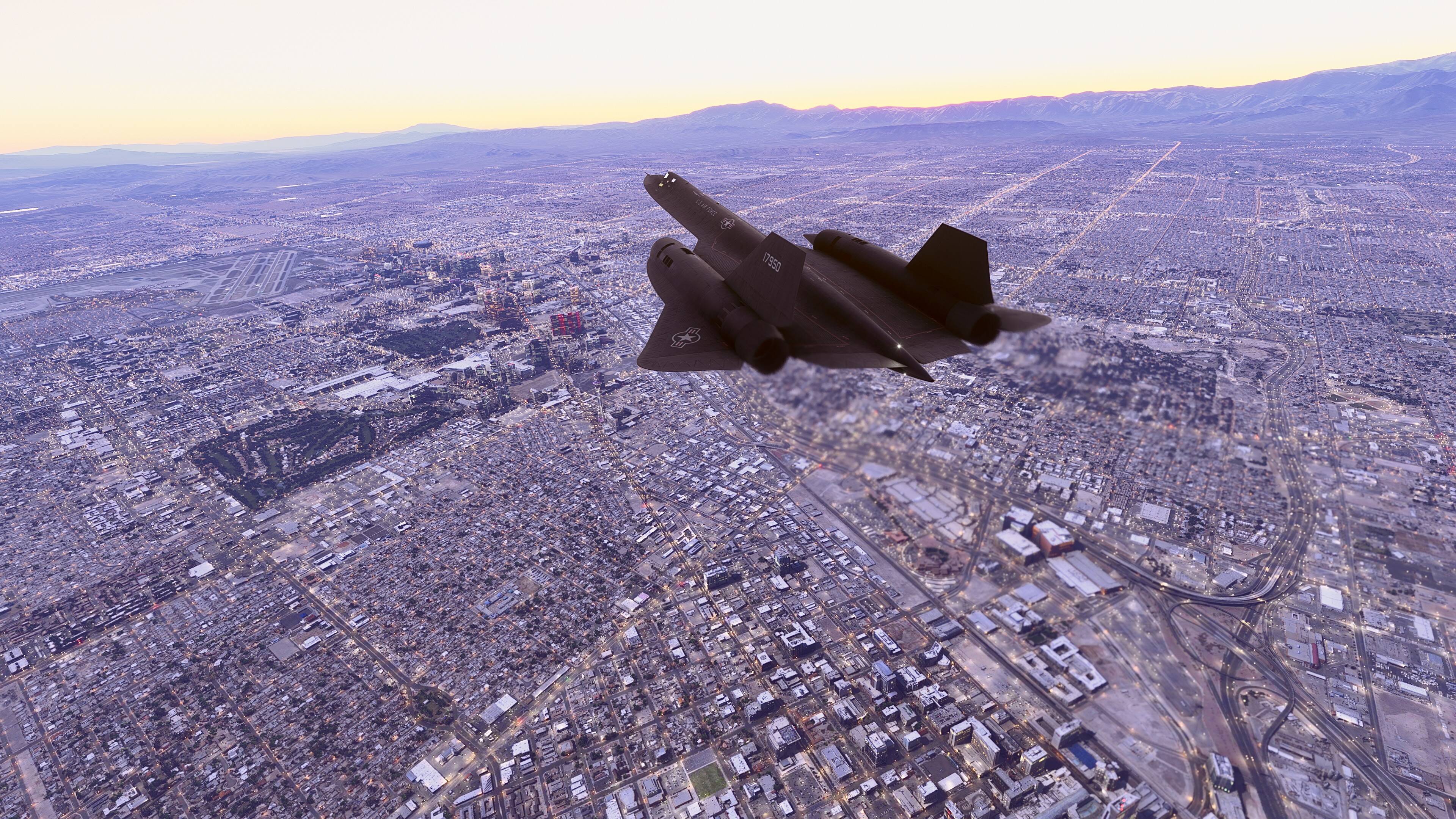
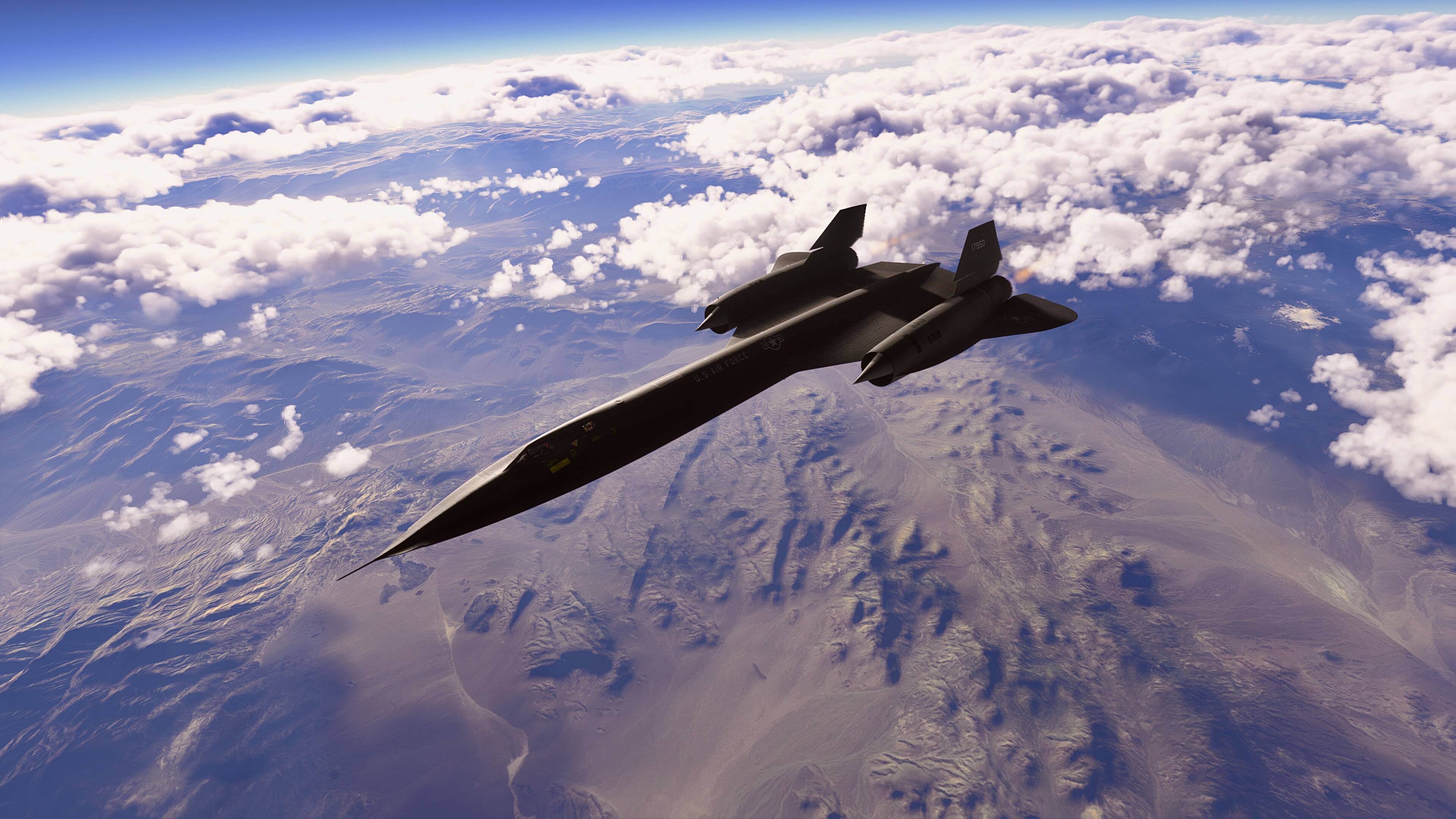
I just received an email re: an update for the SR-71 Beta:
Beta version 0.8.9
What’s new
- This release has an improved flight model that addresses several concerns,
such as inadequate deceleration with low power settings at Mach cruise
and the ground roll at idle power. Of course any time the flight model gets
changed we will be looking for regressions, please report if you find any.
What’s Fixed.
- The problem with unintended hydraulic failures resulting in no brakes and
no flight controls has been resolved. Manual recovery procedures like
restarting the flight should no longer be necessary. (Mantis 11251) - Inability to refuel in Authentic mode has been fixed (Mantis 11270)
- Surface limiters will no longer put rudders out of alignment. (Mantis 11262)
- Loss of control due to overbank is no longer irrecoverable. (Mantis 11287)
- Log entries for consequences will now only appear once in the log for each
separate violation (Mantis 11248) - Altitude Hold will now be released based on external inputs as well as use
of the cockpit pitch wheel (Mantis 11297) - EGT readings are now more realistic. (Mantis 11274)
- G meter should no longer be wrong on takeoff (Mantis 11285)
- Turn Coordinator ball fixed (Mantis 11291)
- The RSO bail switch now works properly (Mantis 11245)
- Added a fuel dump visual effect (Mantis 11256)
- Consequences for exceeding G loads are now more forgiving (Mantis 11289)
- Random static noise in radio has been addressed (Mantis 11185)
- Tanker connection in authentic mode is now correct (Mantis 11249)
- Tanker paddles and guide lights have been fixed (Mantis 11227)
- Fuel Dump process now works correctly (Mantis 11255)
- Ladders will now appear in a Cold and Dark scenario (Mantis 11294)
- Fuel Dump switch now resets when guard is moved down (Mantis 11292)
- Forward Bypass tooltips have been corrected (Mantis 11206)
- Added LOD’s to external model (7 total)
- Added Collision box to LOX cart (Mantis 11238)
- Added new Ballast Nose preset/model( Same as OBC but no camera )
- Fixed alignment for ASARS and OBC noses (Mantis 111280)
- Flipped models for ASARS and OBC noses, also renamed OBC parts in
model and XML (was OBCD) - Fixed floating wire in right gear bay and unattached inner surface (Mantis 0011279)
- Added window in OBC nose for cameras, added OBC and TEOC camera
models - Possible fix for cockpit decals shimmering
- Fixed flashing screw heads on AG330 carts (Mantis 0011278)
- Fixed Gap in panel between Drag chute handle and temp selector
- Fixed Afterburner flames still showing on engine failure (Mantis 0011259)
- Fixed Engine glow on right controlled by left throttle, also both engine
emissives not shutting down on engine failure - Add slight transparency to LG handle ( ref material pics show it this way)
- Fix Missing Plexiglass pieces on RH panels. Made new material for
these.(were glass and hidden/not visible) - Fix some disconnected skinned hoses that were broken on main gear.
- fixed XML for fuel dump switch, was set to 100 keyframes for anim (it only
has 10) - The periscope is now animated.
- The Intercom system cover is animated.
- Cockpit EGT flag model fixes.
FYI, in one week, the price goes up.
Thanks.
Using slew mode to fix airplane “point issues” has been a fix in the FS series forever.
Of course, you only learn it with experience, and time in forums helps.
I figured it out on my own when I noticed that, let’s say I ground looped and the plane tipped on its wing, I realized switching to slew mode put the plane back on its wheels. Of course, realizing it also fixed the hydraulics, well, that would have been luck if I didn’t see it in a forum. But, slew mode has long been used to fix planes when they got stuck in place (like since back in who knows how many versions of FS ago).
I should probably submit this to Blackbird product support, but, for the benefit of others, in case Asobo actually uses the paremeter for their wake turbulence calculations, the aircraft.cfg states the icao_wtc=L (under 7t), when it should in fact be classified as M (7t-136t).
Colin, did they fill this field in incorrectly on purpose for some reason?
For other users, I’m also imagining, perhaps ATC will work better if you change the lines
atc_type = “Lockheed”
atc_model =“SR-71”
to:
atc_type =“TT:ATCCOM.ATC_NAME LOCKHEED.0.text”
atc_model =“TT:ATCCOM.AC_MODEL SR71.0.text”
Perhaps Asobo has changed their code so the original lines work correctly, but I’m pretty sure they need to be as I wrote them for ATC to call you correctly. Maybe I’m wrong. The base loc files do have both terms, so they should work correctly.
We can’t use the L word… sorry… for the number, I’ll ask
Another successful mission with the new beta version tonight. Beale to Pease. Happy to say that the brakes worked fine every time! It did take a few flight restarts before the “sticking to the runway” issue was overcome, but the last one was the charm, and everything worked perfectly on takeoff. I did a full refuel (using the Magical Tanker Fairy) for the first time ever, too.
The negatives are that the ANS is still very iffy. It performs flawlessly on the first waypoint in the flight plan… and that’s it. As near as I can tell, the system isn’t incrementing to the next waypoint for some reason, and therefore just keeps following the track that applied to get you to the first waypoint. I had to, once again, resort to INS and “point in the general direction” navigation. (Of course at Mach 3.3, you don’t really have to be super precise in your pointing.)
Another small thing - and this may actually be realistic; I don’t know - is that the pitch hold fails miserably when the autopilot banks the aircraft. I can get to nice straight and level constant speed flight easily enough. But then if I want to change the heading (using heading follow), the plane will start climbing - and climbing hard. Like, 3000 fpm hard. And if you use the pitch wheel to correct, the system actually fights you - I saw my pitch down commands being countered by pitch up commands. It throws everything out of whack and makes it hard to maintain altitude properly if you, perchance, don’t want to fly in a straight line forever. I did find that turning on mach hold (which I thought wasn’t actually implemented yet?) tamped things down enough to get it under control somewhat, but it definitely was an unexpected outcome. (I expected some pitch issues when the plane banks, but that the pitch hold would correct it automatically.)
Had my first unstart too. Fortunately, it was right before I was going to descend anyhow, so it wasn’t catastrophic that I wasn’t able to actually fix it. (Per the log, the cause was “pilot error”. Way to sell me out, log!)
Given how the C-130 has improved by leaps and bounds with each new beta release, I’m guessing this one will only get better from here on out. (I’m looking forward to trying the new KC-135 tanker system that was added in this update too… I will be terrible, but I think it will be fun.)
Super, but hoping they’ve fixed the memory optimisation for XBOX that’s currently disabling our avionics and engines
This is mentioned on the known issues list:
• At high altitudes (above around 75,000) altitude can be gained in turns.
I wonder if that is what you’re experiencing.
(I cannot believe I bought this at launch and still haven’t had an opportunity to fly it. That ends today. I finally have time for myself.)
Get on it! This thing is great! I think I may need to take it for a casual little cruise across the continent today too
So.
Unlike others, I’m seeming to struggle here.
My two issues are airspeed control and engine flameouts ~25000’-30000’.
Full disclosure, I’m a bit overwhelmed keeping track of all the steps, however on this last attempt I felt I was on top of them.
The biggest issue I found was controlling airspeed in the climb. I engaged pitch control when I was initially established at the requisite pitch, but the system immediately seemed to nose down to a VSI of 1000’-1500’, which caused my airspeed to increase significantly. I tried to manipulate the pitch wheel, but it didn’t seem to react to any input from my mouse, so I just switched it off and manually pitched back to were it needed to be. I didn’t think backing out of afterburner was required/advised due to the limit on TEB. Even so, if I backed out of afterburner and pointed the nose high enough to peg (and then some) the VSI, I still exceeded safe airspeed for quite some time before it slowed.
What do I need to be doing differently in this regard?
–
The engine start checklist #19 states “Forward Bypass Indications – both full OPEN (100%), yet when set on auto they are both fully closed. Is this to be expected? (Also, they seem to have a mind of their own when trying to set them or the spikes manually; in that they don’t seem to move at all, or go where you set the knobs to)
Also, I’m confused by the EGT switches. They appear to have 4 positions: Center: Hold, Left: Auto, Up: Increase, Down: Decrease. How do you put them into the Auto position? Is Hold/Auto one and the same in our simulated version?
Any thoughts on the flameouts?
The challenge here is refreshing and fun.
EDIT: Oh, and I’m finding the EGT to exceed 565° by a few degrees after engine start. The start procedure states to check they don’t exceed 565° for more than a second or two. Is that only during the startup process, but is fine post-start? It also seems like all three warning lights (Hot, Cold, Off) built-into the EGT gauges are always lit. (It looks like I’m going to need that book from Amazon…)
I can’t say much about the flameouts, only encountered them once when descending and I’m certain it was due to pulling the throttles back too far. As for speed control in the climb, I’ve found it’s easiest to maintain speed without the AP. In the early stages of the climb I’ve found that roughly 1500-1700 fpm will hold the 450 KEAS pretty well, and when the speed dips, drop the fpm to around 1,000 and it’ll slowly build. If your speed is on design just bump the climb rate a bit until the KEAS drops. Once you get into higher Mach numbers you need to hold a higher climb rate to maintain 450 and once you get to higher altitudes you’ll need to reduce it again. Unfortunately I don’t have exact figures for these situations. I too was initially getting overwhelmed with trying to remember what to do in every phase of flight, so I made a set of notes of what to do in chronological order and I just reference it throughout the flight. Maybe it’ll help you as well. Sorry for the formatting, I just copied it from my phone notes
SR-71 Notes
TAKEOFF
Hold brakes and set MIL power
Note IGV lights
Release brakes and go to Half AB
170kts lift nose 10°
210 craft should rotate
Gear up
Pull Limiter handle
Reduce power to min AB or more
400 Kias climb (about 35°)
Tank 4 off
Climb to 25,000 and level off
REFUEL
Magic refuel requires
 Straight and level flight +/- 100 feet of 25k

 IAS 310-350

 Also supposed to be 30 from next waypoint

 Refuel switch on

 Tank 4 on
CLIMB
Min AB climb to 33,000 at M.90
@3333,000, Max AB to M.95
Descent of 2,500-3,000fpm
-need to break through M1.05
At 435 KEAS start to pull out
Establish 450 KEAS climb
At M1.7
  Inlets - Monitor

 Aft bypass - Set position A

 CG - Monitor
At IGV Shift (Lights out)
 IGV Switches - Lockout

 Aft bypass - Set position B

 Exterior lights - Off

 Pitot heat - Off
At M2.6
Aft bypass - Set position A
At M3.0
Aft bypass - Closed (optional)
At M3.05
Aft hypass - Closed (a must at this speed)
DESCENT
Need to understand TOD
500 too far, try 400 next time
Retard throttle to MIL
Slow to 365 KEAS and descend
At M2.5
Throttles to 6900rpm
Below M1.7
 Forward transfer On

 Pitot heat On

 Exterior lights On
Below M1.3
 Inlet controls - Auto and Closed

 IGV switches - NORM
Thanks for the input.
On my third try, I’ve managed to make it happen and I’m cruising here at 25,000’.
The aforementioned were absolutely user errors. I’m not afraid to admit to them. (the pitch wheel doesn’t animate, for example)
Now for refueling and the next phase of this operation.
What a crazy machine this is.
Don’t worry mate, it took me best part of a week’s worth of flying every evening until I successfully made a speed run at M3.2 from Beale to Elmendorf. So many things to keep an eye on and get right, and the model is unforgiving (esp when you put all settings to realistic). Keep practicing, follow the manual, and you’ll have a great time

In the latest version, it’s hard to push from 25.000 to 33.000 at Mach 0.9. After refuelling she’s very heavy, and permanently on the edge of stall. Even at full A/B. Even a 4000 ft/min dive from 30.000 at full A/B and she’s not going supersonic.