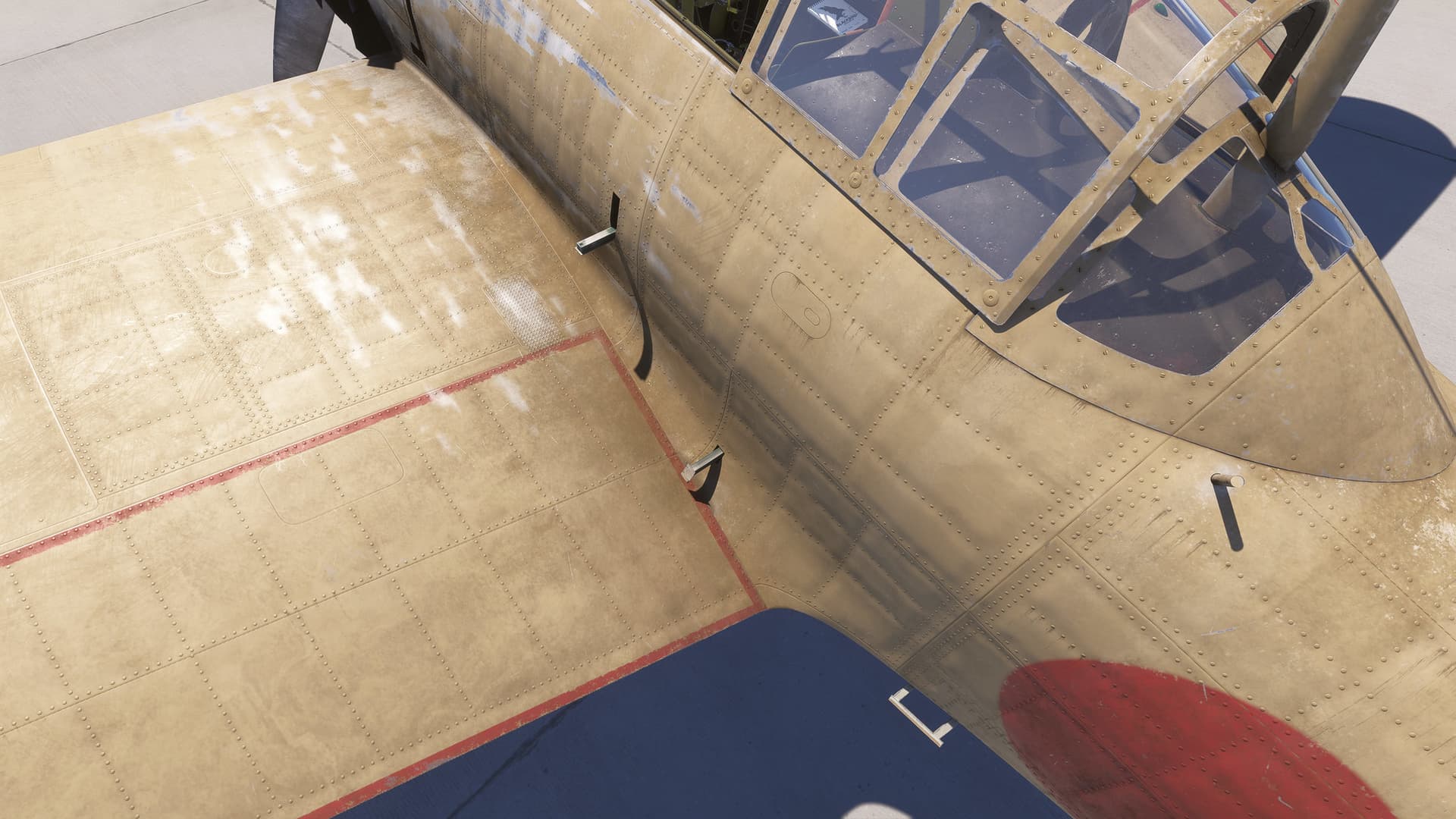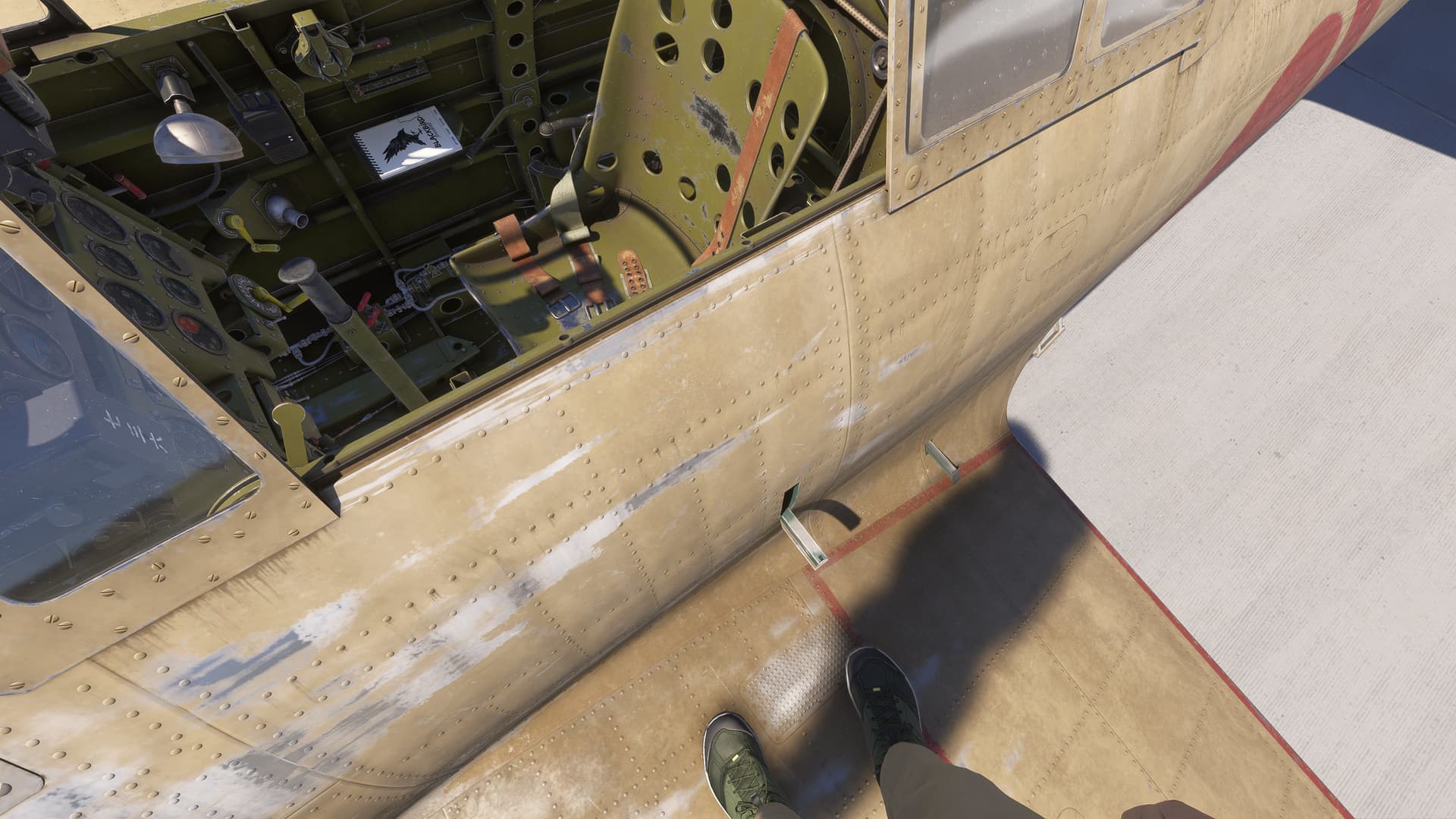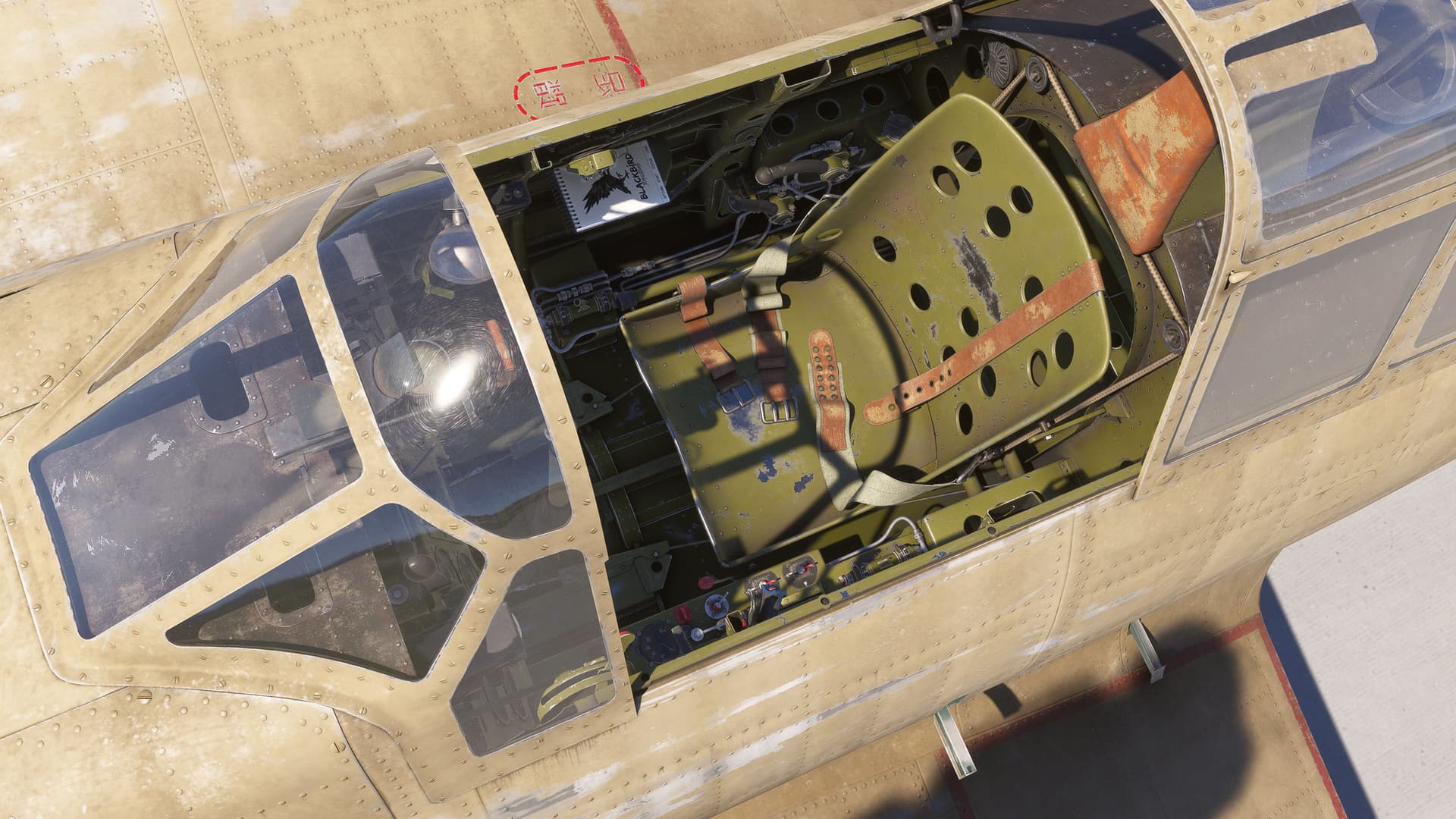
Will be interesting to hear the engine. Isn’t there only one Zero with it’s original engine?
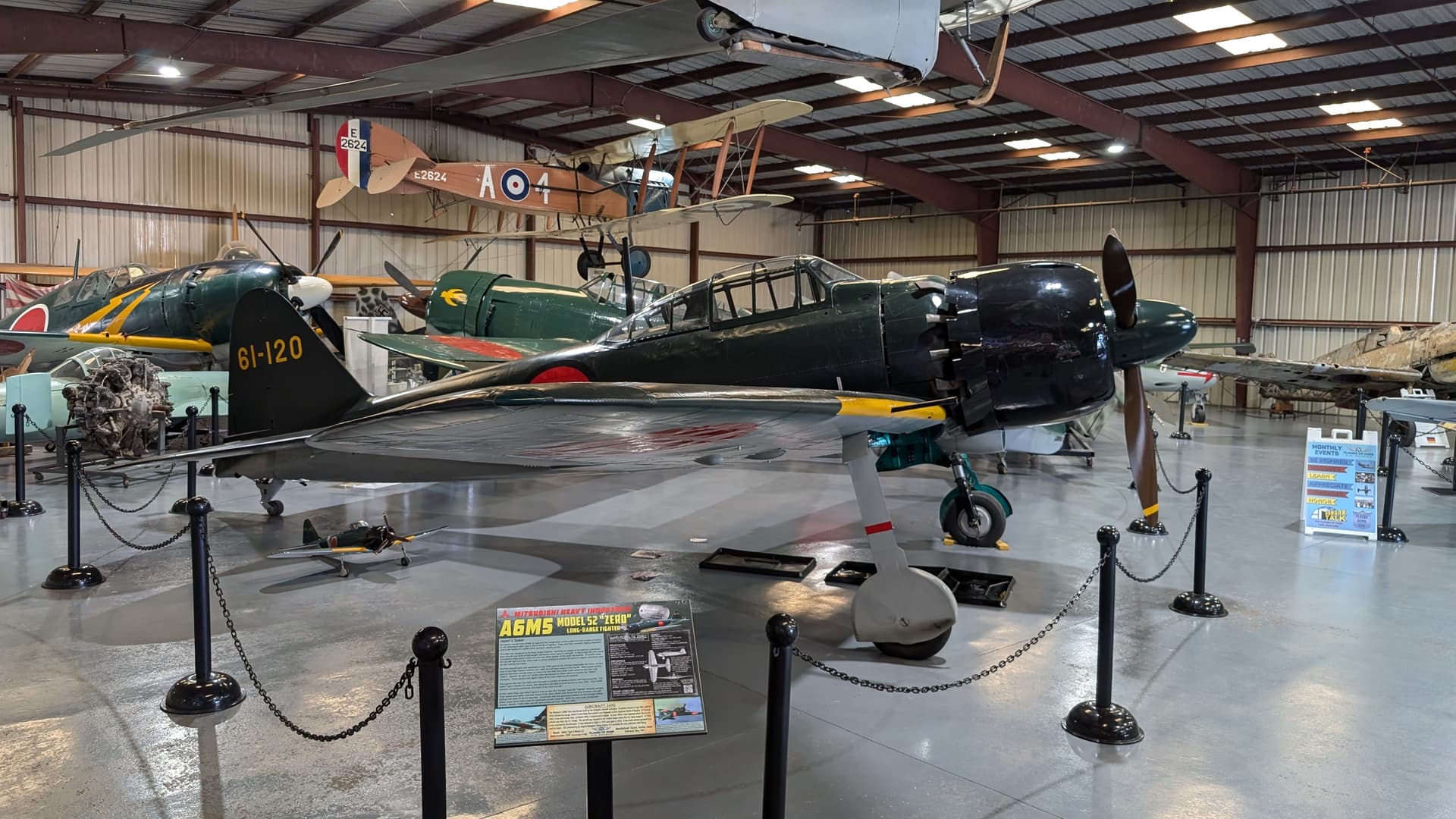

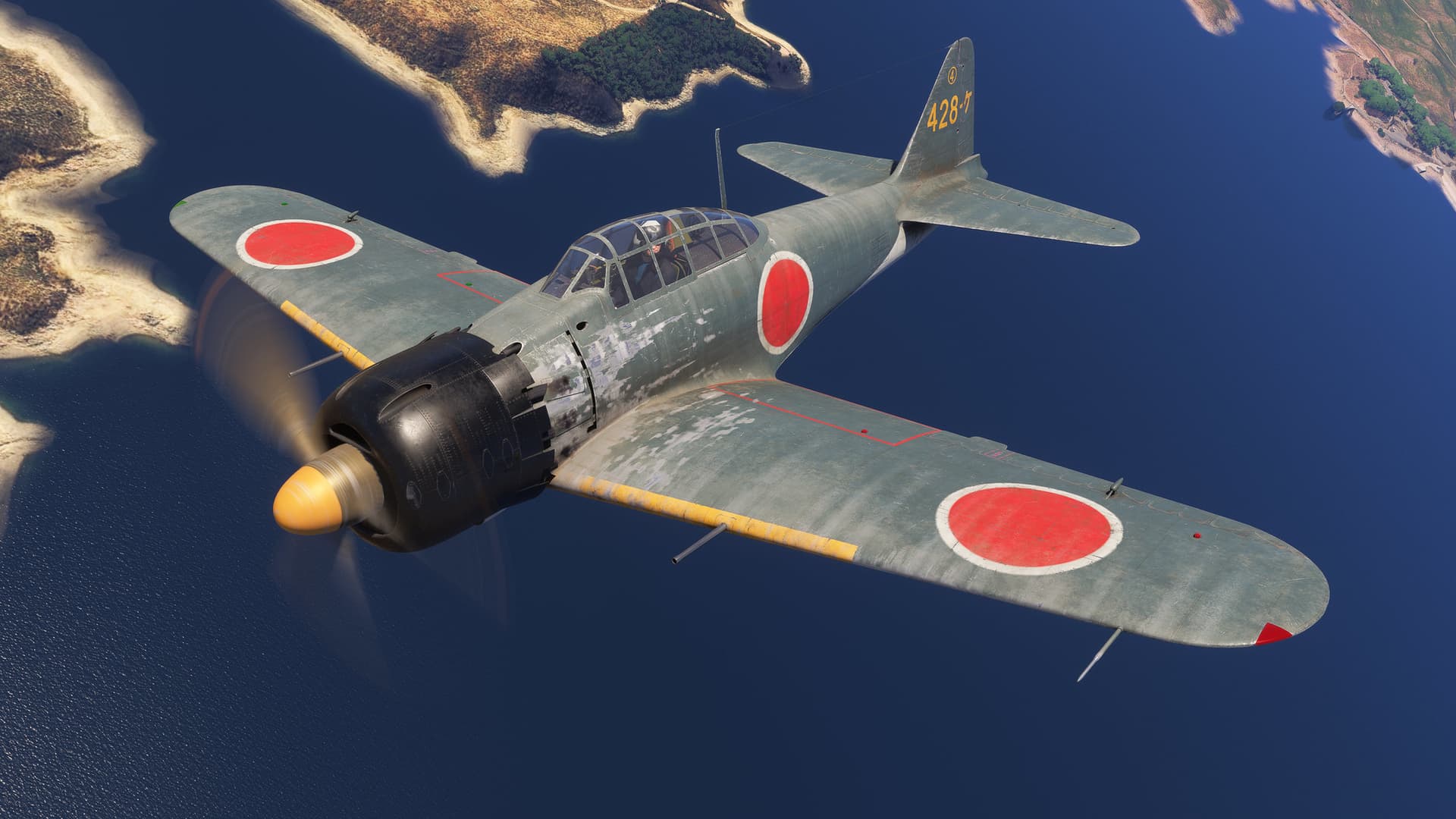
Thanks for sharing! The photos make me think that - given Blackbird’s promo materials that say their Zero is built to fly in modern airspace, with our own pilot avatars instead of a WW II pilot - it’d be nice to have some museum or airshow repaints as clean as this one. The ones in the pre-release screenshots look pretty battered. Hope our third-party repainters will come through.
They seem to be following true to life wear and tear on the exterior of the Zero. The aluminum skin was SOO thin that you can poke a finger through it if you were not careful. And given the areas they were flying out of the paint wore extremely quick. If you look at the US warbirds of the time they had a similar amount of paint wear on them. Hopefully there will be a clean fresh livery or so.
Agree! Their repaints would be perfect for a WW II in-service Zero. And in general I prefer that look to the overly-clean current versions (always have mixed feelings about those mirror-polished P-51s because none of the in-service aircraft looked like that).
It’s just that they say their focus is on a modern Zero.
I gues the other option is to provide a period-correct pilot (or maybe a couple to account for the US “Foreign Equipment” version.
But a guess modeling a pilot is harder than painting the aircraft.
I’m sure we’ll see some current ones. It’ll be nice to have a choice.
Without some pretty serious custom coding, we can’t put a period era pilot in place.
That said, the concentration is on a period piece.
Our paint kit will allow you to, easily, do one that’s clean.
We will also look at this.
Understood.
I gather that coding a pilot is no easy matter - probably why Got Friends decided not to continue their Avatar series.
Definitely not a dealbreaker. In fact just watched Jonathan Beckett’s livestream and I’m even more eager to jump in.
Looking forward to it!
So far looks great.
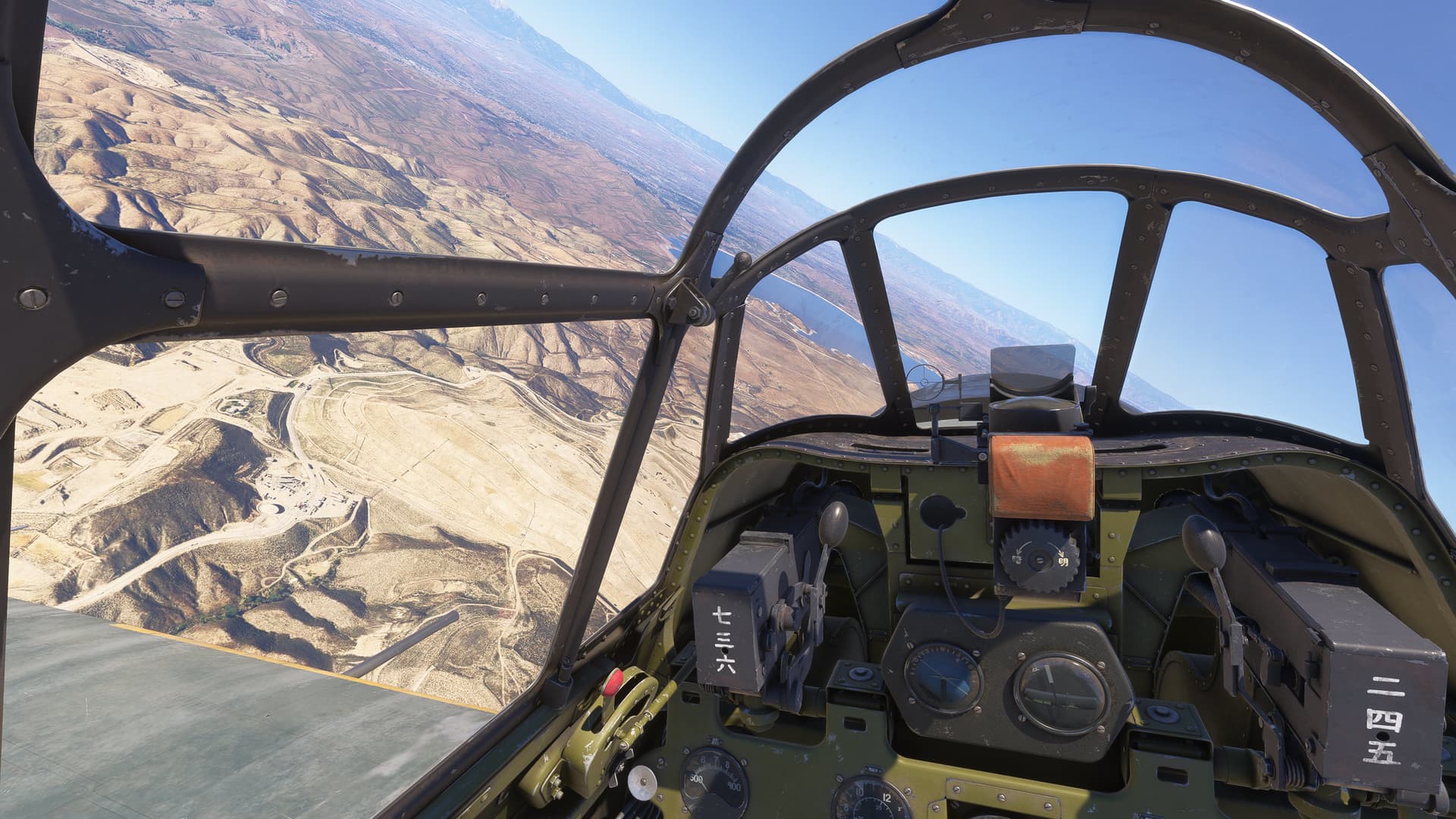
Has anyone else problems opening the canopy and switching guns (using the throttle switch)?
Edit: Found it out myself.
To Switch Guns you have to hold left mouse button, then right click.
For Canopy: There is a lock is on the left side of canopy.
20 seconds 'til I can leave work, and buy it.
See you all in the friendly skies in about 45 minutes.
I now have 1.5-hrs flying this Zero in the sim this afternoon, and it’s my new favorite flight sim warbird. I’ve long had an affection for the Zero, and I’ve been waiting a very long time to see a developer reproduce one properly, as Blackbird has. It’s definitely amongst the best $25 I’ve ever spent for a flight sim aircraft, and I think it’s worth far more. I’m so incredibly impressed with the attention to detail in the visuals, flight dynamics and systems. Be sure to read the manual, in order to get the most of your experience! It’s quite a complex, heavily-coded simulation.
I just love how mechanical it all is. Hand cranks for the cowl flaps and oil cooler flaps, and you have to keep an eye on the cylinder head temps and oil temps and keep manually changing the positions of the cowl and oil cooler flaps to keep the temps within their proper ranges. Be aware that the hydraulically-controlled flaps work with a three-position lever (up, down and neutral) - so for those like me, who use a two-position flap switch on your controller, you just have to remember what the last position was that you moved the flaps to. The sounds are excellent, and I especially love the hand-cranked inertia starter sound and then the sound of it starting up when you engage the clutch. It’s the first warbird designed for use in MSFS 2024, so it takes advantage of the walkaround (rotating the prop to move the oil around in the engine, removing the chocks, removing the pitot cover, and checking the control surfaces), and it also has dirt/grime textures that build up as you fly it, depending on the conditions (which you can also “wash off”). In the cockpit, you have access to a notebook that provides interaction with all of the intricate features woven in - the same sorts of things you find with computer tablets in other sim aircraft, and I love the fact that with this aircraft it is a notebook, which seems much more at home in the cockpit of a WWII warbird than a computer tablet. One of the many options, from the in-cockpit notebook, is the ability to have a modern handheld radio in the cockpit, which I also find to be an excellent choice/option and, like the notebook, you can also move the handheld radio between two different locations in the cockpit (for when you want to see it easily, or when you want to stow it out of the way). Flying it, I love the feeling they’ve been able to capture with the flight dynamics - it doesn’t feel like a toy, it really feels like what I’ve read described and seen how these warbirds handle - very stable, very heavy control forces with speed, and having to use some real muscle to throw it around in the sky, not just fingertip controls. You really get a sense of the aircraft’s mass. Also, as soon as the engine starts, all sorts of things begin shaking/rattling/swaying in the cockpit, as they would in reality. I think Blackbird has done a phenomenal job with this.
Has anyone tried it with MSFS2020? Is the file structure different?
It’s a completely different file structure. The textures also wouldn’t be recognized by MSFS 2020, and there are advanced 2024 features incorporated that 2020 doesn’t support.
Thank you for your reply. I would be happy if it would support MSFS2020 in the future.


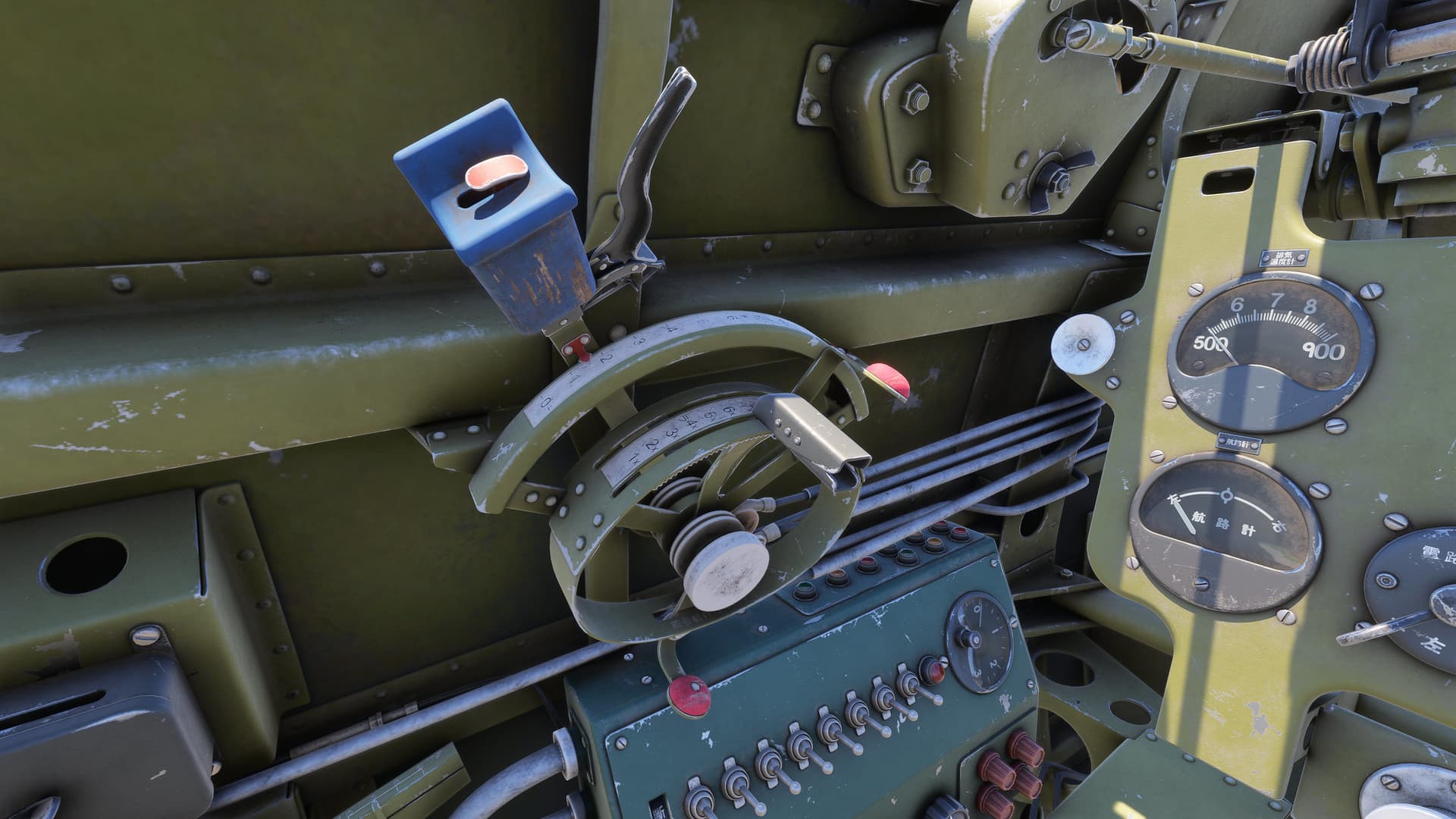
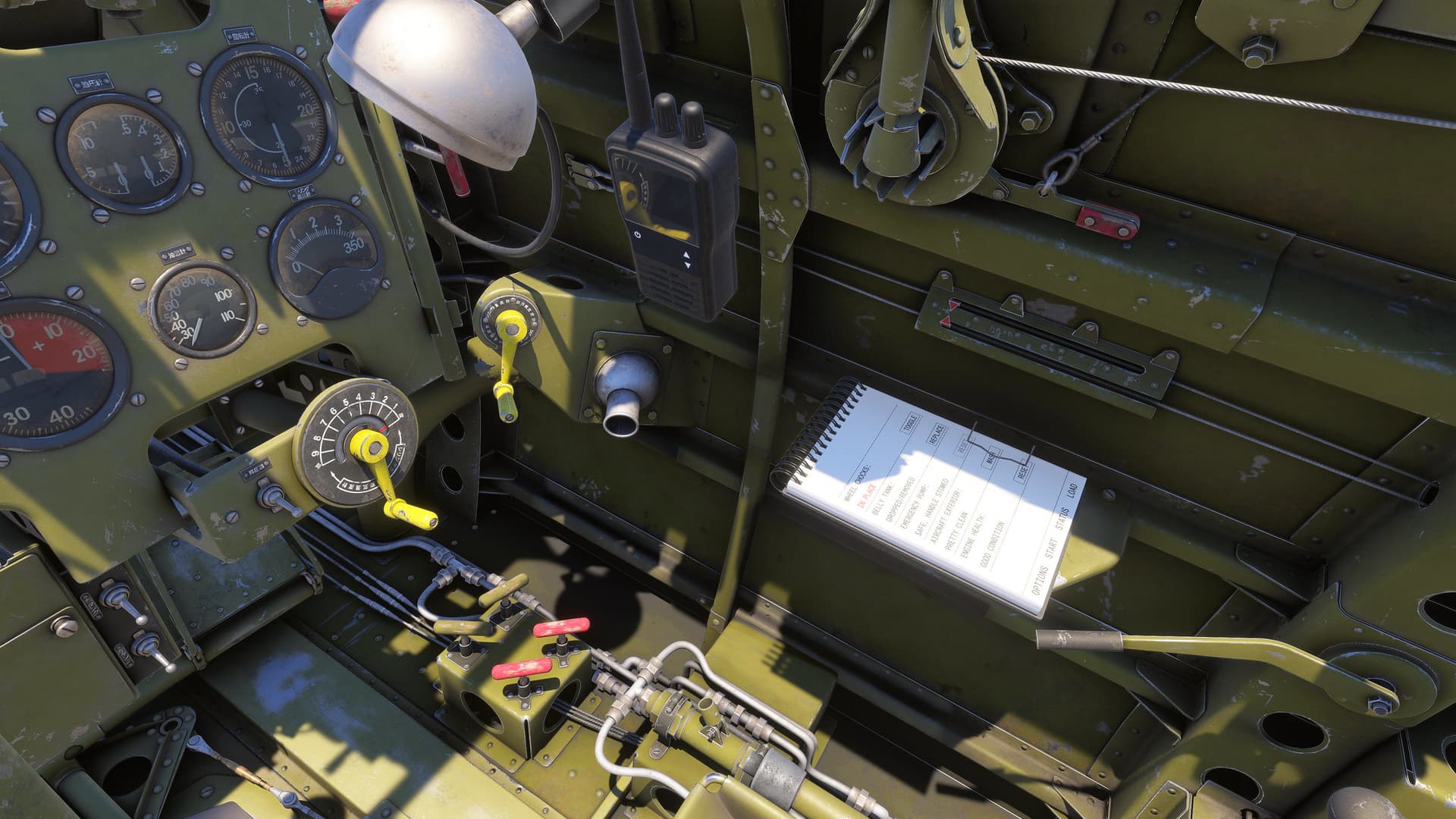
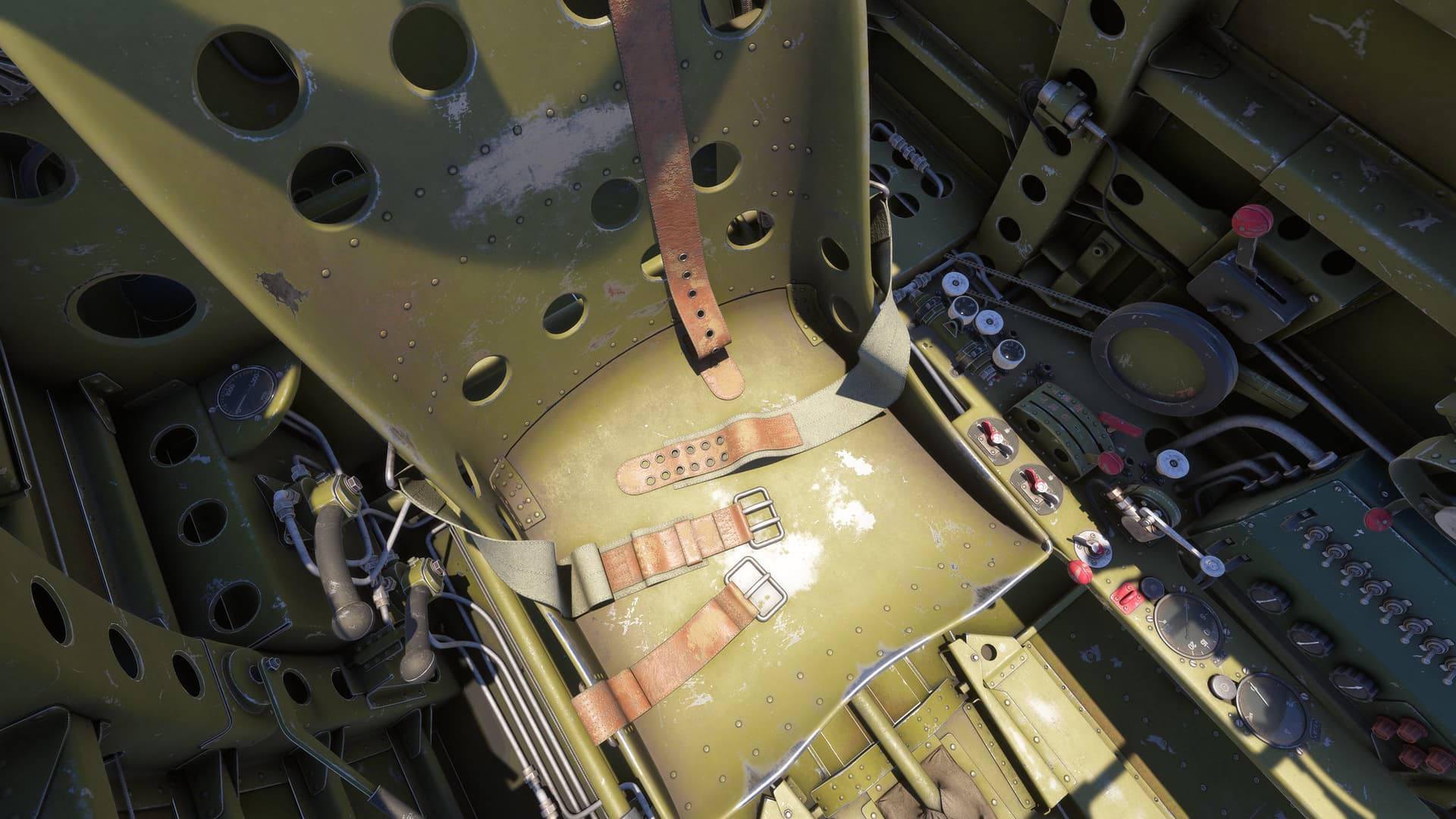
What I dont understand is, why the supercharger was not modelled to be manually switchable. i know that the default SDK has no vars/events for that, but there a releatively simple workarounds for that and most important in your corsair, you managed to model a 3 stage supercharger correctly. So you seem to already know how to do it.
And furthermore one cannot hold the gun fire lever down with keyboard commands, this would be nice, if this could be changed. Not even BEvents work properly, cause in the Update Section it checks for mouse inputs and if they are not used, the Gun Lever snaps always back to Off.
Besides that the Zero feels fantastic so far.
My airspeed indicator does not seem to work, have I missed a switch to activate it?
Apart from that, I have got it to spin into the ground, crash twice on takeoff, abort one other take off do three go-arounds on account of bouncing the plane off the runway, and one semi-successful landing.


Make sure to take off the pitot cover during your walk around.
Pitot tube, should have been the first thin i thought of, lol I did a walk-around, but didn’t notice it thanks!
One of the cool features in walkaround mode, is that on the port-side of the fuselage, you can click on the steps that spring out, and they’ll pop out just like how they do on the real aircraft. Once they’re popped out, you can then use them to walk up onto the wing (where there is also the reinforced step plate). Then make sure to slide them back in before you climb into the cockpit. On the real aircraft, you have to be mindful not to step anywhere within the red-outlined area of the wing, due to how thin the skins and structure are (hence, the importance of the steps).