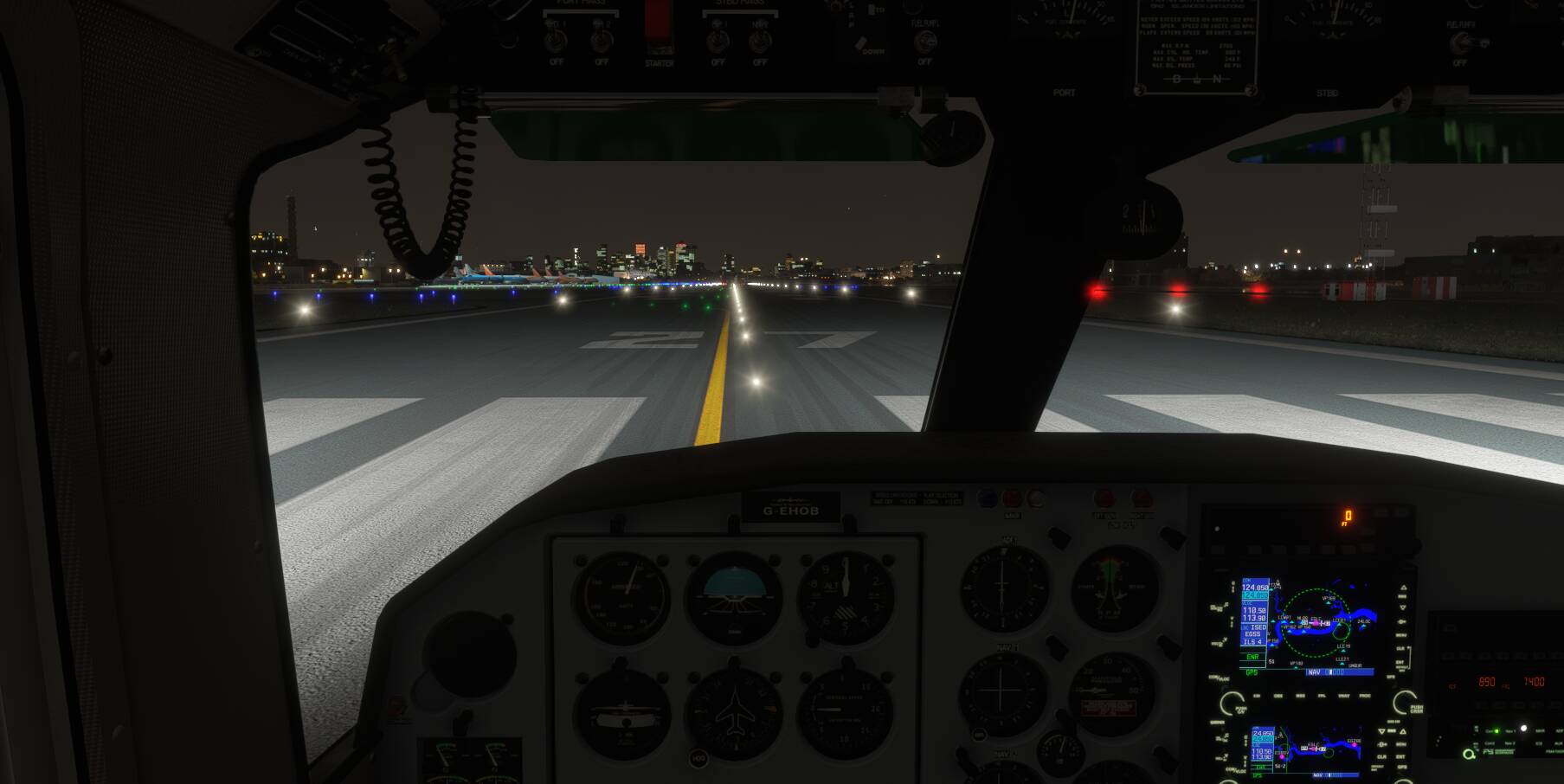
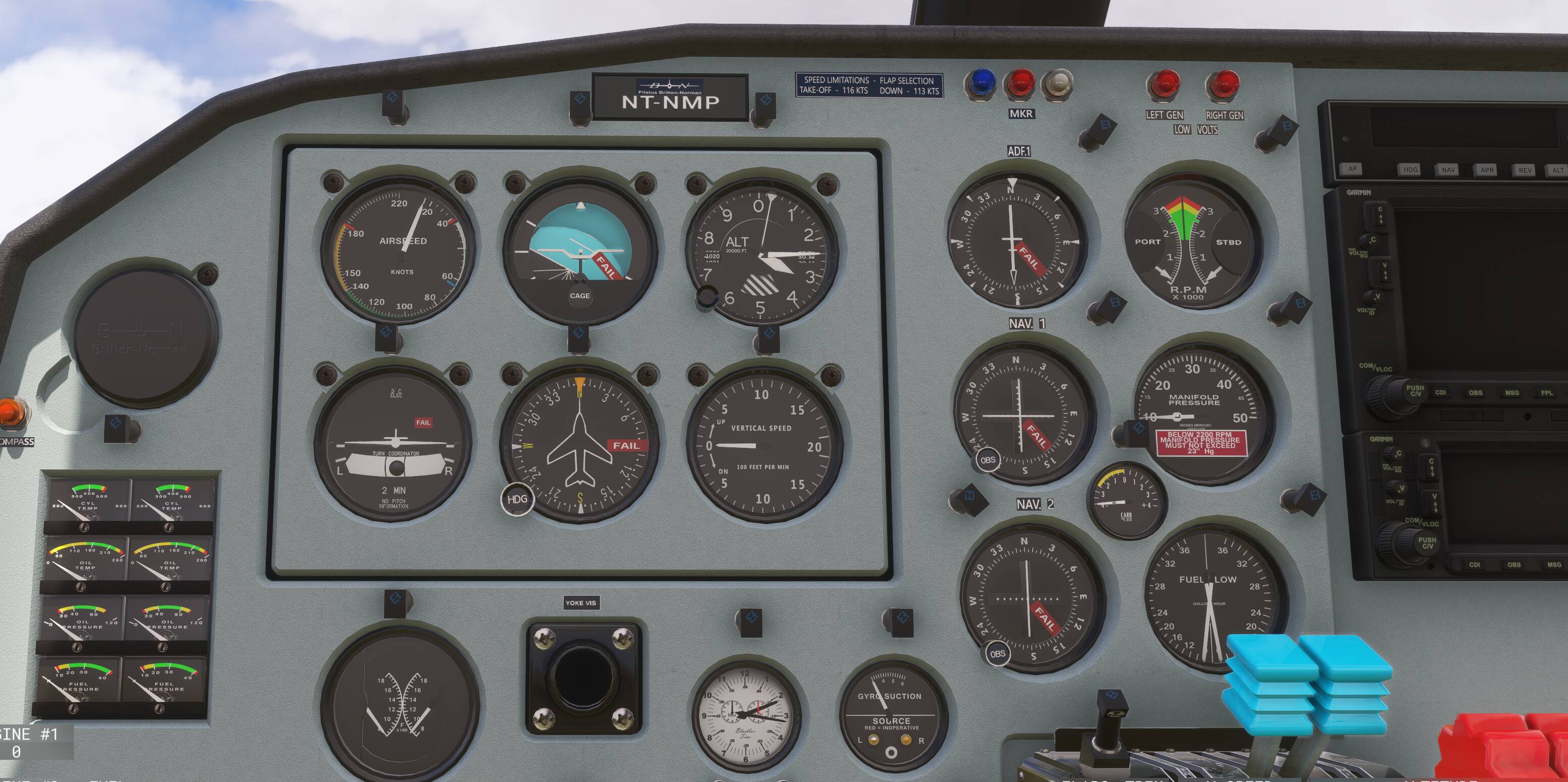
Blackbox MSFS2024 Britten Norman Islander

ok i finally got got it installed. my first observations and i’ve provided screenshots when able:

  1. graphics: i was expecting at least a moderate graphical fidelity increase since they said this was a native 2024 version. but no, the graphics are very poor for msfs2024 standards. in fact it doesn’t look like there have been any upgrades as far as I can tell?

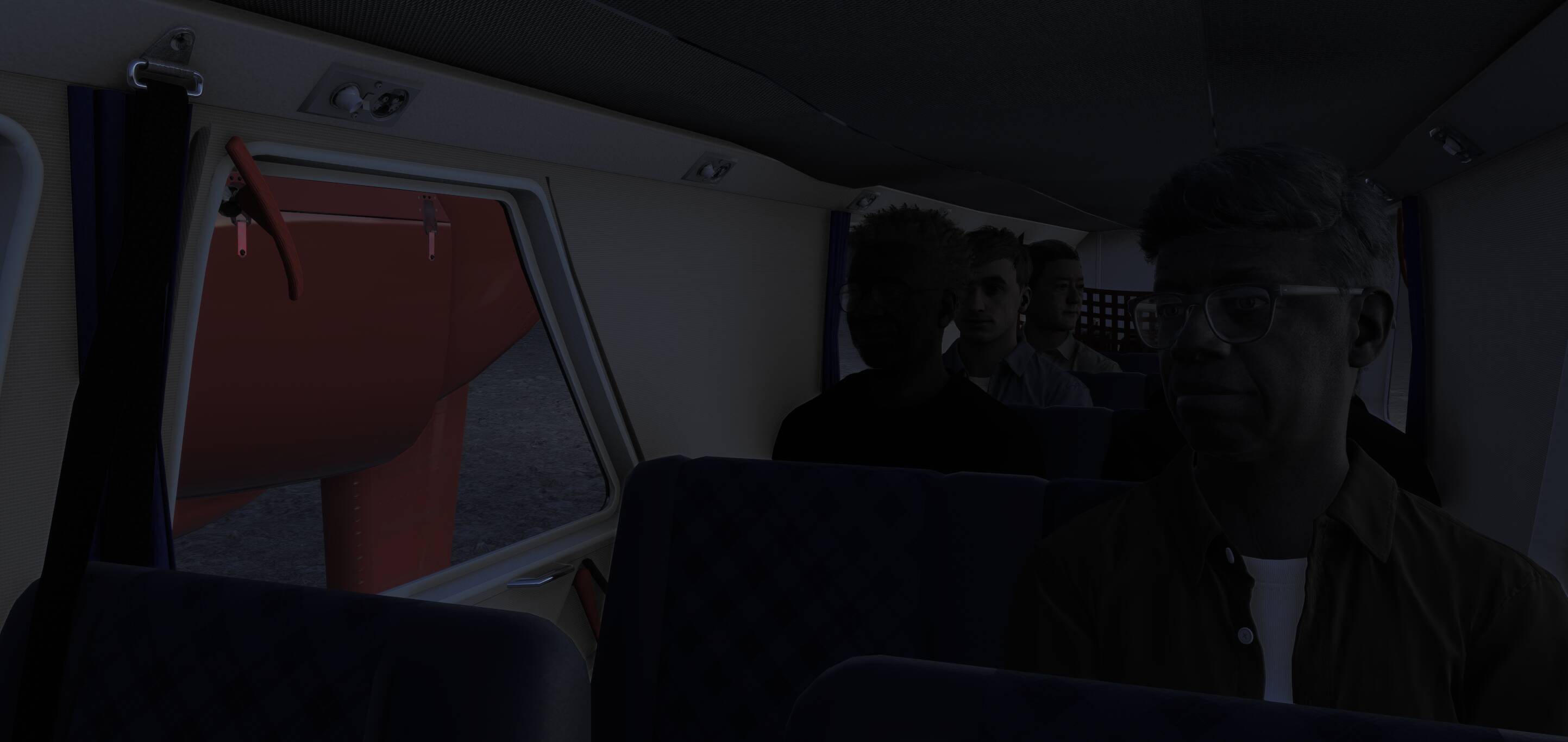
  2. cabin lights dont work which is a bummer a my first flight was in the evening
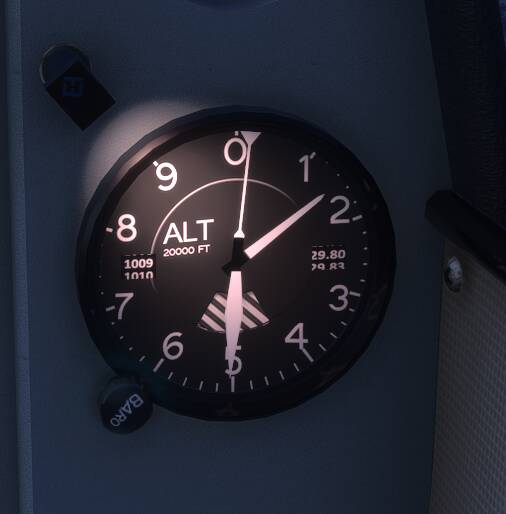
  1. backup altimeter doesn’t go above 29.80in? v weird
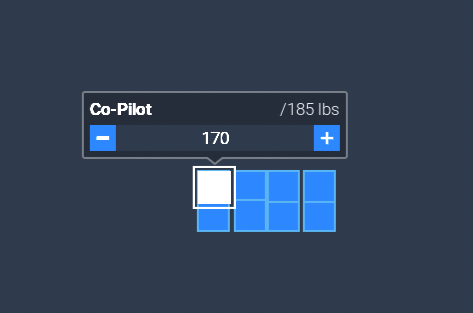
  1. in the W&B there’s only 8 seats available to input (there’s 10 seats in the plane)
  1. as far as I can tell there’s no efb (apart from the standard msfs2024 one) so there’s no way to control doors or chocks or any static objects from inside the cockpit. you have to get out for everything.

  2. switches make no sound (very noticeable right away)

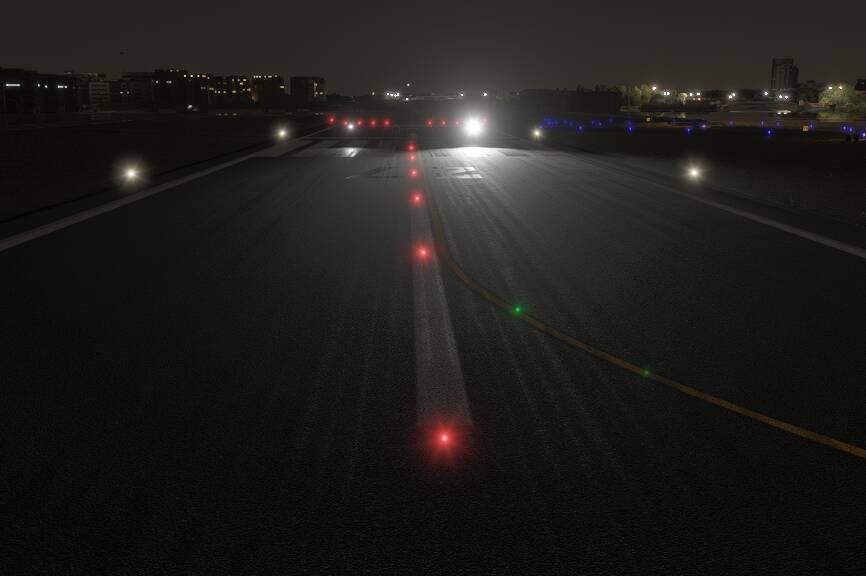
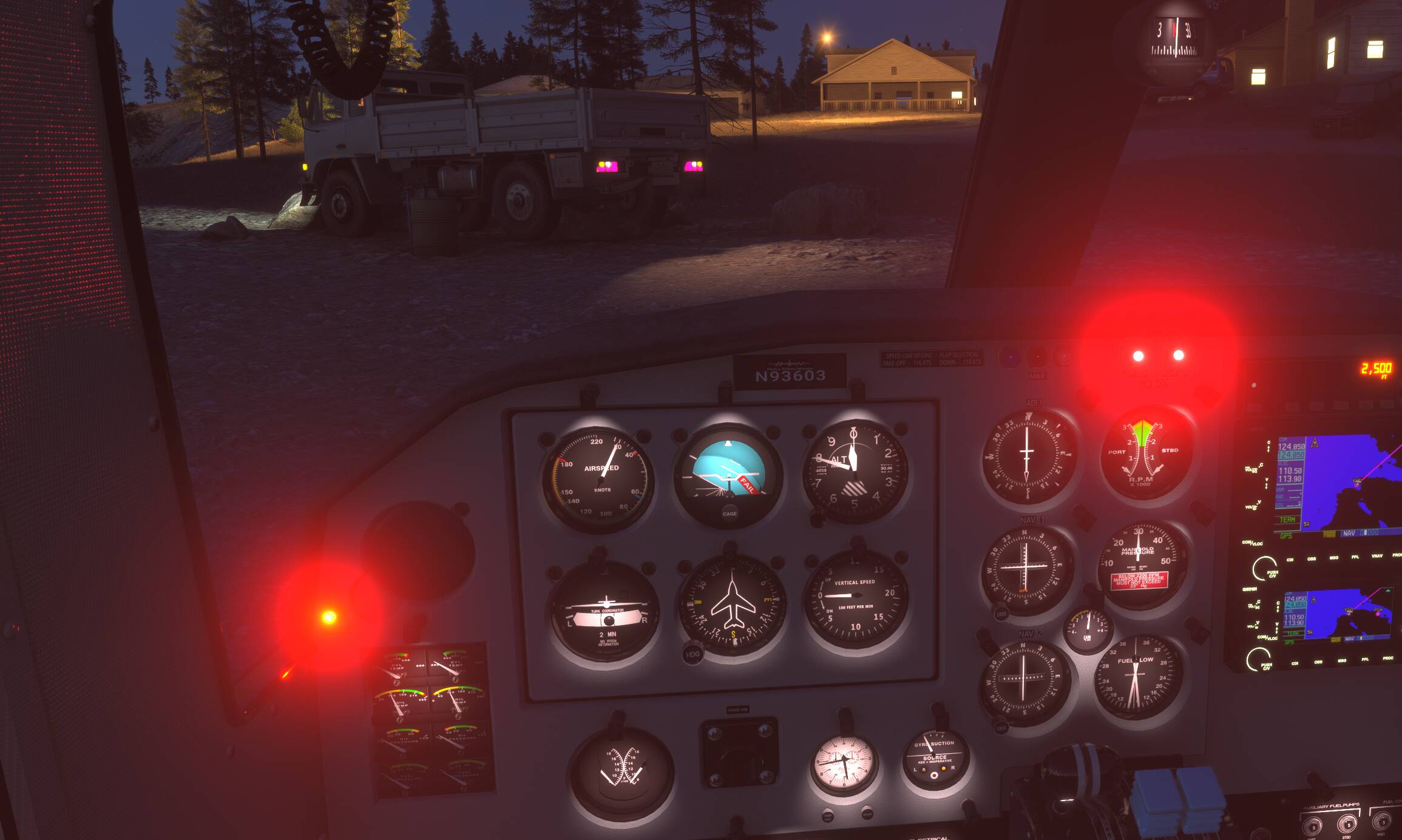
  3. the red lights on the cockpit are so bright they blind you in the evening and there’s no way to dim them as far as I can tell.
That’s all I can find for now, about to take off so will update if there are any more observations.

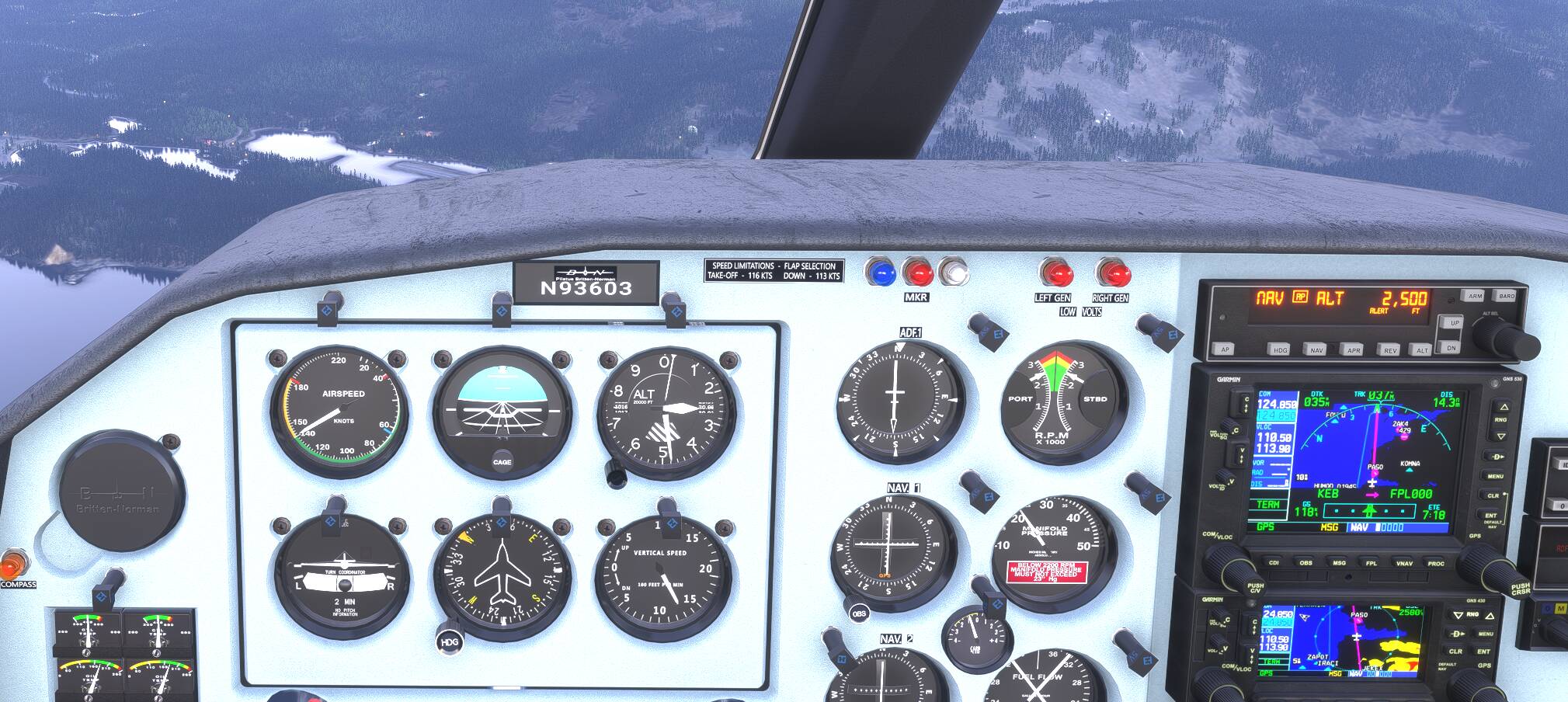
UPDATE: yeah the autopilot is wonky as all heck. it can’t hold an altitude to save the life of it. its supposed to be holding level at 2500 but you can see from the VS indicator its descending fast, then it will correct and over shoot, etc. I had it level at 2500 to start.
1 Like

I agree with the AP issue. Mine was struggling yesterday. I couldn’t get it to perform a VS climb. AP would not switch on either. This plane needs a lot of fixes for sure.
I couldn’t get the Baro to switch to STD, the heading doesn’t switch to your hdg with a click.
All this besides the above things demonstrated that are wrong.

Oddly, some of the faults are random. It will work one time and not the next. Strange plane!

i also had 2020 version for a while and expected 2024 version to be at least somewhat higher fidelity than 2020 but model quality improvements are very minor and the only difference it seems are walkaround and certain modules getting damaged after a while.

1 Like

Not a singel mission as freelancer not even in alaska. Only one Mission as Employee today. Will test each day. What type of BN-2 do you own for cargo. I have the glass cockpit variant. Maybe that is the problem? Or I have to reintall the SIM ….

Don’t bother with that. That almost never fixes whatever the real issue you might be experiencing. At least with 2024 its a swifter process than 2020 ever was though, so there’s that.

OR Perhaps ….. Strange Sim ??

1 Like

No, not in this case. If these issues happened with all aircraft I would agree. So far it is only this one for me. When she works she is pleasantly surprising. But seriously frustrating when not.

1 Like

I also have the Garmin one and not Analogue.

cant you just select what you need from the Variants ?

Yes all variants are selectable. Was replying to LorkenSturm what variant I have selected.

Also why is the aircraft not starting up with CTRL+E ? It does turn off with CTRL+SHFT+E.

When you use Ctrl+E do any switches/knobs/levers change position or does nothing happen at all?

Yes - only the left mixture lever (red) moves to the halfway position. Nothing else changes. Very strange.

As a reminder - Voice of the Customer Feedback and Direct Technical Support for Third Party Products is NOT ALLOWED anywhere in the Microsoft Flight Simulator Official Forums. Regardless of your role, whether creator/manufacturer or buyer/potential buyer, kindly take those discussions back to the manufacturer’s official support channels. But they cannot stay here. Let’s stay on track folks - this is a GENERAL discussion thread. There are recent sub-threads here that constitute either customer complaints or official technical support. Thanks.

The issue appears to be the ‘max weight’ (which accounts for combined fuel, cargo, pax weight) in career is 2060lbs and there will be very few missions generated with a combination of cargo and required range that will meet that.

I suspect that this number should be higher comparing it to other planes, for example the C208 figure is closer to 3500lbs.

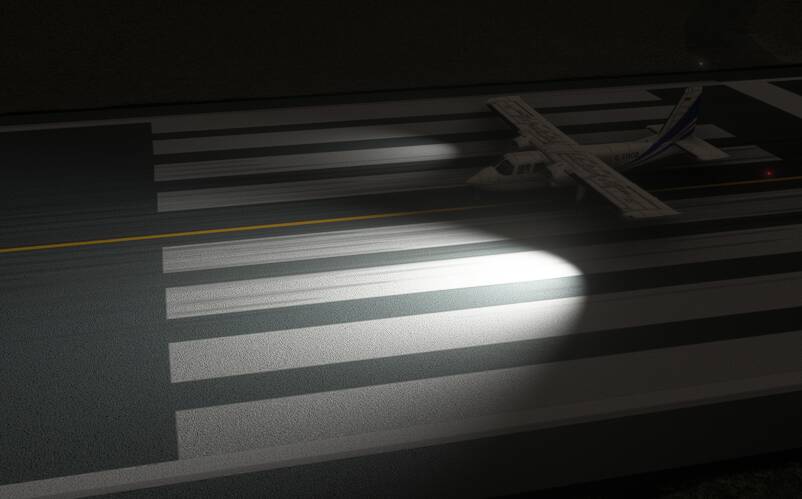
I spent some time this morning looking at the Islanders landing lights. Some research seems to indicate that suitable replacements are either the PAR36 or PAR46 lights, which are used on a lot of aircraft.

https://transair.co.uk/document/3793/Parmetheus_Series.pdf

According to the MSFS 2024 SDK, light intensity is measure in Candela’s.

https://docs.flightsimulator.com/msfs2024/html/5_Content_Configuration/CFG_Files/System/Light_FX_Properties.htm

The 2024 Islander has Intensity set to 2500, which is more than 15x less than even the dimmest bulb on that light above, the Aero LED PAR 36.

I did some playing around with the SDK, and I upgraded the current bulbs to the top of the range PAR46 Pro, rated at 175,557 Candela.

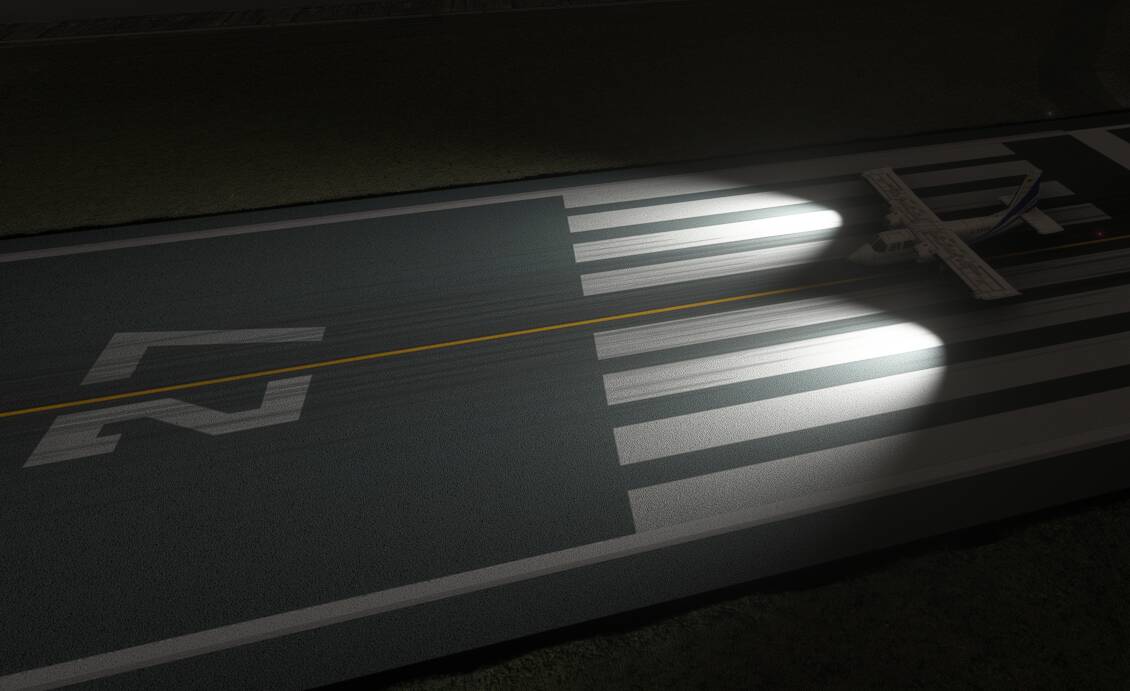
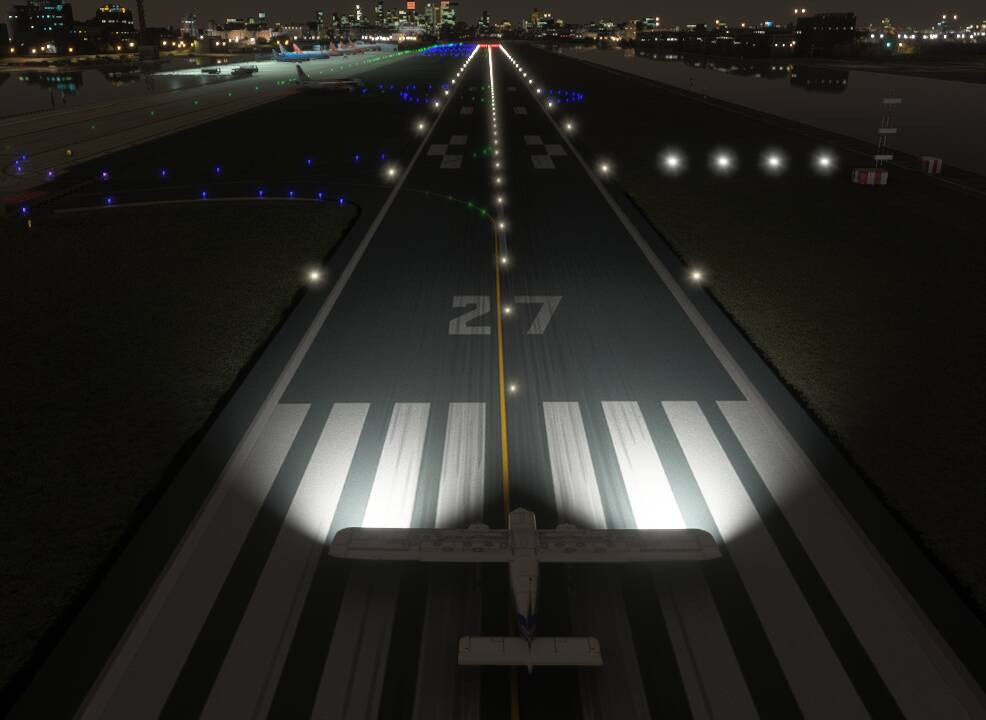
Some comparison shots below, where I have upgraded only the left bulb to the slightly weaker PAR36 at 106,169, so you can see the difference:


I then set the right landing light to the PAR46 Pro at 175,557:


I couldn’t see a massive difference between 106,169, and 175,557, but there is a world of difference between those and 2500. The right hand light, viewed from above, seems to have a slightly wider cone of light. That’s the difference between the inner cone where 100% of light is visible, and the outer cone where the light reduces to 0. In the sim plane these two values are set to 0, and 50 degrees.

Looking at the specs for the lights linked to above, their aperture is set to 10 degrees. I wasn’t sure if that meant totality or the inner cone as presented in the sim. When I changed those values to 10/50, I didn’t see a huge difference, unless I also reduced the outer cone nearer to 10. You can then start to see a distinct brighter part of the cast light.

I also disabled the volumetric lights, which gets rids of that pretty awful light cone that is visible even without any cloud or fog.

6 Likes

In the documentation related to the BN2 for 2024 it says

As an option for your Islander, we have added the Basic ASPEN Evolution E5 EFIS to your panel to reflect the instrument fitted in some aircraft. You can, however, add this option to any aircraft in the package by simply clicking the ASPEN sticker (1) located just above the Airspeed Indicator.

But in the aircraft I don’t have this sticker… What am I missing ?

I don’t see one either, Ill try another version

Or maybe this doesn’t apply to the 2024 version but only 2020….

Nothing here either

Are you sure the info was for 2024? Seems odd you would need the Evolution E5 when you have the 750nxi and 650nxi or garmins. Maybe if those are not installed you get that???