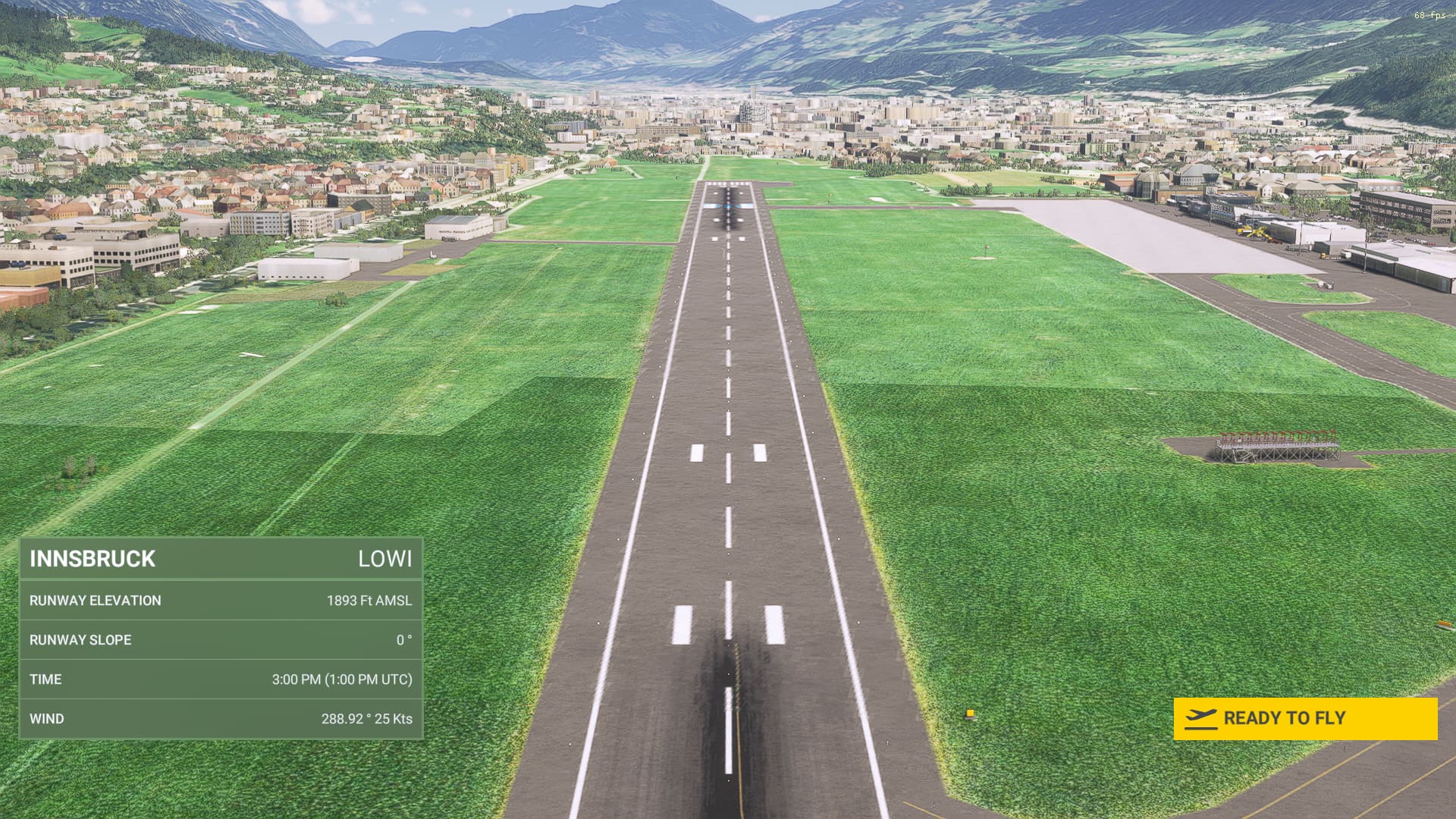
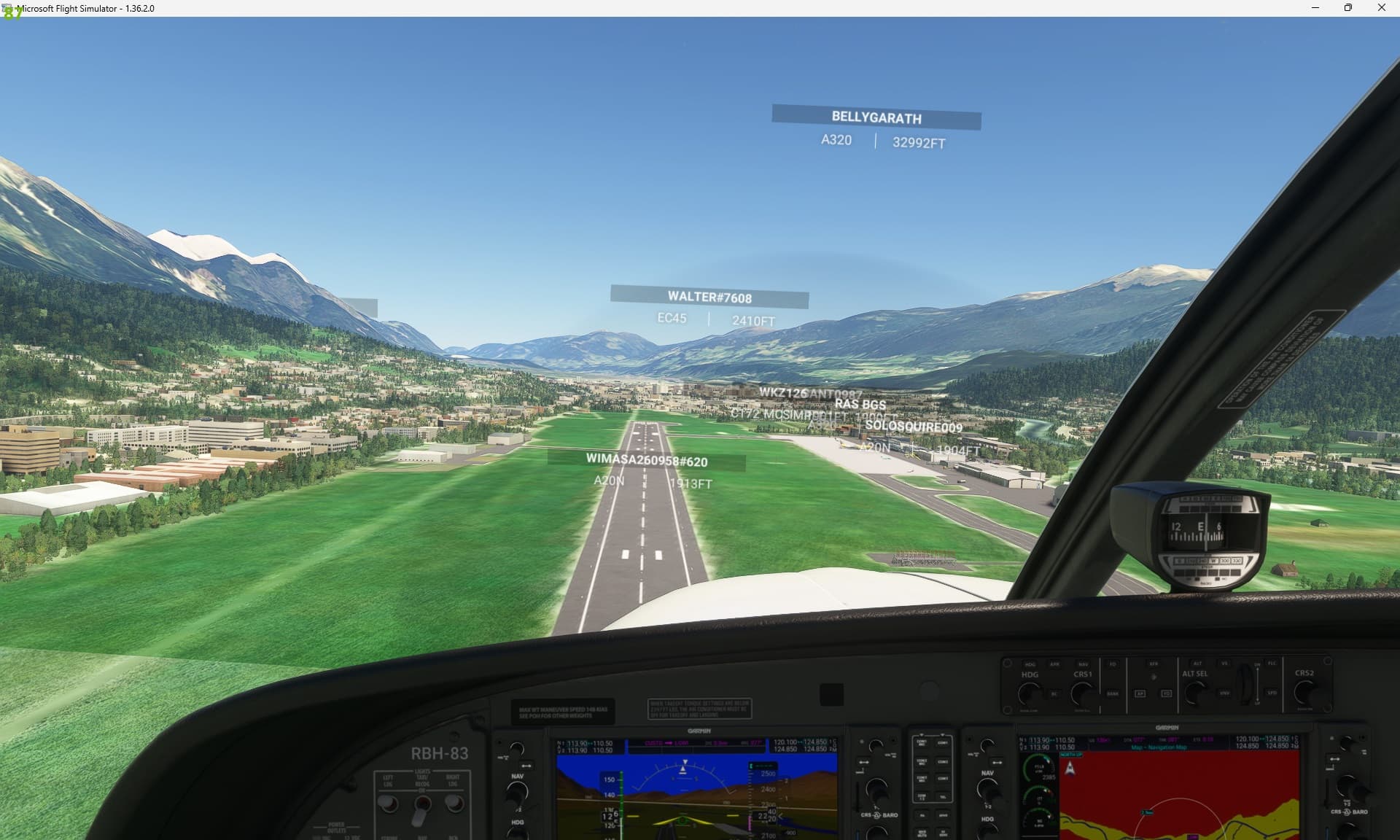
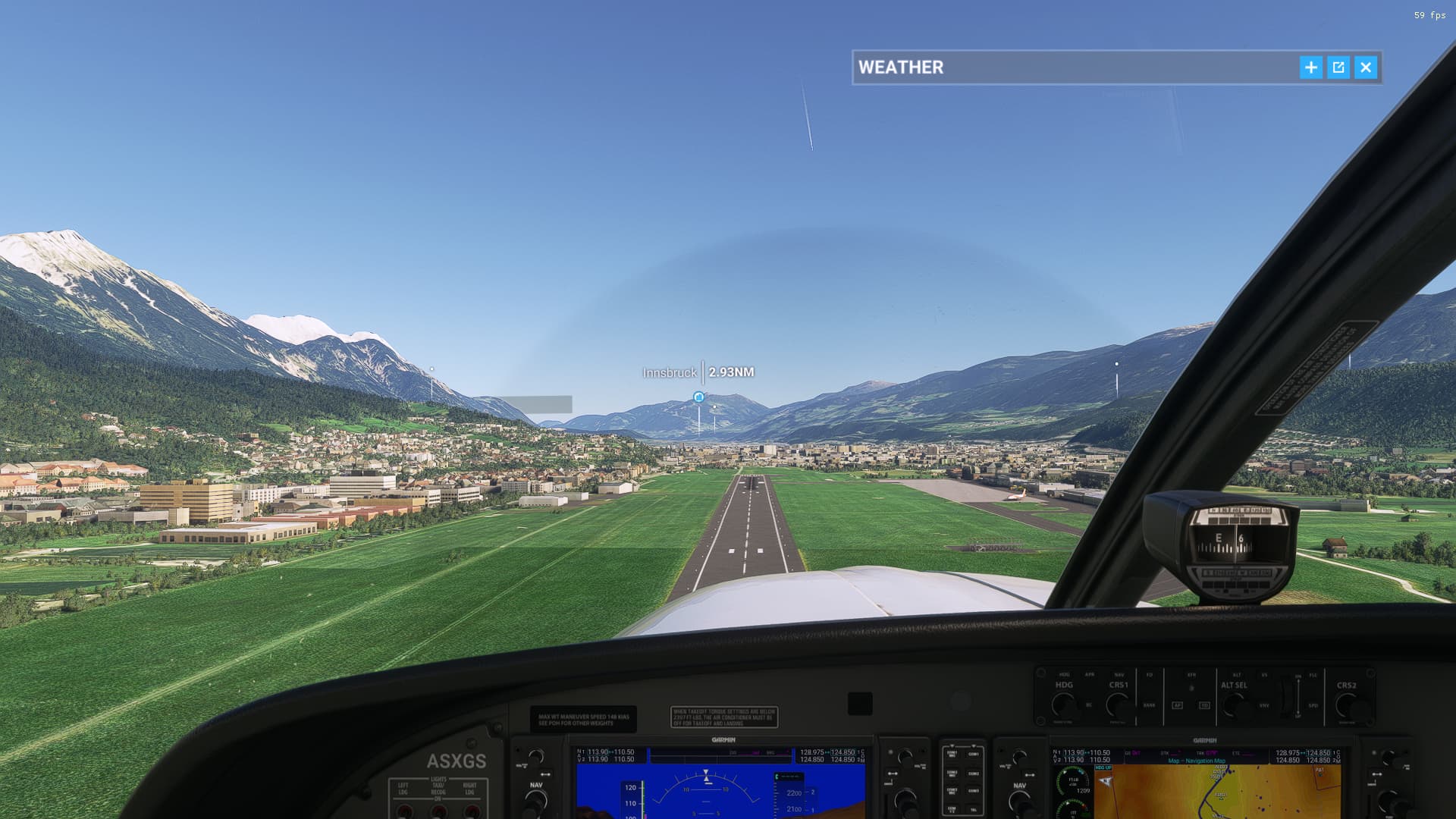
Hey guys. I’ve noticed this problem for a few days now. Tried messing with all the AA settings but it doesn’t seem to solve it.

this is default LOWI but the effect is global.
If you use the rolling cache, have you tried after emptying it?
rolling cache is off, by emptying you mean delete rolling cache option in the sim or somewhere in the main folder?
In the General Options.
Yup, done that. Didn’t notice any improvement unfortunately.
I have this same issue, I also have rolling cache off. It makes it very difficult to see the runway sometimes.
Here’s the bug thread where you can vote on this getting fixed.
I had the same issue but fixed it this way.
Go to General Options/Graphics and change this:
Anti-Aliasing to TAA.
V-Sync to ON.
Frame Rate Limit to 50% Monitor Refrsh Rate.
DirectX Version to DX11.
This gives me a crisp and clear view of the runways and on the CDI the figures in ALT and SPD tapes are not any more blurry.
I also turned on Frame Rate Limit (50%) giving 30 FPS and a silent PC, the fans are barely whispering now.
Those settings are the same as me, yet the problem still pops up, so I suspect that is not a complete solution. Perhaps just coincidence.
I think if you turn ambient occlusion up a bit it’s the fix aswell
Edit - Anisotropic Filtering** that’s what I changed for the fix.
The best way is to go into your Nvidia control panel, turn up anisotropic filtering in the nvidia control panel for the msfs application, then in the sim, turn off anisotropic filtering in the sim
The “An-isotropic Filtering” suggestion was discussed in the main thread.
Visually it looks like that addresses a different concern, and not the weird low res, large jagged edges like you can see on the runway.
Anisotropic Filtering should be set at 16X in the nVidia Control Panel, and turned OFF in the sim.
But that looks like a problem with the texture map itself. Notice how the buildings have practically no edge artifacts at all. If anti-aliasing was the problem, I would expect you’d see the jaggies there as well
Yup, that’s what I have currently set up in my settings. My guess it’s the way the sim has been optimized for performance cause I’ve seen some photos of the sim when it was at launch compared to now and the difference is pretty big