ISSUE DESCRIPTION
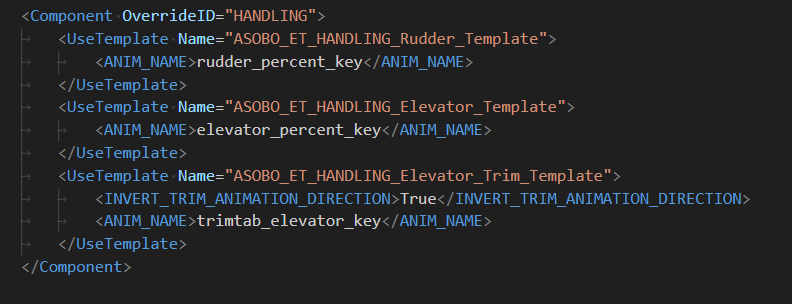
Description of the issue: trim surface is visually not moving
FREQUENCY OF ISSUE
How often does this occur for you (Example: Just once, every time on sim load, intermittently)? always
REPRODUCTION STEPS
Please list clear steps you took in order to help our test team reproduce the same issue:
- spawn with the 152 or 152 aerobat
- move full up/down the trim
- go to external view, notice that the trim surface stays neutral
- takeoff, move the trim: it has an aerodynamic effect on the flight even if visually does not move
Remarks:
- reported in SU4 as I am in the beta but could also be the same in the live version
- works as expected in FS2020
YOUR SETTINGS
If the issue still occurs with no mods and add-ons, please continue to report your issue. If not, please move this post to the User Support Hub.
What peripherals are you using:
[PC Only] Are you using Developer Mode or have you made any changes to it?
[PC Only] What GPU (Graphics Card) do you use?
[PC Only] What other relevant PC specs can you share?


 :
: