Hey guys, is the Career Mode unlock for the C17 currently bugged? I’ve finished all certifications and specializations, but the game still tells me it’s locked and requires career activities (attached a screenshot). Anyone know a workaround?
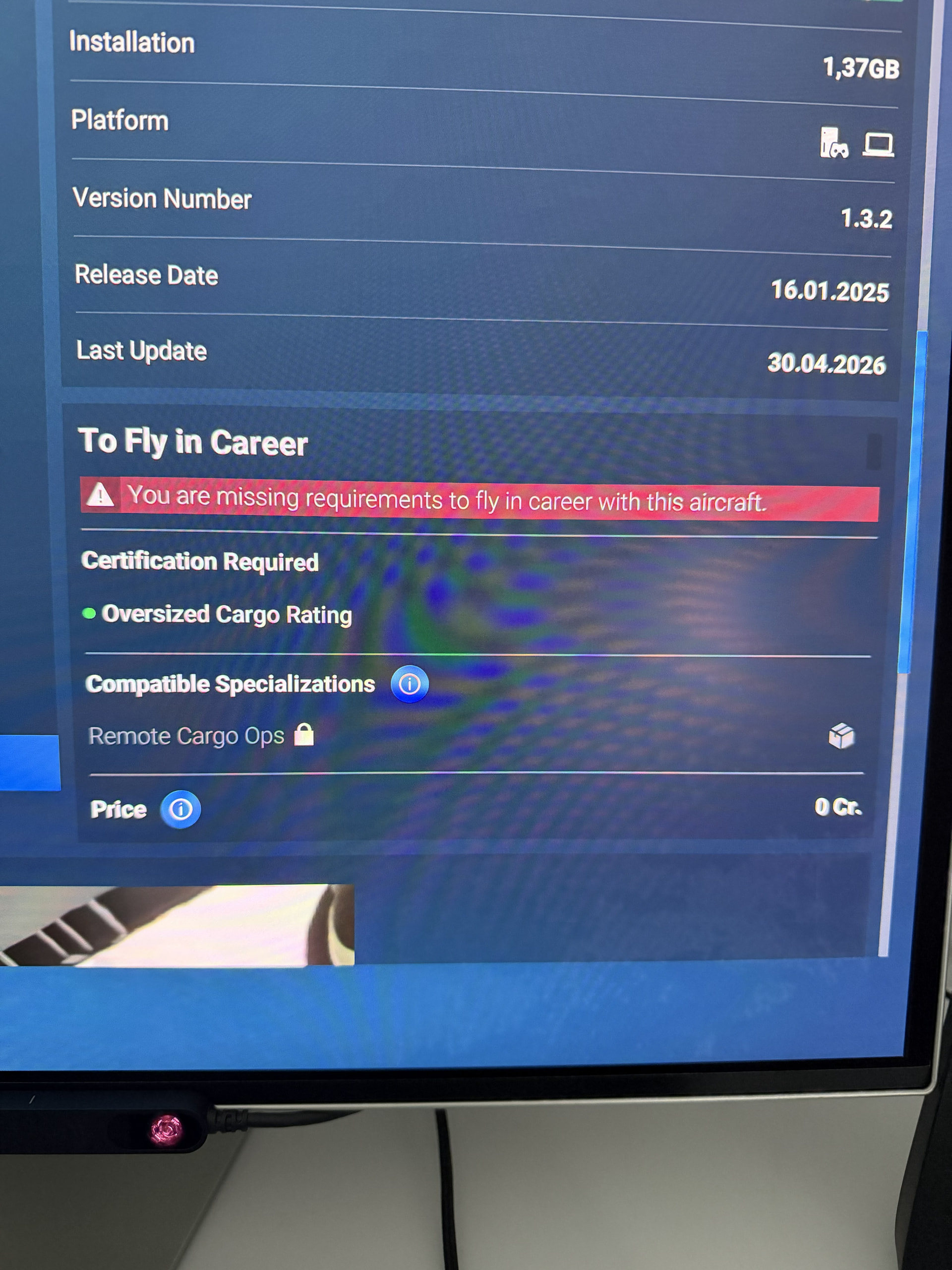
There’s usually a Gold Star Related Mission tied to the category that you must also complete after gaining the specialization rating. Check around for that.
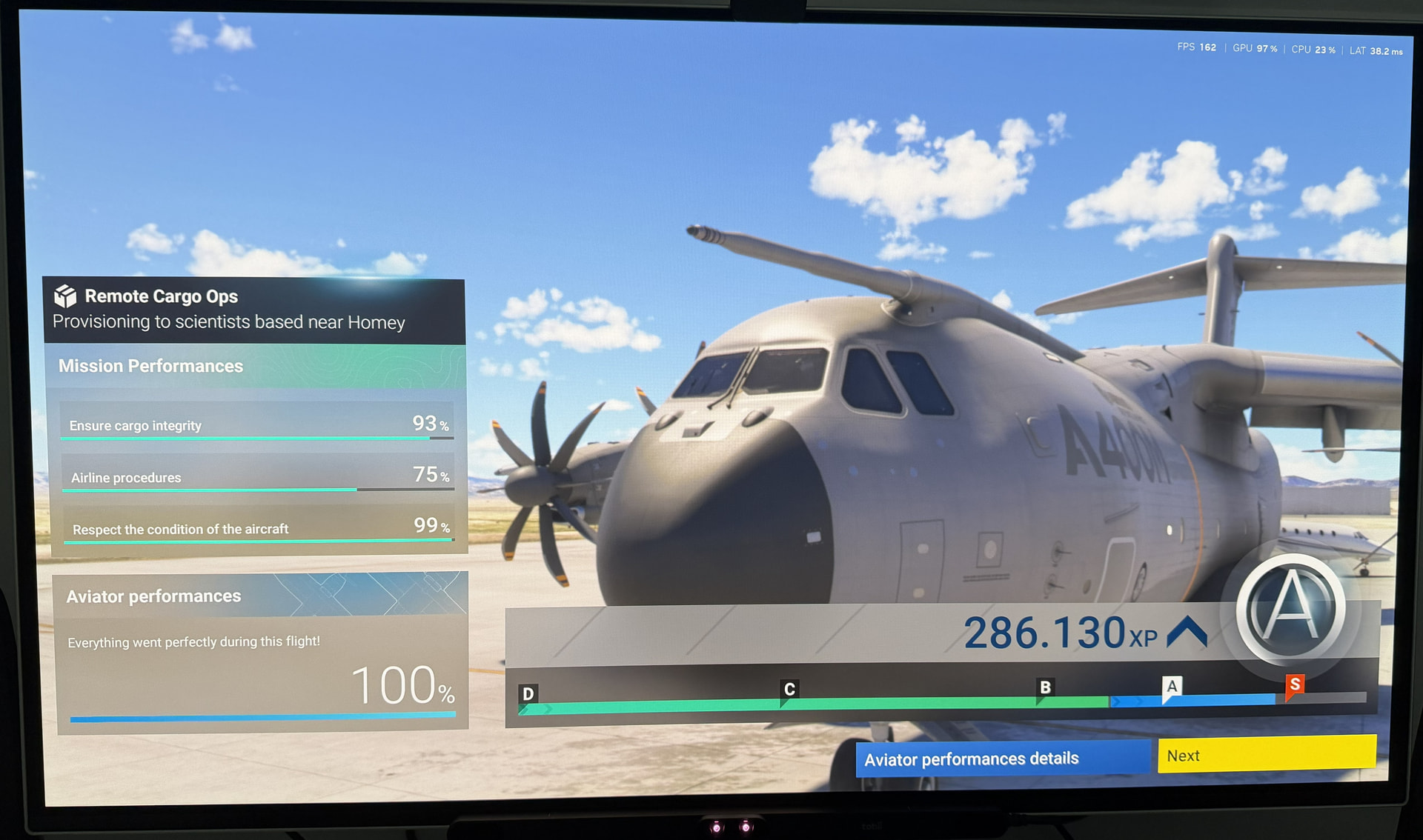
Thanks for the hint. I have already successfully completed the corresponding Gold Star mission (the one from KMGE to KXTA with the A400M), but I am still getting the message shown above… or am I wrong here?
Is there perhaps another mission I still need to complete? I currently have an S rank and don’t see any other available missions… I’m really confused.
I do not see the C17 available for use in Cargo.
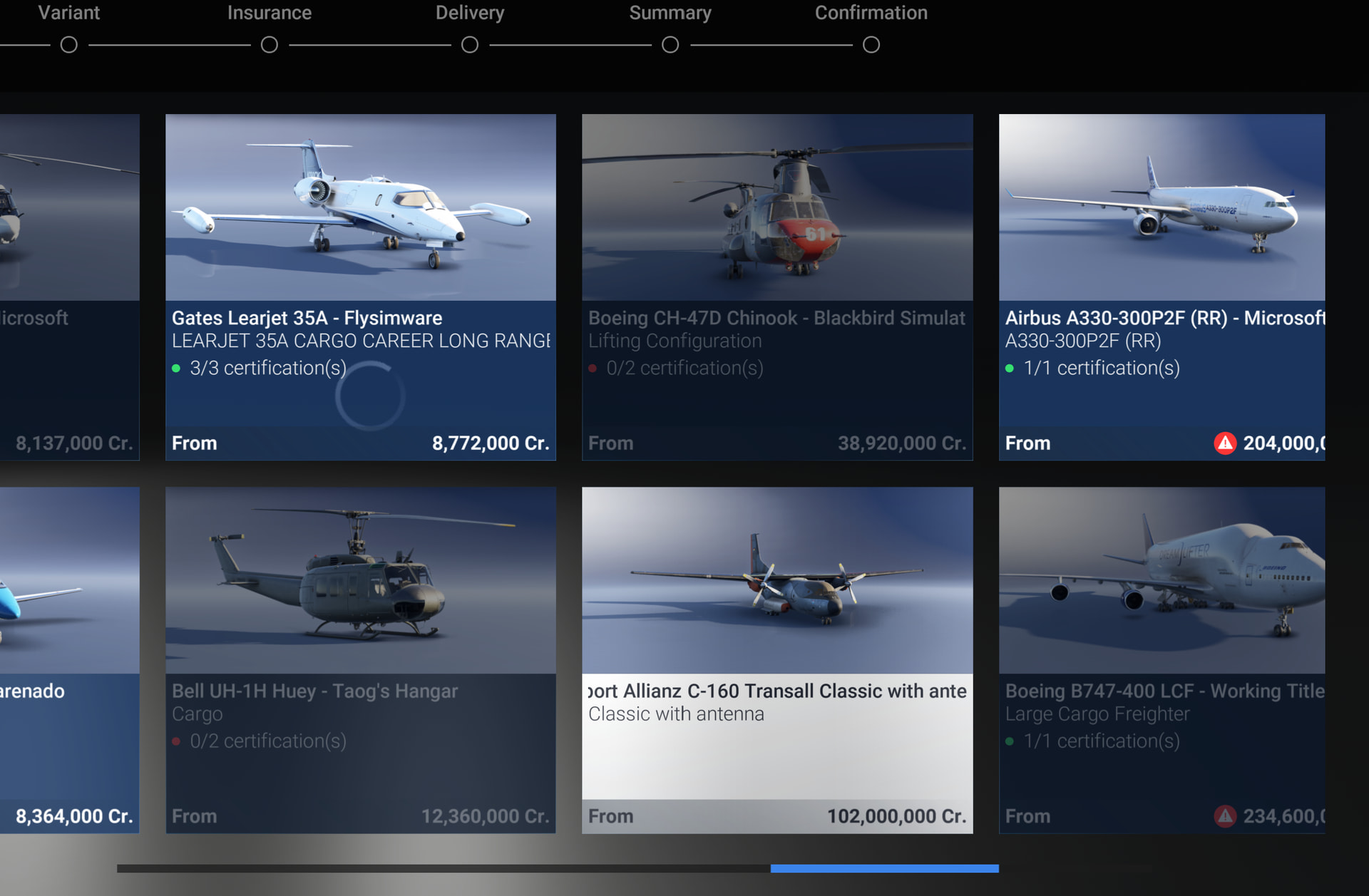
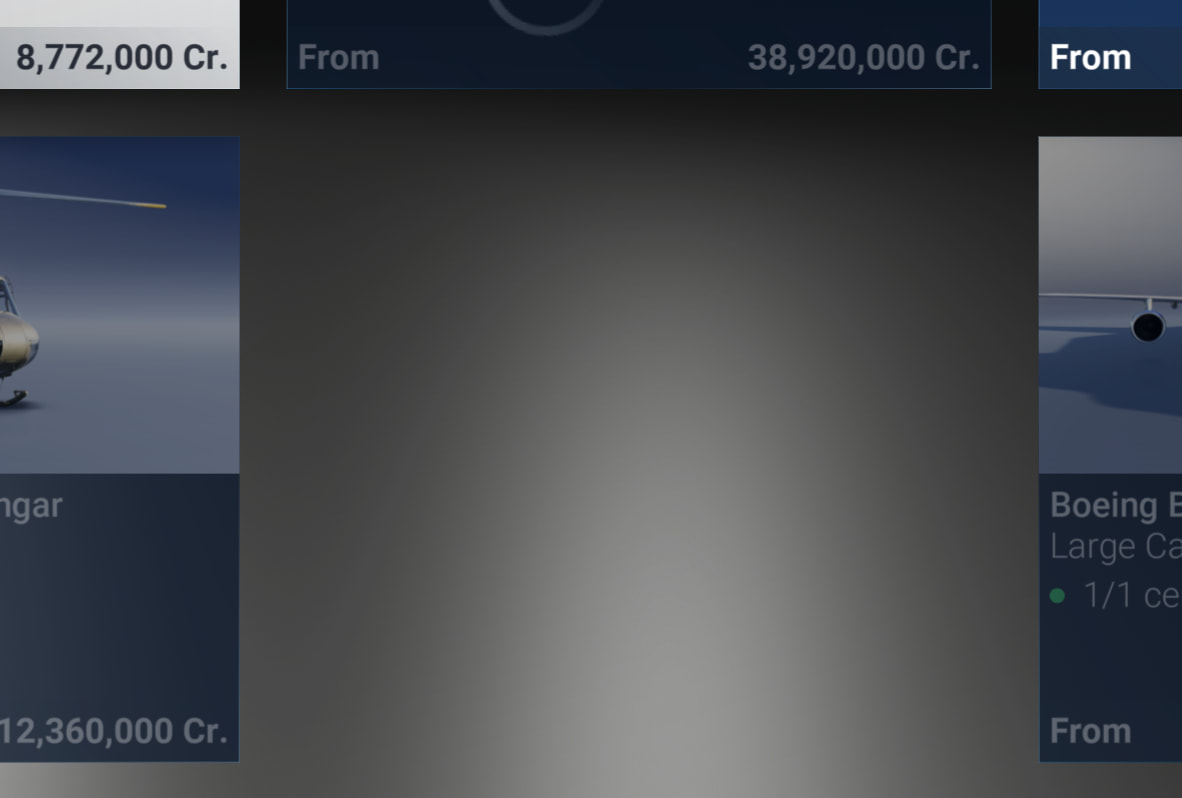
In fact, funny thing, the C160 shows as a blank space in my hangar but if I screenshot it it pops up in this one above, wierd!
If I click on the blank space, it is available to buy! (the C160 that is)
FYI
There are no “Remote Cargo Ops” missions yet - which is what this is for - they may still appear at some point in the future.
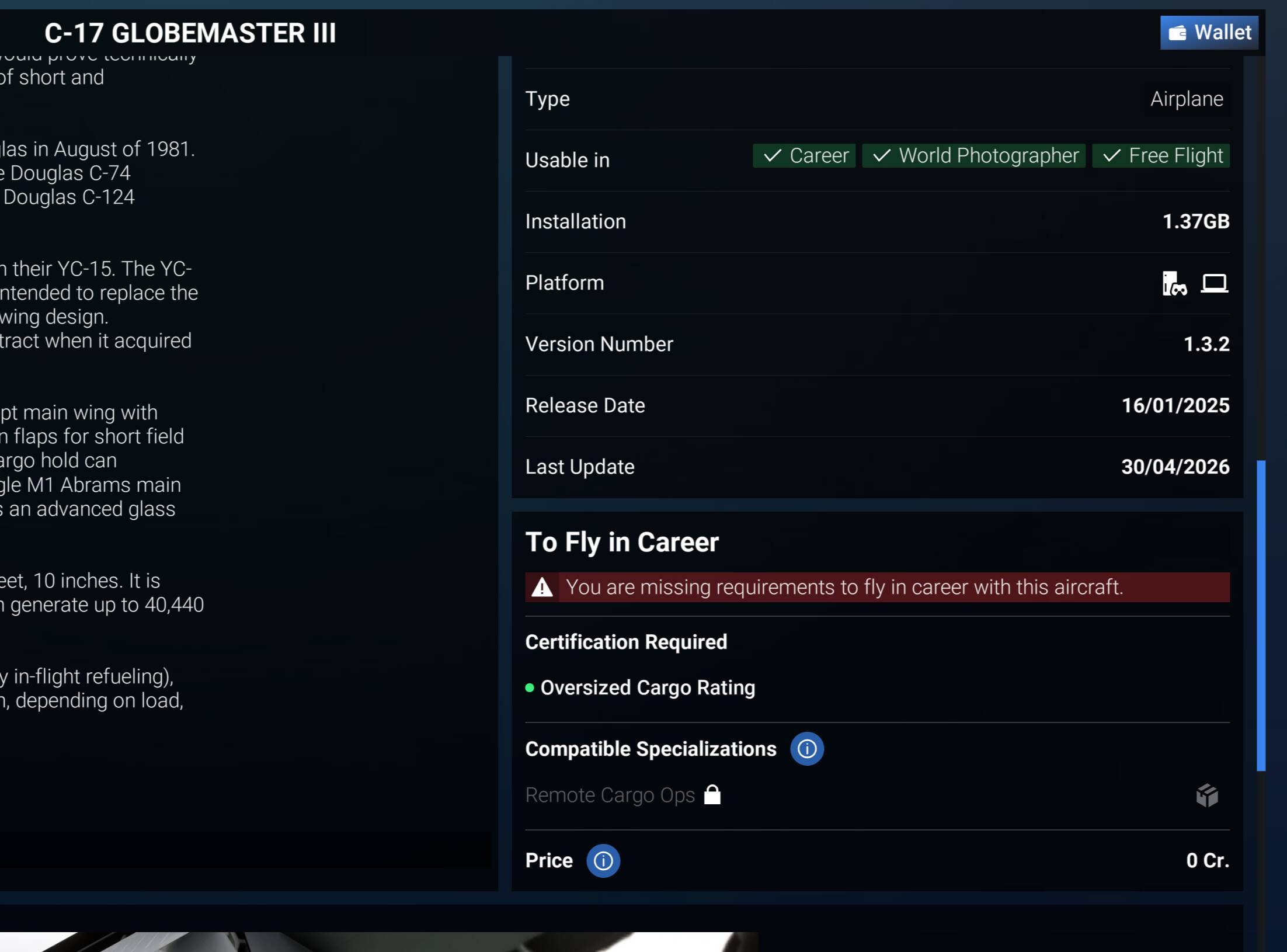
Hi @Pilotfirst9999 , thanks for the input, that was super helpful… Just to make sure I understand you right: the C17 isn’t out for any of us yet, and we’re all seeing this error message in the marketplace, correct?"
So that basically means I didn’t miss or can’t find a Gold Star mission here—the devs just aren’t letting us enjoy another category yet… 
It’s only available to fly in Free flight at the moment. I’m not sure when they will make missions for it though they did put out a test flight for which there were noaircraft available at that point. So it seems to be in their plans.
We are all seeing the same thing as you at the moment - so no bugs 
The above is incorrect - the C17 is available only for the gold star Remote Cargo Ops specialty missions. If none are populating for you in Employee mode when you’re at S rank and have all the necessary certifications to fly the type, then it’s either a bug or a lack of mission generation.
I’ve seen missions for it previously, just haven’t actually selected them.
So none in Freelance yet! And no C17 to purchase for your Cargo company!
Nor will there ever be unless they totally change the mode. The C17 and A400 are for Remote Cargo Ops only, which is not part of the Cargo company. They’re only for the special missions in Employee, always have been.
Also just went and did a quick flight to bump my overall rating up to S to see (charter flights in the HJet are like taking XP from a baby) and right now there are no Special Cargo Ops missions anywhere, not for the A400M nor the C-17. Could be worth a bug report.
I had a look in the PS5 Beta too where everyone is S. Nothing there either.
I think they only did it for a time limited thing to see if it worked (an experiment). You cant buy the aircraft in the Career mode and it is unlike them to give it to you only in employee as a reward for an S rating where the earnings are so not worth it!
No, this is by design. Remote Cargo Ops is like Scientific Research - it is a mission type which is exclusive to special missions. Just like you cannot buy any Scientific Research aircraft or operate a Scientific Research company, you cannot do so for Remote Cargo Ops.
Are you able to re-categorize this as a bug or does the OP need to resubmit or modify their post to use the bug reporting template? I am confident that, based on how Career has operated thus far, this is a bug.
EDIT: Actually I’ll be opening a bug report that is more generically about Career mode not generating any Remote Cargo Ops gold star missions - at least that’s the issue I’m experiencing in the beta.
Thank you, @Zadma 
As I can’t verify whether or not this issue is isolated to the beta, I’ve posted it there to be safe. I have seen one user anecdotally share that they saw Remote Cargo Ops missions on the non-beta build recently, so I’m currently led to believe that it is a beta-only issue.
I’m currently not using the beta program, but I’m experiencing the same issue… Thanks a lot for taking the time and effort to create a bug report.

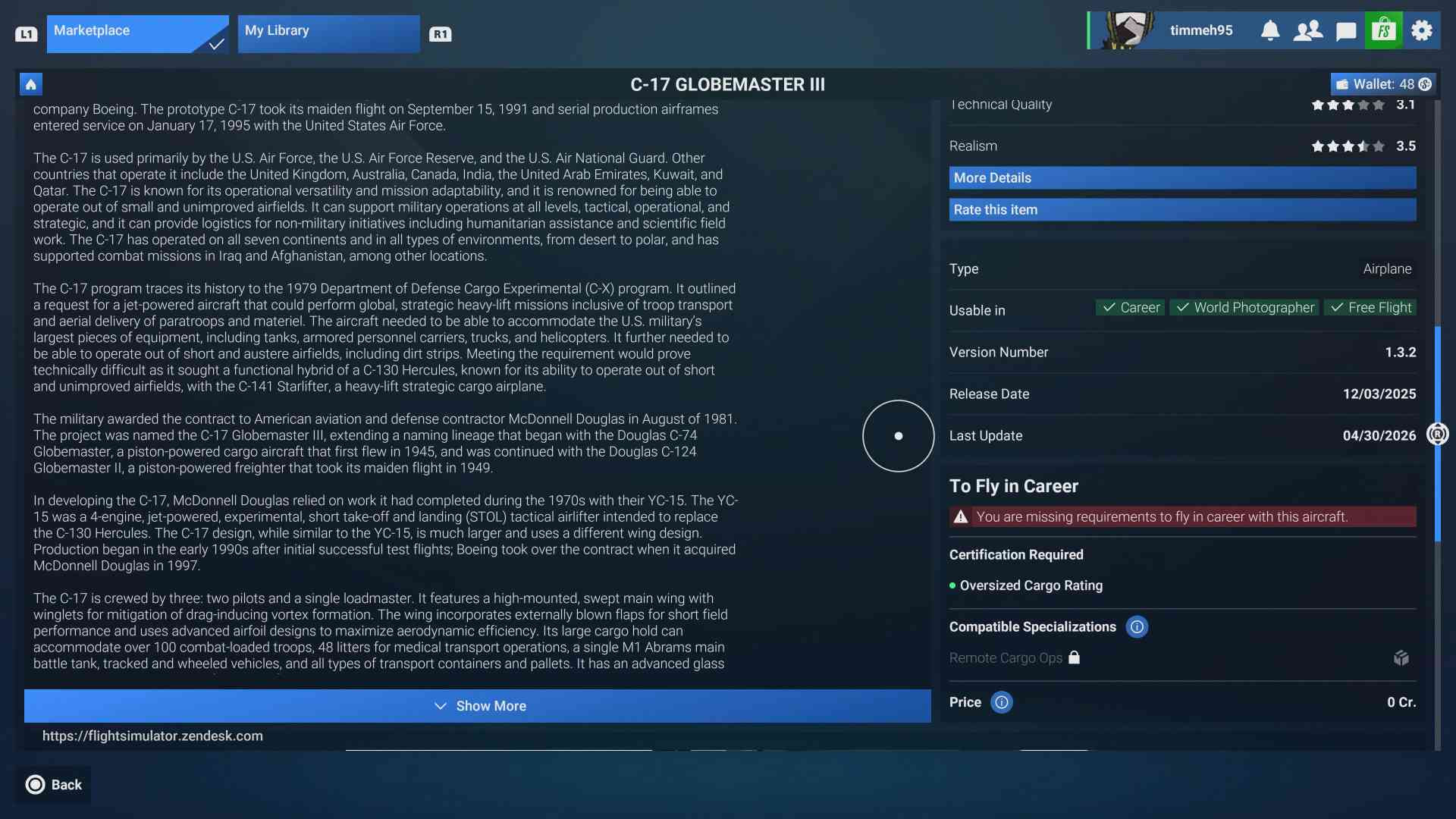
Here is the answer of the support team:
„The developers were able to investigate this issue, and it is logged in our internal bug tracker. Once a fix is ready, it will be included in a corrective patch."