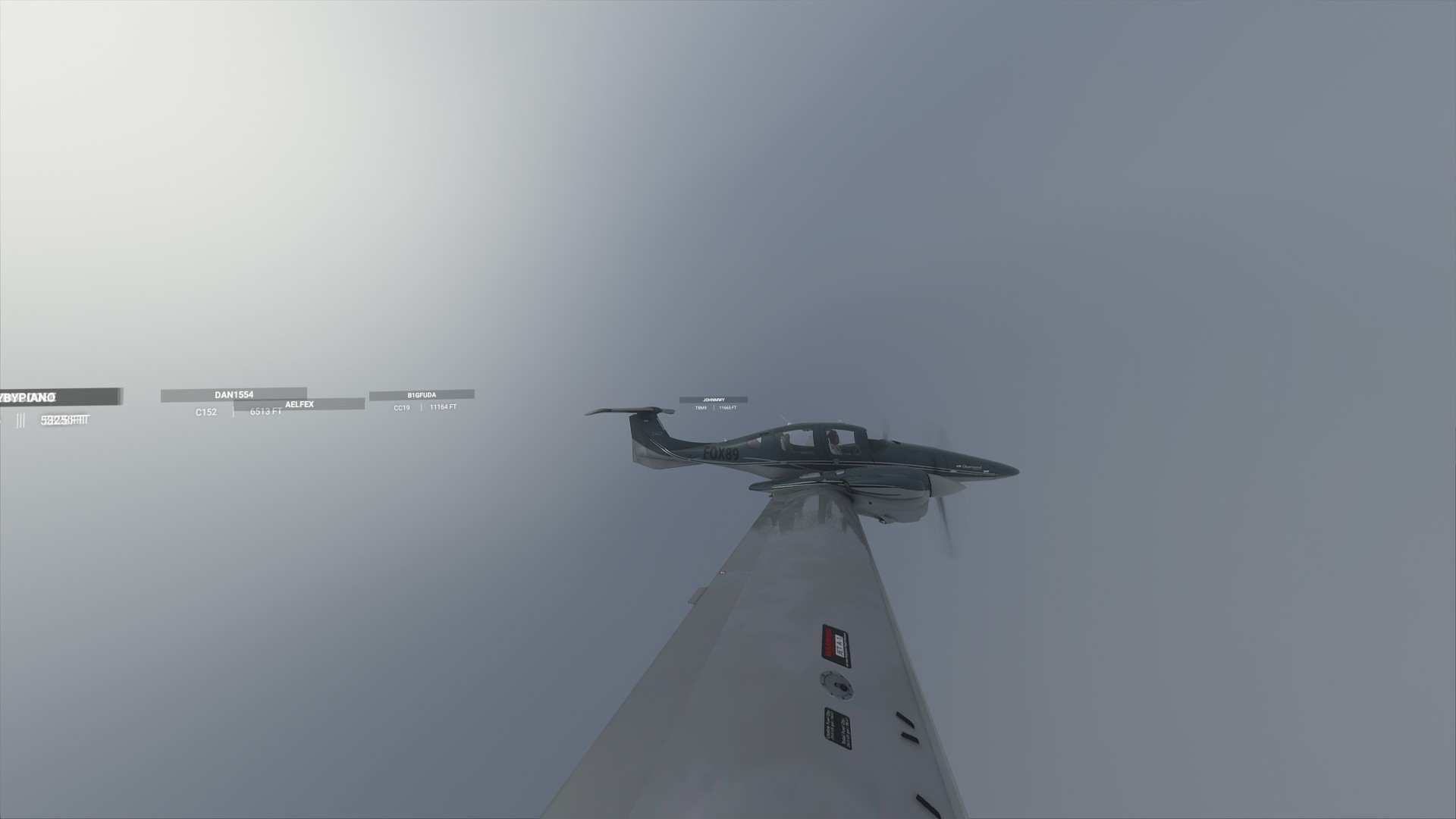
To a certain degree I can modify the drone camera to do what I want, but then I must switch control of the aircraft with “C” which is annoying.
And btw I don’t know if you know it already, but you can move the drone camera inside the cockpit and see the pilot and copilot and all instruments are working too. So it should already be possible to enable the copilot avatar, as well as realistic passengers. I have no idea why this option is not available, the avatars are already light years ahead of competitor flight sims, where you have to pay 20$ for a primitive copilot model.
Hopefully the option to have various copilot / passenger avatars will be enabled in the future because seeing other people in the plane is a huge immersion boost.
Complaining, complaining, complaining! Is this all you can? Are you maybe paid by Laminar Research for doing it? OP even didn’t know the game (Avatar changing option) That is very suspect.
It’s a game killer for one another paid fella because of the wide angle? Seriously?
The 1st pic is zoomed in. The second pic zoomed out to the max and then complaining about it? You can use the drone cam for a different eye point. Press c and you are able to fly within the drone cam view.
All this negativity disgusts me.
I like the new camera system especially the drone cam! It’s far better than in XP or any other sim.
Stop complaining and learn how to use it.
Lol as much as you think these guys sound like they’re paid by Laminar, you sound like you are being paid my Microsoft/Asobo(but not really cuz they seem like they want to help). People are welcome to express their opinions, and a lot of those opinions might not be the same as yours. Like any game, feedback is absolutely necessary, its how we’ve ended up with the “top wish list” and “top bugs list”. And in the case of a post like this, hopefully it can lead to us getting a simple FOV slider at least, but also better camera options in general. There’s always someone that chimes in on a post claiming all people do is complain. Well, without complaining, or CRITICISING (which is happening much more than complaining) then the devs wouldn’t be working on problems that the community is having. The opinion of the community is extremely important, without it the devs would be working much more aimlessly. P.S. You mentioned “All this negativity disgusts me” well from what I see, you are essentially the only negative post in this topic… everyone so far has basically said “I love the game, but I really would like a slider or a way to change my fov and eyepoint” and then left a smiley face in their message. That’s very simple criticism, and actually pretty far from complaining, but I’m guessing you don’t take criticism very well. It’s people like yourself who spread negativity and can’t even see it.
People have different opinions. If you don’t want to read opinions you shouldn’t be on an Internet forum. Why are you so personally bothered by people posting their thoughts on how the sim could be improved? Is your self worth or mood somehow tied directly to this product?
Sure, you are right, feedback is important. And I am not blind and I see all these minor bugs too. It is about all the negativity on minor things. The wide aspect, the runway signs, the FMC fonts, no real cirrus clouds, sound is bad, the in-game UI, the music and what not…
Nowadays people think the louder and hysterical they complain the more they will fulfil their wishes. I am on the other side, give Asobo some time, let them know your wishes and thoughts about a wide aspect slider or whatever.
I have read so much negativity here in the forums. Maybe I overreacted here and “my ongoing dislike” is a harmless phrase. (As you clearly see, English is not my native language and for me it sounded exaggerated negative)
At this point I have to believe you have an incorrect screen ratio setting in either the sim or your PC / graphics card setting. Right click on your desktop and confirm your screen resolution is set correctly and be sure it is the same setting in your sim graphics setting.
I think I understand now how the different cameras work, and maybe it’s not so easy to make changes.
Basically the cameras all work the same. I understood this when I saw that the cockpit is functional in every external view. You can move the drone camera inside the cockpit and fly the plane. The pilot bodies that are visible from outside get switched off at some threshold, but remain visible under some circumstances.
Drone view, external view and internal view are mostly the same, but have different parameters / limits. In all views you rotate the field of view (frustum) around the camera origin.
In cockpit view, everything is stock and you look away from origin, and rotate the angle you are looking at.
Drone view is like internal view, with the difference that you can move the origin anywhere. You can move it inside the plane and everything is almost the same again (there are just no head / body movements).
In external view your view direction is opposed and you are always looking back at the origin. That’s why you rotate around the object you are looking at (your plane), but can only zoom out if you want so see more.
That would mean if you could find a way to move the origin in external camera you would not look at the plane anymore.
That’s why I think fiddling with the config files will not yield any solution. What would be needed is an improved drone view that always looks at the plane from a freely movable coordinate, but also smoothly rotates around that object, instead of it’s own eye coordinate.
In the very early days of the sim, someone (I think on Discord) said the Lens Correction not working is a known issue. If I were being optimistic, I’d think that it’s too detailed a problem to appear on the Feedback Snapshot and they’re on it